Scan Date:Apr 25, 2026
Show More


8.8 MB
File Size
Everyone
Android 7.0+
Android OS
Wireless File Transfer & File Manager, by WIFI & Hotspot Static IP
Turn your Android device into a fast, secure FTP/FTPS and HTTP file server.
Share files over Wi‑Fi or mobile hotspot—no cables or internet required. Browse and download in any modern web browser, or use your favorite FTP client for full file management.
Highlights
- One‑tap server: Start/stop instantly and keep it running in the background (foreground service).
- Browser‑friendly: Built‑in HTTP web interface for easy browsing and direct downloads (Chrome, Edge, Firefox, Safari).
- FTP + FTPS (SSL/TLS): Secure connections with TLS 1.2/1.3. Supports explicit/implicit modes and certificate management (self‑signed).
- Secure access: Anonymous or username/password, HTTP Basic Auth, and optional Read‑Only mode to prevent changes.
- DDNS support: Use a static hostname (No‑IP, DuckDNS, Dynu, FreeDNS, custom). Automatic IP updates when it changes.
- QR code sharing: Share FTP/FTPS and HTTP URLs (with credentials if you choose) for super‑quick connections.
- Your rules: Choose the shared home directory and customize FTP/SSL/HTTP ports.
- Works anywhere: Wi‑Fi, mobile hotspot, or Ethernet—no internet needed on the local network.
- No root required: Works out of the box on Android 6.0+.
- Multi‑language UI: Localized strings with ongoing improvements.
Perfect for
- Moving large files between phone, tablet, and PC (Windows, macOS, Linux)
- Accessing Android storage from FileZilla, Windows Explorer, Finder, and more
- Sharing photos, videos, and documents on your LAN/hotspot
- Developers and tinkerers testing FTP clients and workflows
- Simple backups to and from your device
How to connect
1) Connect your phone and computer to the same Wi‑Fi or your phone’s hotspot.
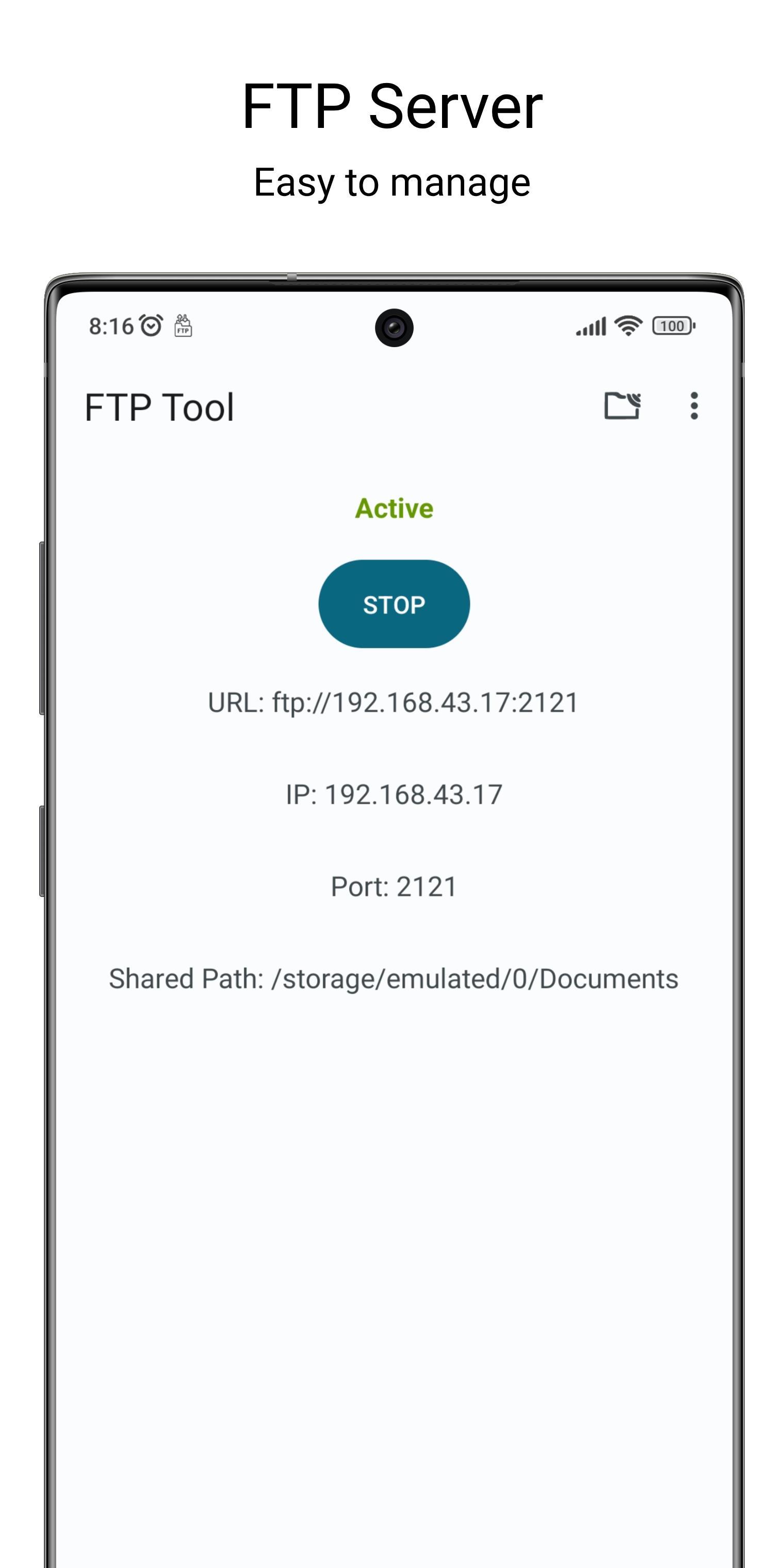
2) Open the app and tap Start Server.
3) Connect in one of two ways:
• FTP/FTPS: Use any FTP client (e.g., FileZilla) with the shown address and port.
• Web browser: Open the shown HTTP address for instant browsing and downloads.
4) Log in (if enabled) and start transferring files.
Note: Modern browsers no longer support ftp:// links directly—use the app’s HTTP link or an FTP client.
Security options
- FTPS with TLS 1.2/1.3 (explicit/implicit)
- Self‑signed certificate generation and management
- Username/password or anonymous access
- HTTP Basic Auth when protection is enabled
- Read‑Only mode to block uploads, deletes, and modifications
Privacy & permissions
- Local network usage by default; no external server required.
- Permissions are requested only to enable core features (e.g., storage access).
- Ad‑supported with GDPR consent; an ad‑free paid version is available.
Paid (ad‑free) version
https://play.google.com/store/apps/details?id=com.litesapp.ftptool
Support & feedback
We improve the app continuously and value your input. Found a bug or have a feature request? Email us at contact@litesapp.com—we reply quickly and take your feedback seriously.



One-click to install XAPK/APK files on Android!

Thanks for your rating and feedback!
You have already rated.