
Téléchargements APK sûrs et rapides sur APKPure
APKPure utilise la vérification de la signature pour garantir des téléchargements de Mnemosyne APK sans virus pour vous.

Mnemosyne, the surefire administrator of your passwords
Mnemosyne is a very save password manager.
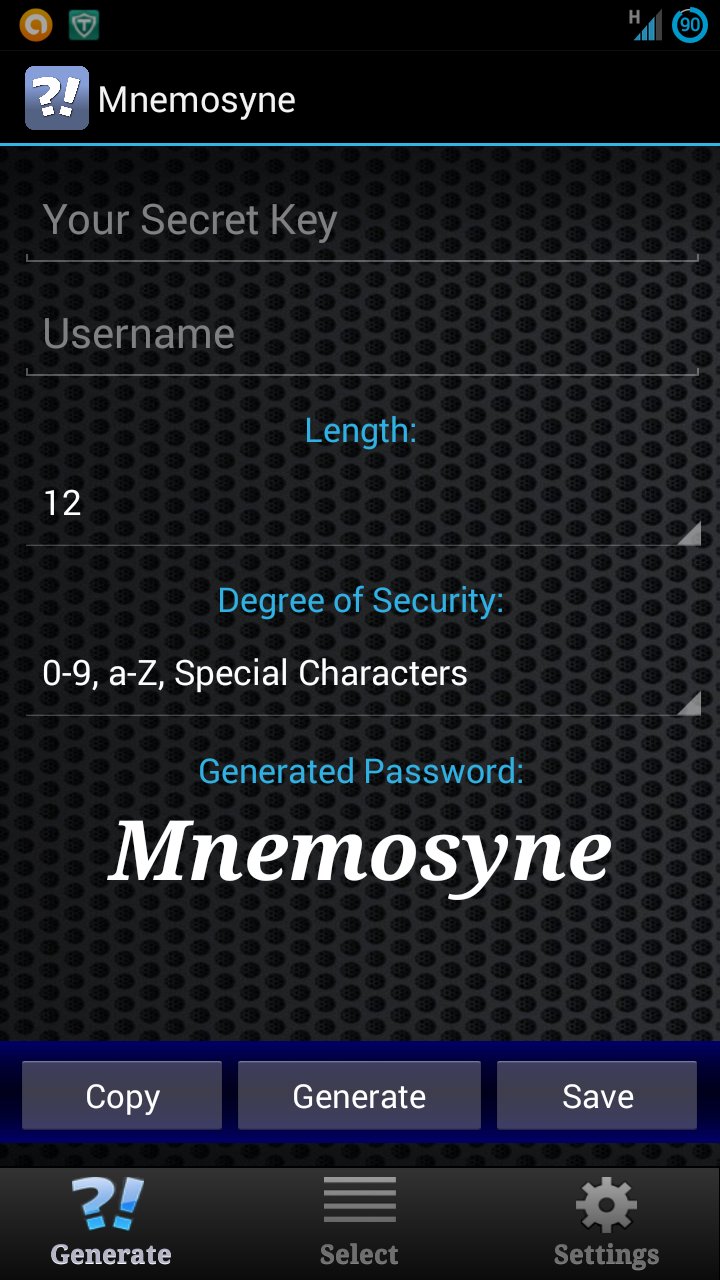
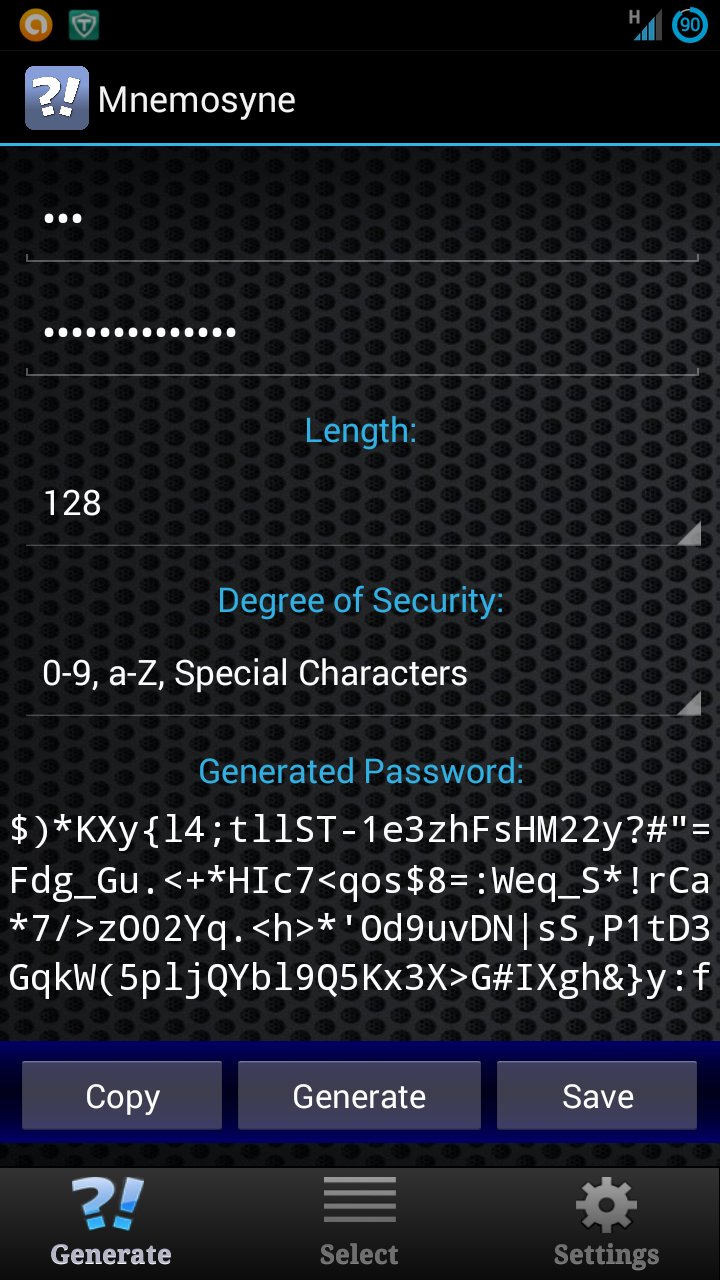
Your passwords will be saved nowhere but everytime you are able to generate the cryptic password for your username or email address as much as you like to. To generate your password you only have to remember the secret key which will be saved nowhere, too.
Nevertheless the generated password can be saved on the clipboard by using the button “copy”.
If you lose your mobile phone the application is useless for others because without knowing the secret key it is not possible to recover your passwords.
History:
Initially Mnemosyne was developed by Stefan Keller for Mac OS X, iphone and Windows so there are also versions of Mnemosyne for Mac OS X, iPhone and Windows.
http://www.subclassed.com
By courtesy of Mr. Keller to port the app for Android OS I began to program Mnemosyne at the beginning of December 2012 and finished the app in the end of the year.
Of course you can reproduce the same generated passwords with the same settings in all versions of Mnemosyne.
An application example for private users:
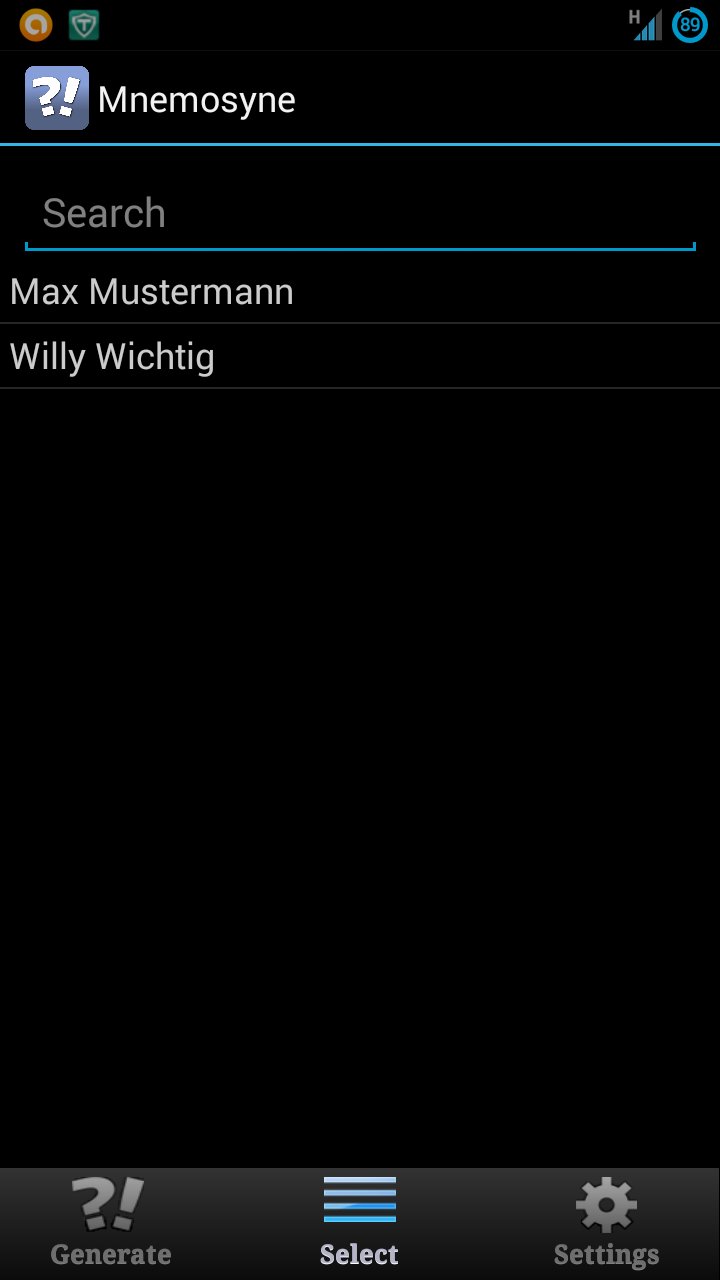
If the user wants to manage his user accounts with Mnemosyne, he opens the the app and lists the names of his accounts e.g: „Gmail“, „Hotmail”, „Paypal“, „Ebay“, „Amazon“, „Yahoomail“, „Gmxmail“…
Then he has to decide if he wants to use the same generated passwords for all accounts or only for one account.
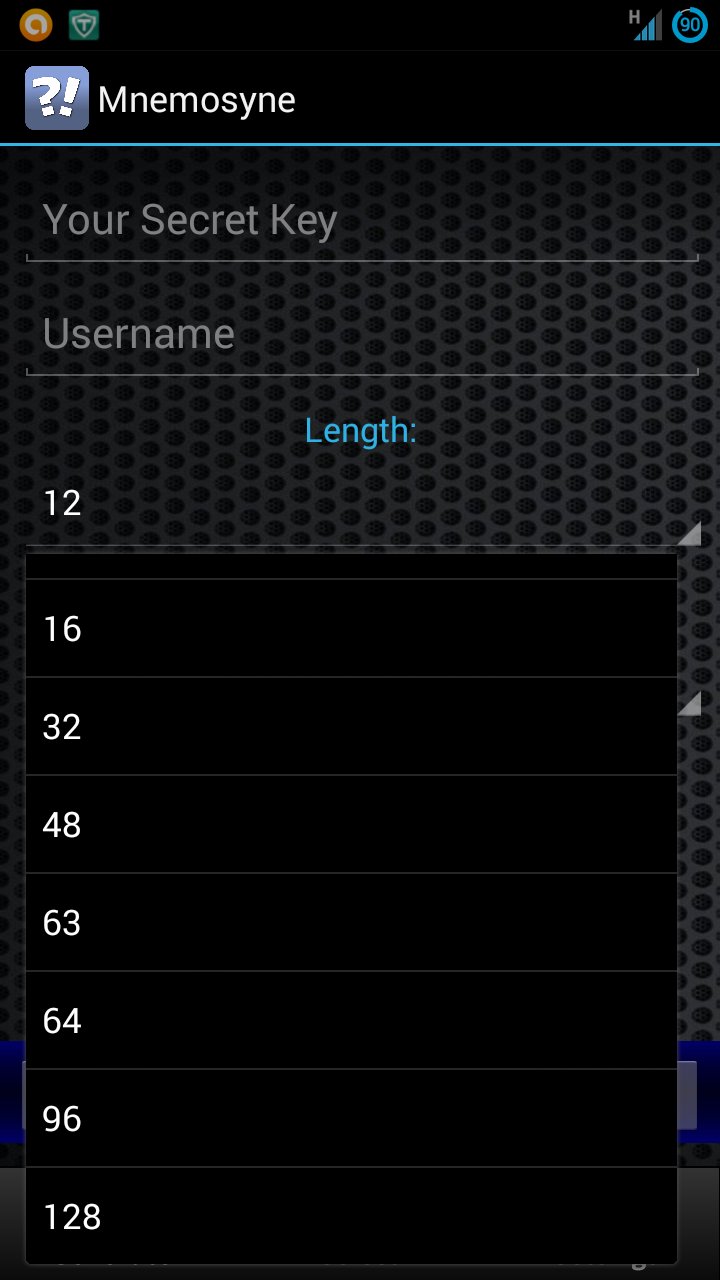
If the user wants log in to one of his accounts on the internet, he selects the name of the account on the list or writes the name, selects the length and the degree of security and generates the password.
It is useful to choose a secret key which you can remember easily. Therefore the user in my example uses e.g. "my android rocks" and selects the account on the list e.g. „Gmail“. If he selects “16” as the length and "0-9, a-Z, special characters" as the degree of security, he will get the password "@x&LUmz,3HyS&W#z".
An application example for administrators:
The user has to manage several user accounts on different computers of his firm. Because it is not allowed to write down his passwords or to save them somewhere he uses Mnemosyne
Before the user lists the names of his accounts he has to give his user name e.g. “sue”. Next he chooses a secret key which he can remember easily. For "my android rocks" as the secret key, “8” as the length and "0-9, a-Z" as the degree of security he will get "uGukkio6" as the generated password.
But if a different user uses the same settings with the only difference that his username is “john” he will get the generated password "O4GYe8s6".
You can check it out by yourself. If you use exactly the settings of my example you will get for “sue” as the username "uGukkio6" as the generated password.
Whenever the administrator needs the password for “sue” or “john” he uses his secret key, his username and his personal password settings and will get the password easily.
Thanks to:
Sabrina Bootz for the English translation
Marc Etiénné Tavilla for the Italian translation
Petra Laws for the Spainish translation
Marie Hiemenz and Theo de Vries for the Dutch translation
* Mnemosyne is absolutely free of costs and free of advertisement, it doesn’t collect any data and doesn’t need an internet connection.
Keywords/Stichworte/Tags: Password, Passwort, Password Box, Password-Box, Password Manager, Password-Manager, Passwort-Manager, Keeper, Vault, Safe, Password Safe, Password-Safe, Passwort-Safe, Password Vault, Password-Vault, secure password, sicheres Passwort, Login, PIN, Verschlüsselung, encoding, Generator, Password Generator, Password-Generator, Passwort-Generator, security, kennwort, kennwörter, manager, secret, geheim, code, Daten, safe, sicher, login, verschlüsseln, schützen, verwaltung, data, secure, encrypt, protect





Un clic pour installer les fichiers XAPK/APK sur Android!

Merci pour votre note et vos commentaires!
Vous avez déjà évalué.