Téléchargements APK sûrs et rapides sur APKPure
APKPure utilise la vérification de la signature pour garantir des téléchargements de Intugame VR APK sans virus pour vous.


10.0
1 Commentaires
1.3 MB
Taille de fichier
Everyone
Android 4.4+
Android OS
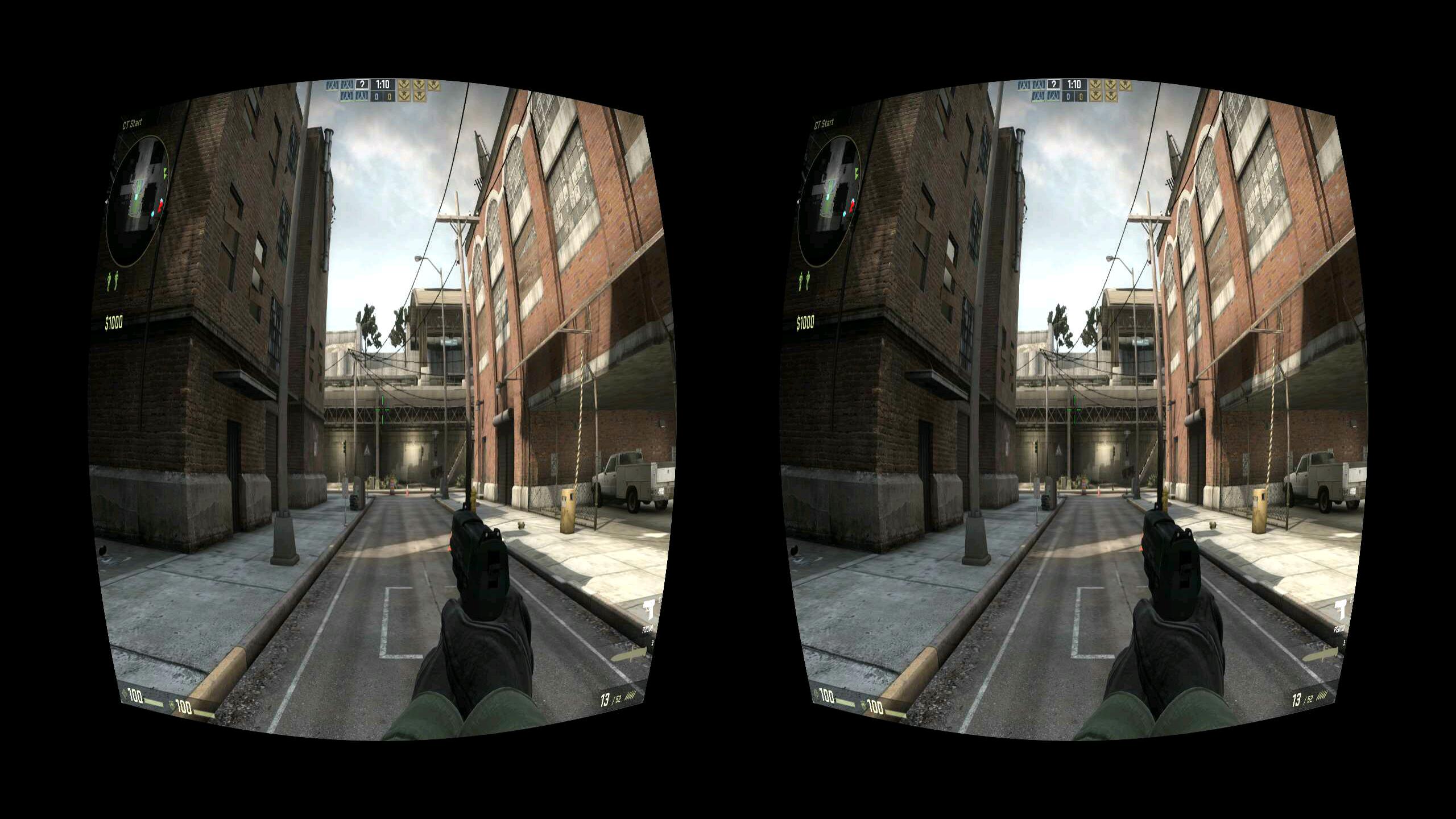
Jouer à des jeux PC en 3D avec Google carton ou d'autres casques VR.
Play your PC games in 3D with the help of 3D headset like Google Cardboard, Zeiss VR One, Durovis Dive, Homido or any other VR headset.
This version is limited to 10 minutes game play.
We stream any of your PC games to your mobile in stereoscopic 3D.
We track your head movement and control your point of view in the game with it.
What do you need to enjoy our app
1. Google Cardboard, Zeiss VR One, Durovis Dive or any other headset for stereoscopic 3D.
2. You need to install our software on your desktop PC from http://intugame.com/get-intugame-vr/ (there is installer that will create desktop and start menu shortcut for Intugame VR)
3. Start our Windows desktop app you installed.
4. Start your game in windowed mode if you have Windows 7 or Windows 8.
5. Make sure both your PC and mobile are connected to the same WIFI network or use cable and USB tethering mode.
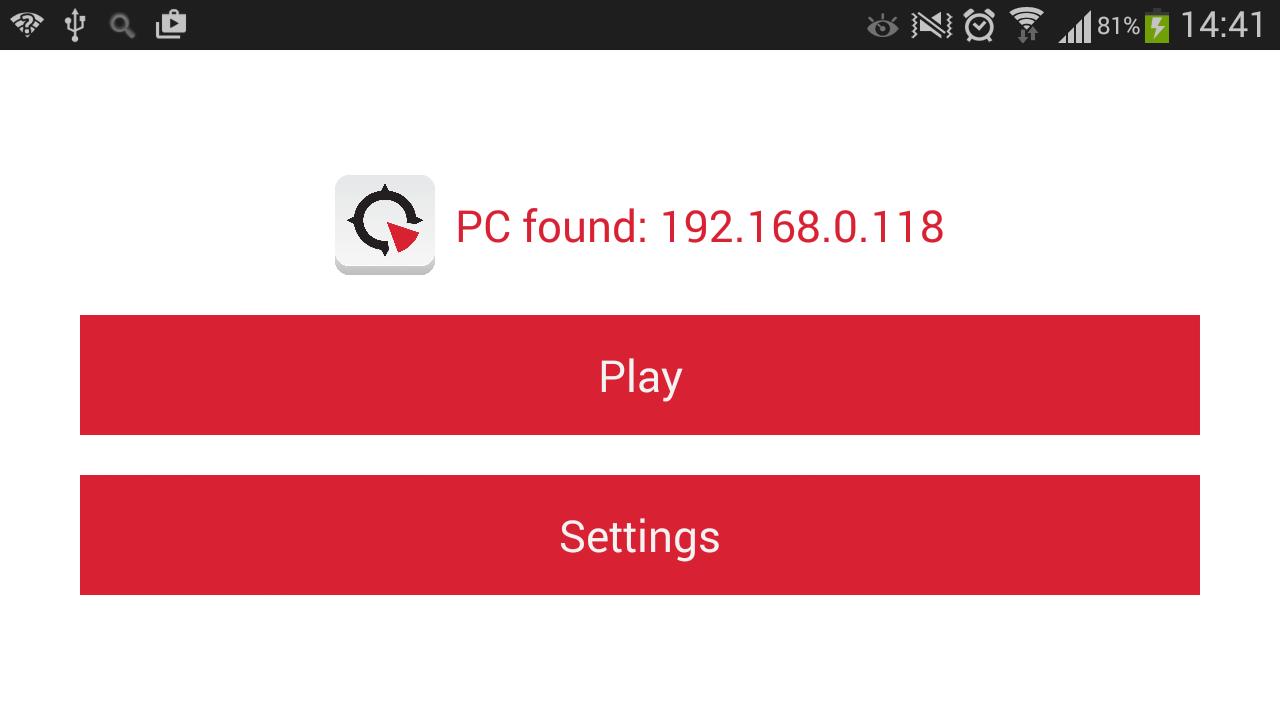
6. Start our mobile app, hit Play button and put your mobile phone in the 3D headset.
Like us on facebook https://www.facebook.com/intugame or subscribe for updates on http://intugame.com/get-intugame-vr/
This version is limited to 10 minutes game play. If it works for you support us and buy the premium version with unlimited game play. We continue working and improving this product.
https://play.google.com/store/apps/details?id=com.intugame.premiumvr
FAQ:
- If you get black screen on the device - check you start the game in windowed or windowed fullscreen mode.
- On a laptop if the PC app closes on connect - try to use the integrated graphic card (disable the dedicated graphic card).
- To reduce lag - you can try connect a cable with the PC and enable USB tethering instead of using WiFi for connection. Go to Phone settings -> Connections -> More networks -> Tethering and portable hotspot and activate USB tethering.



Un clic pour installer les fichiers XAPK/APK sur Android!

Merci pour votre note et vos commentaires!
Vous avez déjà évalué.