
Package Name:io.fileloom.app
Show More

Manage and view files in one app. Listen with TTS and organize your library.
Fileloom is a file manager and viewer for Android. Copy, move, rename or delete files, create ZIP files and extract supported archives, then open documents, ebooks, photos and media in the same app. Free AI voices can read your books aloud, and the Library gathers your files into categories and collections.
Inspect and install APK files
Open an APK to see its app name, package name, version and requested permissions first. Extract it to look inside, or tap Install to pass it to Android's installer, which asks you to confirm.
Free AI voices that read aloud
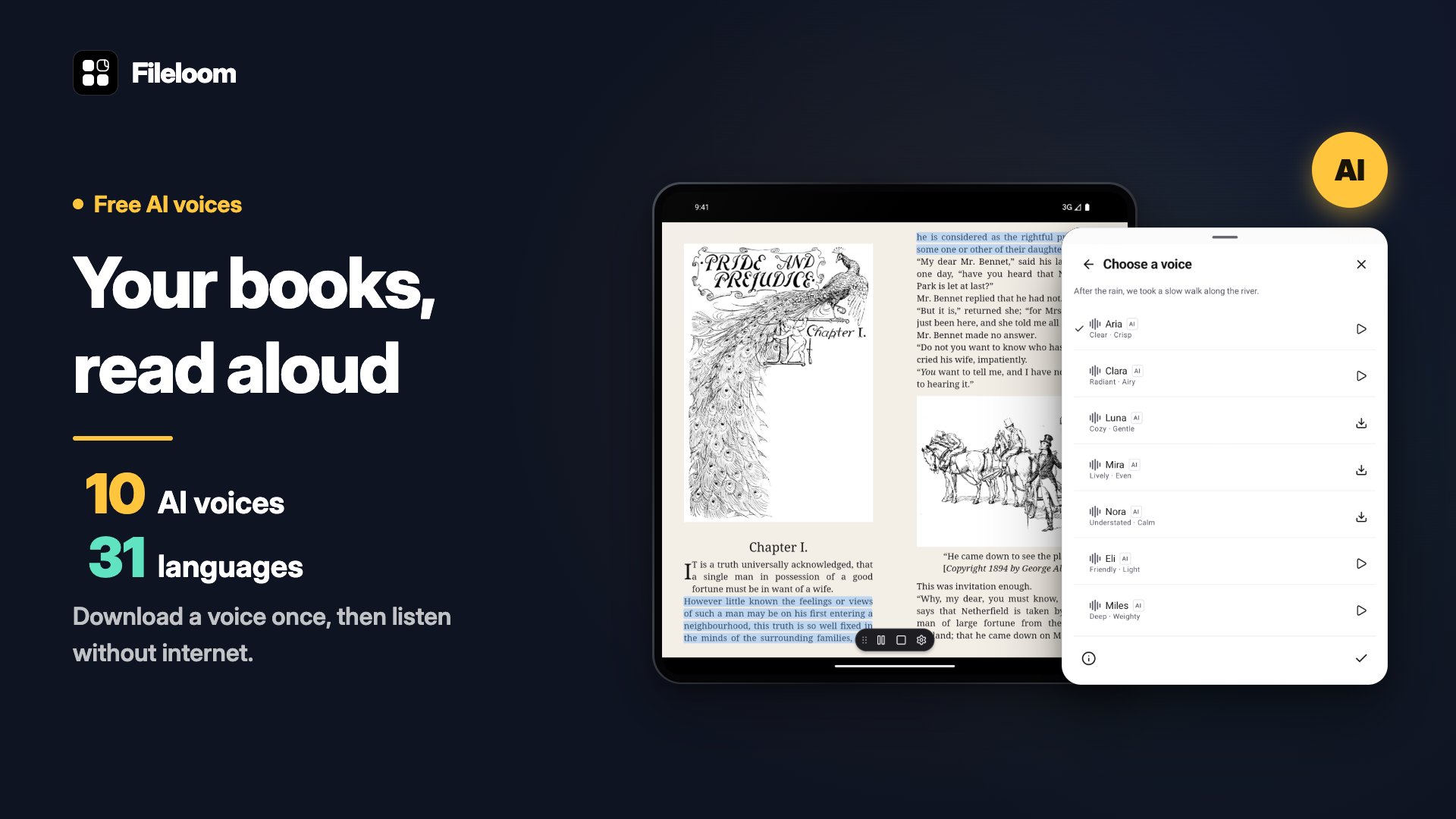
Ten natural AI voices read EPUB, PDF and text files aloud in 31 languages. Preview a voice, pick the one you like and press play. The first voice needs a one-time download of about 400 MB. After that, listening works offline. The voices are free.
A Library that sorts itself
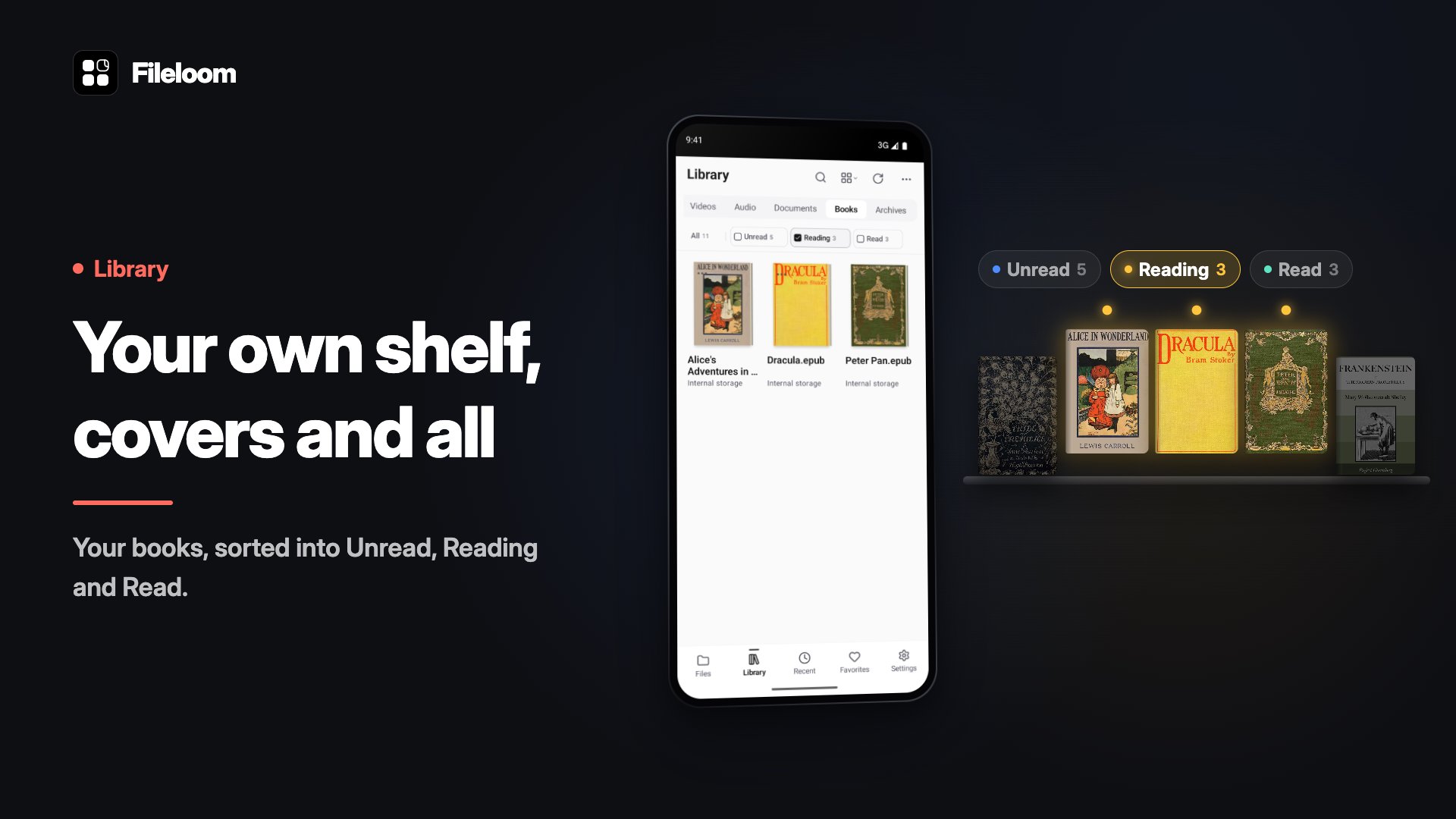
Library collects books, documents, images, audio and video from the folders and storage you allow, and sorts them into categories. Books show their own covers, so your shelf looks like a shelf.
Collect anything
Create a collection and put anything in it: a book, a PDF, Word and PowerPoint files, photos or whole folders. Each collection sits in a glass folder that you can color.
Folders in soft color
Folders get gentle colors of their own, so places stand apart at a glance. Long-press a folder to choose one of 12 colors, or keep Auto.
Local and connected storage
Browse local folders, revisit recent files and keep often-used items in favorites. Connect Google Drive, OneDrive and Dropbox, or add SFTP, FTP and WebDAV storage to reach files kept elsewhere.
Read and annotate PDFs
Open PDF documents and mark up the pages as you read.
Make room for a good book
Read EPUB, FB2 and MOBI ebooks. Choose your font, text size, line spacing and page colors such as paper, sepia and midnight.
Office documents and archives
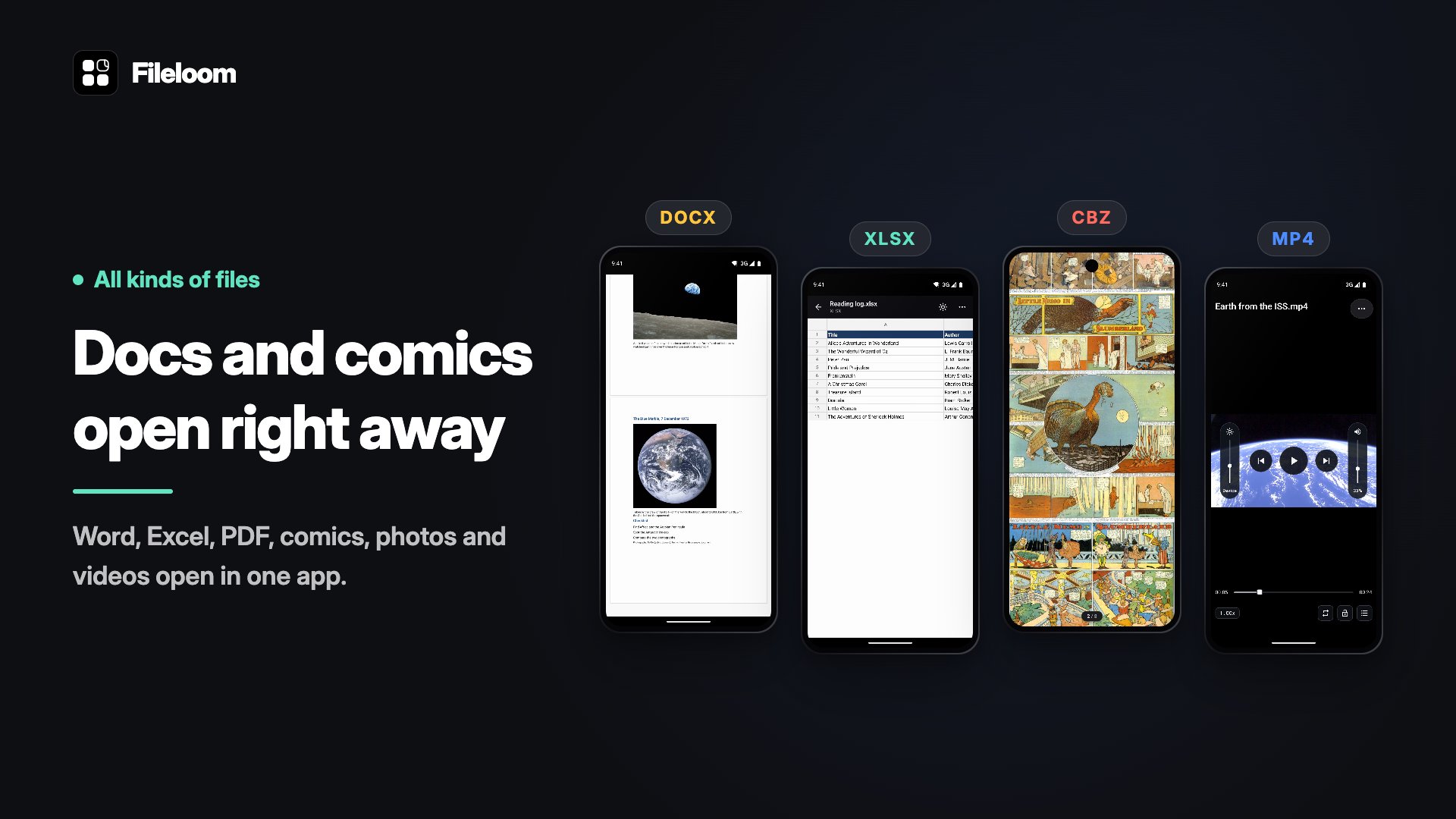
View Word (DOCX), Excel (XLSX), PowerPoint (PPTX), and HWP or HWPX files. Office support is for viewing documents. Browse ZIP, 7Z and RAR archives, or open CBZ and CBR comics.
Photos, text, audio and video
View and edit images, with support for JPG, PNG, WebP, HEIC and AVIF. Read plain text, Markdown and source code, or play audio and video files. Media playback depends on the file's codec and your device; some audio and video files may not play.





One-click to install XAPK/APK files on Android!

Thanks for your rating and feedback!
You have already rated.







