Safe & Fast APK Downloads on APKPure
APKPure uses signature verification to ensure virus-free File Manager APK downloads for you.

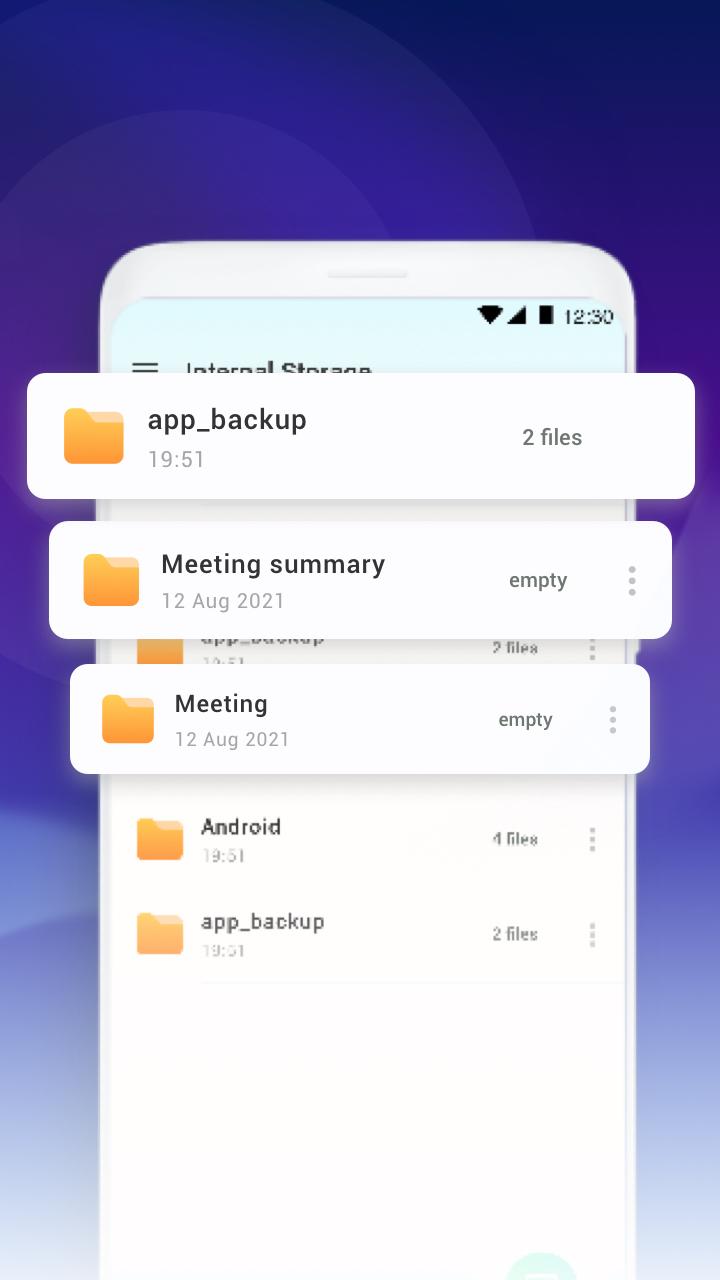
File Manager, is a simple-to-use file manager and file explorer.
File Manager, is a simple-to-use file manager and file explorer. With it, you can manage files on your local device and SD card conveniently and quickly. Anytime, anywhere, quickly browse, and easily locate files.
Key features:
📂One-stop file management
Support browsing, renaming, delete, share, view files and folders.
Support various media and common file formats, including music, video, picture, document, APK, compressed package, etc.
🔎 Find files easily
locate your files with just a few taps.
Don't waste a lot of time looking for videos/music you downloaded in the past anymore
📖 Smart Library File Explorer
Categories all files into Downloads from the internet, Bluetooth from nearby devices, Images, Videos, Music, Documents (pdf, xls, ppt etc), Archives (zip, rar etc), and APK.
🌪️Junk Cleaner
Junk Cleaner helps to analyze the log temporary and historical AD files, and then recommends cleaning those useless residual junk files.



One-click to install XAPK/APK files on Android!

Thanks for your rating and feedback!
You have already rated.