Scan Date:Jun 4, 2026
Show More


7.6
6k Reviews
78.8 MB
File Size
Everyone
Android 9.0+
Android OS
Messenger is a free messaging app for chatting, voice and video.
Developed by Meta Platforms, Inc., it connects across Facebook and Messenger without a phone number. Texts, calls, HD media, creative tools, and privacy controls sit in one place, so everyday conversations feel simple and safe. Check these highlights before you download Messenger.
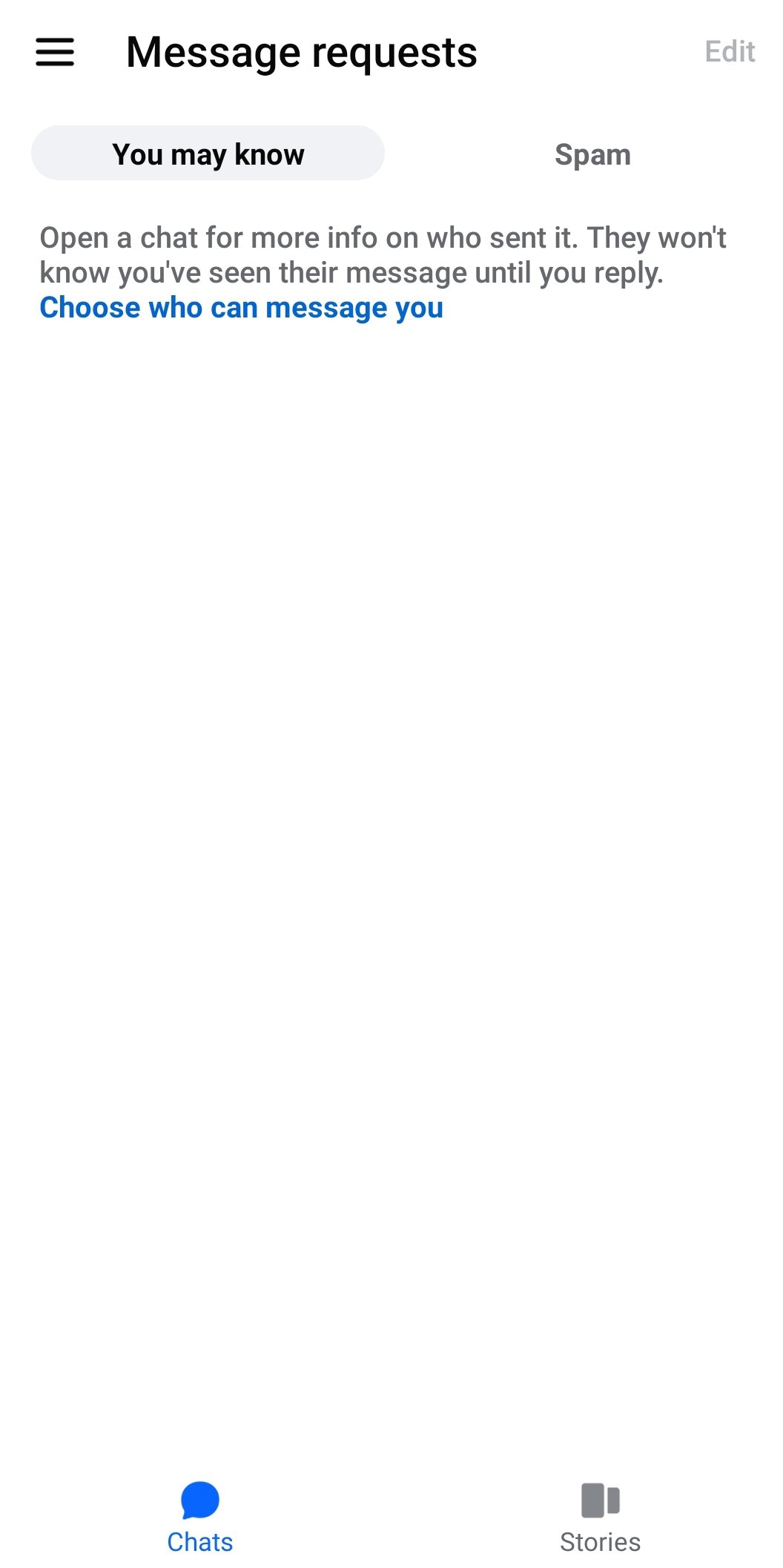
Messenger lets you chat and call people on Facebook and Messenger without sharing a phone number. Recent conversations appear in the Chats tab, with active friends and Stories up top, so it’s easy to jump back in. Voice and video call icons sit inside each chat, making quick catch-ups or longer talks straightforward. During calls, filters and reactions add personality, while in chats, message reactions and threaded replies help keep fast-moving group discussions clear. This setup suits casual check-ins with friends, game night planning, or reaching a new contact via a simple QR code.
The Messenger app treats photos and files like part of the conversation, not an afterthought. You can send HD photos that look sharp on any screen and create shared photo and video albums inside group chats, ideal for weekend trips or event recaps. Large files up to 100MB handle documents, short clips, or presentations without hassle. If a file exceeds the limit, consider splitting it or sending a cloud link. The gallery, camera, and microphone icons are always within reach, so snapping a moment or dropping a voice note fits naturally into your chat flow.
Messenger brings end-to-end encryption and disappearing messages that you can set to different durations, giving private conversations more control. For quick fixes, you can edit a message within 15 minutes when a typo slips through, and unsend a message to remove it from the chat. The edit window is time-limited, so double-check details before sending if the topic is sensitive. Combined with customizable themes, emojis, and the option to mute notifications per chat, these tools make it easy to match the mood, reduce distractions, and keep confidential topics contained to the right people.
Messenger supports communities and creator broadcast channels where updates flow one-to-many, perfect for clubs, teams, and fandoms that need a central place for announcements. QR codes help you connect fast at events or in classrooms, while animated stickers, GIFs, and reactions add color to daily chat threads. Stories and Notes sit at the top bar and disappear after 24 hours, so quick check-ins and lightweight updates feel natural. Whether you’re following a creator’s latest drop, organizing a volunteer group, or sharing a daily note with close friends, these features keep social communication simple and flexible.
Messenger includes Meta AI, a conversational assistant for answers, advice, and playful creativity. It can help brainstorm ideas, draft a message, or edit and animate images when inspiration strikes. Availability varies by language and country, so some users may not see Meta AI right away. If it isn’t present, regular chat features cover most everyday needs, and you can check language settings or wait for rollout in your region. When available, Meta AI fits neatly into chats, making planning, quick research, and visual tweaks feel like part of the conversation rather than a separate task.
You can download the Messenger APK from APKPure to get the Messenger latest version. The download time depends on your connection speed, and the size may vary by APK version, so ensure sufficient storage before starting. After installing, open the app, grant microphone, camera, and storage permissions if prompted, and sign in with your Facebook account or use it without a phone number.
Once set up, try sending an HD photo, drop a voice note, or start a video call with reactions. If a feature prompts you to update, repeat the download Messenger steps to keep new tools and fixes coming. For smooth use, review privacy settings and choose a theme that matches your chat style.



One-click to install XAPK/APK files on Android!

Thanks for your rating and feedback!
You have already rated.