ایمن و سریع APK دانلود در APKPure
APKPure از تأیید امضای نرمافزار برای اطمینان از دانلودهای بدون ویروس APK Widget Launcher 3 استفاده میکند.

very small launcher to start 'widget' not app!
Features:
* Widgets determine the appearance of the screen
* Separate configuration for every 4 Screen Orientation (head up, left, right, bottom)
* Tasker Plugin to show hidden Widget
* Size and position as free konfigure. Widget can also overlap
What you need:
* APP to launch applications (sidebar, folder widget, ...).
What is useful:
* Tasker for situational show hidden Widget
Instructions:
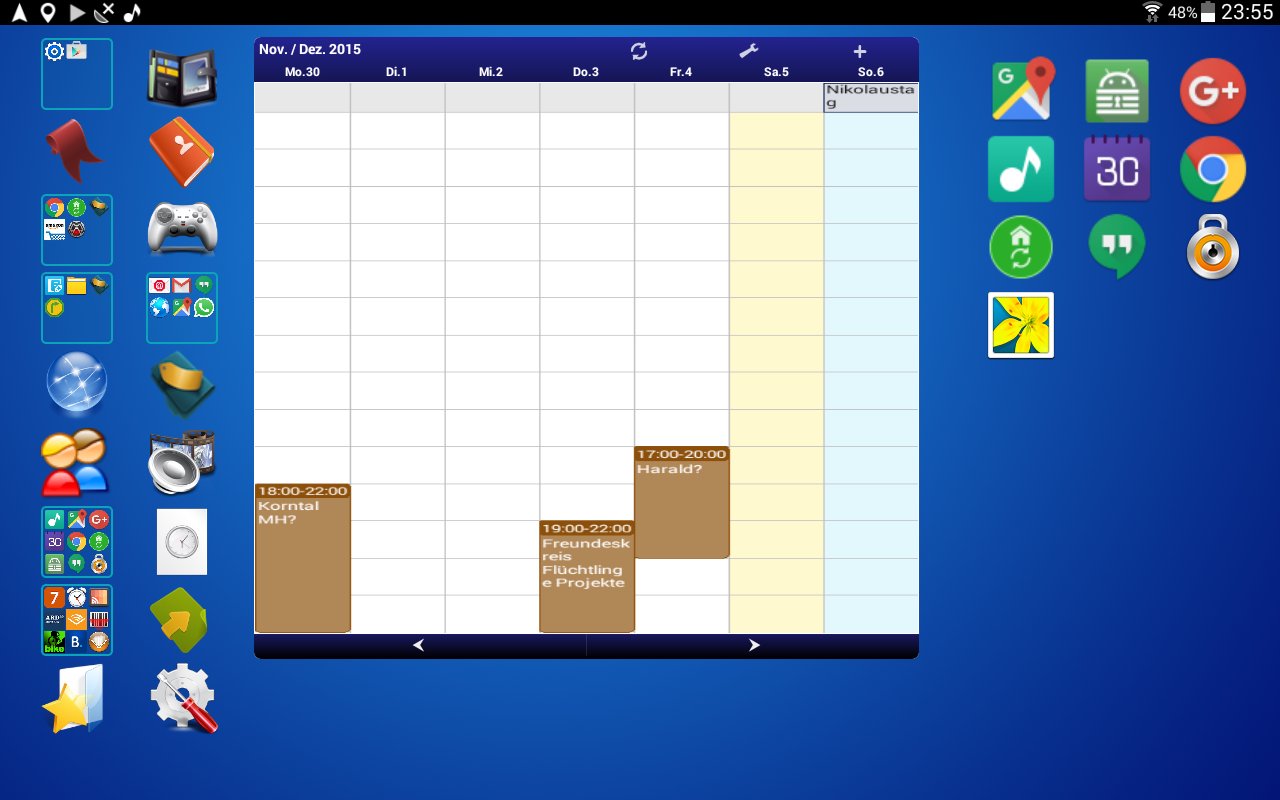
If you have installed the Launcher, then you see only the background image. You determine how your home screen should look like.
In my HTC M8 and my Nexus 7 it is the Menu button located on the bottom right and has 3 points.
menu: 'android setting':
is necessary for Android 2.x devices.
menu: 'widget ...'
This menu entry brings up another menu with the following entries: add, remove, to hide, to visible, lock.
add:
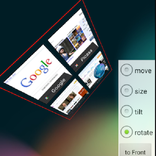
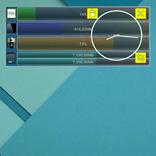
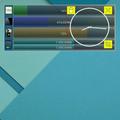
This will bring up the widget selection. Choose now, for example, the analog clock. Thereafter, the analog clock is displayed with a red frame and a yellow button on the top left. The Yellow button is to resize the Widget. Move it with your finger. As long as the widget has a red frame, you can move the widget to other screen orientations by simply turn the screen. 4 different screen orientations are detected. With the Android 'back button' leave this mode.
Lock:
This entry has on the right a checkbox. As long as the option is checked, it is not possible to change the widget.
remove:
removes a widget! For this purpose, it must be previously selected. Select it with a 'long click'. It is selected when the red frame appears.
to hide:
with this menu entry you can make selected widgets invisible. Why is this feature? Quite simply, you like Tasker ?, then you can do this hidden widget visible again with Tasker. This has the advantage that you can show temoräre widgets throughout the home screen and all other widgets can if you need it. With 'Tasker' again visualized widget can be hidden again with the android back button.
Visible to:
manually unhide the hidden widgets. This is useful if you want to move or remove it. Hiding can do it again with 'to hide'.
That's all. And you ask yourself rightly, how now APPs start?
You need a widget or APP that provides this feature. Widgets to start apps, there are a lot and that's why I wanted to integrate this function either. Currently I use 'Folder Organizer' but also sidebars can launch apps.
If you have a problem, then you is not afraid to write me an email or comment.




برای نصب فایل های XAPK/APK در اندروید با یک کلیک!

با تشکر از رتبه و بازخورد شما!
شما قبلاً رتبه بندی کرده اید.