ایمن و سریع APK دانلود در APKPure
APKPure از تأیید امضای نرمافزار برای اطمینان از دانلودهای بدون ویروس APK Soft Lock - Screen Off (NSD) استفاده میکند.

Soft Lock is designed to provide a simple approach to save Ur device Lock button
★★★★★The Best Soft Screen Lock app with Material look and also which supports the Latest Android version.★★★★★
Soft Lock is designed to provide a simple approach to lock the screen. It offers a simple touch to lock the screen and keep the device in sleep mode.
By using this app, you can now save your device hard lock button.
Soft Lock app has the great handy features even on free version app.
Below are the list of features available with this app:
1. Ongoing Notification
•By using this you can lock the screen quickly by just opening notifications bar and touch the notification.
•You can prioritize the notification place (Supported from Android 4.1(JellyBean)).
2. Soft Quick Lock (Additional Launcher icon in apps list)
•You can add a quick shortcut to homescreen by doing long press.
•Also you can lock the screen by tapping on it in apps list.
3. Floating Bubble
•Floating bubble will be available over all the apps. So you can lock the screen from wherever you want.
•You can also adjust the bubble location for your convenience.
4. Shake device to Lock/UnLock
•You can now shake your device to Lock or Unlock it
•Simple to use and save lock button more.
5. Widgets on home screen
•There is a one traditional widget in normal size
•One larger widget. This can be resizable for Android 4.0+ devices(ICS+)
•Transparent widget. This can be resizable for Android 4.0+ devices(ICS+)
6. Disable device admin
•You are no longer required to go to settings app to disable the Device admin feature for Soft Lock
•It is just a one click in the app to disable the device admin.
•This is added to avoid confusion while uninstalling the app.
7. Added fingerprint unlock support
• Once you lock your device with softlock app, then you can even unlock it with your fingerprints if already activated.
Here are the two ways to disable the device admin and uninstall the app:
•One touch faster way: Launch soft lock app and click on Disable device admin button which is located bottom of the screen(scroll down to see it).
•Traditional way: Open settings app -> select security -> click on device administrators -> uncheck the soft lock app.
•Once device admin is disabled, wait for min 5 secs to reflect the update and next proceed to uninstall the app.
Internet permission: This is used to just display the ads and app usage stats. You can optout the usage stats in the app if you want.
Draw over other apps : This is used to show the Floating bubble.
Run at startup : This is used to re-add the floating bubble(if you chosen to show) when device is restarted.
Modify System Settings: This is used to change the sleep time if fingerprint lock is enabled in your device. However, your selected sleep time will be set automatically once the device is locked. This is to fix fingerprint unlock issue.
Notice:
- This app requires Device Administrator Permission to lock screen
★★★★★Please consider purchasing the “Soft Lock Pro” app to remove the ads, Unlock lots of best features and to support our development★★★★★
Install from here https://play.google.com/store/apps/details?id=com.nsdlabs.softlock.paid
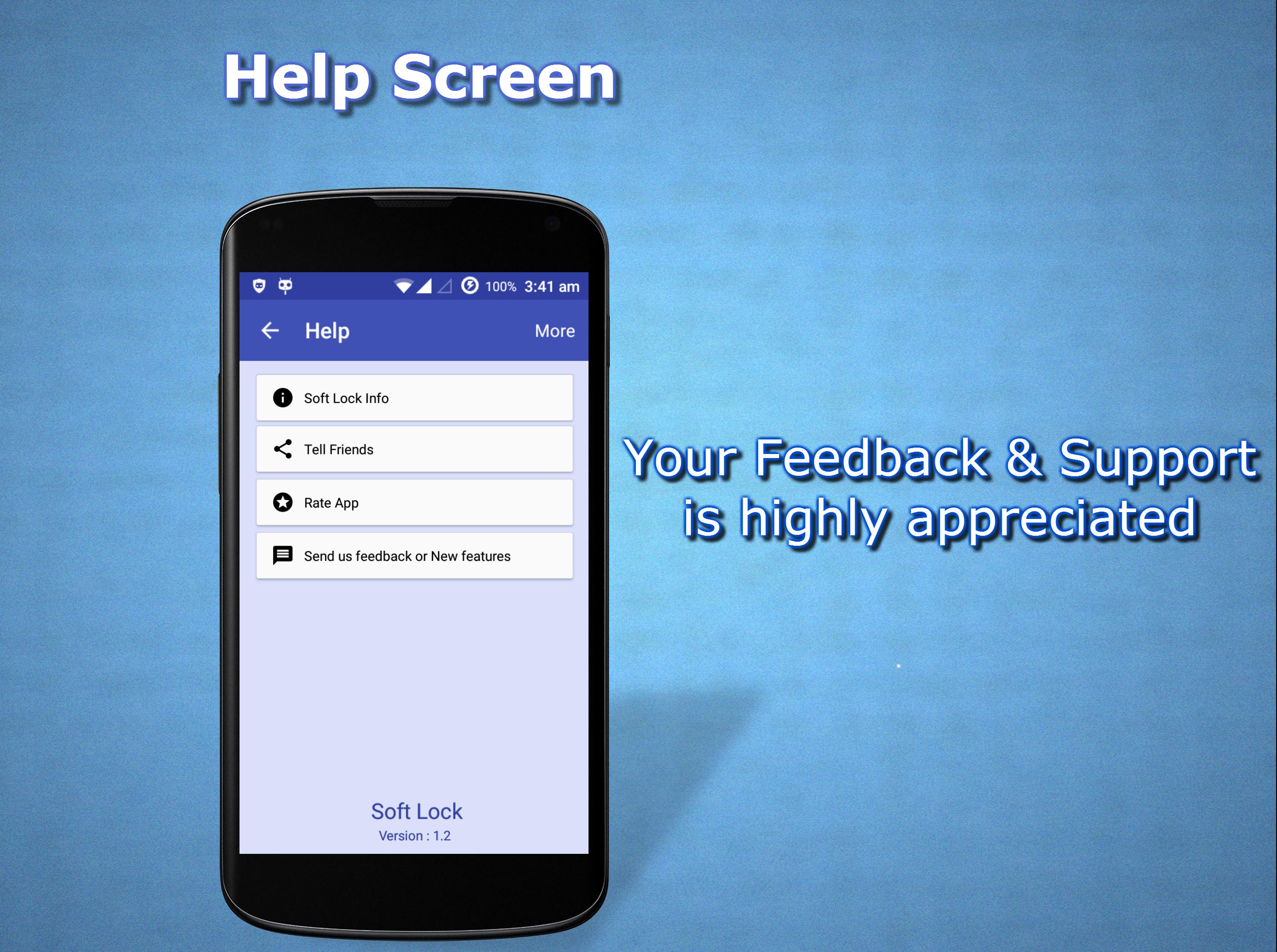
We appreciate and value your feedback. Please send your questions and new features/any suggestions to: noundladev@gmail.com
Keys: SoftLock , Soft lock , screen lock , screen off , Quick lock , quick off , nsd , noundla , noundladev , floating lock , notification lock , widget lock , tap to lock , touch lock , smart lock , screen locker , lock screen



برای نصب فایل های XAPK/APK در اندروید با یک کلیک!

با تشکر از رتبه و بازخورد شما!
شما قبلاً رتبه بندی کرده اید.