
ایمن و سریع APK دانلود در APKPure
APKPure از تأیید امضای نرمافزار برای اطمینان از دانلودهای بدون ویروس APK Motion Detector استفاده میکند.

The application detects motion with the help of built-in camera.
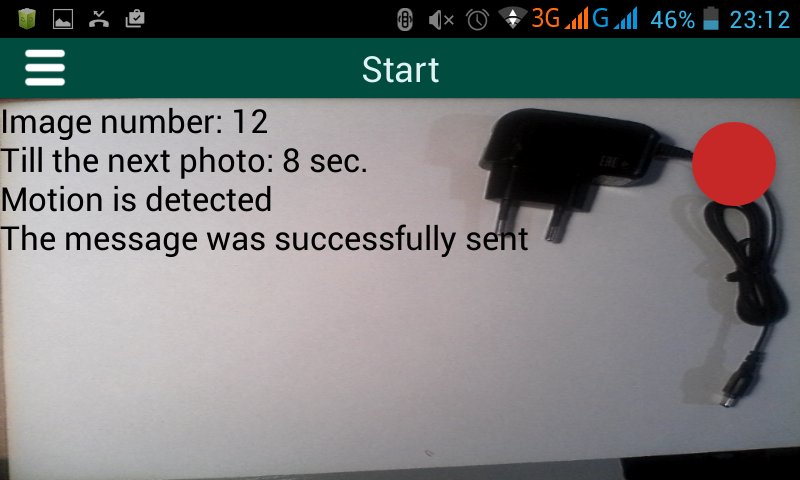
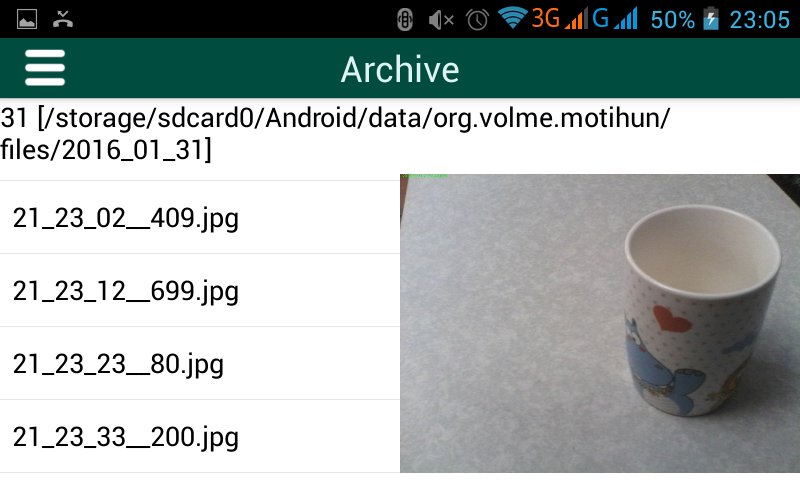
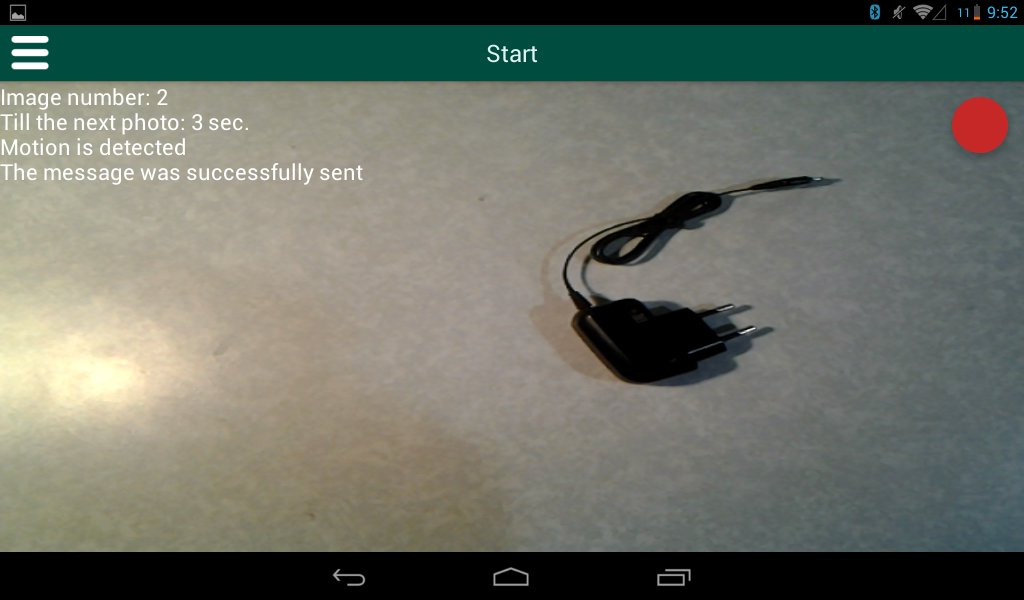
The application detects motion, with the help of built-in camera. The program saves the images with the detected motion and also can save video in a device memory. The length of the video is equal to the period of time between test shots. These images or video can be sent by mail (if an internet connection is available). Application also can send sms and make a phone call when the movement has been detected.
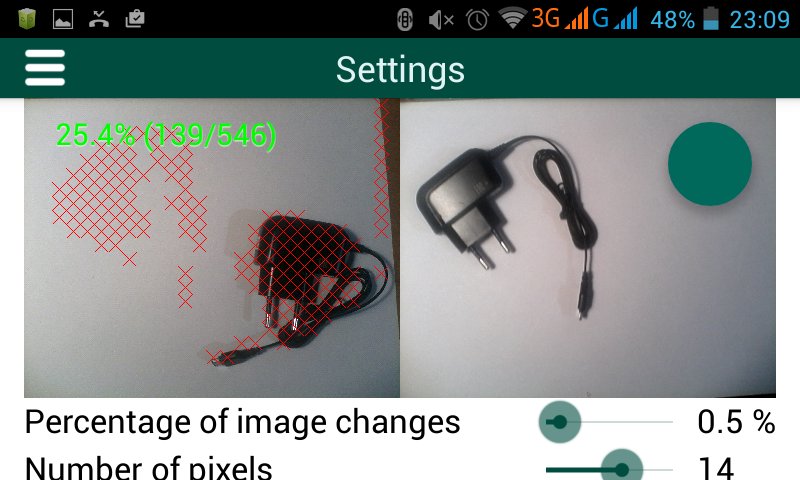
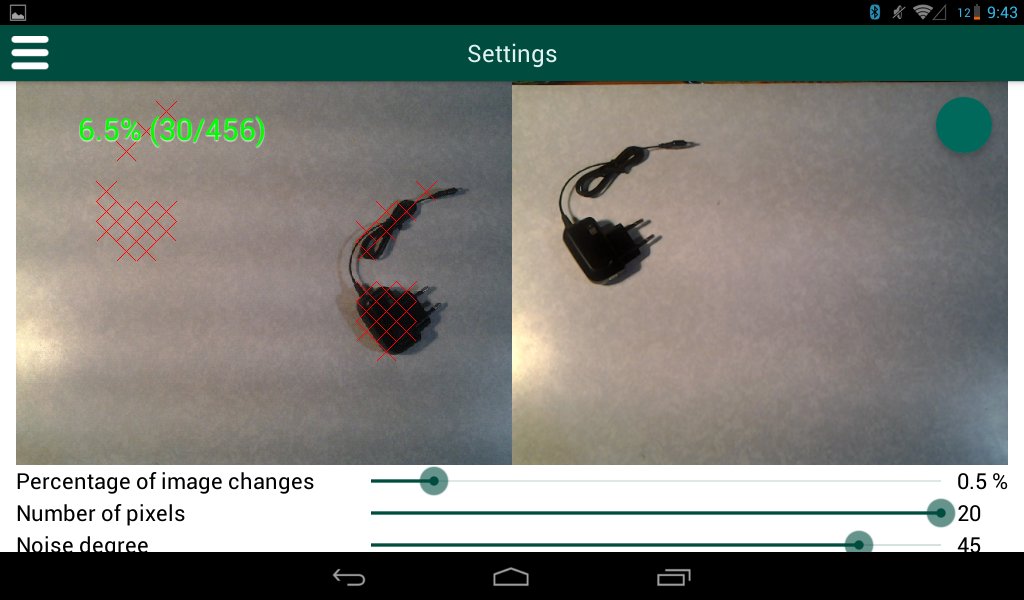
First of all it is necessary to adjust a detector. When the settings are changed it is immediately seen how they influence the motion identification. You can see it by means of comparison of the test shots. While testing the program compares every next photo with the previous one. The areas where the motion is noticed, are pointed by red crosses. The percentage of image changes are shown on the photo. Different cameras take photos of different quality, that’s why the settings cannot be absolutely correct for all types of devices. To avoid false activation (caused by image noise and other camera artifacts) it is necessary to change settings individually. Description of the settings functions :
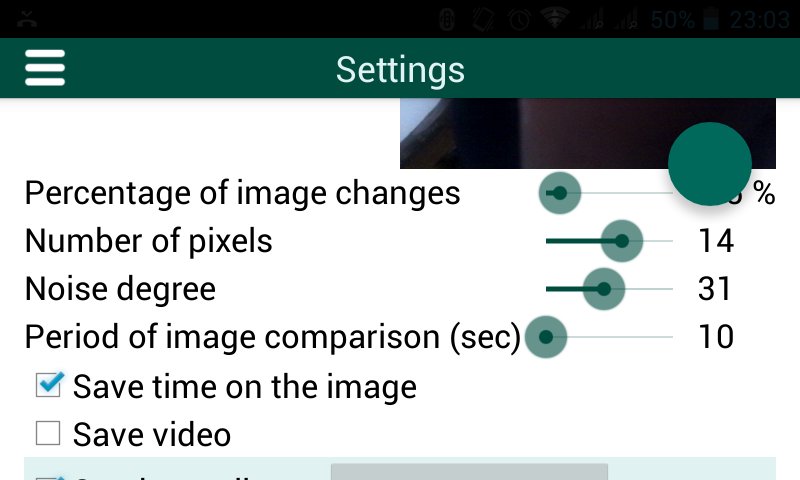
[Percentage of image changes] - Such a percentage of image changes that defines the presence of motion in the picture in comparison with the previous (necessary to avoid detecting of insignificant changes)
[Number of pixels] - That is the number of pixels that are joined up in a group. The program compares the groups of pixels but not the separate pixels to increase productivity and reduce the influence of image noise.
[Noise degree] - The degree of the noise ignoring is used to overcome the image noise. Insignificant changes are ignored.
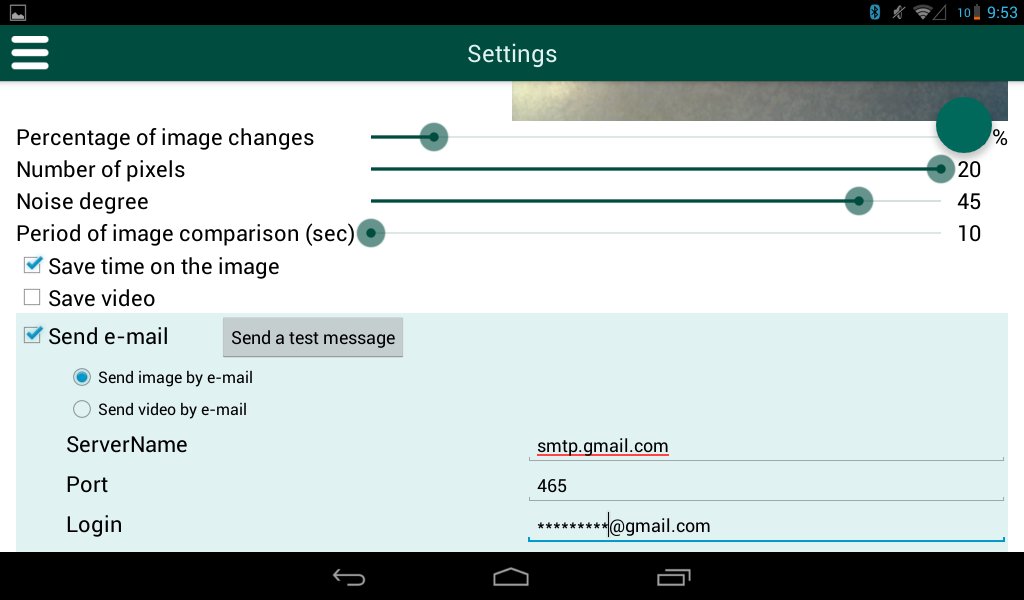
[Period of image comparison] - Defines how often the application compares the images (sec).
[Save time] - To put down time and date on the saved image.
To recieve sms you should configure the following options:
[Send SMS] - enable.
[Phone number] - write down the phone number, where sms will be sent.
[Text SMS] - the text of sms that is going to be sent.
Attantion! Sending sms can cost you some ammount of money.
To make a call, you should configure the following options:
[Сall Phone] - enable.
[Phone number] - write down the phone number for a phone call.
Attention! During the phone call "Motion Detector" does not work (it saves the last photo made before the phone call, but video will not be recorded. New movement will not be detected also). Application will resume its work after the ending of the phone call. Application also can send sms and make a phone call when the movement has been detected.
To send images by mail, in the case of detecting a motion, you should adjust the following settings:
[Send e-mail] - activate
[Send image by mail] - send only photo by mail
[Send video by mail] - send only video by mail
[ServerName] - name of the mail server, for example: smtp.gmail.com
[Port] - server port: mostly 25, but for gmail 465 is used
[Login] - login for authentication on the mail server
[Password] – password, if authentication is necessary to send messages (if gmail is used – it is necessary)
[Recipient address] – The name of the e-mail box, where the message will be sent.
[Mail subject] – The theme of the letter . The time of sending e-mail will be added here.
[Send a test message] – This button is for sending of a test message.
Attention! Gmail blocks up sending mail for third-party applications by default, to open - follow the link https://www.google.com/settings/security/lesssecureapps and open the access.
After adjusting settings you can use the detector.

برای نصب فایل های XAPK/APK در اندروید با یک کلیک!

با تشکر از رتبه و بازخورد شما!
شما قبلاً رتبه بندی کرده اید.