Package Name:ghb.gemu.pc
Show More

15.1 MB
File Size
Everyone
Android 6.0+
Android OS
Relive classic DOS games: fast, smooth emulation with customizable controls!
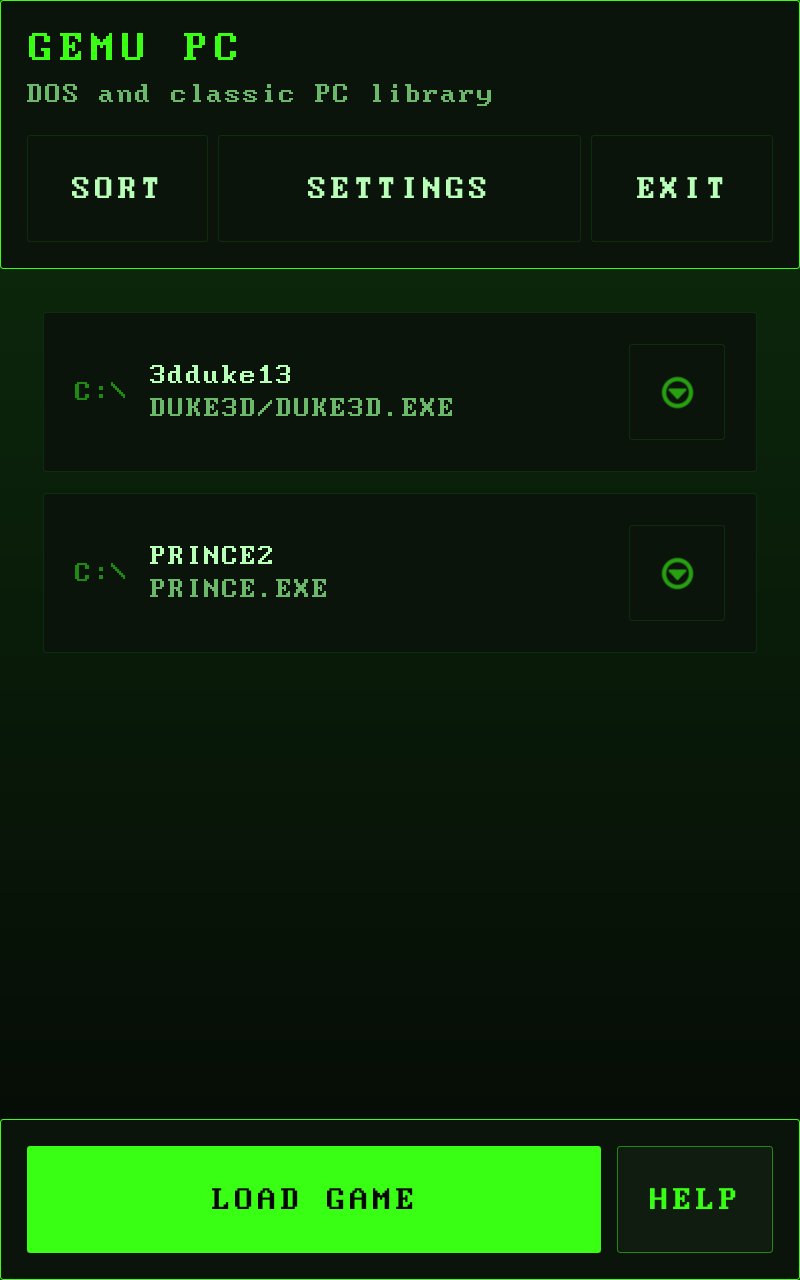
Turn your Android into a retro PC powerhouse! **Gemu PC** brings classic DOS games to your mobile device with a focus on smooth performance and simple controls.
### Highlights 🎮
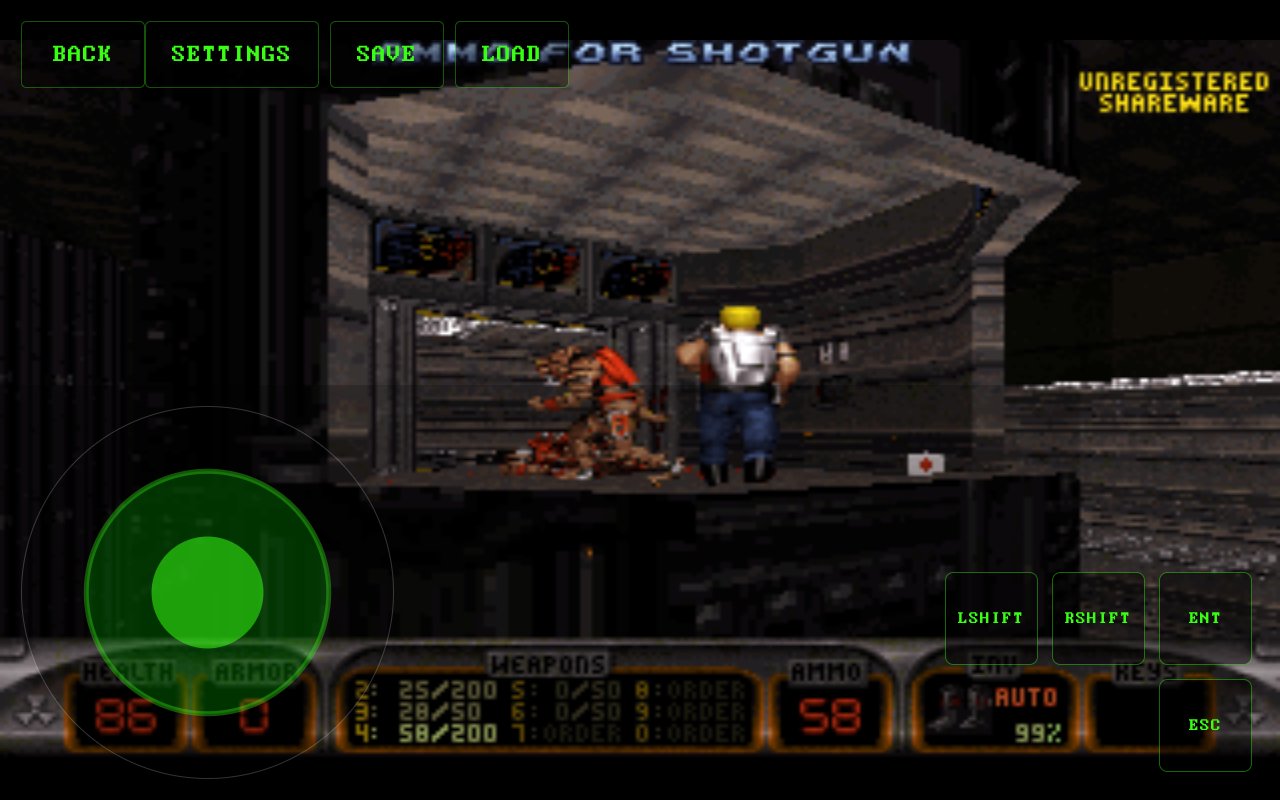
- High-frame rate emulation with smooth gameplay
- Dual control modes: **Analog joystick** or **Retro D-Pad**
- Companion gamepad support via the **Gemu GamePAD** app
- Smart save states: auto-save on exit + multiple manual slots
- Tailored UI layouts for PC/DOS play
- Mouse support for point-and-click games
- Scan and organize games from a folder
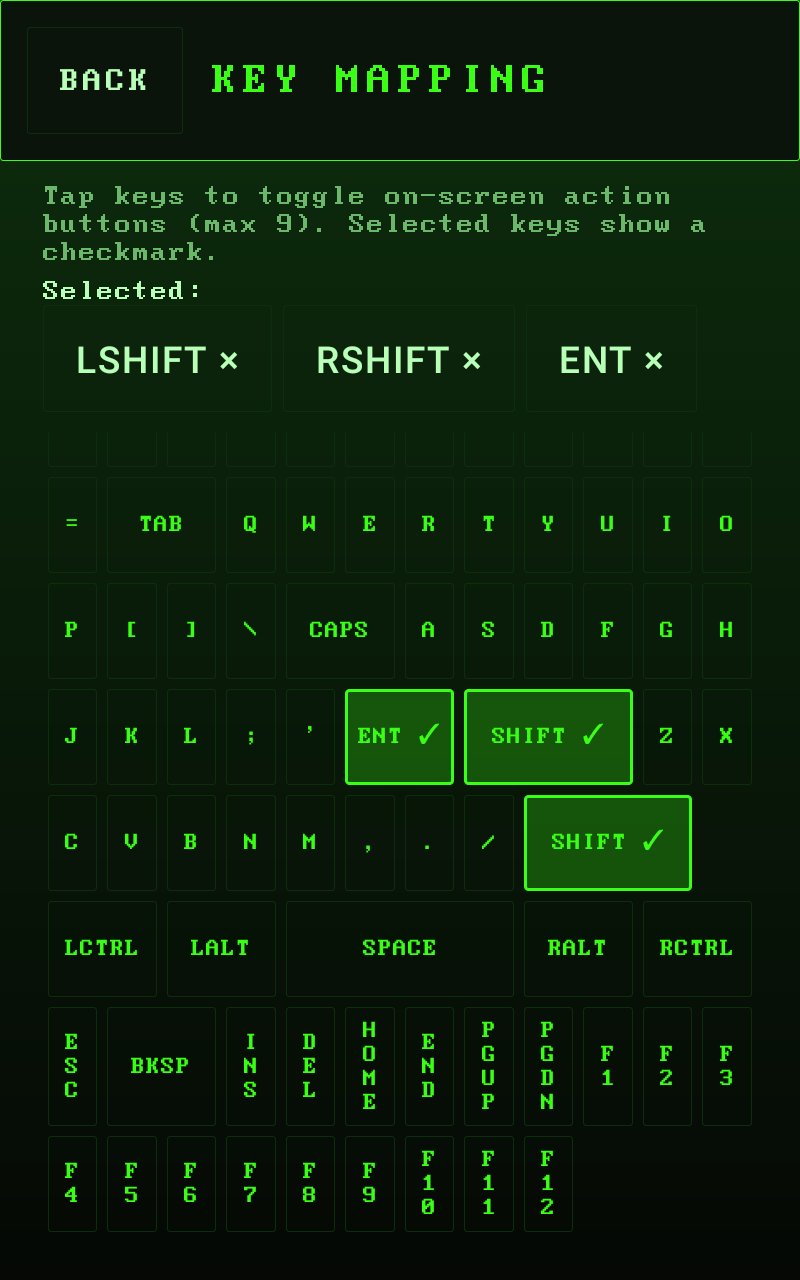
- Custom keyboard mapping options
### Easy to use 📱
1. Transfer your legally owned game files to your device storage
2. Open Gemu and scan your game folder
3. Tap to play and customize your on-screen buttons
### Important notes
- No game files are included
- Users must provide their own legally owned game backups

One-click to install XAPK/APK files on Android!

Thanks for your rating and feedback!
You have already rated.