
Safe & Fast APK Downloads on APKPure
APKPure uses signature verification to ensure virus-free Export Contacts: Import from E APK downloads for you.

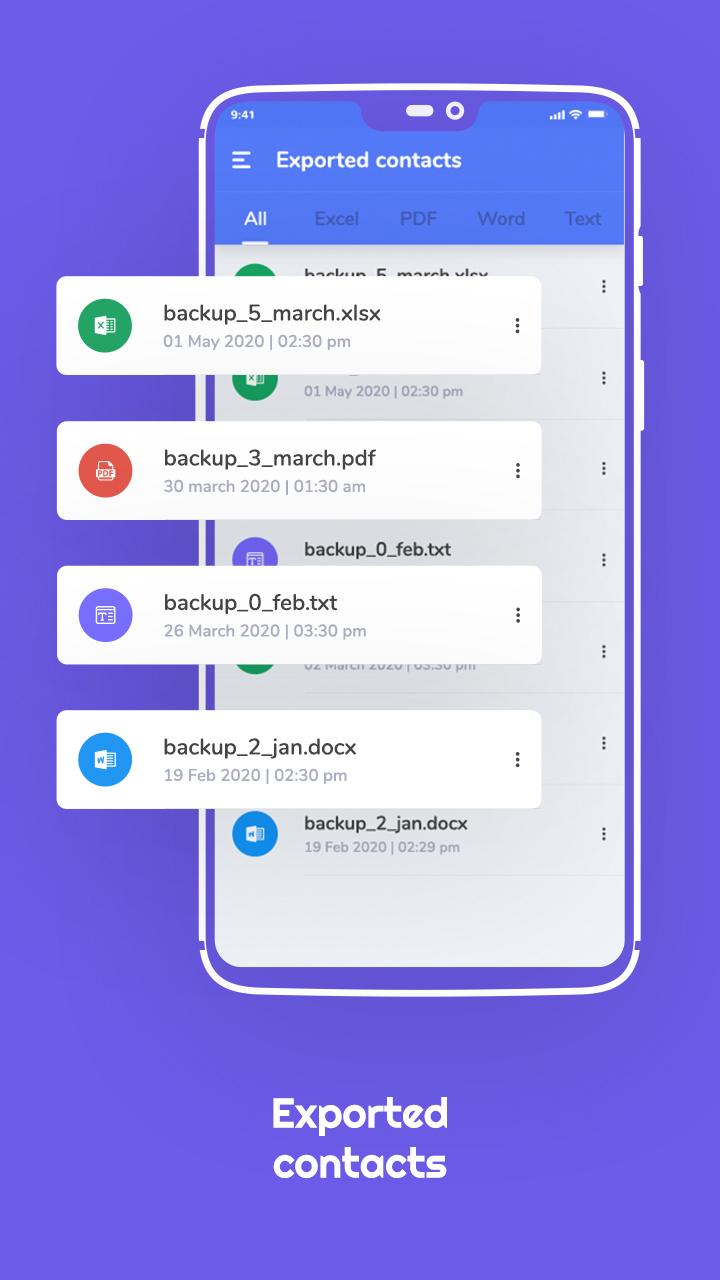
Export your contacts to Excel, Word, PDF, and Text file.
If you want to keep a record of all your contacts then Export Contacts: Import from Excel, VCF app can do it in a few steps.
Steps to use Export Contacts: Import from Excel, VCF app:
1) Open the app and select the contacts that you want.
2) Click on the Next button present at the bottom right corner.
3) Verify the list and remove any contact if required.
4) Click on the Next button present at the top right corner.
5) Select the file format in which you want to export contacts, here we have 4 options Excel, Word, PDF, and Text file.
6) Click on the Export button present at the bottom right corner.
7) From the Exported Contacts section, you can view your files containing your contact data.
Download the app to keep your contacts backup in Excel, Word, PDF, or Text file.



One-click to install XAPK/APK files on Android!

Thanks for your rating and feedback!
You have already rated.