
Scan Date:Jul 26, 2026
Show More

eVV 2.0 is an education governance app for statewide school monitoring and communication.
Developed by JEPC, it centralizes key school data and two-way communication for Jharkhand’s Department of School Education and Literacy. The eVV 2.0 APK brings dashboards and MIS together so officials and schools can review infrastructure status, scheme delivery, and learning outcomes in one place. It is built for timely, evidence-based decisions and easier follow-ups across levels. The mobile app works alongside the web portal to keep information aligned. Here is what stands out in everyday use.
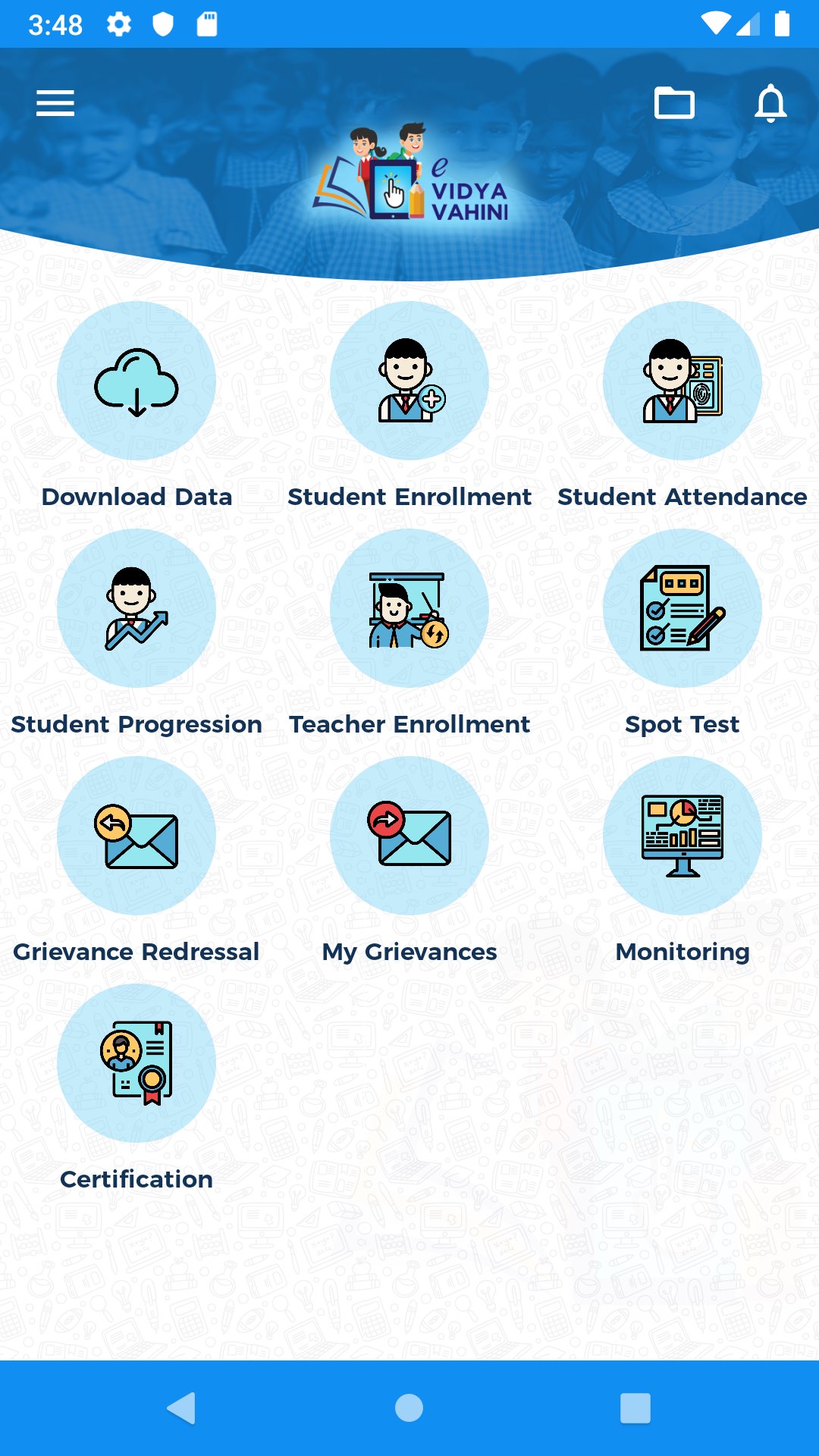
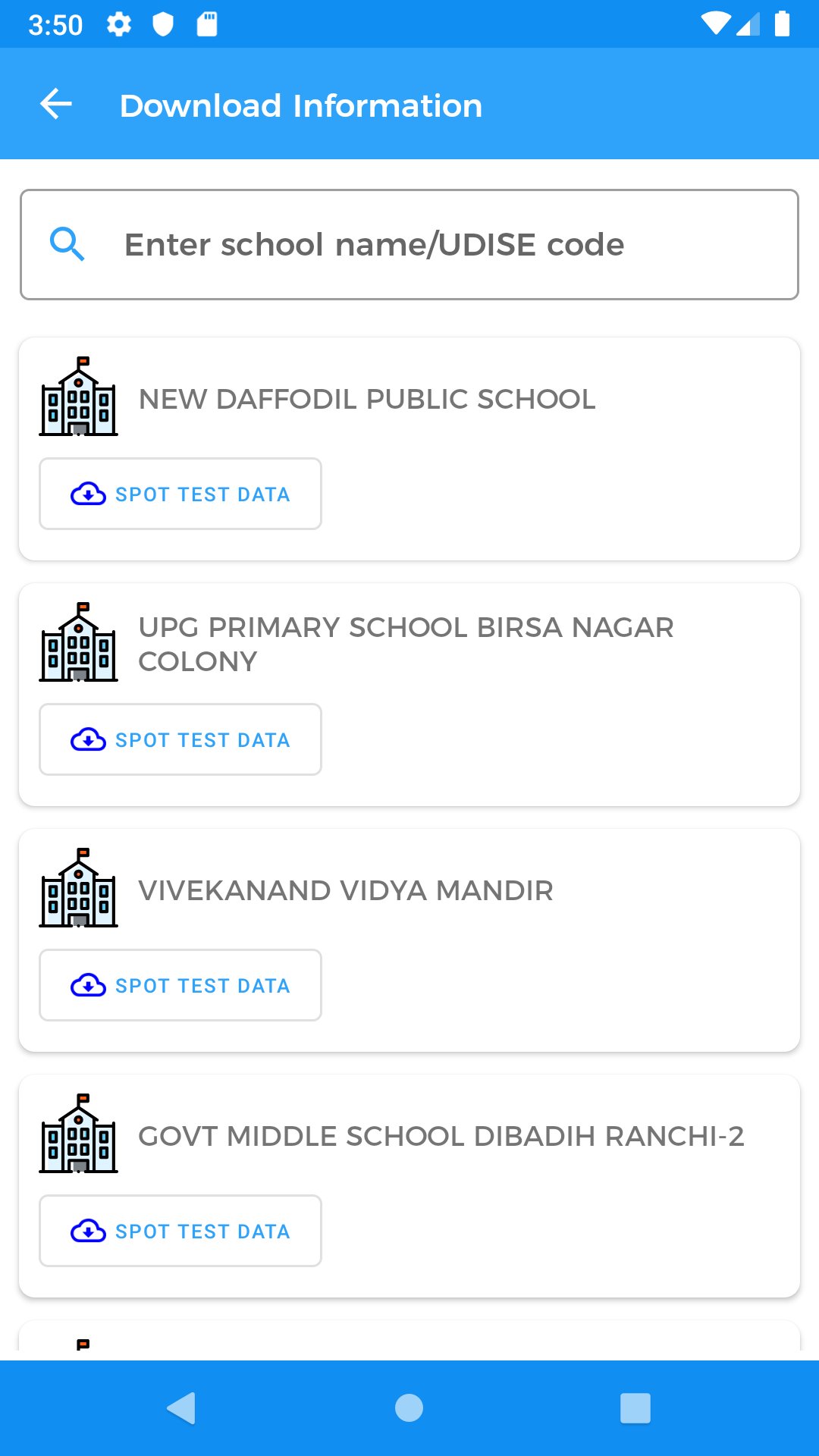
The eVV 2.0 latest version provides dashboards and MIS to track what matters across schools. Users can review infrastructure status, see whether schemes are reaching classrooms, and follow learning outcome trends. For example, a district officer might compare blocks to spot gaps before planning a visit. Clear snapshots help prioritize actions without digging through scattered files.
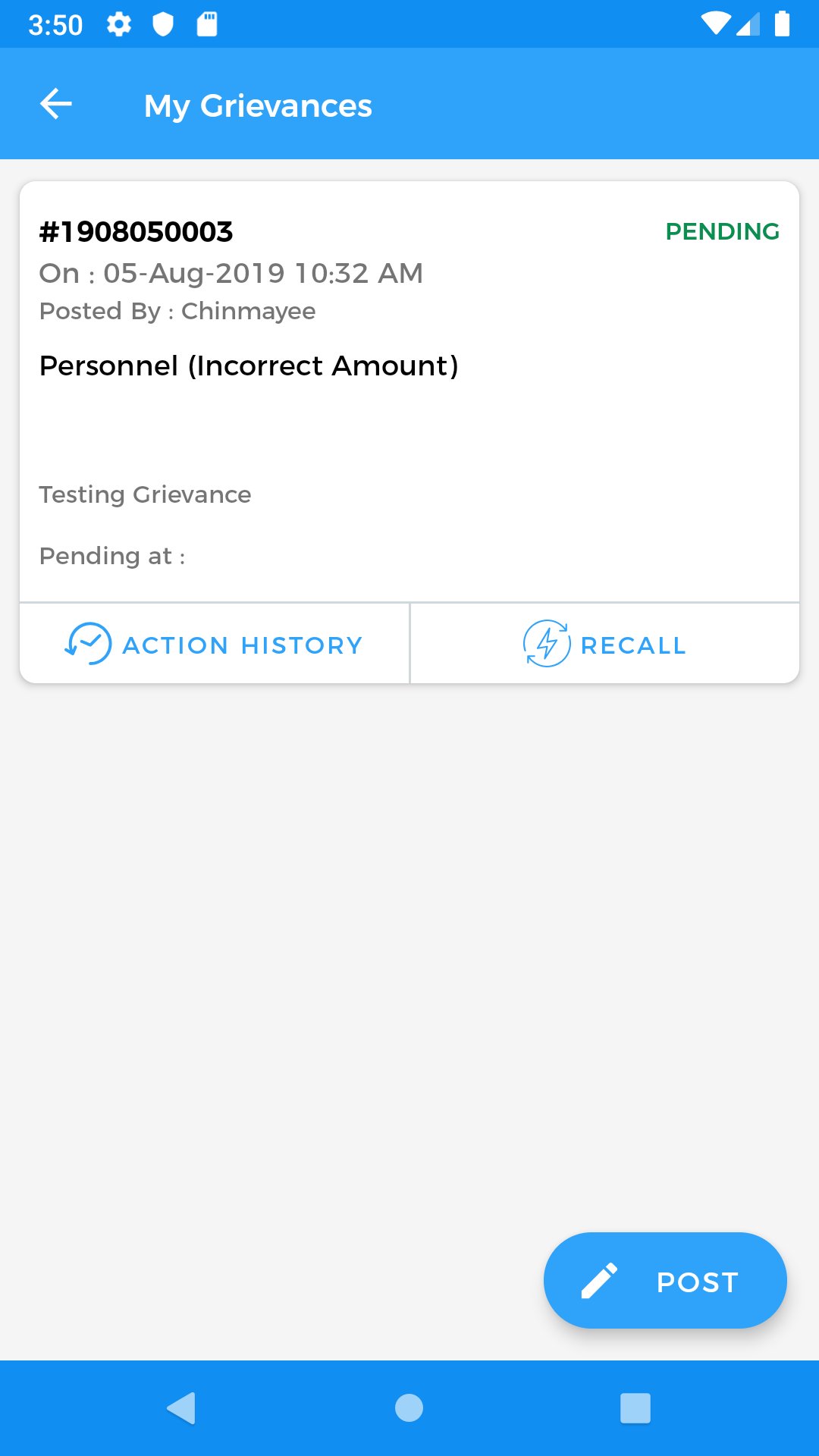
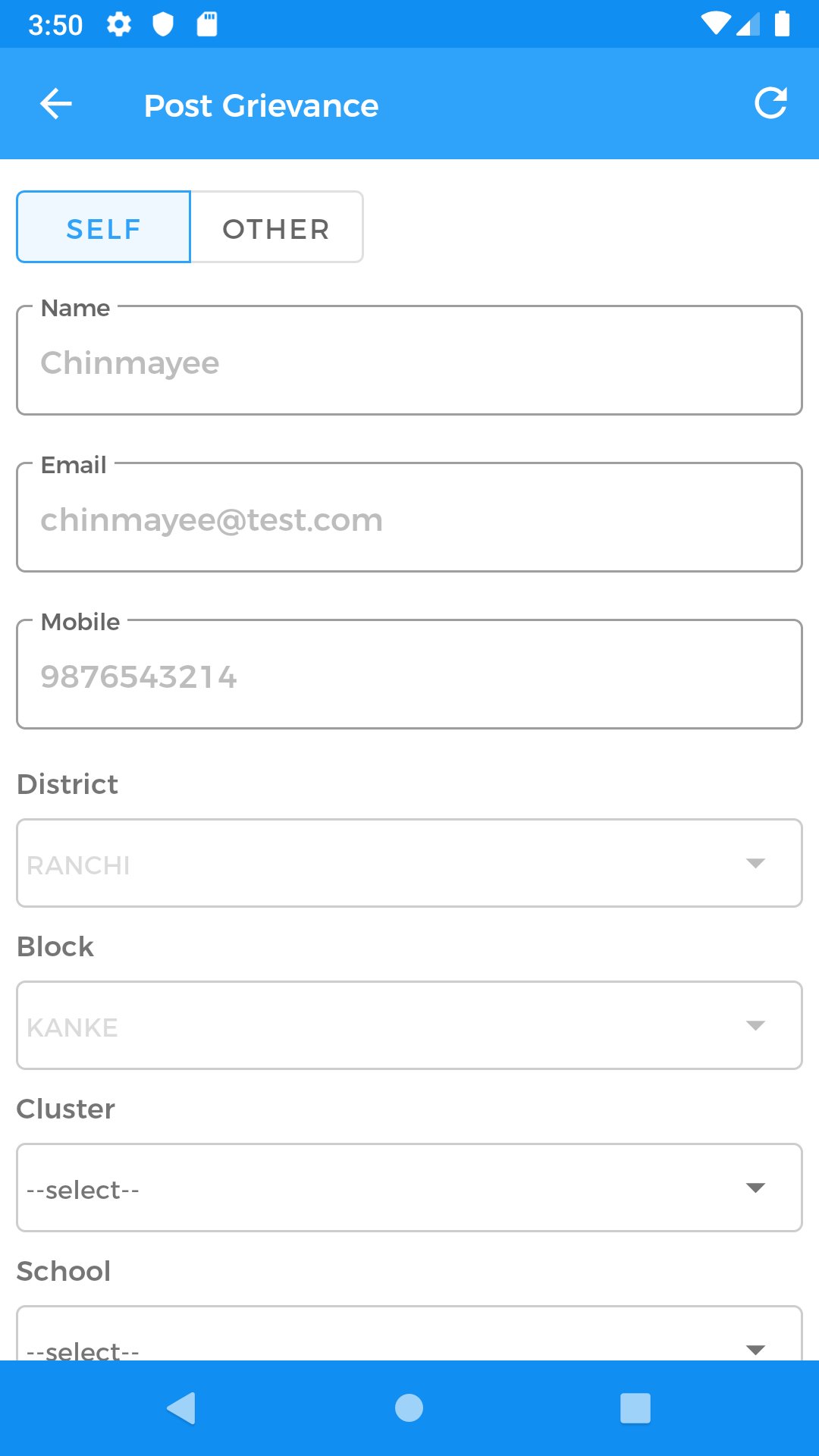
eVV 2.0 enables schools and officials to exchange updates on issues until they are resolved. A head teacher can raise a maintenance request with details, while the office tracks progress and shares responses. This back-and-forth keeps everyone aligned and reduces delays, so follow-ups become more focused and evidence-based.
You can download the latest APK from APKPure. Tap download eVV 2.0 to start, then follow your phone’s install prompts. On a stable connection, the download typically completes in a short time.
During installation, your device may ask for standard permissions. After setup, access may be limited to authorized users from the education department. Open the app, sign in if required, and allow a moment for initial data to load. If storage is low, free up space beforehand to avoid interruptions.

One-click to install XAPK/APK files on Android!

Thanks for your rating and feedback!
You have already rated.