
Descargas seguras y rápidas de APK en APKPure
APKPure utiliza verificación de firmas para garantizar descargas de WorldCAST APK libres de virus para ti.

Explora el mundo que te rodea con la aplicación WorldCAST utilizando Realidad Aumentada.
Explore the World and Print with WorldCAST.
How does WorldCAST work?
1. Create a CAST from one of our ARsuite products; PrintCAST or GeoCAST (coming soon) It only takes a few minutes!
Or find an object to scan indicated by the WorldCAST icon.
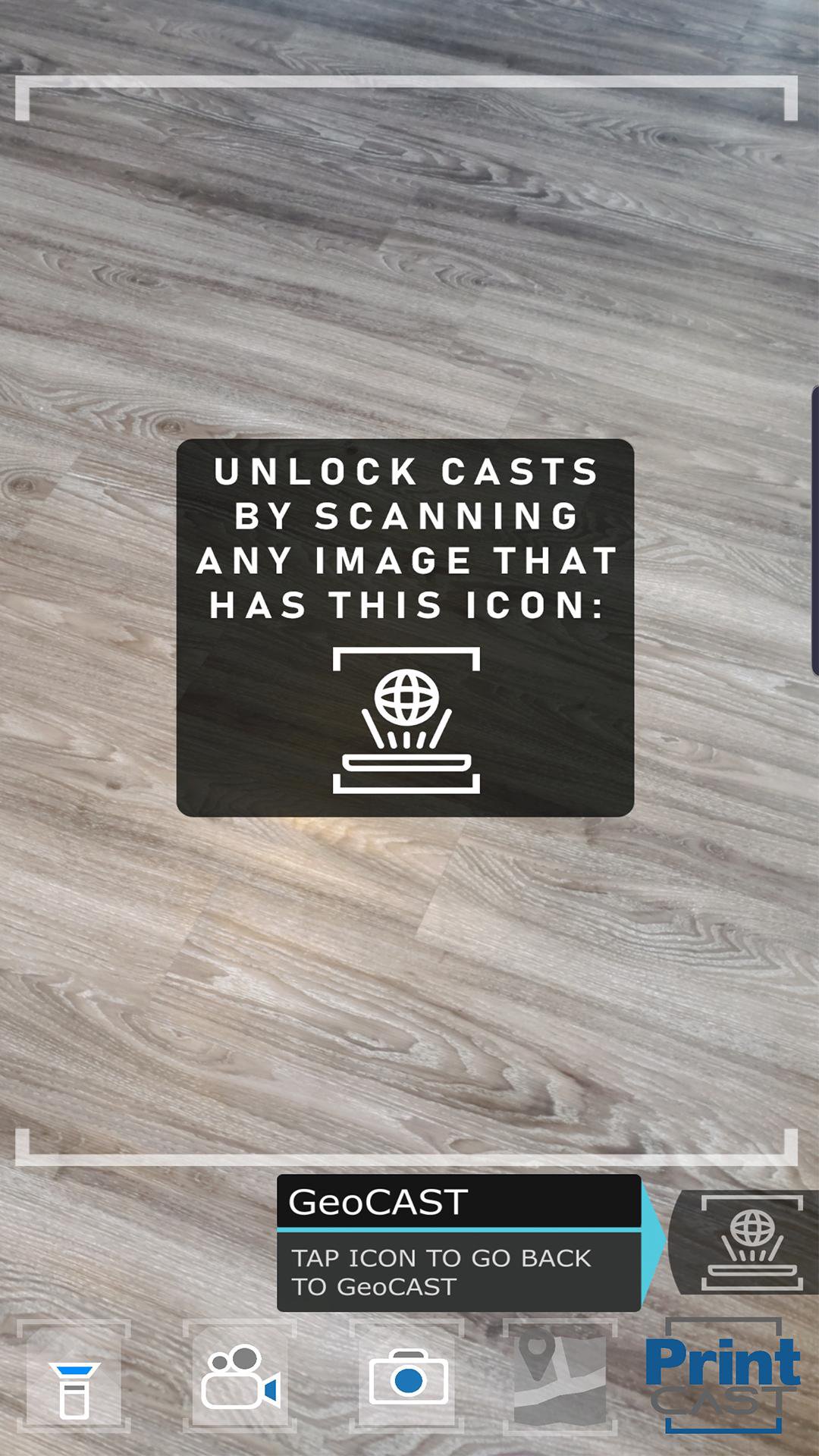
2. Open the WorldCAST app and scan the entire image, object, product or specified location to activate AR content.
3. Engage with the digital content & AR experience!
WorldCAST enables users access to content from print materials and locational content - adding layers to the everyday world. It's all about where you are at, not where you are going.
This content can easily be created for your own experiences for FREE with the upcoming ARSuite that gives you access to PrintCAST Studio.
PrintCAST Studio allows users to place interactive objects in an easy to use browser-based system for a true ”What You See Is What You Get” (WYSIWYG) experience.
Once activated published, the CAST can be unlocked with the FREE WorldCAST app just by getting simply by scanning the print in the camera view. Once the image is recognized an interactive digital layer appears on top of the print - this is Augmented Reality - the between space of physical and digital.
Email us at hello@kp9.ca to get access sample CAST ready images - or get early access to creating create your own.
Coming soon GeoCAST Studio!!! GeoCAST allows users to place content such as 3D Objects, Video, Avatars, Point's of Interest, and so much more at specified locations augmenting the world around you.
The WorldCAST App is the gateway portal to published content created in the WorldCAST AR Suite...PrintCAST, GeoCAST, and a few other game-changers.
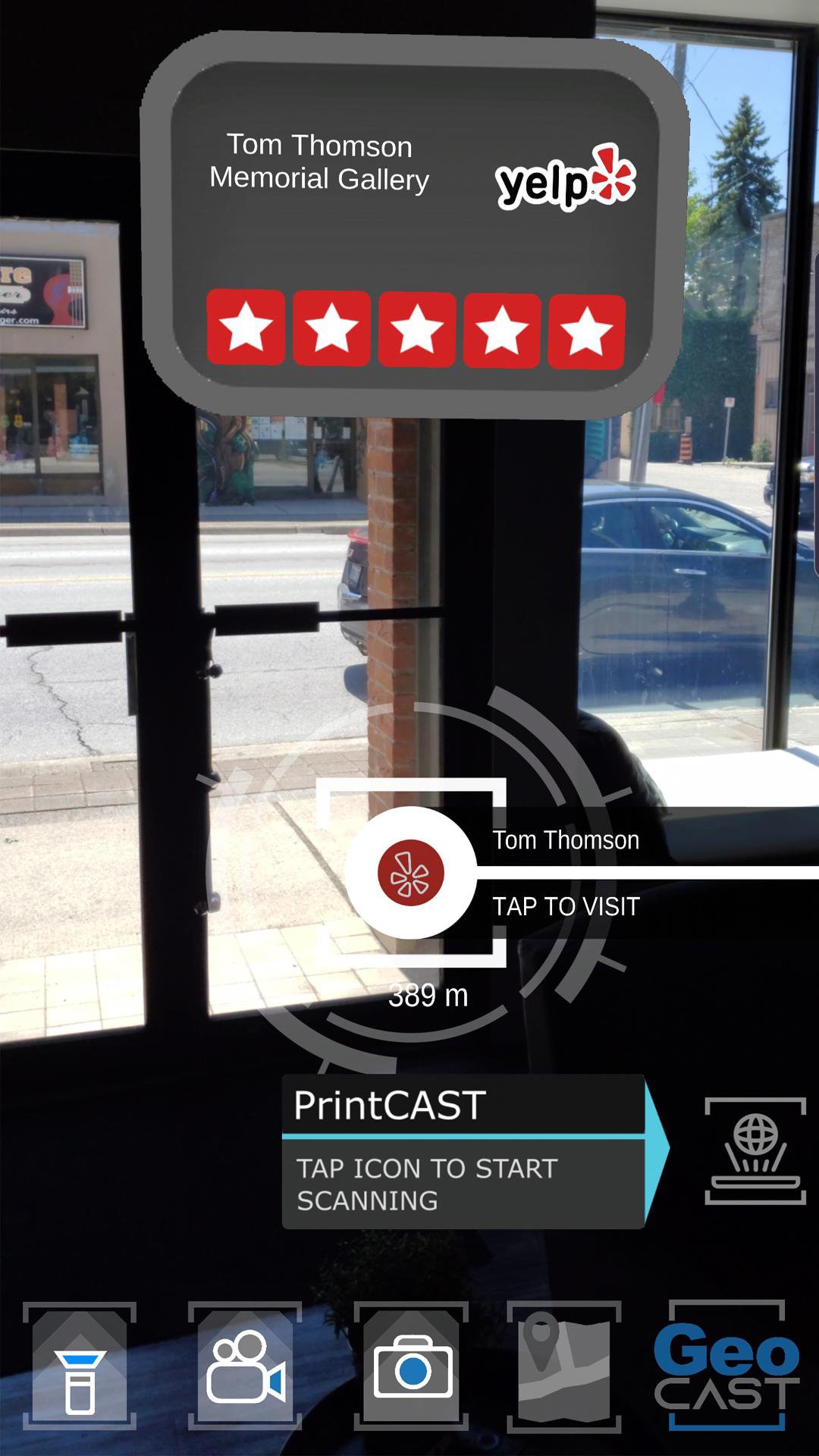
This BETA version of WorldCAST has utility in allowing users to see Yelp reviews and Places around their current location...touch the map button and tilt your phone down for a unique “I Am Here” map view.
Using Augmented Reality to display places in camera view on your mobile device is the natural evolution of digital wayfinding, integrating the best of technology and making it human at the same time. We are explorers at heart and using Augmented Reality Wayfinding makes it so you know where you are, where you are going, and so that you don't miss anything in between.
WorldCAST and ARsuite are built for today’s devices with the option to integrate with wearables and heads up displays. The future is now.
This will soon be integrated with wearables and heads up displays on vehicles. The future of navigation is now.


¡Un clic para instalar archivos XAPK/APK en Android!

¡Gracias por tu valoración y comentarios!
YYa has valorado.