
Descargas seguras y rápidas de APK en APKPure
APKPure utiliza verificación de firmas para garantizar descargas de PRTGdroid APK libres de virus para ti.

Si el dispositivo funciona con Android 4.0 y versiones posteriores por favor, utilice nuestro reciente "PRTG para Android" aplicación
PRTGdroid is a mobile monitoring app for legacy versions of PRTG Network Monitor. It is intended for older Android devices.
NOTE: This app can only be used with legacy versions of PRTG Network Monitor. It is no longer maintained or supported. Please use our actively developed and supported app "PRTG for Android" in order to connect to current versions of PRTG: https://play.google.com/store/apps/details?id=com.paessler.prtgandroid
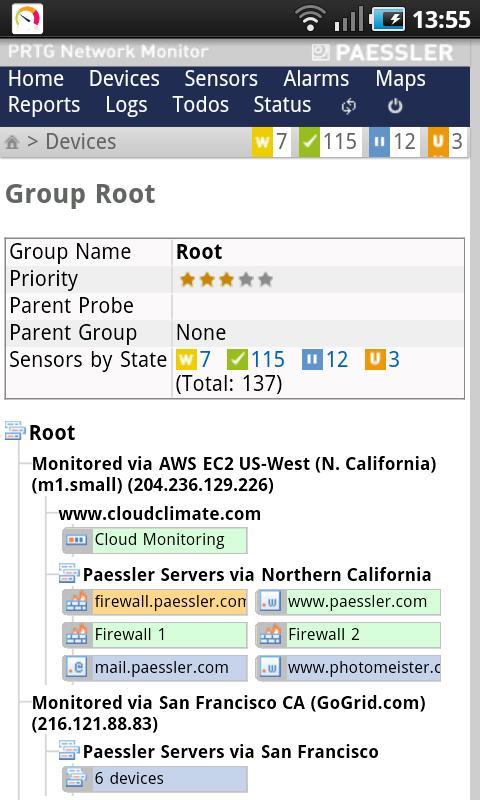
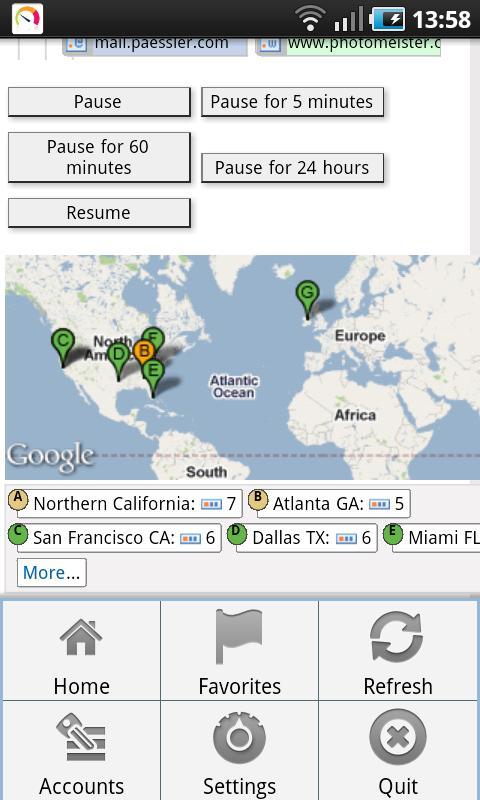
PRTGdroid connects to your installation of PRTG Network Monitor so you can view live monitoring data and get notified of alarms while on the go. It embeds PRTG's 'Mini HTML' web browser interface so you can view data, scan now, acknowledge alarms, and pause and resume monitoring for objects.
Find more information at http://www.paessler.com/androidapp
Features:
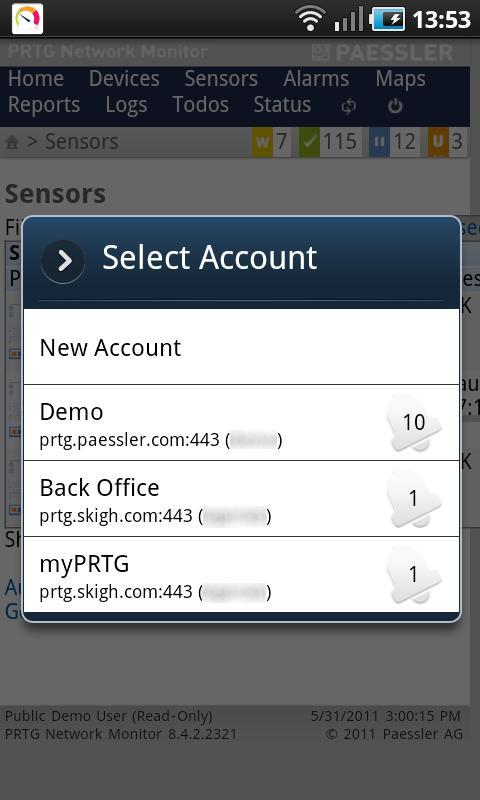
• Multiple accounts support to query different server/login combinations. Switch easily between accounts.
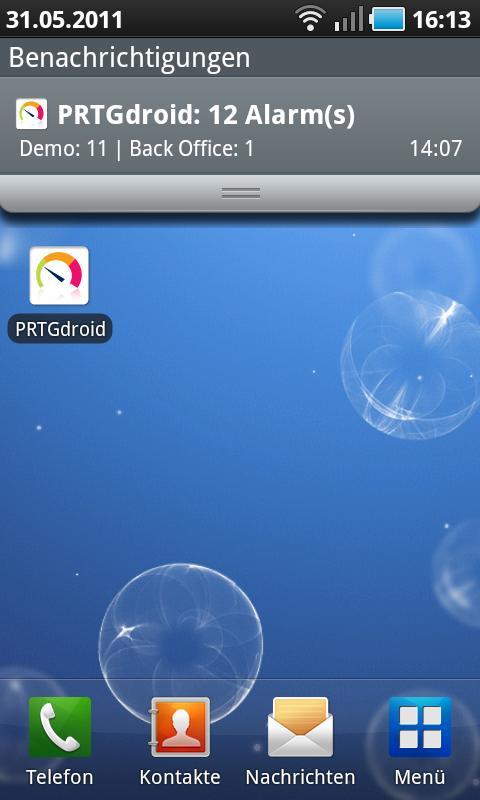
• Queries alarm status in the background and alerts for any alarms or when alarm count raises for any account
• Shows PRTG's 'Mini HTML' web browser interface
• Alarms can be configured to use audible alarm and/or vibration (triggered for new notifications)
• Configure whether you want to be notified of "Warning" and "Unusual" states
• Directly access your installation's "Favorites" sensor list
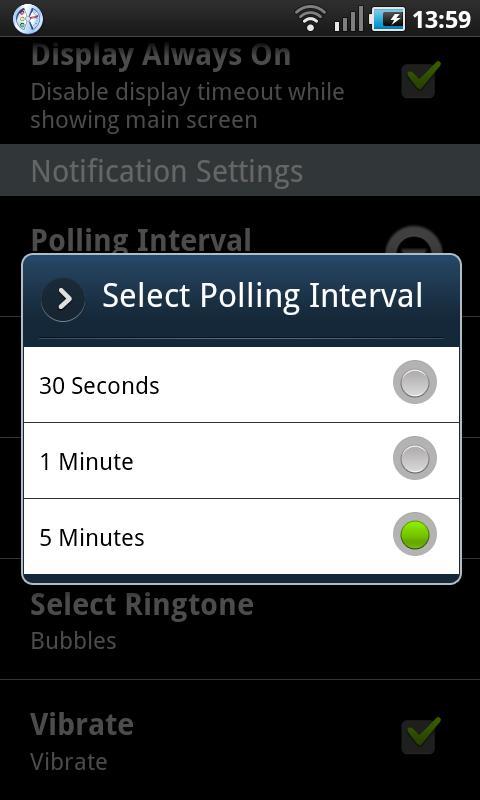
• Polling interval can be set to 30 seconds, 1 minute, or 5 minutes
Notes:
To use this app, you need to run an installation of PRTG Network Monitor 8.4 or later that is accessible from the network your device is connected to.
When entering data for an account, please make sure you do not add any spaces at the end of the fields. Also, PRTG credentials are case sensitive!
In order to test this app, use the following configuration of the Paessler demo account:
* Hostname/IP: prtg.paessler.com
* Port Number: 443
* Use Https: [yes]
* Login Name: demo
* Password: demodemo
Known issue:
The app is not available for Xperia X10.




¡Un clic para instalar archivos XAPK/APK en Android!

¡Gracias por tu valoración y comentarios!
YYa has valorado.