Descargas seguras y rápidas de APK en APKPure
APKPure utiliza verificación de firmas para garantizar descargas de PDF Scanner APK libres de virus para ti.

PDF Scanner (All Documents Converter) es fácil de usar.
The professional PDF editor allows you to edit, view, annotate and print PDF files at any time. Start using these PDF Scanner features now:
View and comment Add comments to the PDF using sticky notes and drawing tools. Use annotation tools to highlight and mark up text.
Scan to PDF Scan and easily digitize paper documents into editable files. Create a single-page PDF or scan many pages with automatic batch processing options and generate a single file.
Read beautiful e-books
Printing documents is simple and intuitive. The entire document, or a specific number of pages, whatever you choose.
Convert images to PDF format
Select an image from the gallery, or use the "Share to PDF Scanner" function to convert images from other applications into PDF files.
Integrated file manager Easily manage your local and remote documents. Quickly find your PDF file in the "My Documents" folder of your device, browse your local storage device, or access and synchronize your documents in the cloud.
Fill out and sign directly on your mobile device to fill out and sign PDF forms anytime, anywhere. Advanced support for fillable PDF forms allows you to make all the changes you need, and sign the document with a saved digital signature or by drawing a signature directly on the document.
Protect PDF Protect your sensitive documents with a password to lock, encrypt, and restrict access to them. Use an advanced PDF certificate to verify its authenticity.
The following features can be unlocked through in-app purchases. These features can help PDF Scanner maximize your efficiency
-Scan to PDF by camera
Turn the device's camera into a practical OCR scanner, and it only takes a few seconds to convert all paper documents to PDF.
Edit PDF files Use the most advanced mobile editor to edit PDF. You can change any types of documents you need-text, pictures, signatures, certificates, and more.
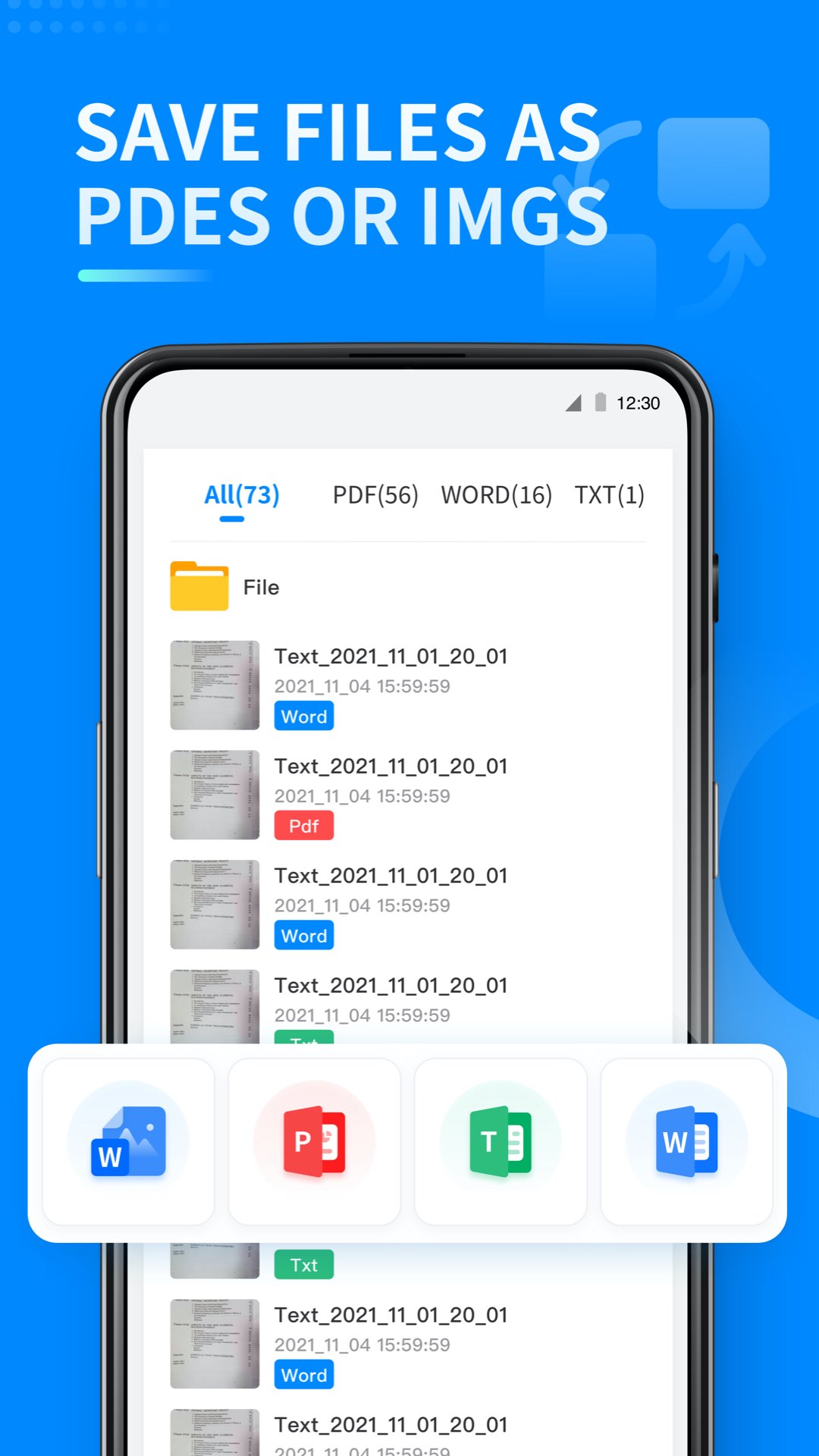
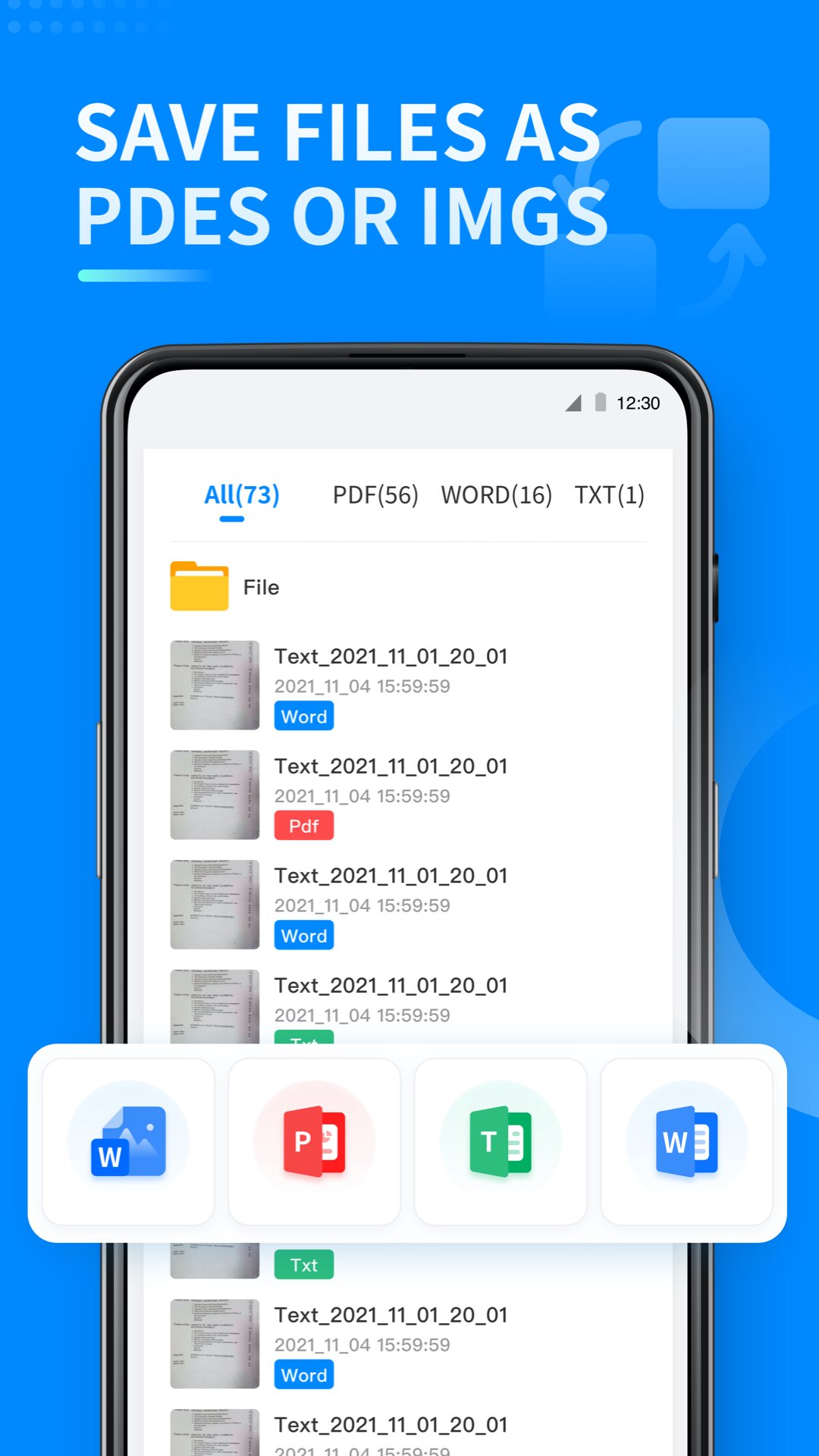
-Convert PDF Convert PDF to Word, Excel or ePub while retaining the original layout and format. Save Word, Excel, and ePub files as PDFs and share them easily.
-Organize pages in PDF, view and organize pages in PDF-full control of PDF structure. Rotate, delete, and rearrange pages to create perfectly organized PDF files.
- Combine PDF
Make your life easier by combining multiple PDFs into one. Manage boarding passes, movie tickets, or just add a new PDF to the original PDF.






¡Un clic para instalar archivos XAPK/APK en Android!

¡Gracias por tu valoración y comentarios!
YYa has valorado.