Safe & Fast APK Downloads on APKPure
APKPure uses signature verification to ensure virus-free All Document Scanner PDF Maker APK downloads for you.

Scan, edit, and organize documents effortlessly with Document Scan - PDF Editor
⭐ Looking for an efficient scanner app? Try Scan Document!
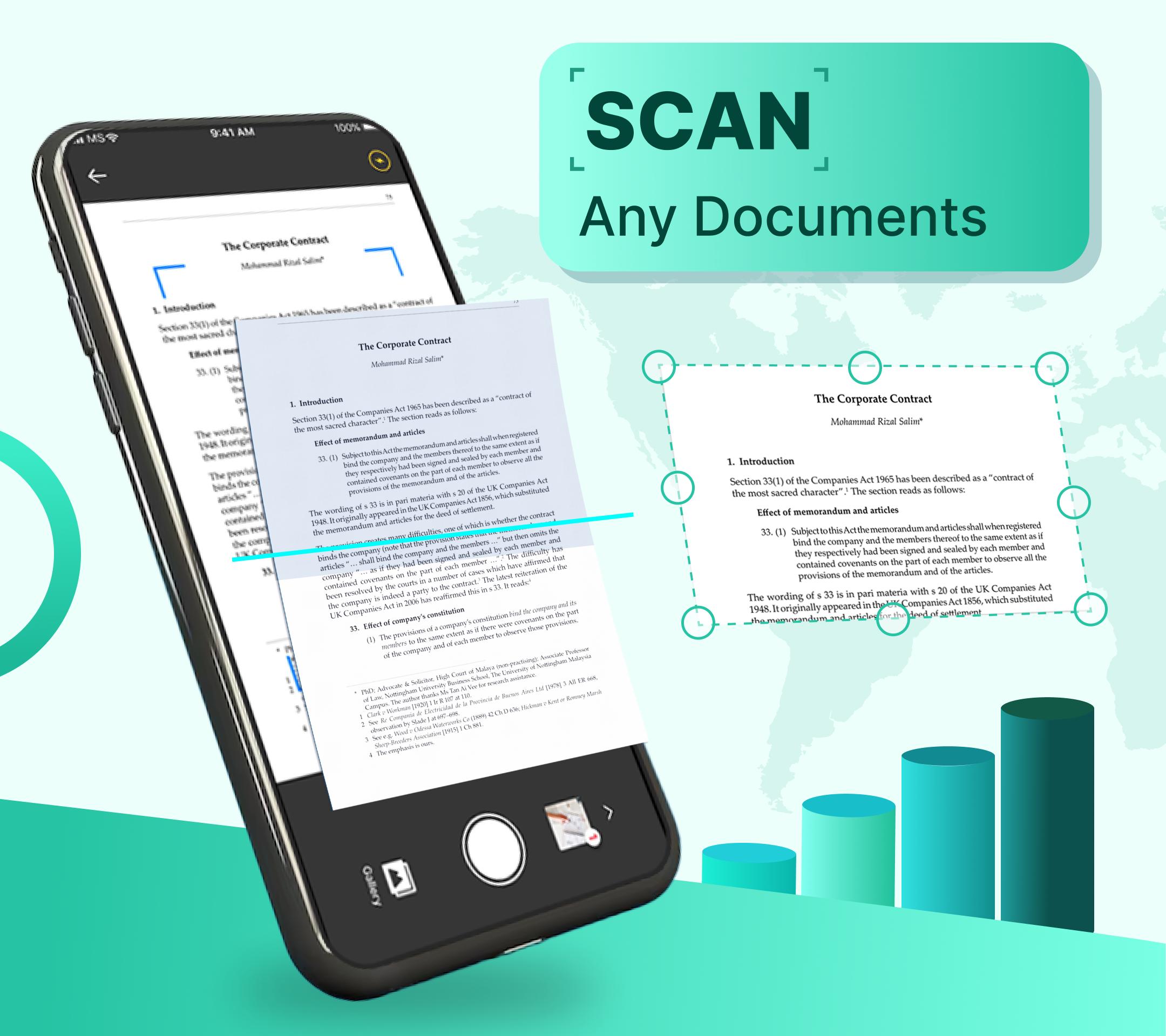
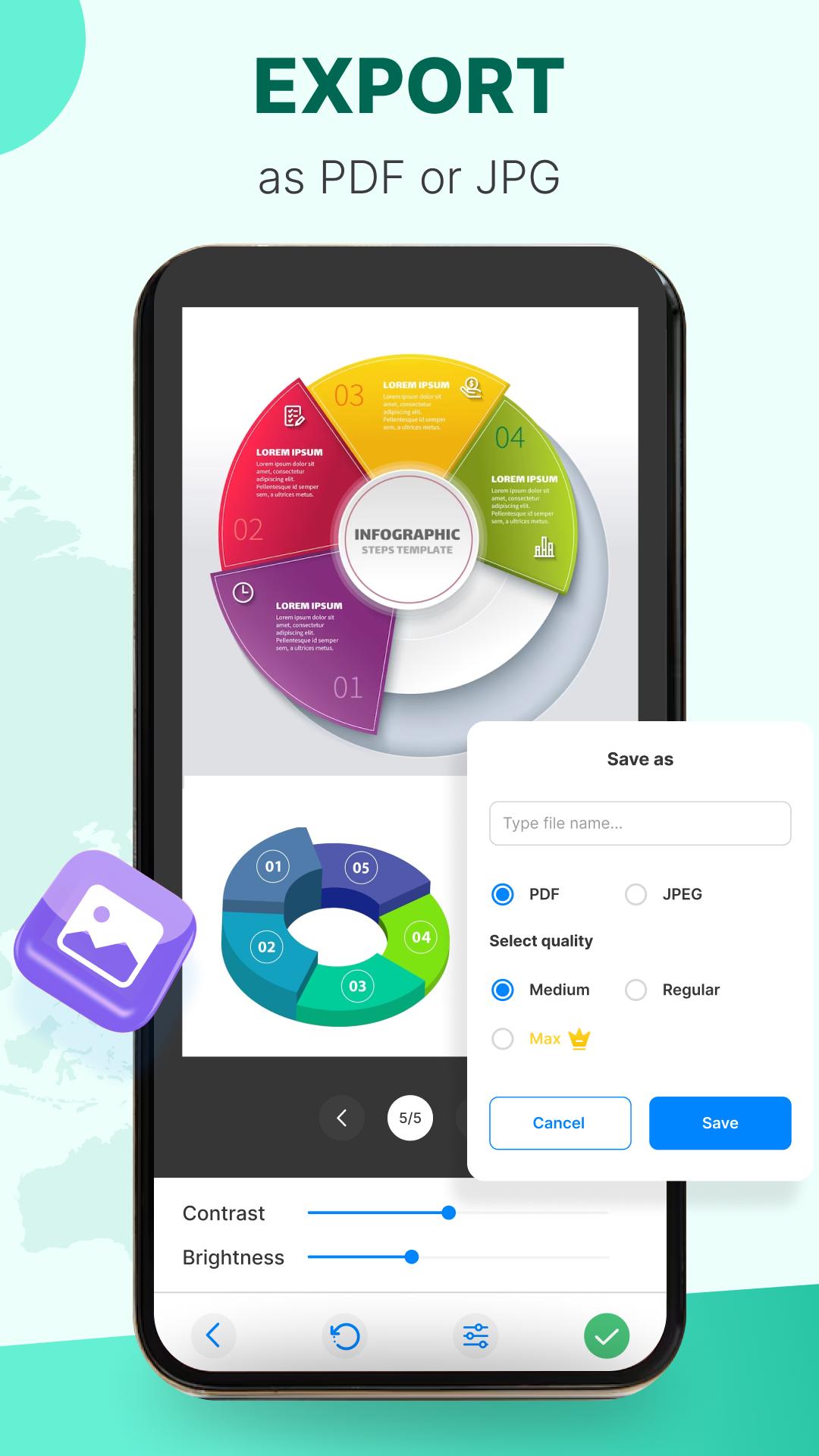
Scan Document is an all-in-one scanner app. It turns your mobile device into a powerful portable scanner that recognizes text automatically (OCR) and improves your productivity to save your time. Download this scanner app to instantly scan, save, and share any documents in PDF, JPG, DOC, DOCX, XLS formats.
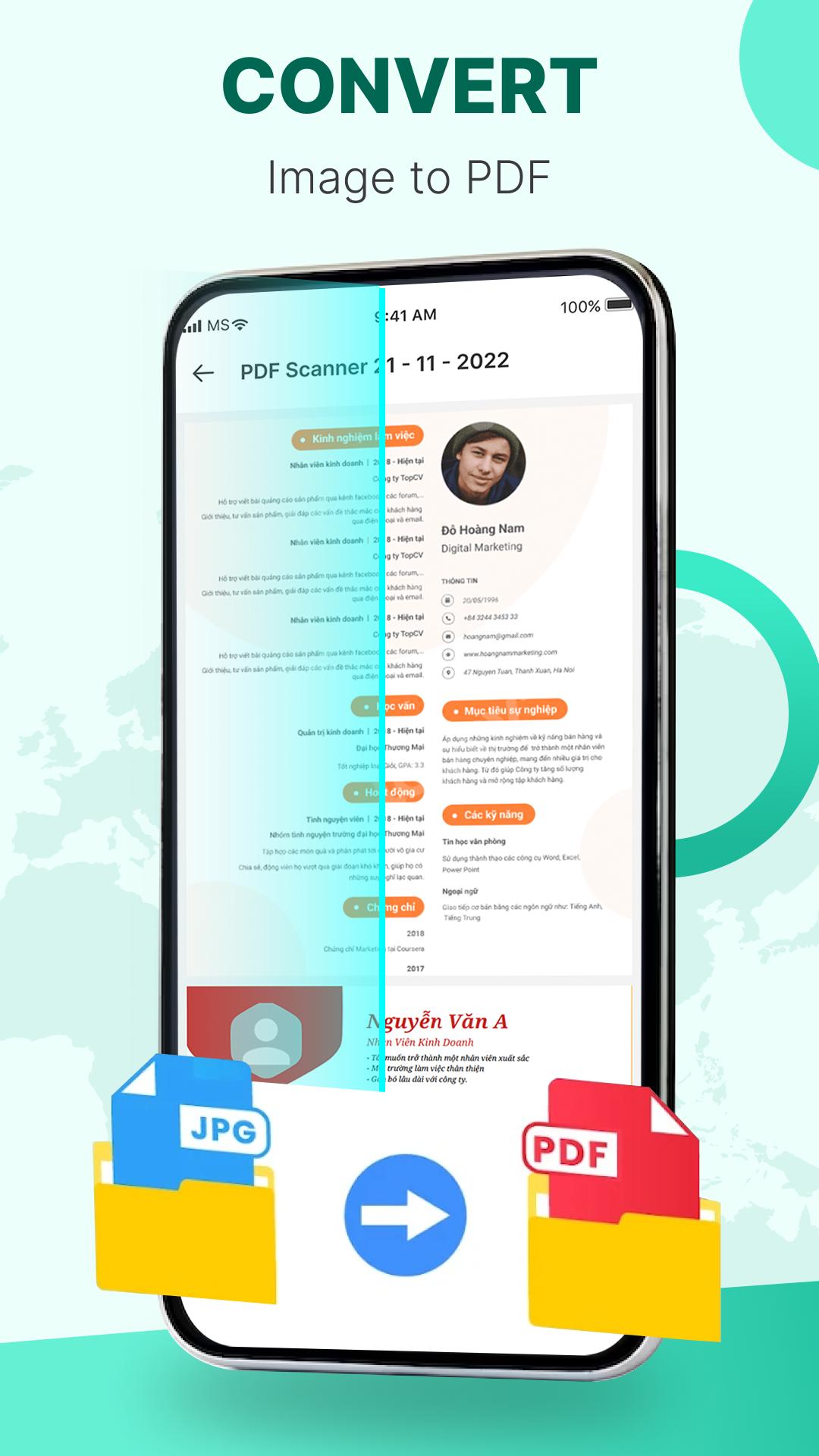
✓ Convert all kinds of document to PDF:
- Import multiple images or use your camera to scan paper files, converting into PDF.
- Resize, crop, adjust colors, and rotate PDF, optimize for superior PDF output.
✓ Advanced Camera Scanner:
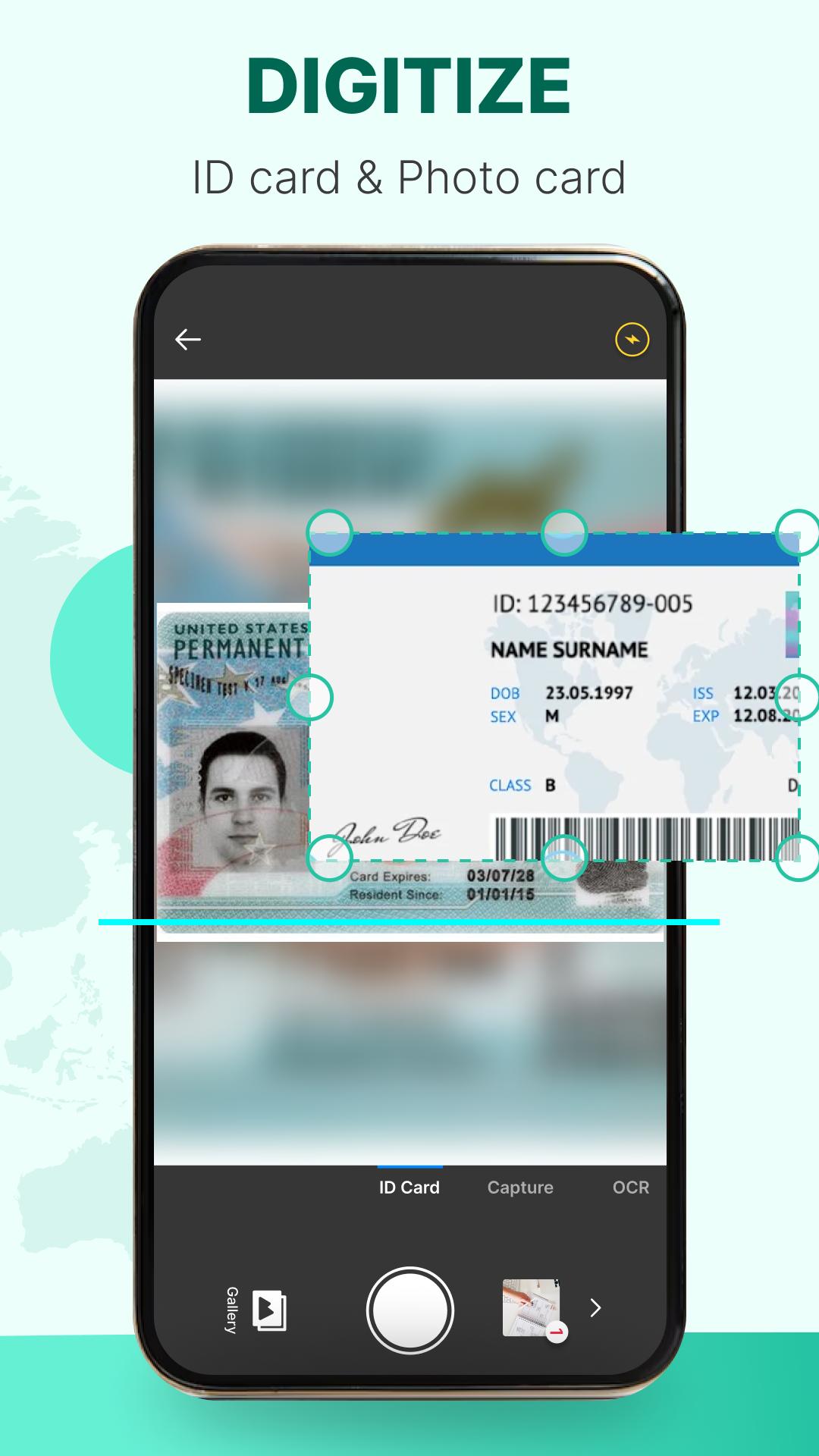
Utilize your phone's camera to swiftly scan and digitize various paper documents: receipts, notes, invoices, business cards, certificates, and more.
✓ Optimize Scan Quality:
- Experience crystal-clear scanned documents with premium color accuracy and sharp graphics.
- Smart cropping and auto-enhancement features guarantee that your texts and graphics are clear, vibrant, and of the highest quality.
✓ Extract Texts from Images:
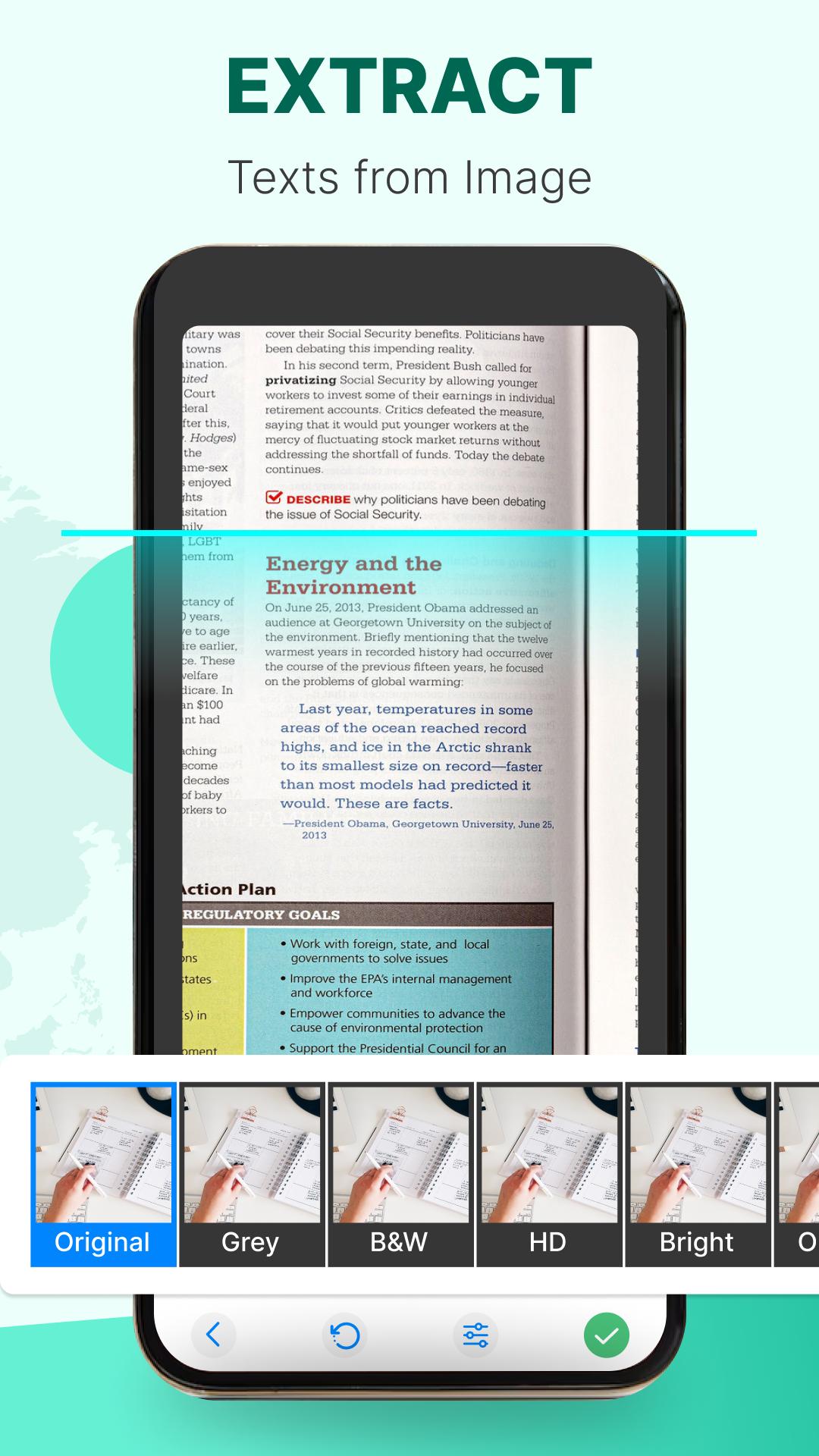
- Leverage the power of OCR technology to extract text from photos and scanned documents.
- Easily convert images to editable text or PDF format.
- Edit, search, and share the text with other apps effortlessly.
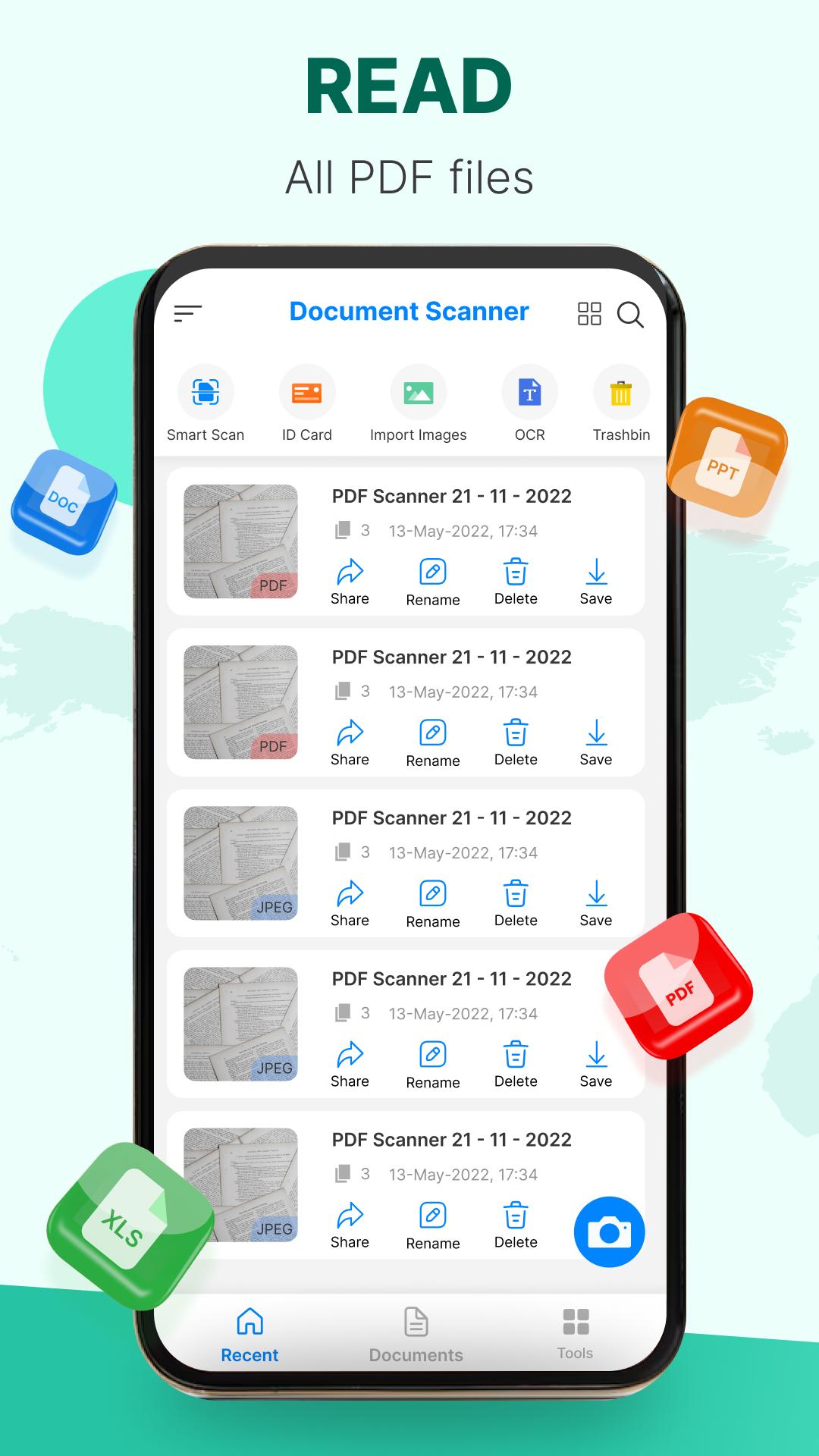
✓ PDF Reader and Viewer:
- Effortlessly open and view PDF documents
- Organize your files with a simple list view, scroll through documents, zoom in and out, and perform basic operations such as renaming, deleting, and viewing file details.
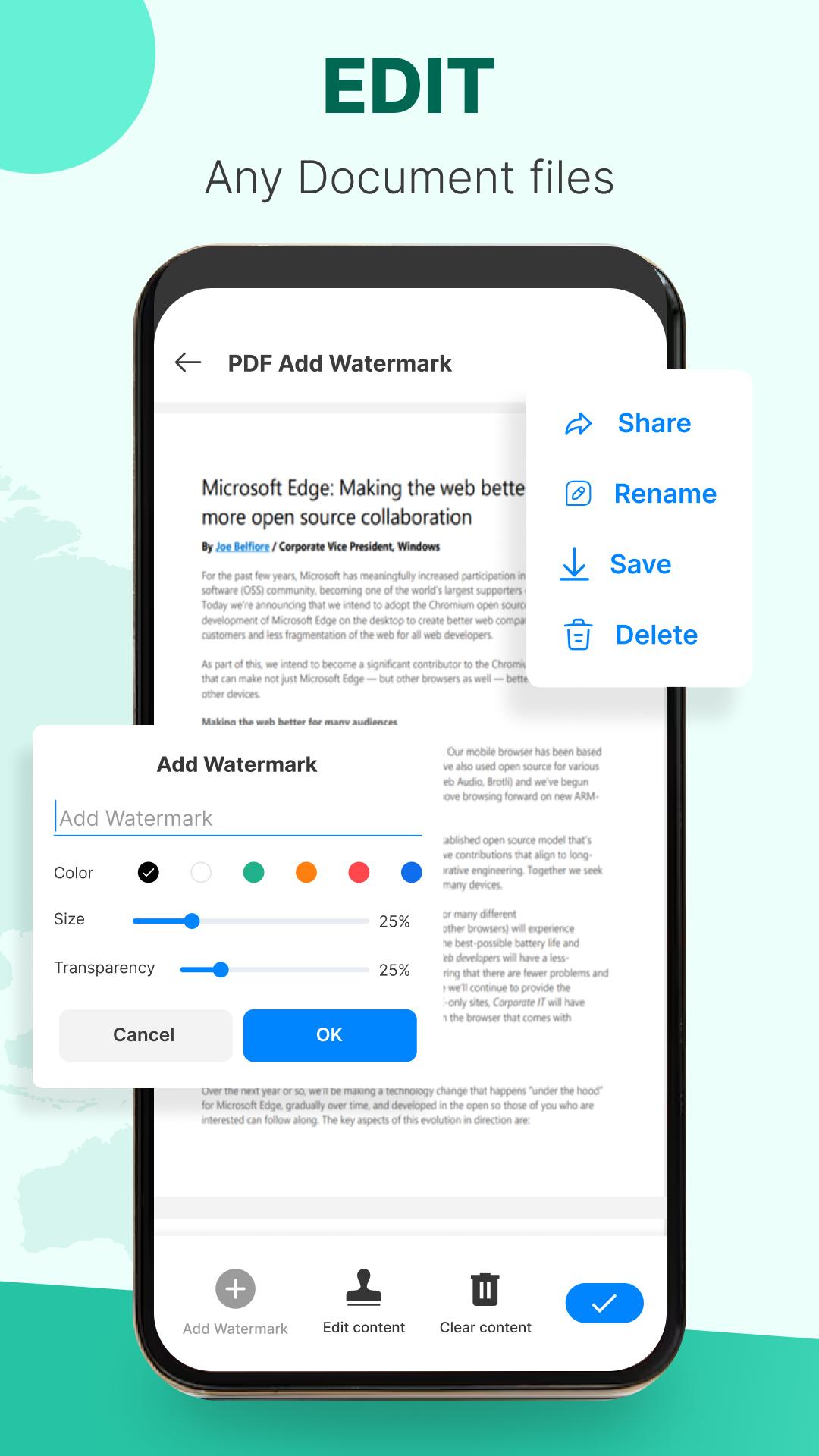
✓ Document Editor:
- Customize your scanning experience by selecting color, grayscale, or black & white scanning modes.
- Document Scan automatically detects page edges, offers multiple levels of contrast for crisp monochrome texts
- Expect lightning-fast scanning performance.
💗 At Document Scan, we are committed to providing the best scanning experience for our users. We continuously strive to enhance our app and welcome your valuable feedback. If you have any specific inquiries or suggestions, please reach out to us at lithewall@gmail.com. Your support is greatly appreciated!
⭐ Download Document Scan: Scan & Edit PDF now and unlock the full potential of your Android device as a powerful document scanner and editor.
PDF Scanner
Combine all your JPG, JPEG, Scanned photos, pictures and PNG files for free
Camera Scanner
Scan images & docs to PDF in seconds
PDF scanner for Android
All document scanner allows combining multiple images into a single PDF
Scan to PDF, photos to PDF
Scan images & make PDF documents with high quality
Scan & Convert to PDF
Free App to scan JPG and other images to PDF
#fast qr scan #instant qr #qr code scanner and generator #simple pdf scanner #scanner pdf – scan documents #scanner +⁺ #mobile scanner app #scan multiple pages #id scan to pdf

One-click to install XAPK/APK files on Android!

Thanks for your rating and feedback!
You have already rated.