Scan Date:May 27, 2026
Show More


8.6
7 Reviews
13.3 MB
File Size
Everyone
Android OS
Device Info : View Device Information. A hardware and system monitor for Android.
Developed by Yasiru Nayanajith, it delivers a privacy-friendly toolkit with zero tracking. Its main appeal is a clean dashboard that turns complex hardware and software data into readable, real-time insights. When you want quick clarity on health, performance, or connectivity, download Device Info : View Device Information and start with the overview. Here are the key features users find most helpful.
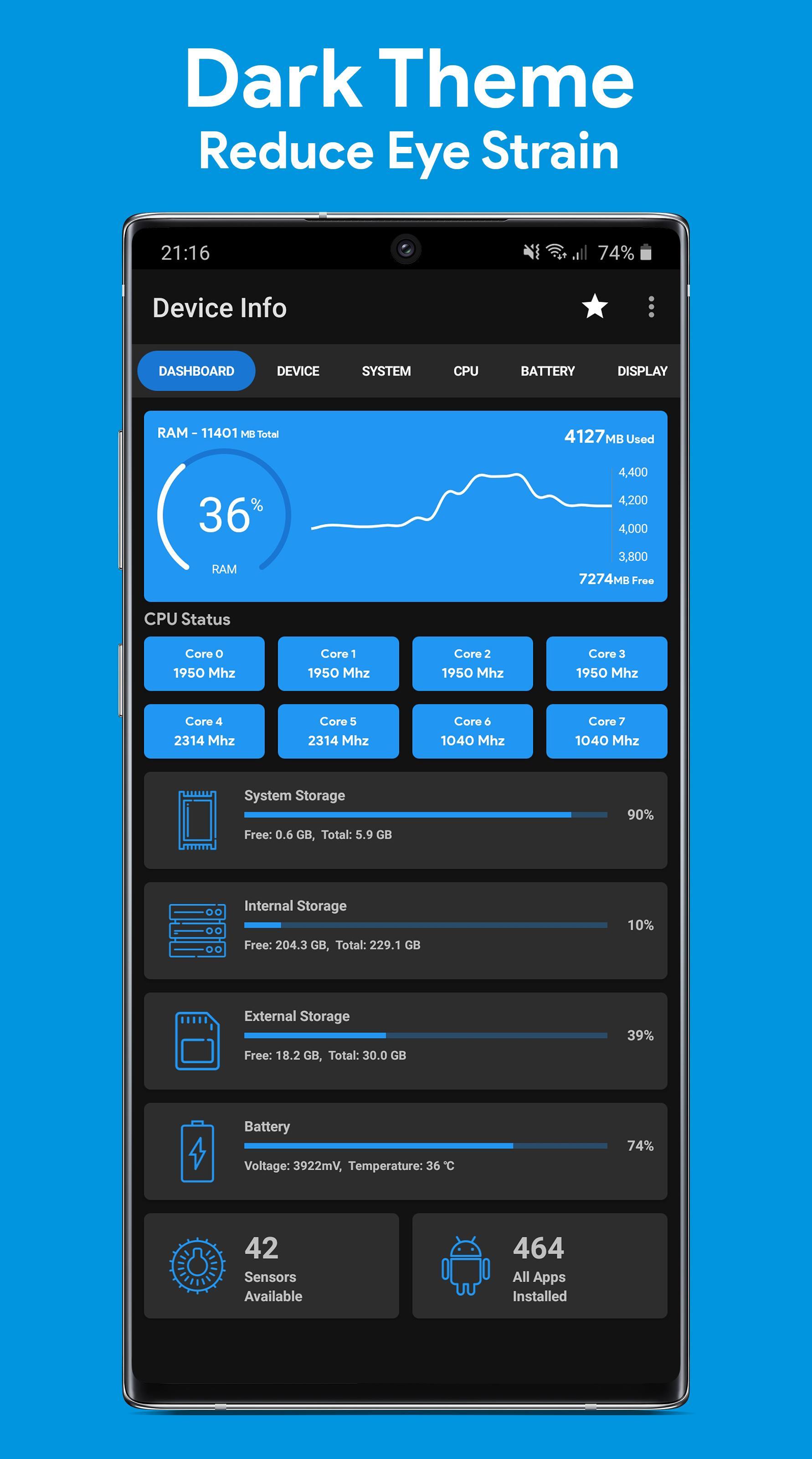
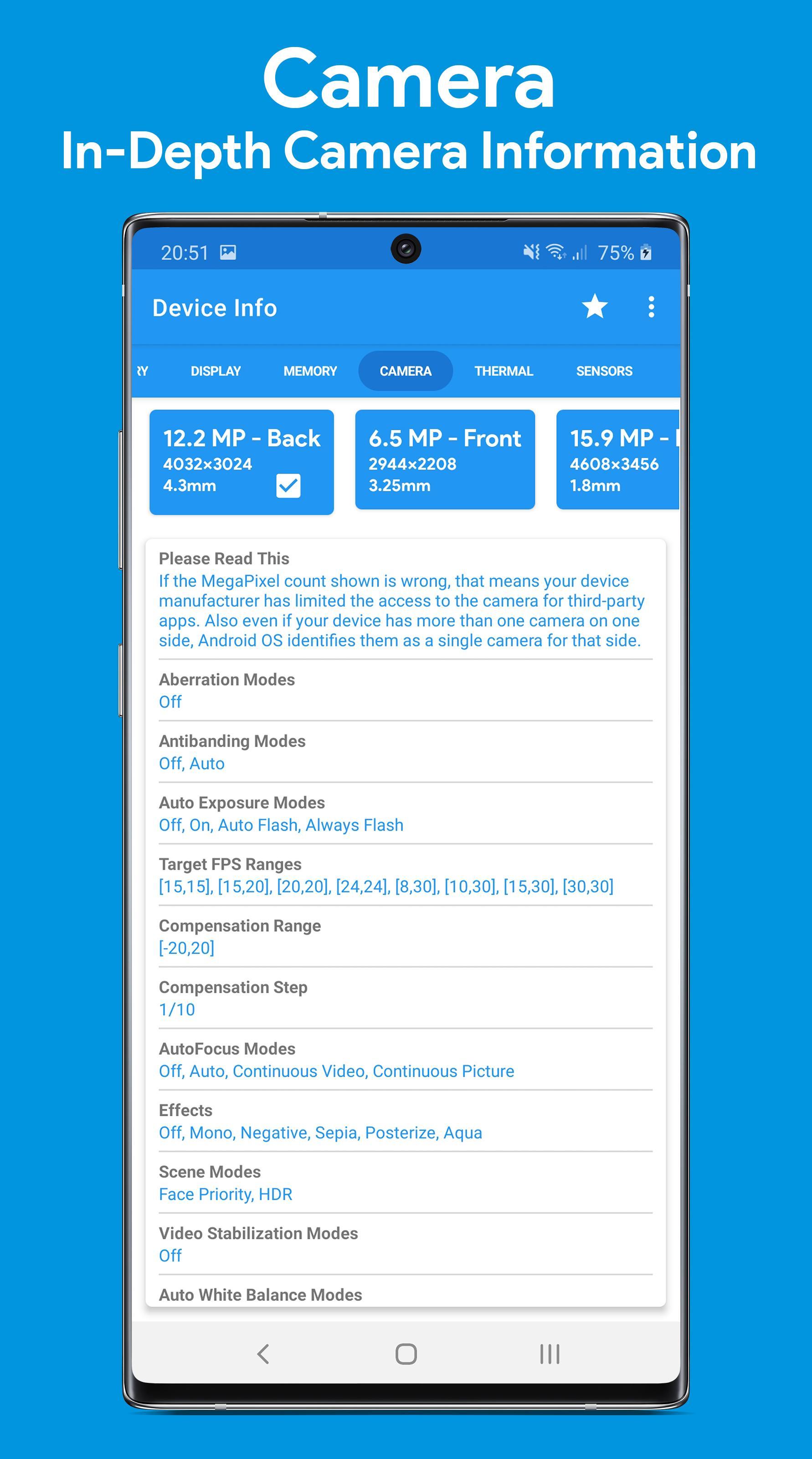
The dashboard summarizes essential health and performance data at a glance. The Device Info : View Device Information app goes deeper when needed, listing hardware identifiers, build fingerprint, codename, kernel version, security patch level, Treble and seamless updates status, OpenGL/Vulkan support, uptime, SIM and network details, and language. This level of detail helps when checking a second-hand phone, verifying a warranty claim, or confirming if a device meets app requirements. You can move from the overview to focused sections like CPU, Battery, Network, Display, Memory, Sensors, or Camera to validate exact specs without digging through system menus.
Live graphs and values show battery level, health, temperature, voltage, current, power, and capacity so you can spot abnormal discharge during gaming or charging. The Device Info : View Device Information app also reports RAM type and frequency, IP addresses, Wi‑Fi standard, security, and link speed, which is useful when tracking lag or bandwidth drops. A dedicated temperature page visualizes thermal zones reported by the system, helping identify heat sources before throttling becomes noticeable. Some readings depend on the device’s sensors and vendor implementation, so treat them as indicators and compare idle versus load for a more reliable picture.
Built-in tests check whether specific components are working as expected. The suite covers display and multi-touch, loudspeaker and ear speaker audio, microphone, flashlight, proximity and light sensors, charging, headset, vibration, Bluetooth, fingerprint, and volume keys. With Device Info : View Device Information, you can quickly confirm if a button misfires, a mic sounds muffled, or a proximity sensor needs calibration context. While results are practical for troubleshooting, some tests rely on hardware support. If a device lacks a sensor, that test will not produce data, which is normal and not an app issue.
The Wi‑Fi analyzer scans nearby networks and displays SSIDs with signal strength, channels, standards, security, and estimated distance. The Device Info : View Device Information app makes it easier to choose a clearer channel on a dual-band router or verify why a café network feels slow. You can compare signal stability room by room to find dead zones before moving a router or adding an extender. For shared environments, the channel view helps avoid overlap with neighbors and can improve real-world speeds without changing hardware.
The app analyzer groups installed apps by target or minimum SDK, installer, signature, and platform. You can inspect permissions and components, review trends with simple graphs, and extract APKs when backups are needed. The Device Info : View Device Information app also exports diagnostics as text or PDF, which is helpful when sending a support ticket or documenting an issue. Material You themes fit the system look, and optional widgets put battery, RAM, or storage on the home screen for at-a-glance checks. Some insights vary with Android versions and vendor changes, so data sets can differ across devices.
After hands-on testing and feature review, the strengths and limits become clear in everyday use. The Device Info : View Device Information suite favors depth, yet stays accessible through its tidy layout.
ProsYou can get the Device Info : View Device Information APK on APKPure. Download time usually takes seconds to a couple of minutes, depending on your connection. APK size may vary depending on the version, so ensure sufficient storage before downloading. During installation, Android may prompt to allow installs from your browser or file manager.
On first launch, the app may request permissions for network info, sensors, or storage so it can display accurate stats and build reports. If you prefer a hands-off start, accept only what you plan to use and grant others later in Settings. For the best experience, install the Device Info : View Device Information latest version and begin with the dashboard to spot any immediate issues. Keep the widget on your home screen to watch battery and storage without opening the app.






One-click to install XAPK/APK files on Android!

Thanks for your rating and feedback!
You have already rated.