







Thanks for your rating and feedback!
You have already rated.

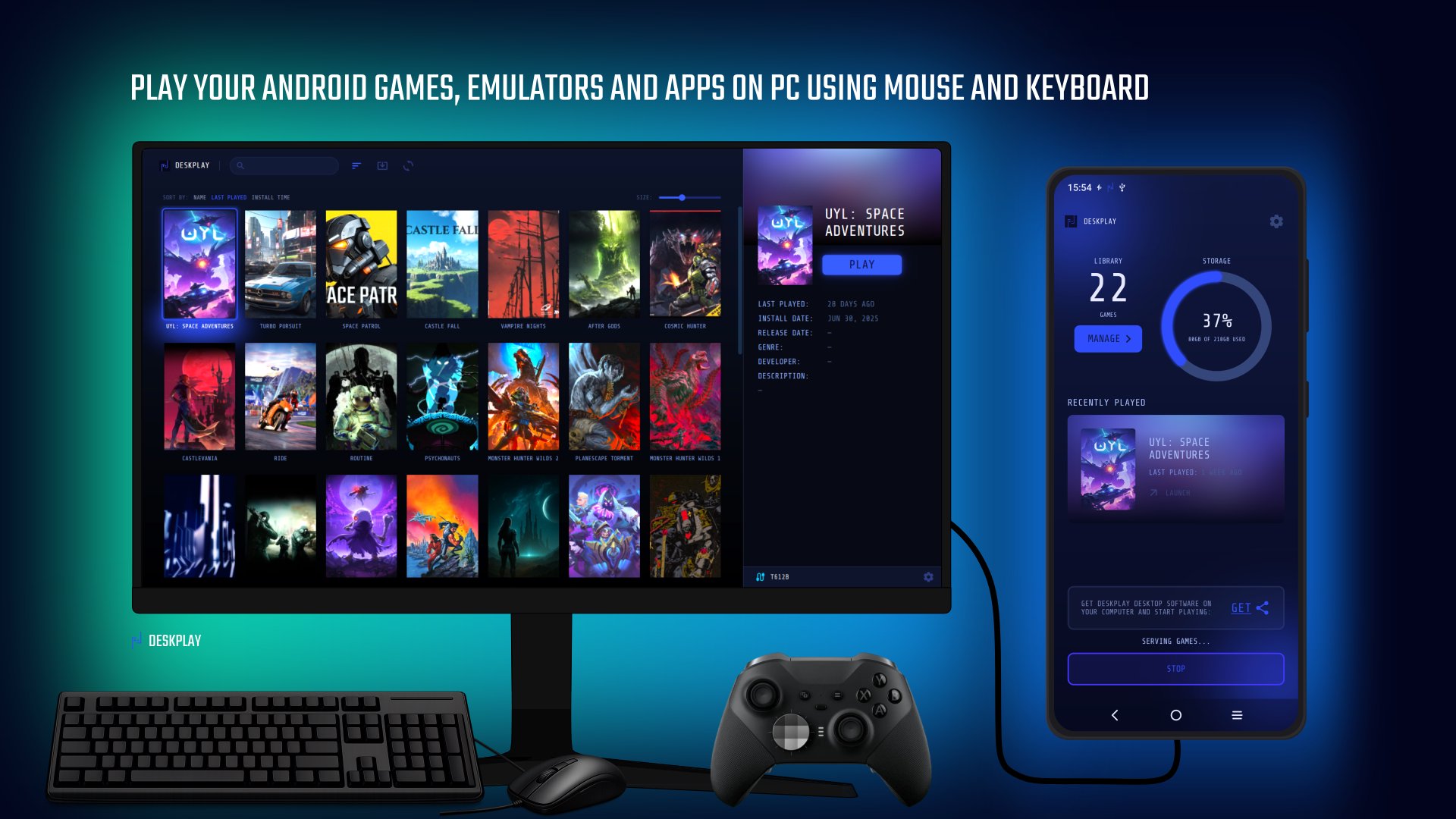
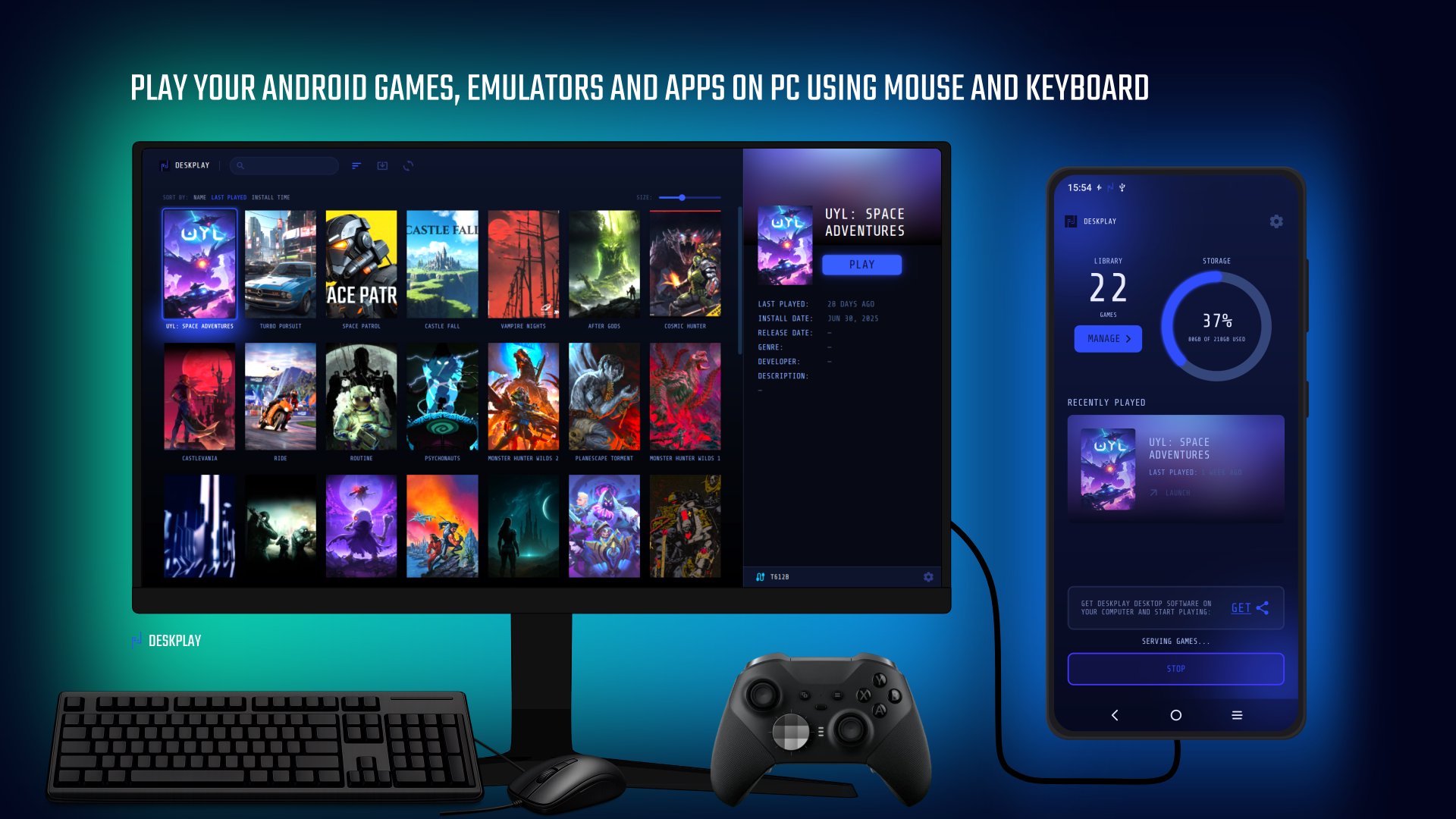
Launch and play your Android games on PC using mouse and keyboard.
Turn your Android device into a portable desktop gaming console.
Deskplay brings the Android gaming ecosystem to your desktop. It enables desktop gaming mode (dex) for any Android device, allowing us to play our Android games on the computer using a mouse and keyboard while keeping the device screen free to use any other app. Desktop mode for Android games, launchers, emulators or any app.
How it works:
Deskplay works in two parts: an Android app and a desktop app. The Android app organizes and manages access to your game library. The desktop app is a frontend responsible for displaying, launching and controlling your Android games from your computer via USB.
Main features:
🔹Universal Android desktop mode: Launch Android games, emulators or any app on your PC.
🔹Play your Android games on your PC in full screen with native screen resolution.
🔹Forward Android audio to your PC speaker.
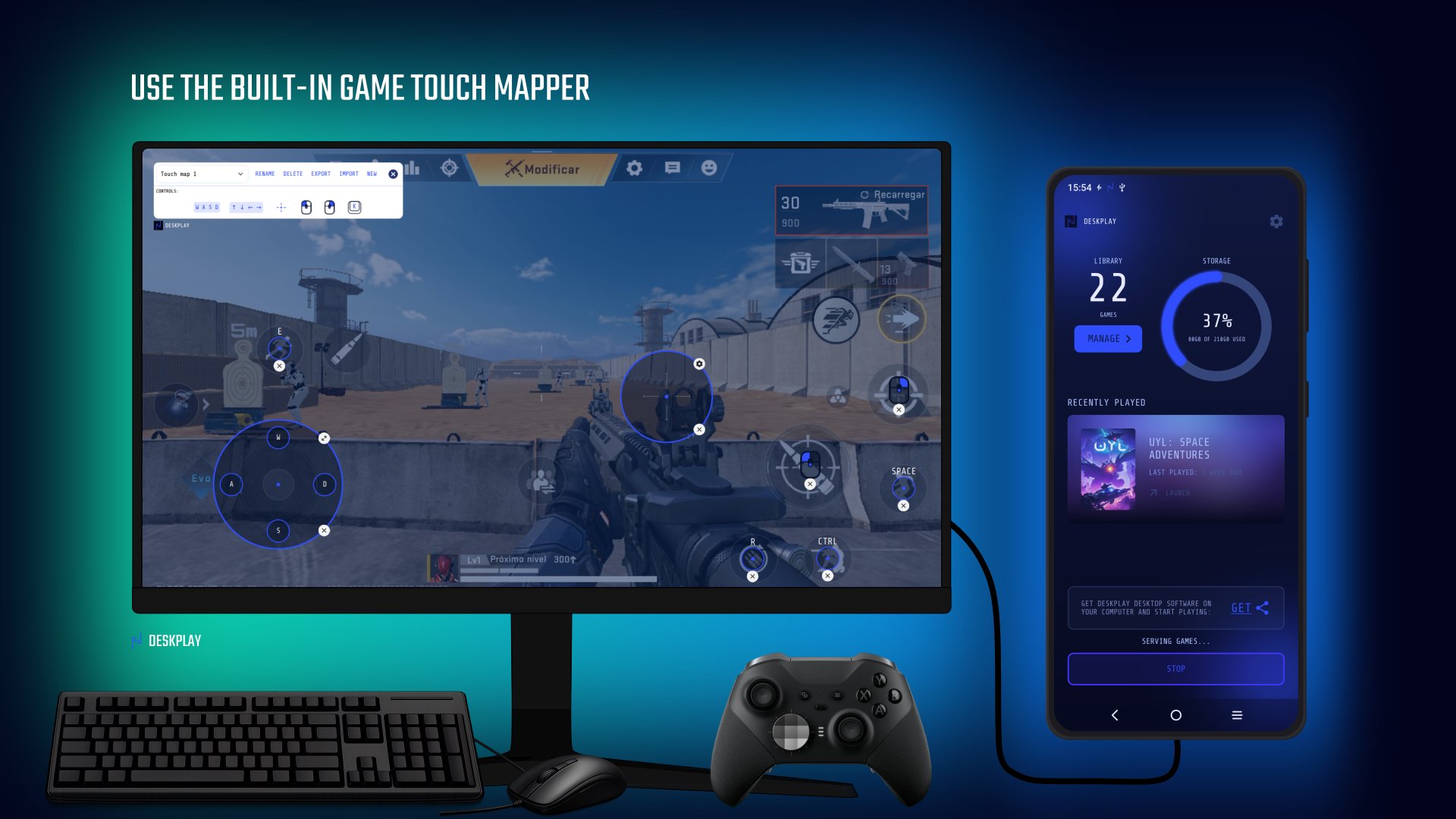
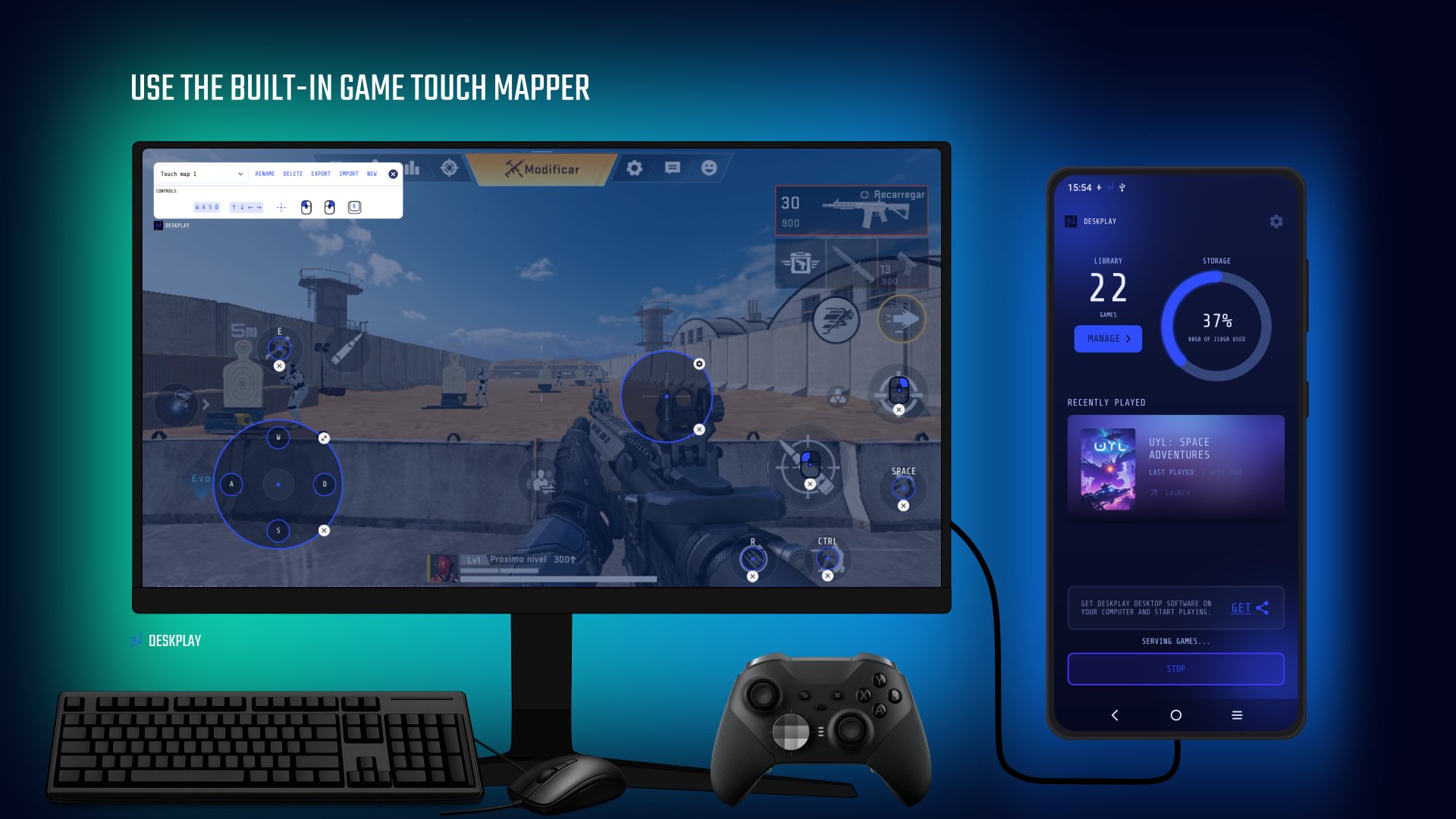
🔹Use the built-in game touch mapper.
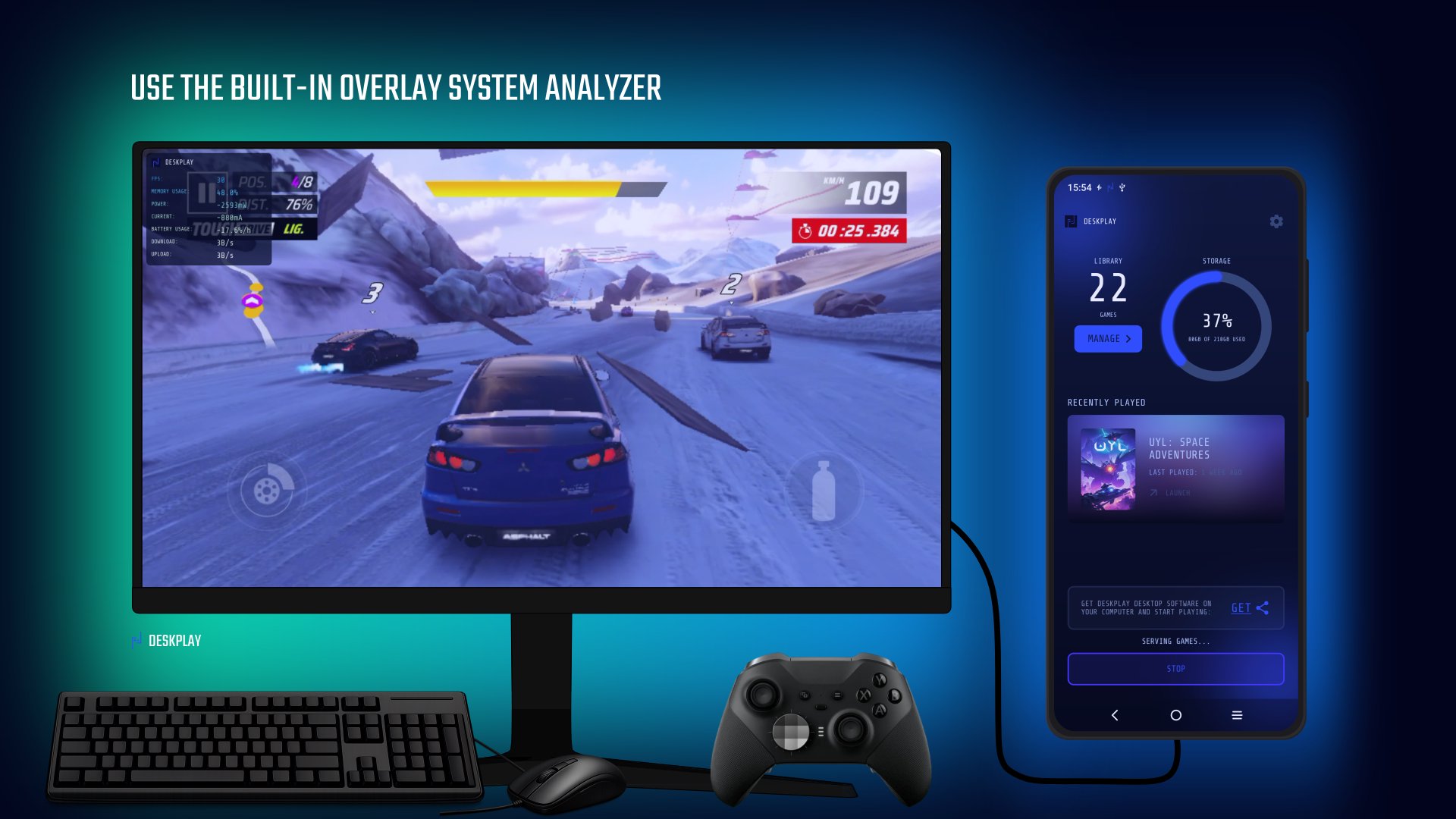
🔹Setup the gameplay: resolution, graphics quality, FPS, DPI, anti-aliasing, etc.
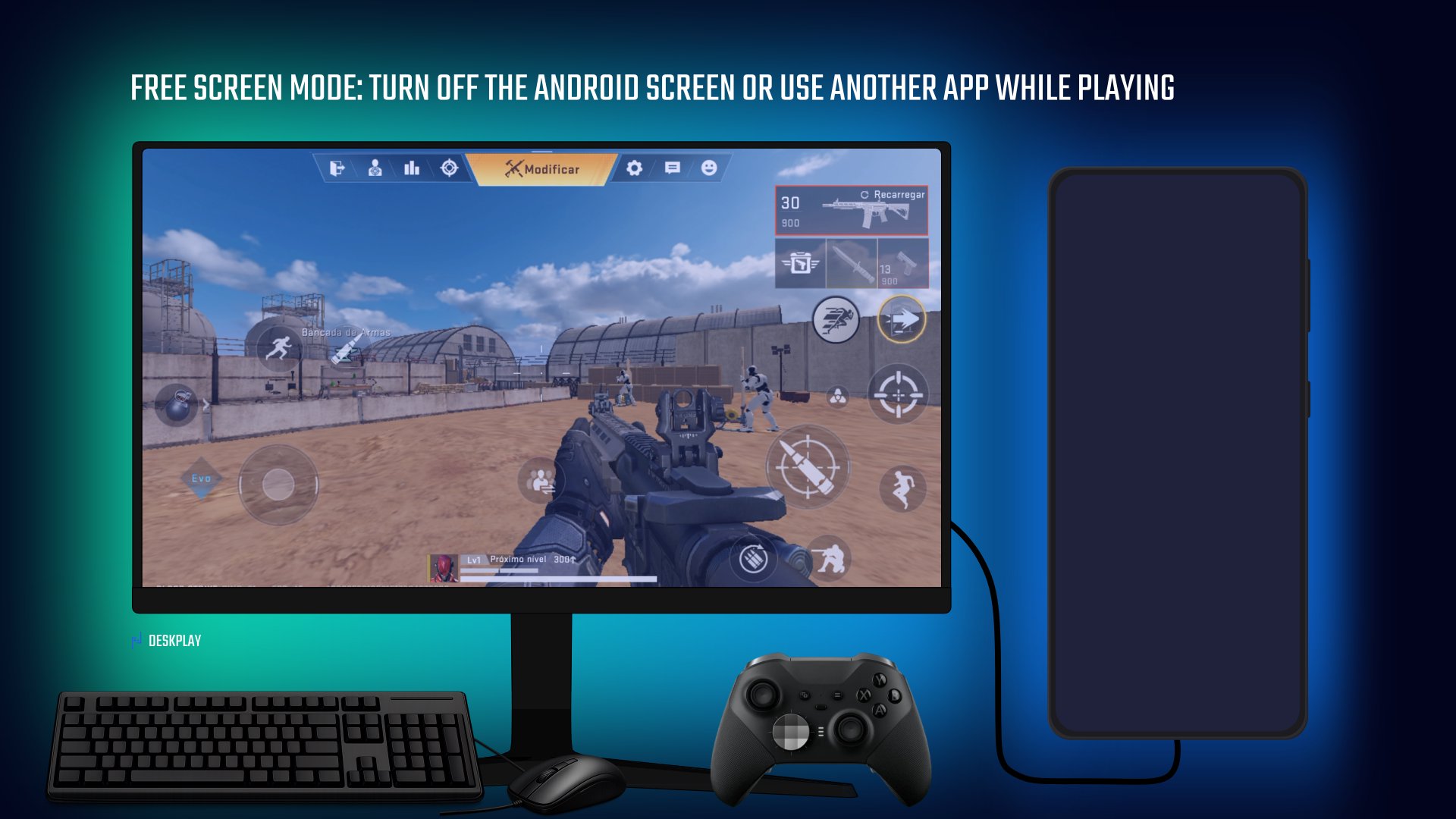
🔹Free screen mode: Turn off the Android screen backlight or use another app while playing.
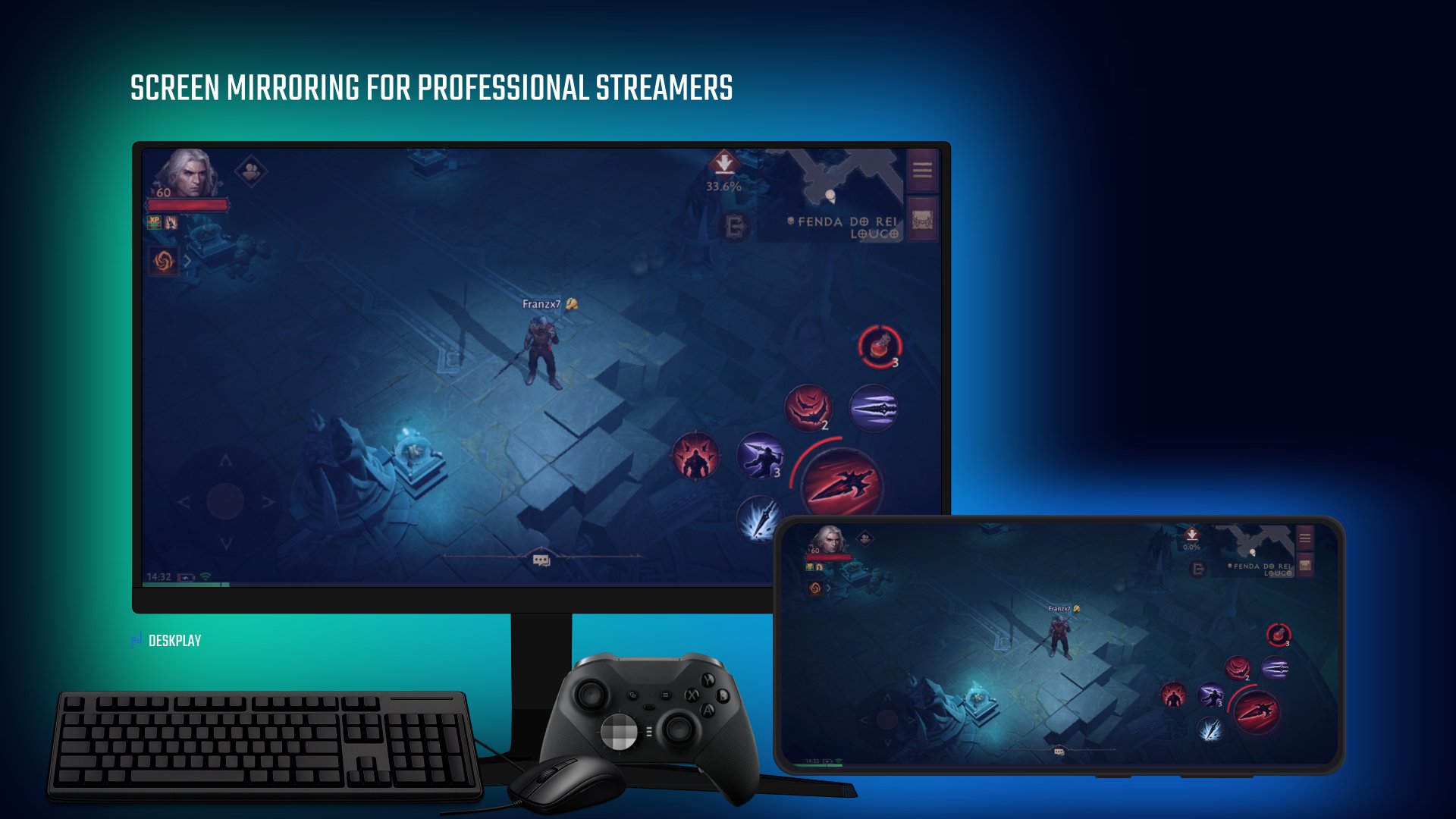
🔹Screen mirroring for professional streamers.
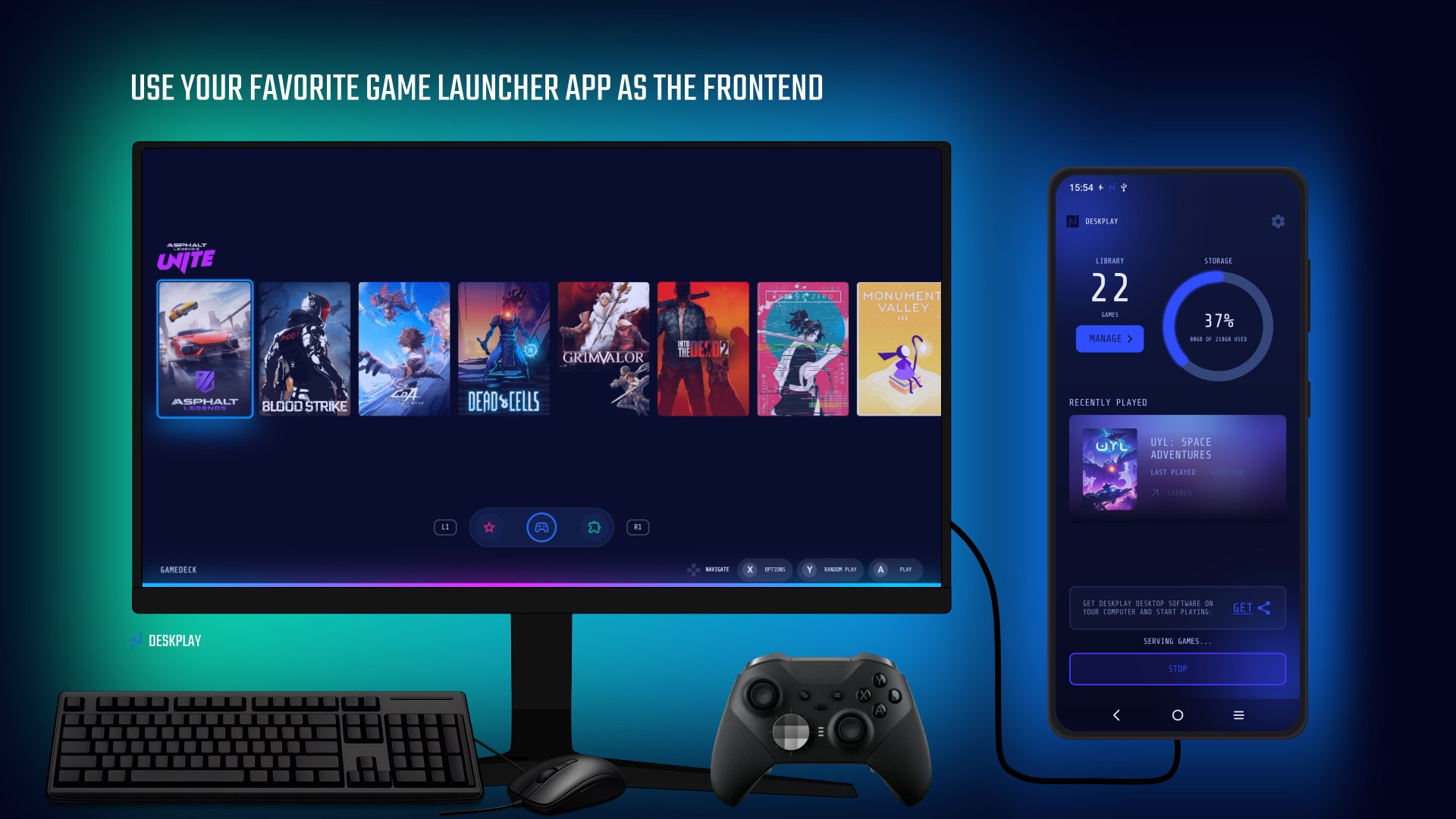
🔹Use your favorite game launcher app as the frontend.
🔹High performance. No delays.
🔹No notifications interrupting the game.
Minimum computer requirements:
🔸OS: Windows (64-bit) or Linux (64-bit).
🔸Processor: Intel or AMD.
🔸Memory: 1GB RAM.
🔸Graphics: Any GPU (integrated or dedicated).
🔸Storage: 500MB.
💬 If you have any questions, get support in our Discord community.
Deskplay is evolving. Stay tuned for updates.
Keep gaming!

One-click to install XAPK/APK files on Android!
Thanks for your rating and feedback!
You have already rated.