Sichere und schnelle APK-Downloads auf APKPure
Mit APKPure können Sie Touch.Retouch Free APK einfach und sicher mit Signaturüberprüfung herunterladen.


10.0
5 Rezensionen
12.6 MB
Dateigröße
Everyone
Android 4.0+
Android OS
Entfernt Objekte aus Bildern sofort ohne Photoshop. Genius ist hier!
🔮 Have you ever had an almost perfect photo….you know the one that would set your Insta profile on fire…except for that random stranger that walks into your shot? Ever wondered if you can remove unnecessary items from an image? Yes, it’s possible to Touch.Retouch app. Remove all the unwanted objects from your image to make it perfect. Touch.Retouch has been known in the community of avid photographers for a while, mainly due to its ability to remove unwanted items from photographs in a click. And now all users have the opportunity to use it as well, at no extra cost!
💊 There are a few ways to clear your photos from unwanted objects:
✧ Simply click on spot-like blemishes to remove them completely
✧ Erase large, linear objects by tracing a shape around them
✧ Use Clone Stamp to clean complex backgrounds made of patterns
🌏 Features
✤ Clone stamp, which can duplicate elements of your photo;
✤ A before/after button, showcasing the changes you made and temporarily reverting you to the original image;
✤ Undo/Redo, an inclusion that is incredibly necessary for this kind of app;
✤ Rich exporting functionality, like the ability to export your photo with editing history, social media sharing, and different format, size, and quality settings.
⚾️ Touch.Retouch is an invaluable tool that can live as an extension to Photos and supports RAW, JPEG, TIFF, PNG, and other popular formats.
🌈 What can Touch.Retouch do? Most photographs, when taken, have some unwanted elements in them. The app can help you easily get rid of:
✔ Debris, garbage cans, street signs, shadows
✔ Power lines, telephone wires
✔ Scratches, surface breaks
✔ Skin blemishes
✔ Dust Spots
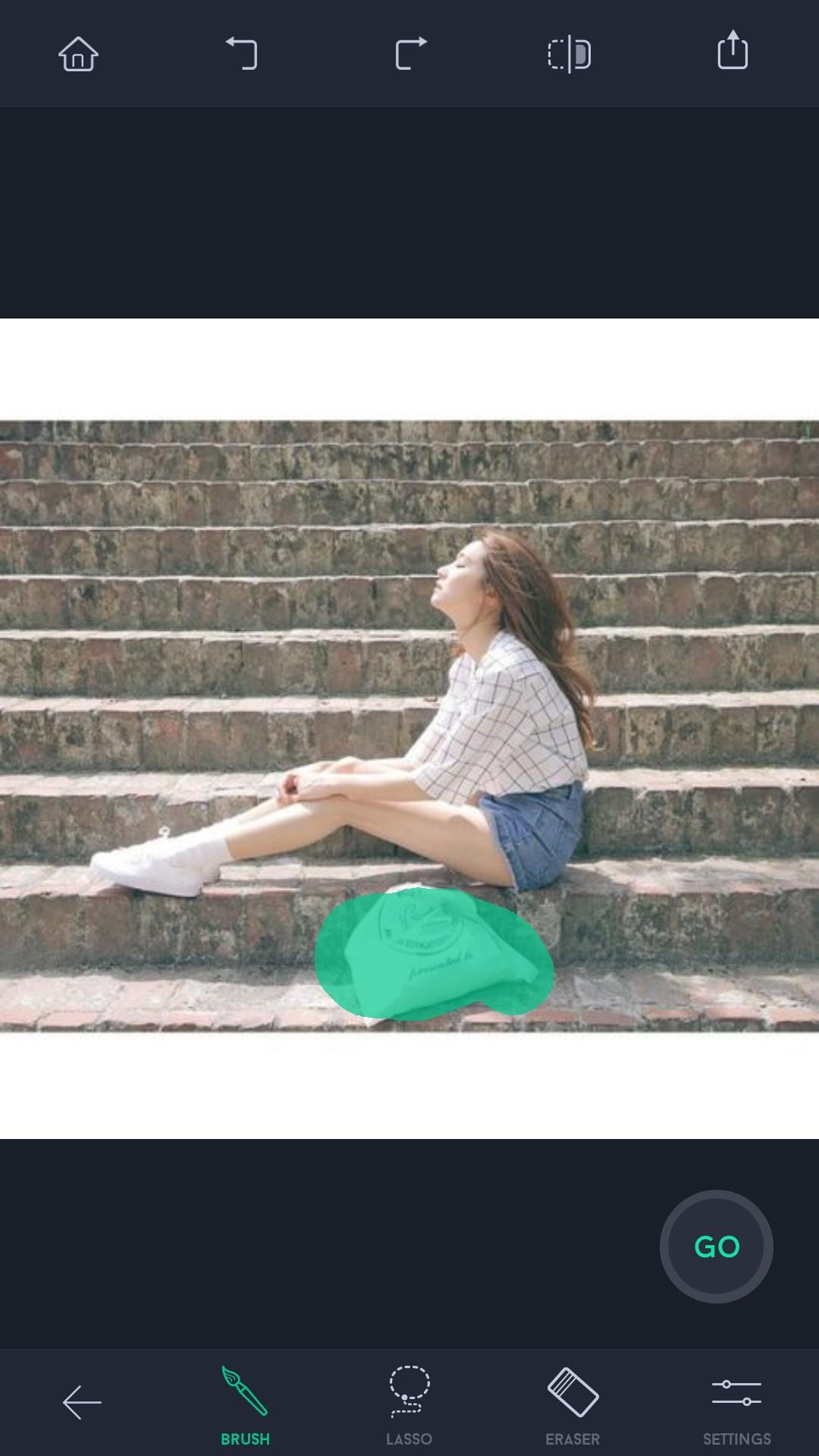
💎 The UI is very good to use and The app looks Very Clean to eyes. When the app is executed, there are 2 options available i.e ‘Albums’ and ‘Tutorials’. If you wanna learn how to use the app, just click on ‘Tutorials’ to learn about all available features and how to use them. Once you get to know how to use all features, go ahead and click the ‘Albums’ to select the picture that you want to edit. Once you have removed all unnecessary items from your image, go ahead and click the ‘Save’ option and the image will be saved.
🔥 Just zoom in on the object, highlight it and hit erase and the program will automatically fill in the background for you. From there, you can share or email the picture.




Ein Klick zur Installation von XAPK/APK-Dateien auf Android!

Vielen Dank für Ihre Bewertung und Ihr Feedback!
Sie haben bereits bewertet.