Sichere und schnelle APK-Downloads auf APKPure
Mit APKPure können Sie SOS Add-on: Google AOSP APK einfach und sicher mit Signaturüberprüfung herunterladen.

Turn on remote control capability for your Google AOSP device
Turn on remote control capability for your Google AOSP signed device.
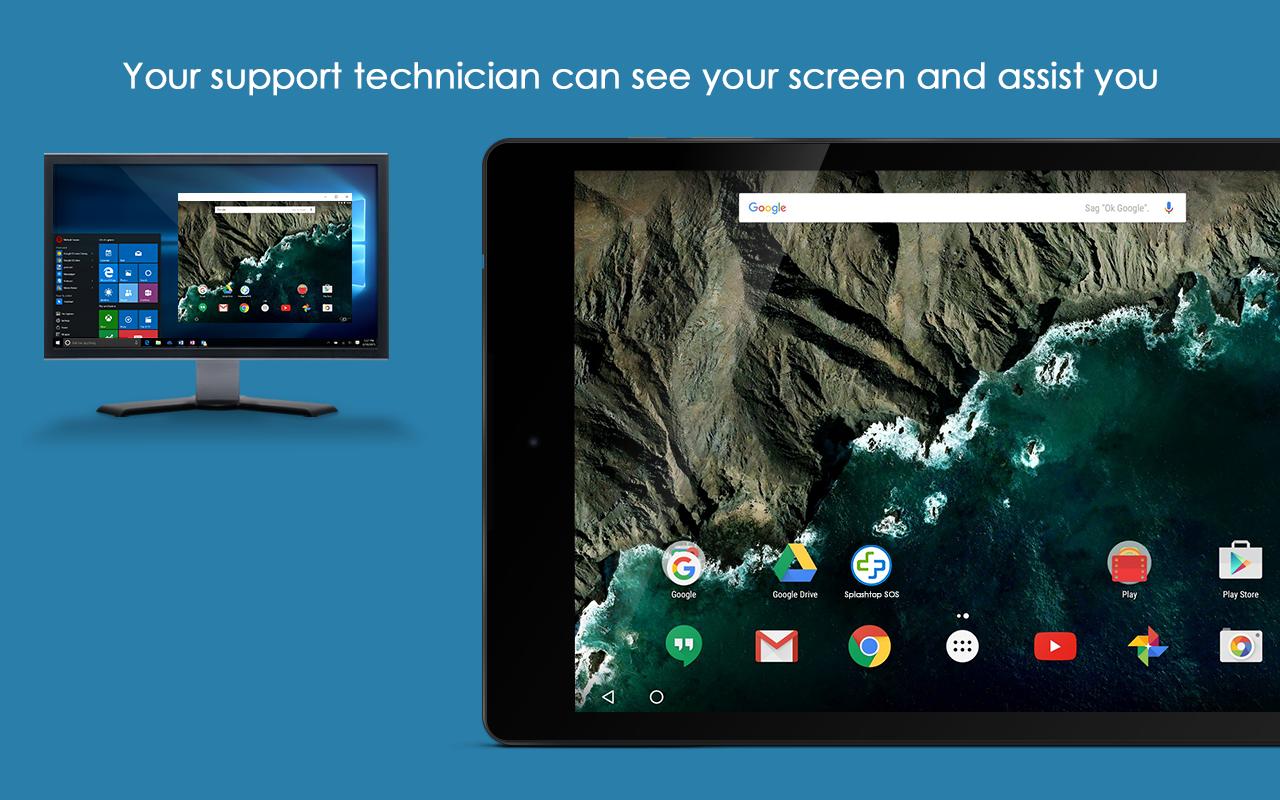
Splashtop On-Demand Support (SOS) enables you to receive remote support of your mobile device from any computer (Windows, Mac, Linux, Chromebook) with Splashtop On-Demand Support (SOS) account. User can real-time screen share to remote technician. Session connection is encrypted using 256-bit AES / TLS .
With this add-on, Google AOSP devices remote control will be turned on.
Quick Guide:
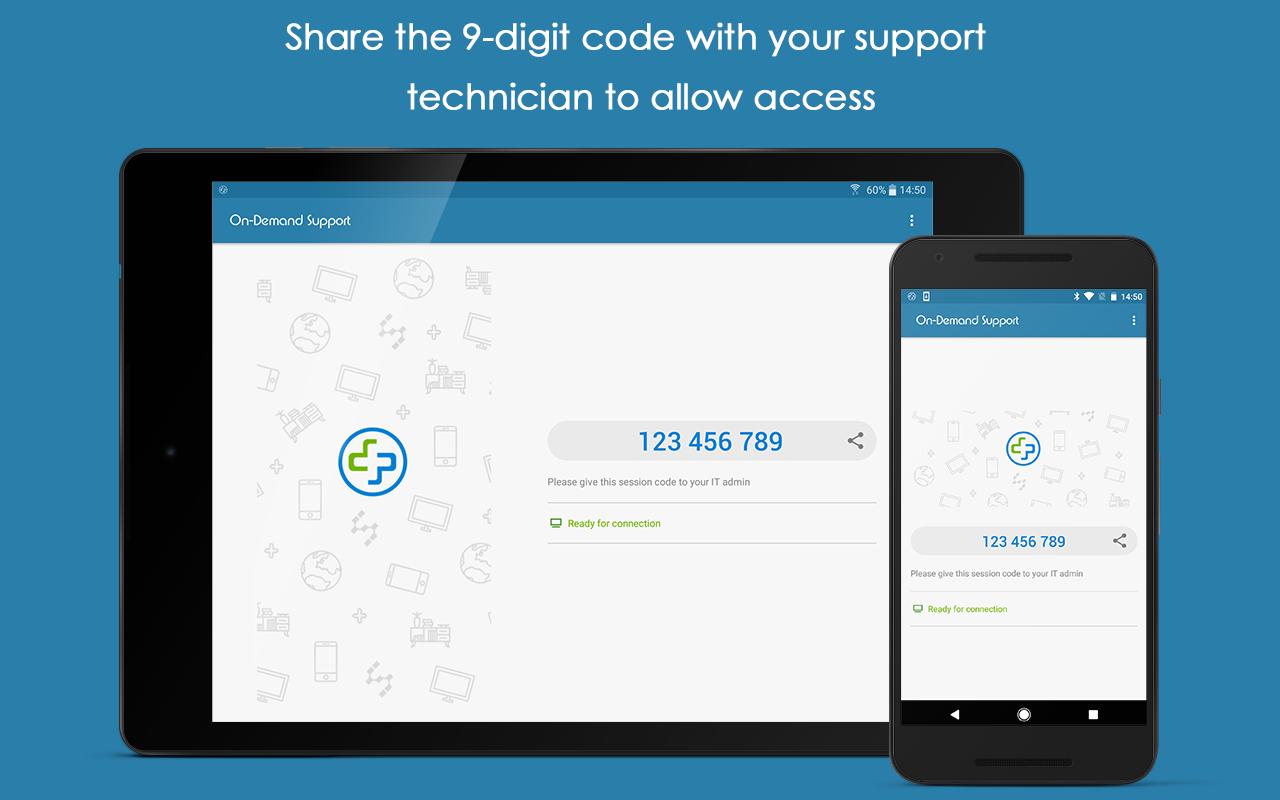
1. Download and launch Splashtop On-Demand Support (SOS) app on your mobile device (https://play.google.com/store/apps/details?id=com.splashtop.sos)
2. Install appropriate Add-on per the instructions in the SOS app
3. Share the session ID to your remote technician who has Splashtop On-Demand Support (SOS) account

Ein Klick zur Installation von XAPK/APK-Dateien auf Android!

Vielen Dank für Ihre Bewertung und Ihr Feedback!
Sie haben bereits bewertet.