Sichere und schnelle APK-Downloads auf APKPure
Mit APKPure können Sie Lock / Encrypt Files APK einfach und sicher mit Signaturüberprüfung herunterladen.

Mit Lock, Sie verschlüsseln und verstecken jede Datei einfach und sicher kann;
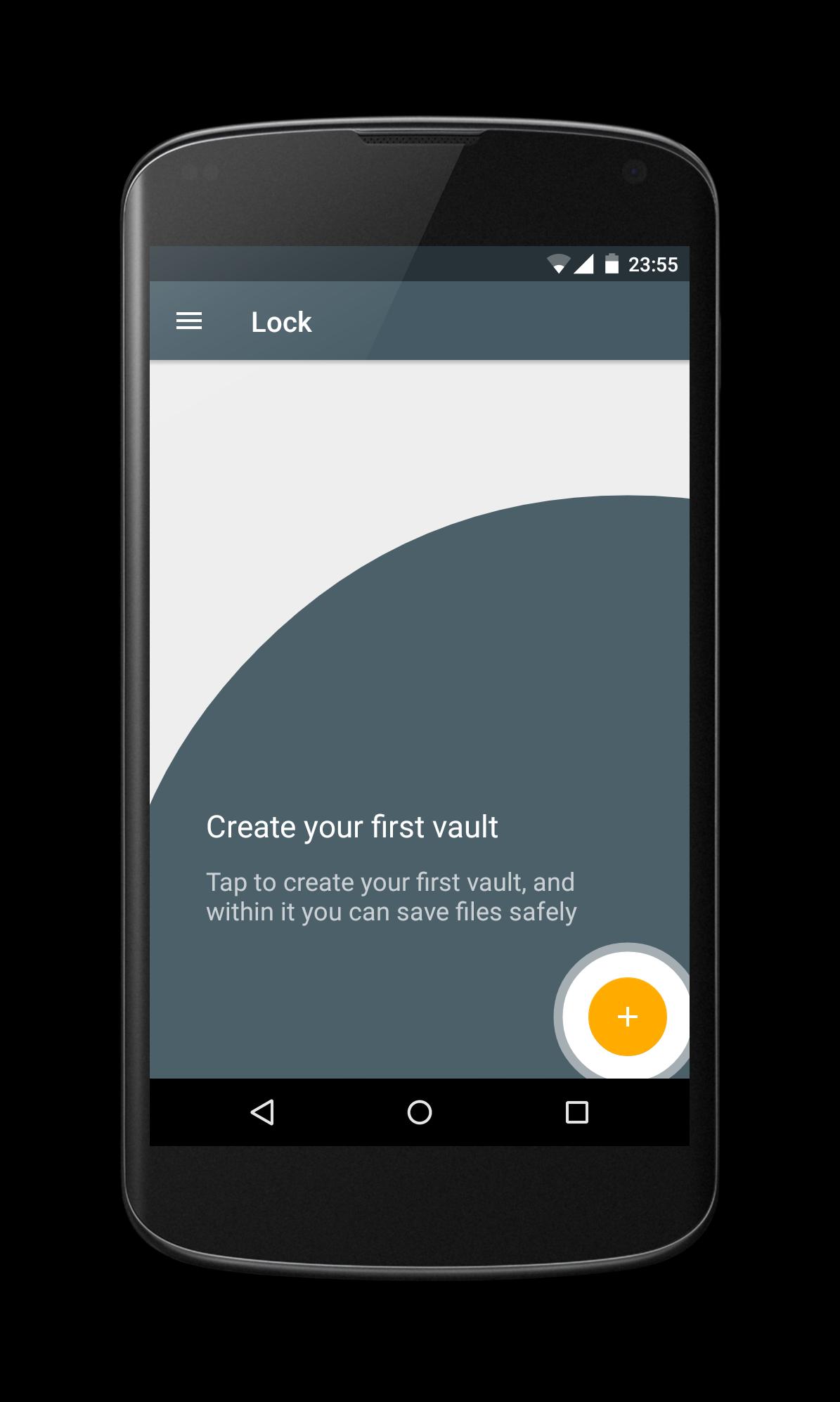
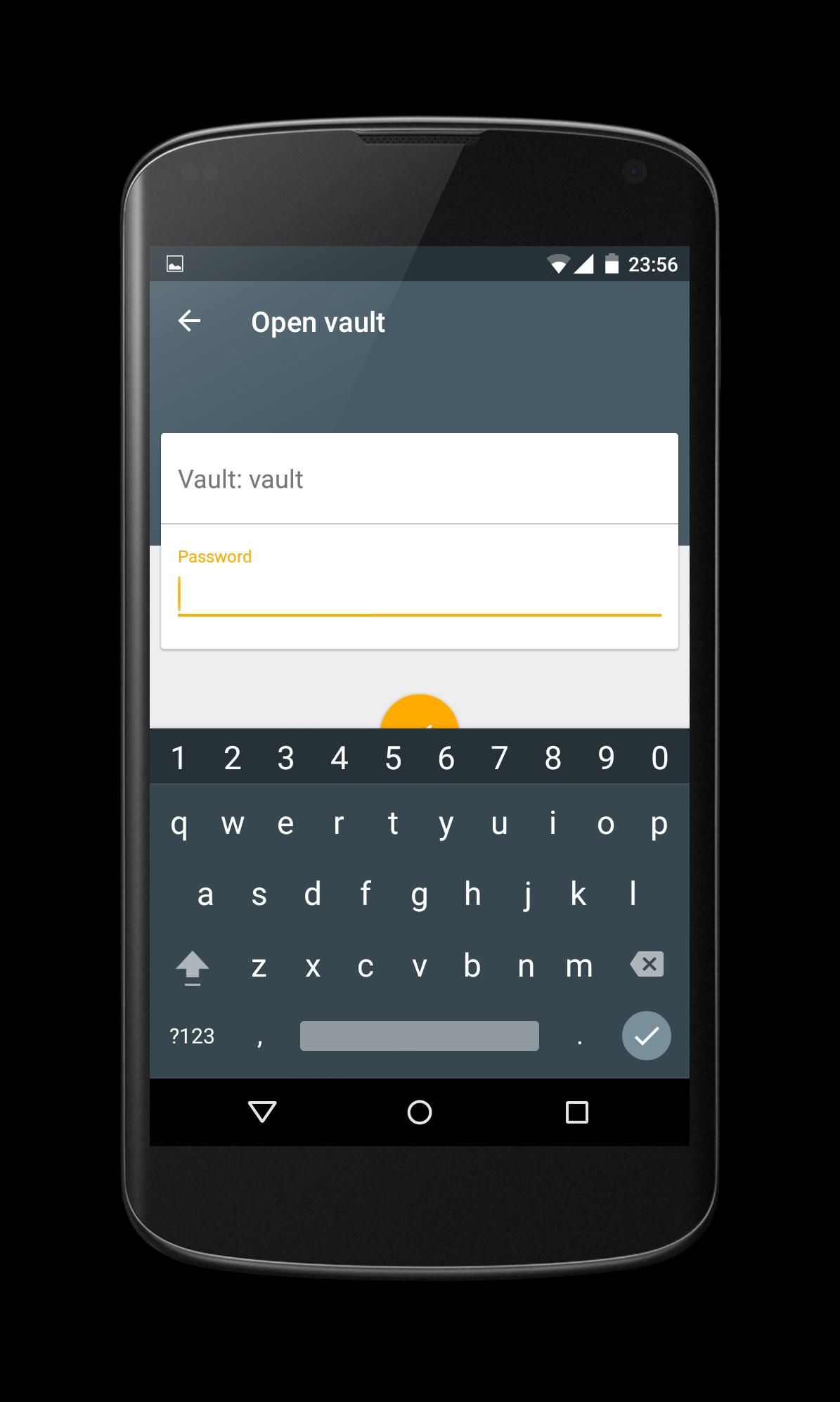
With Lock, you can you can encrypt and hide any file easily and safely; it is ideal for protecting and sharing your personal files; both photos and videos. This app is free, without ads, and you can find the source code on github.
You can download Lock for other devices from its website https://lockapp.github.io
Features:
* Lock includes a secure gallery, to view photos and videos.
* Disappears from 'recent apps' list
* Encrypts and hides all file types
* Clean and simple design
* Leaves no trace of any temporary files in the system
Is Lock safe?
The short answer is yes.But in reality, this is a bit longer; in many parts of the application it talks about blocking due to many users not being familiar with term such as encrypting, but what really happens is that your information is encrypted using AES; the same state-of-the-art encryption algorithm used as the national standard in the United States. Lock uses 256-bit keys for encryption, which means that it would take millions of years for a criminal to decrypt your data using a brute force attack.
Is my information protected?
The difference from other applications is that it has only one permission. It can only access external storage (SD Card) to encrypt your files. It has no access to the internet, SMS or other networks. Therefore Lock has no way to send your data out of your phone. On the other hand, Lock is hosted on github and anyone who wishes to may see it.
Can I share encrypted files?
Yes, to share an encrypted file, you have to open it and find the share icon in the action bar of the files viewer that incorporates Lock.
https://lockapp.github.io




Ein Klick zur Installation von XAPK/APK-Dateien auf Android!

Vielen Dank für Ihre Bewertung und Ihr Feedback!
Sie haben bereits bewertet.