Sichere und schnelle APK-Downloads auf APKPure
Mit APKPure können Sie Control Center iOS 15 APK einfach und sicher mit Signaturüberprüfung herunterladen.

Control Center hilft Ihnen, schnell auf Einstellungen und bevorzugte Anwendungen zuzugreifen
What is Control Center IOS 15?
Control Center IOS 15 is an easy tool for Android devices. It's fast, it’s smooth, and it’s totally FREE.
With a floating bar on the screen, you can easily use your Android smartphone. More conveniently, you can quickly access all your favorite apps, games, settings, and quick toggle, screen capture, screen recording. Control Center is also an ideal app to protect the physical buttons (volume button). It is very useful for a big-screen smartphone.
Instant access IOS 15 functions:
1). Airplane mode: turning off Bluetooth, Wifi and cellular connection
2). Do not disturb: silence calls, alerts, and notifications
3). IOS15 dark mode
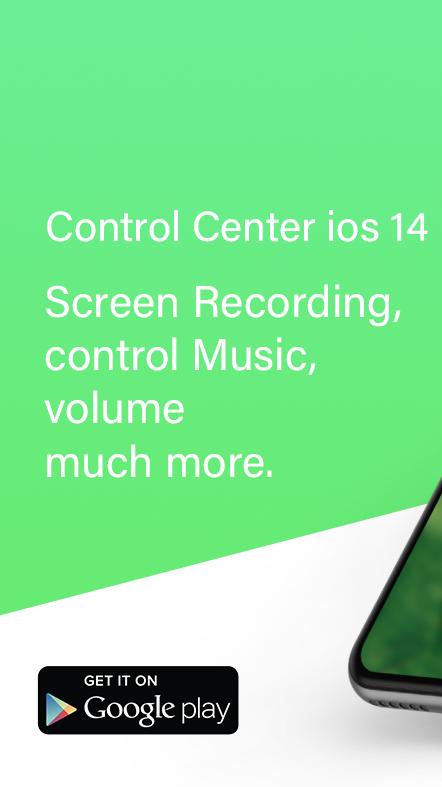
4). Screenshot and screen recording.
5). Portrait Orientation lock and saving battery.
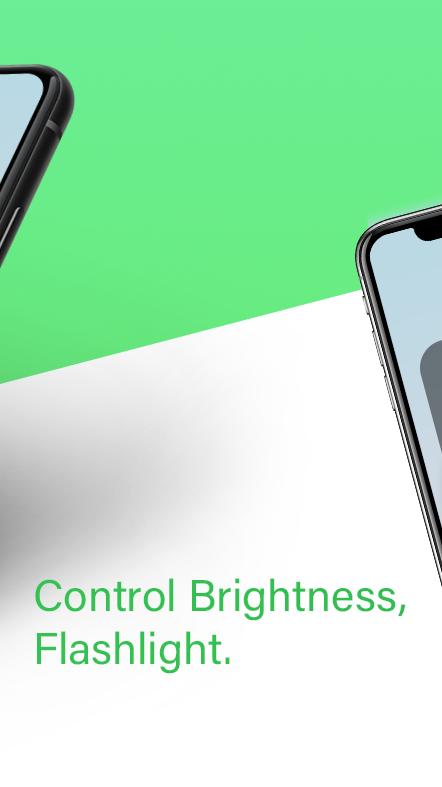
6). Adjust brightness and volume
7) Wifi, Bluetooth, and flashlight
With Control Center, you can quickly access multiple settings and apps.
1). Airplane Mode: Use Airplane Mode to instantly turn off Bluetooth, Wi-Fi, and cellular connections on your android device.
2). Wi-Fi: Turn on Wi-Fi to browse the web, stream music, download movies, and more.
3). Bluetooth: Connect to headphones, car kits, wireless keyboards, and other Bluetooth-enabled devices.
4). Do Not Disturb: Silence calls, alerts, and notifications that you receive while your device is locked.
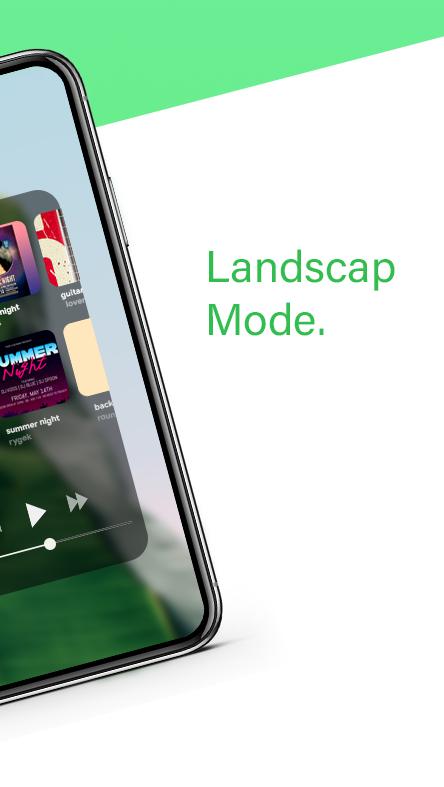
5). Portrait Orientation Lock: Keep your screen from rotating when you move your device.
6). Adjust brightness: Adjust the brightness of your display from any screen.
7). Flashlight: The LED flash on your camera doubles as a flashlight, so you can get extra light when you need it.
8). Alarms and Timer: Set an alarm, timer, or stopwatch, or check the time in another country or region.
9). Calculator: Tap numbers and functions in Calculator, just like a standard calculator.
10). Camera: Never miss a moment to take a picture with quick access to your camera.
11). Control audio: From here, you can quickly play, pause, and control the volume of your favorite song, podcast, and more.
12). Record Screen: Record any action on your phone. (Support android 5.0 above only)
13). Screenshot: Capture screen (Support android 5.0 above only)
Permission
- CAMERA to turn on Flashlight, not take a photo.
- We never publicly disclose any personal or sensitive user data related to financial or payment activities or any government identification numbers, photos, contacts, etc.
Customize
1). Change the position of the bar (left, right, bottom)
2). Change the opacity of the bar
3). Add or remove apps or controls on the Control Center
4). Change the size of the bar (width, height)
5). You can change color of bar with your favorite color, totally free
If you appropriate us, please share with your friends and families.
Besides, Please give us a 5-start rating to support developer and you can feedback question for us. We will consider them for future updates.
Many thanks for using this app.





Ein Klick zur Installation von XAPK/APK-Dateien auf Android!

Vielen Dank für Ihre Bewertung und Ihr Feedback!
Sie haben bereits bewertet.