Package Name:com.aruba.jarvisbt
Show More


39.3 MB
File Size
Everyone
Android 8.0+
Android OS
One-Touch Switch Provisioning
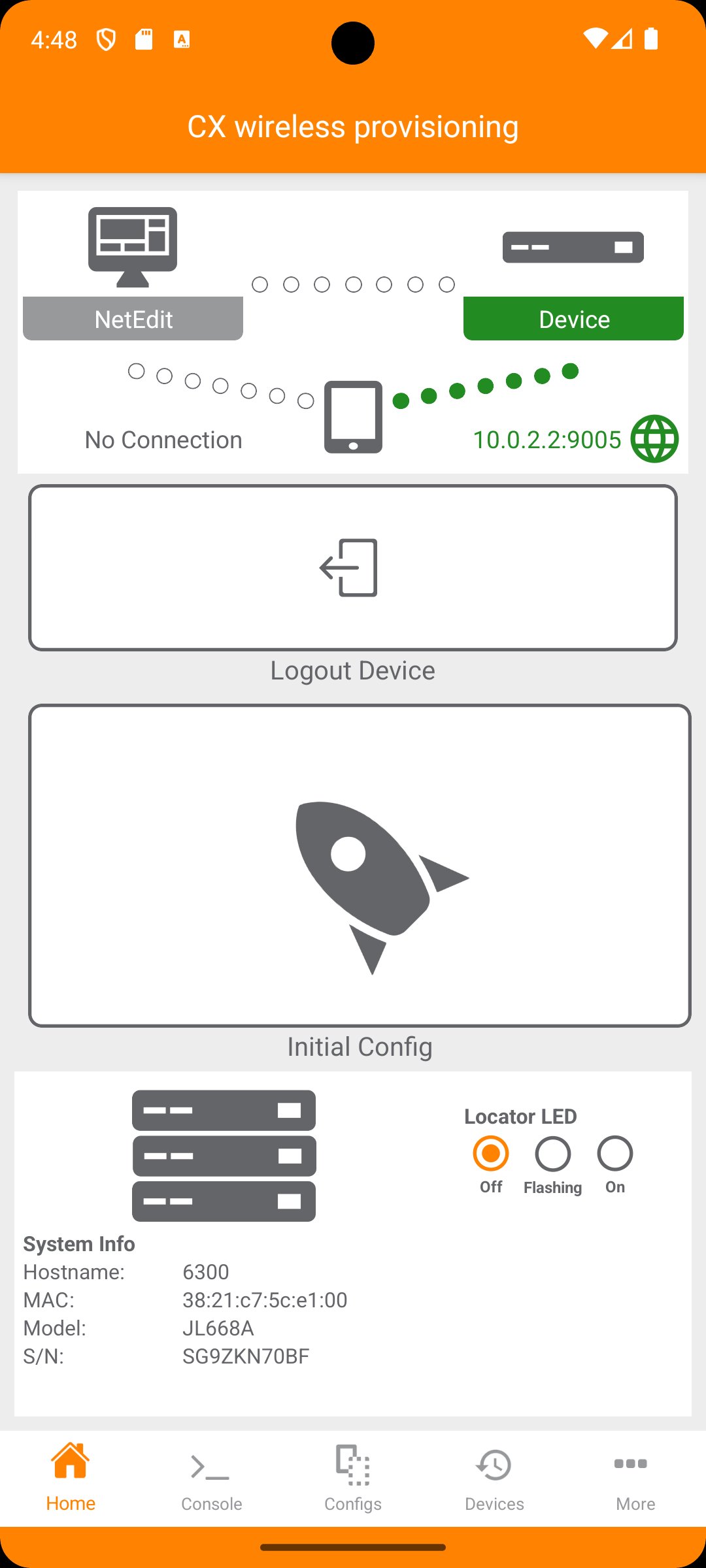
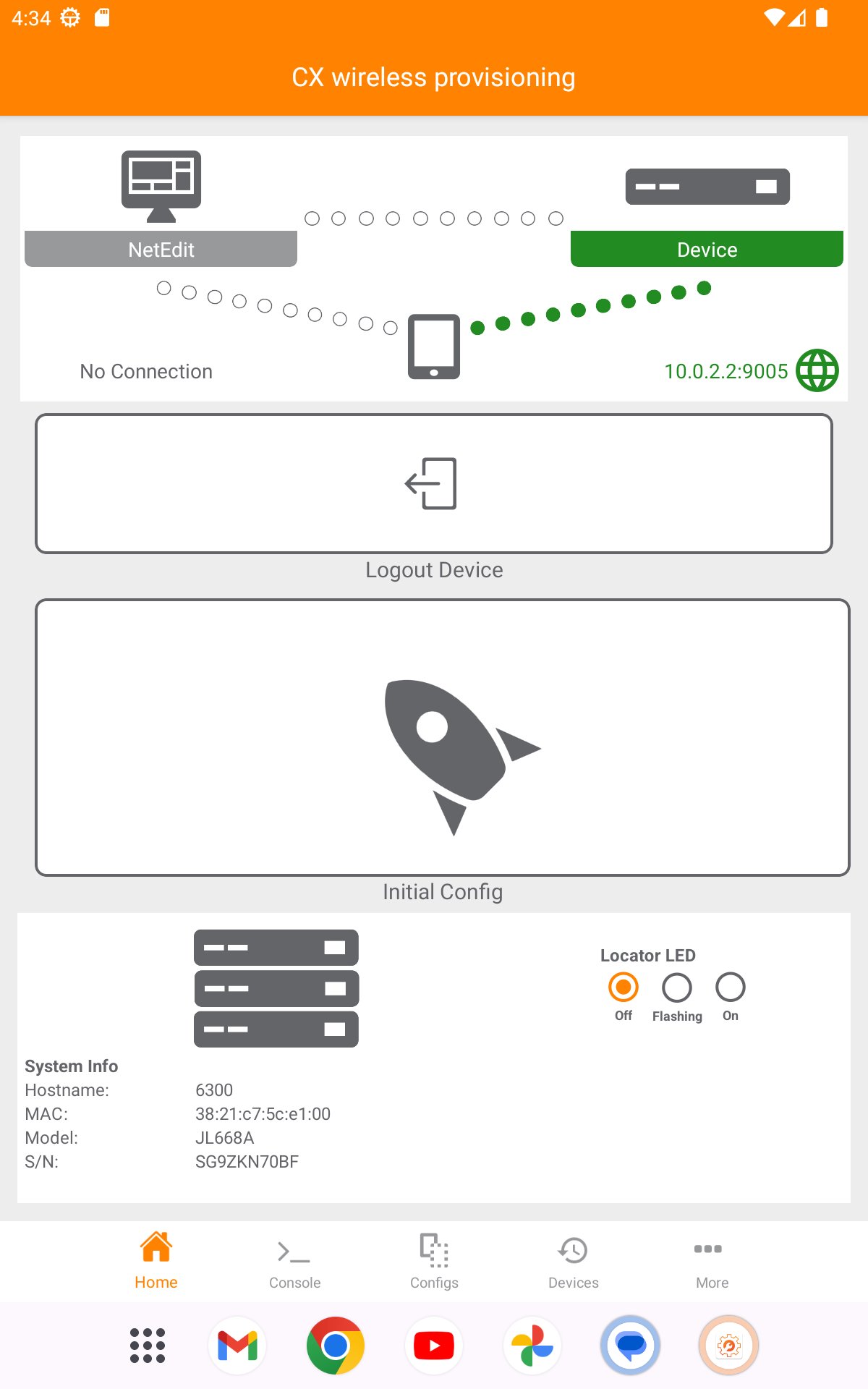
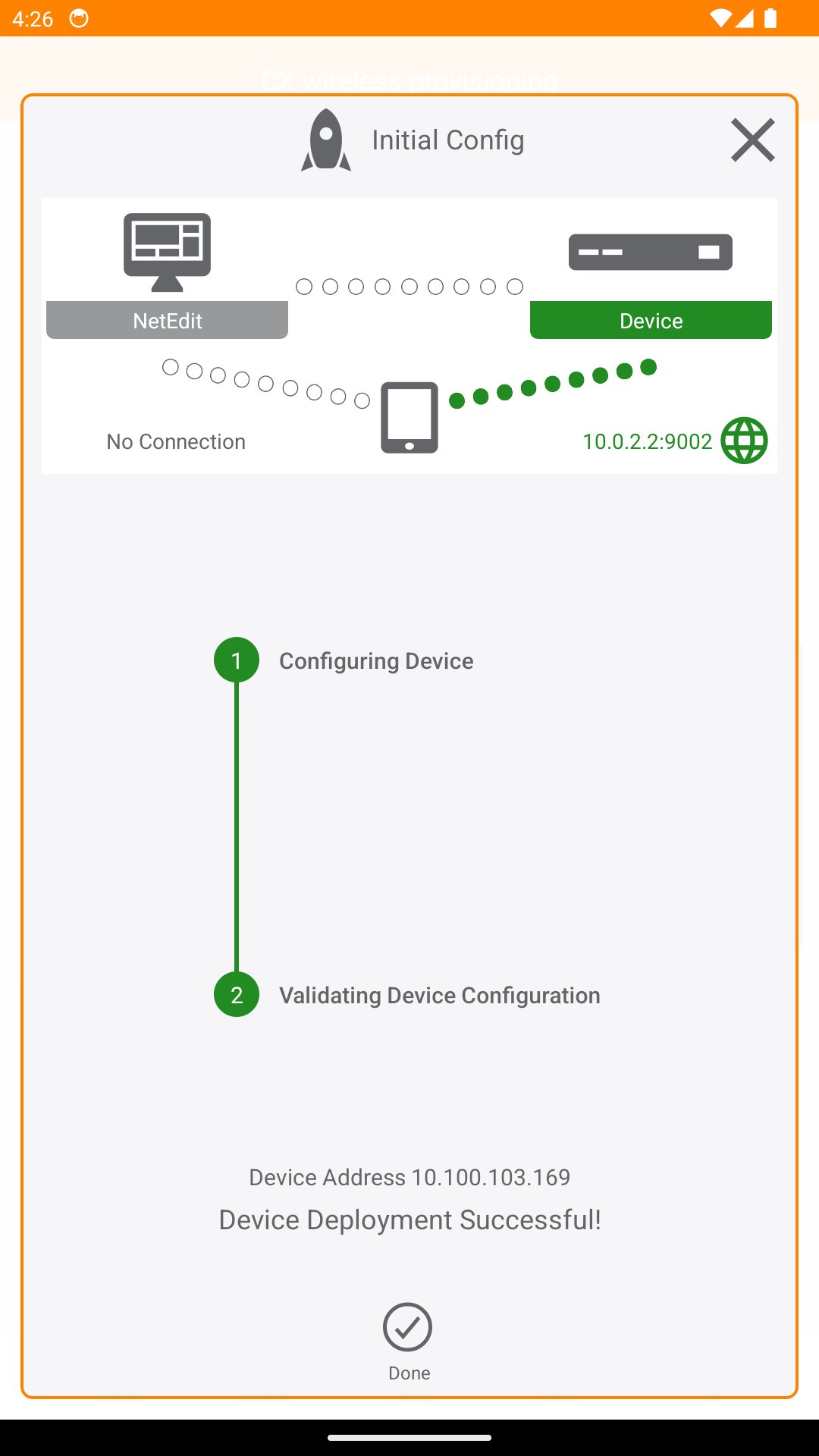
The CX Provisioning mobile app automates connecting an ArubaOS-CX switch to the network. Use this mobile app to deploy and manage ArubaOS-CX switches from your mobile device. You can connect to the switch through Bluetooth or WiFi.
This app supports AOS-CX firmware: 10.3 and newer
You can use the CX Provisioning mobile app to do the following from your mobile device:
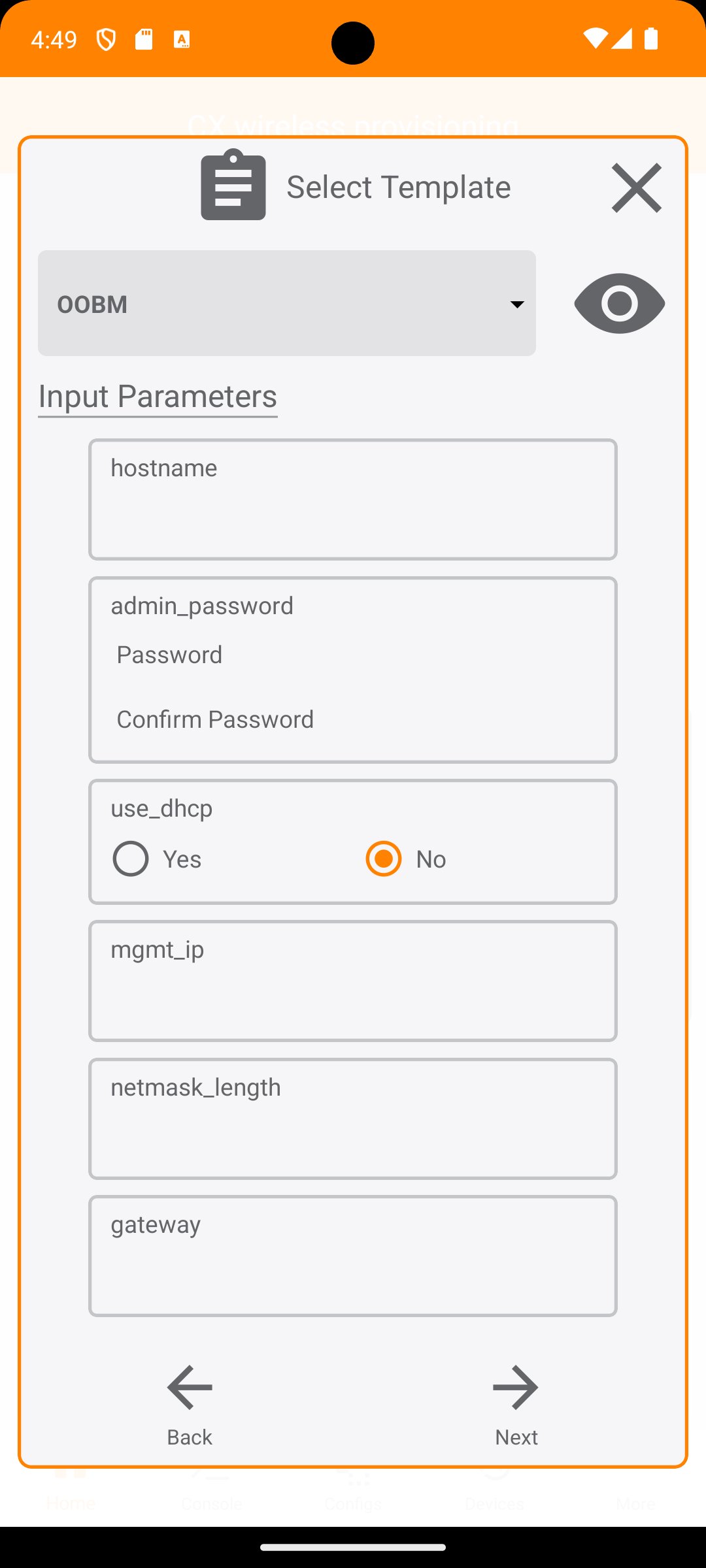
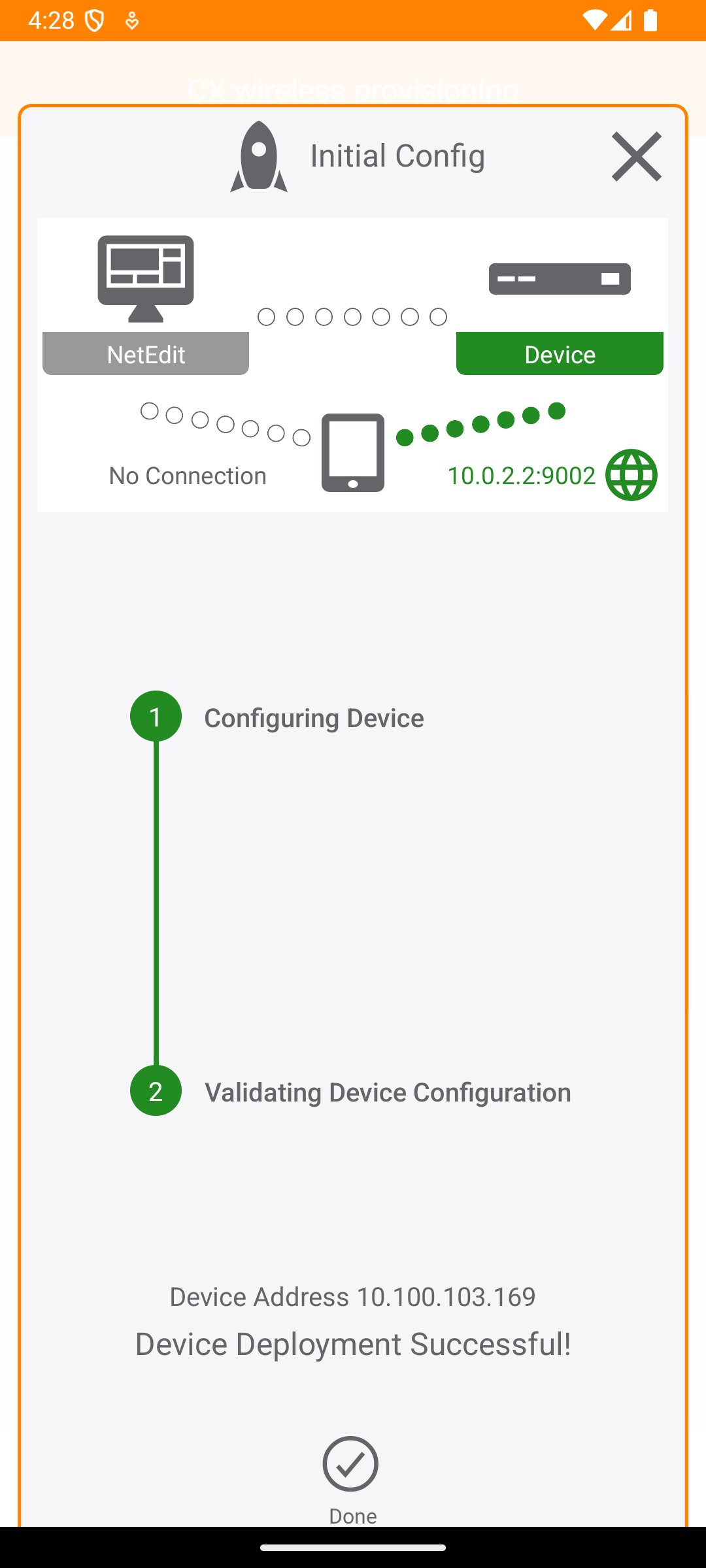
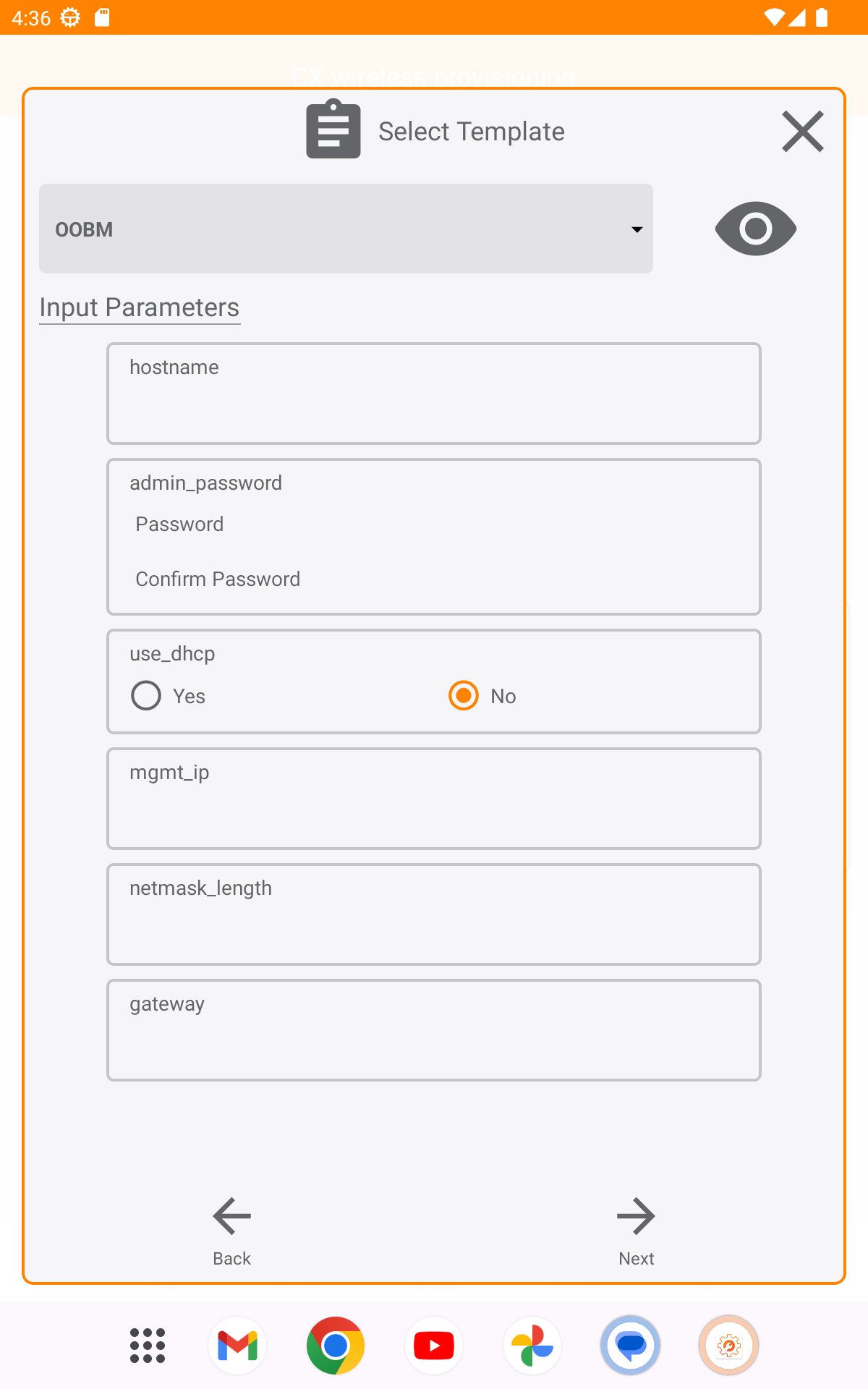
• Connect to the switch for the first time and configure basic operational settings
• Manage the running configuration and startup configuration of the switch
• Quickly check the switch PoE budget and utilization from the home screen
• Access the switch CLI
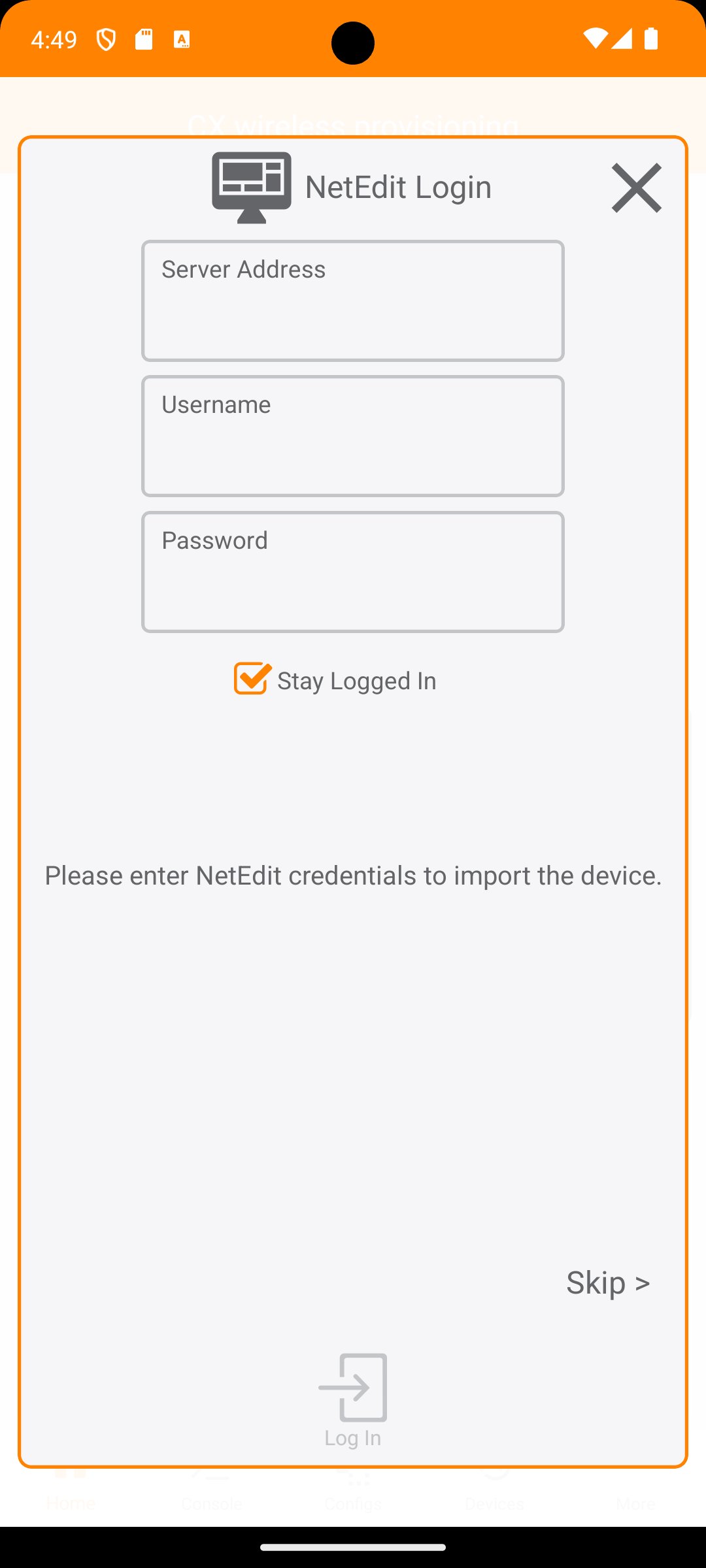
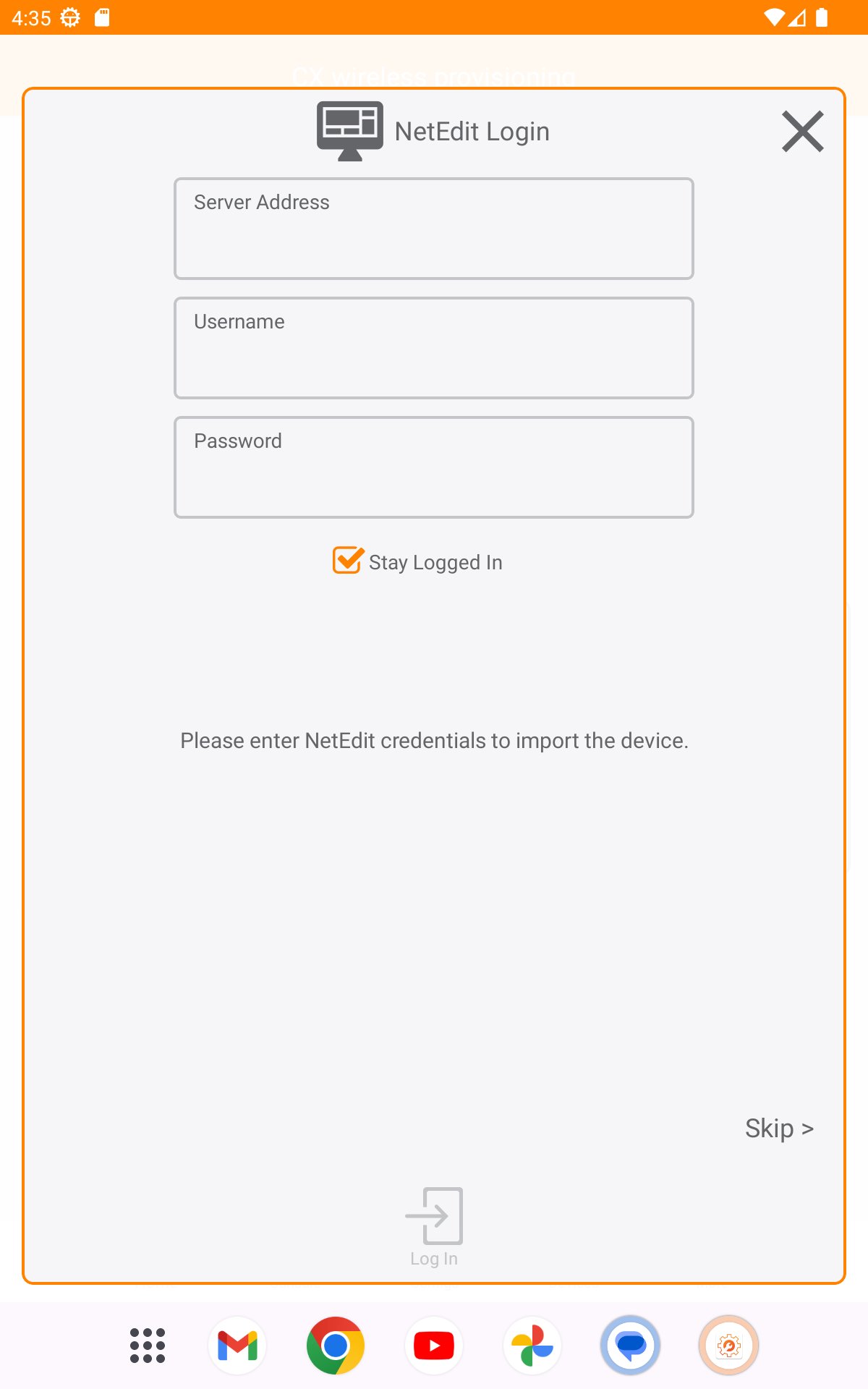
The CX Provisioning mobile app also automates importing ArubaOS-CX switches into HPE Aruba Networking NetEdit for intelligent configuration management and continuous conformance validation.
If you are facing issues connecting to an ArubaOS-CX switch using a Bluetooth connection, follow the below troubleshooting steps to reset your Bluetooth settings:
1. Open the Settings application on your mobile device.
2. Search for “Reset network settings” or “Reset Wi-Fi, mobile & Bluetooth”.
3. Tap on the appropriate option and reset your Bluetooth settings.

One-click to install XAPK/APK files on Android!

Thanks for your rating and feedback!
You have already rated.