Package Name:com.technetia.ctemp
Show More


26.9 MB
File Size
Everyone
Android 7.0+
Android OS
CVT Template is a mobile video maker focused on fast, template-based reels.
Built by Jihad Fahim Tech, it helps users turn photos and clips into trendy reels in under a minute. You can get creative quickly with CVT Template APK using 2000+ ready-made templates and popular music. It suits birthdays, mini vlogs, transitions, and more, with an interface that stays simple for beginners. Below are the key features that make everyday reel creation faster.
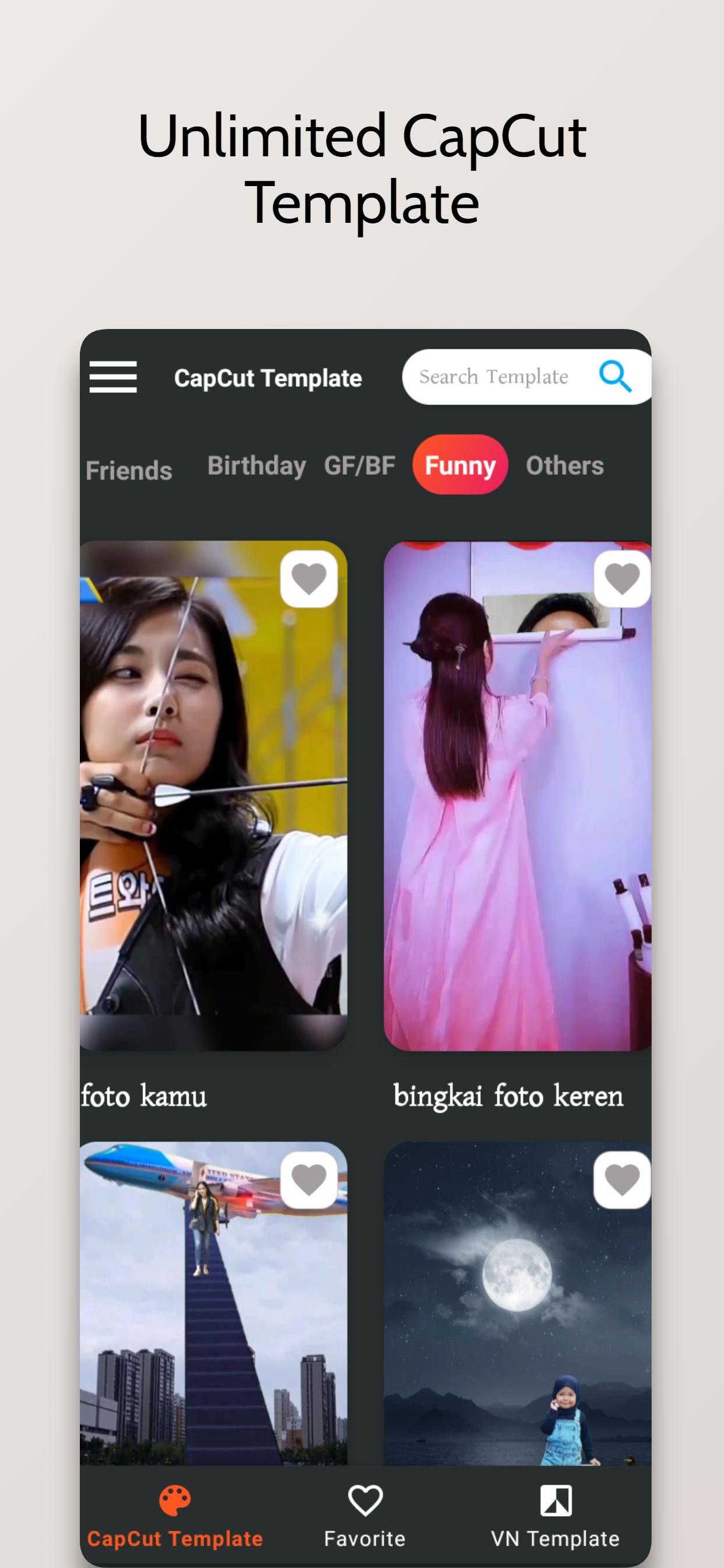
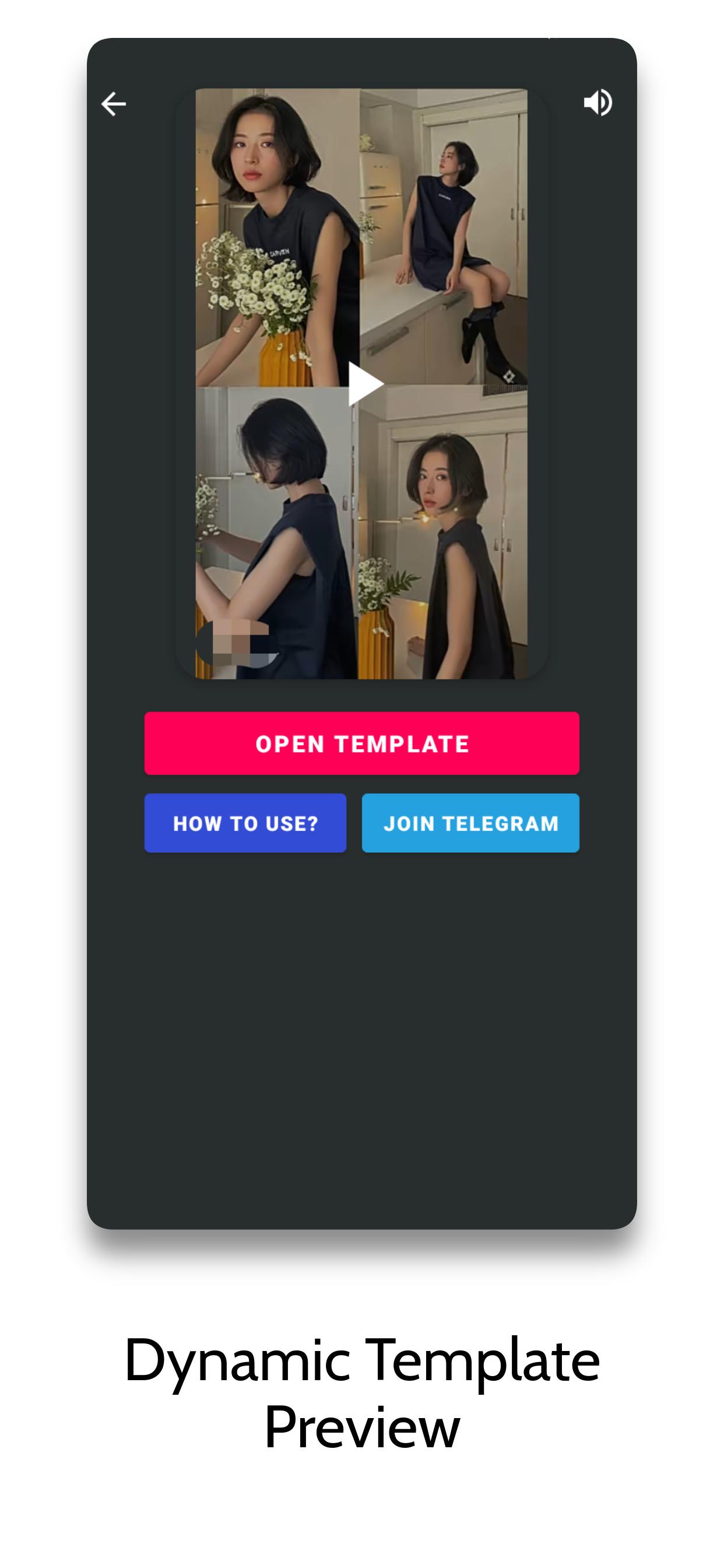
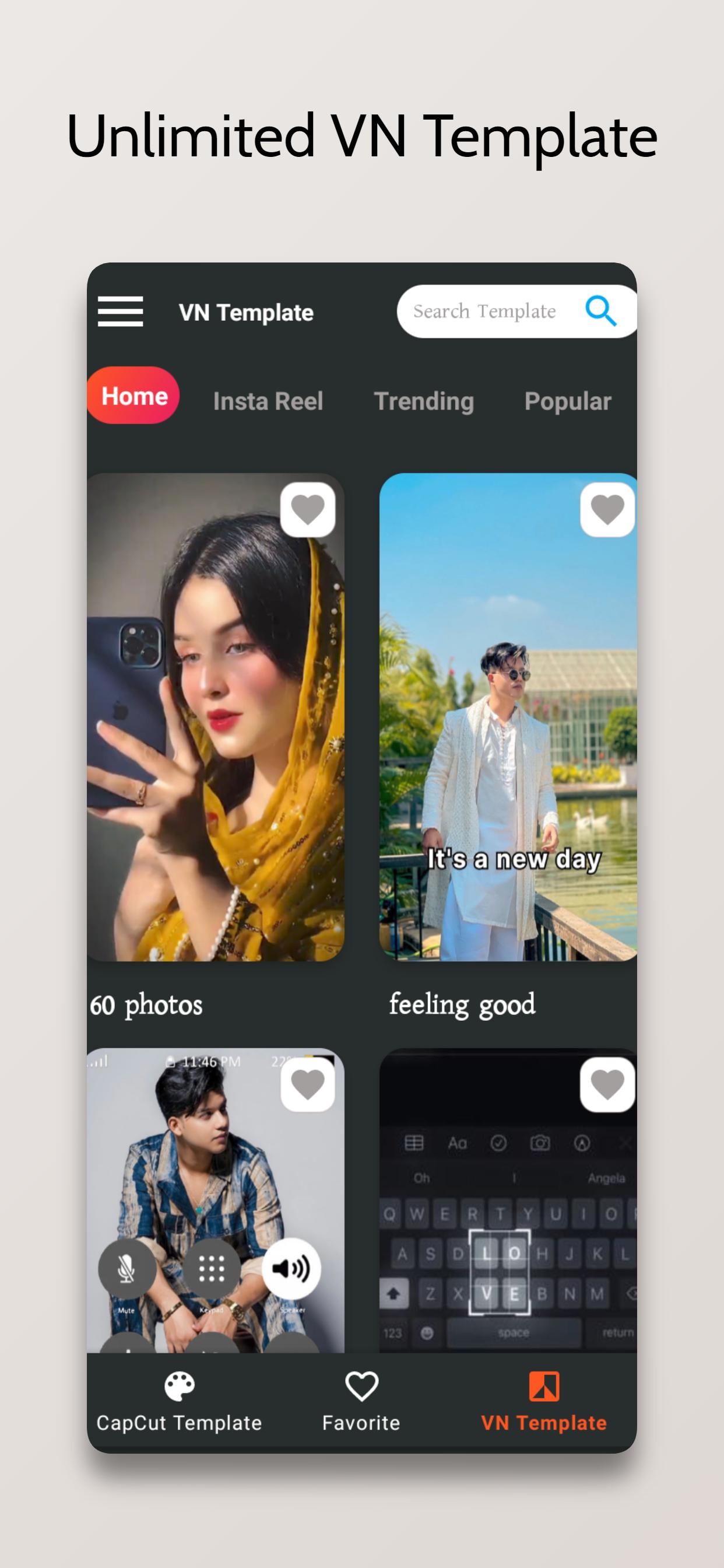
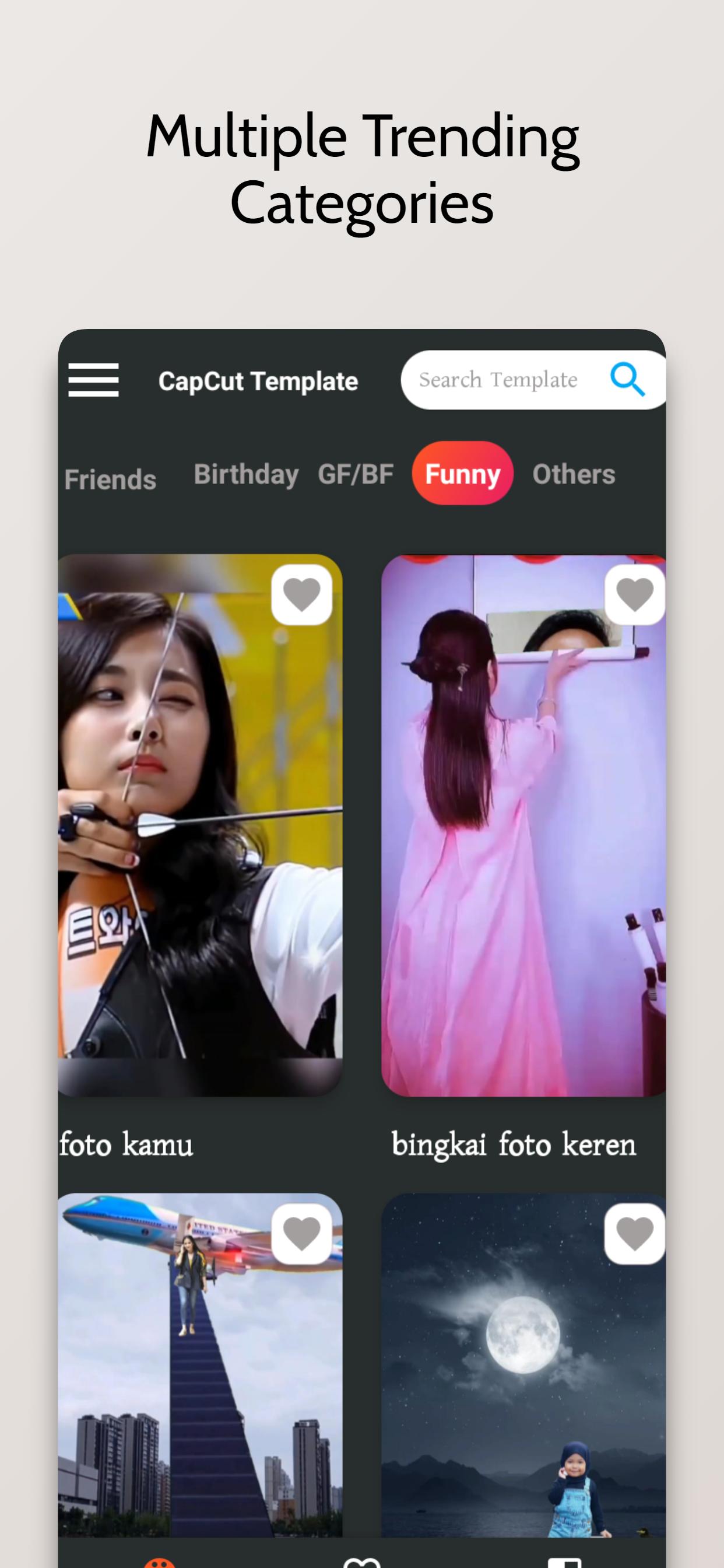
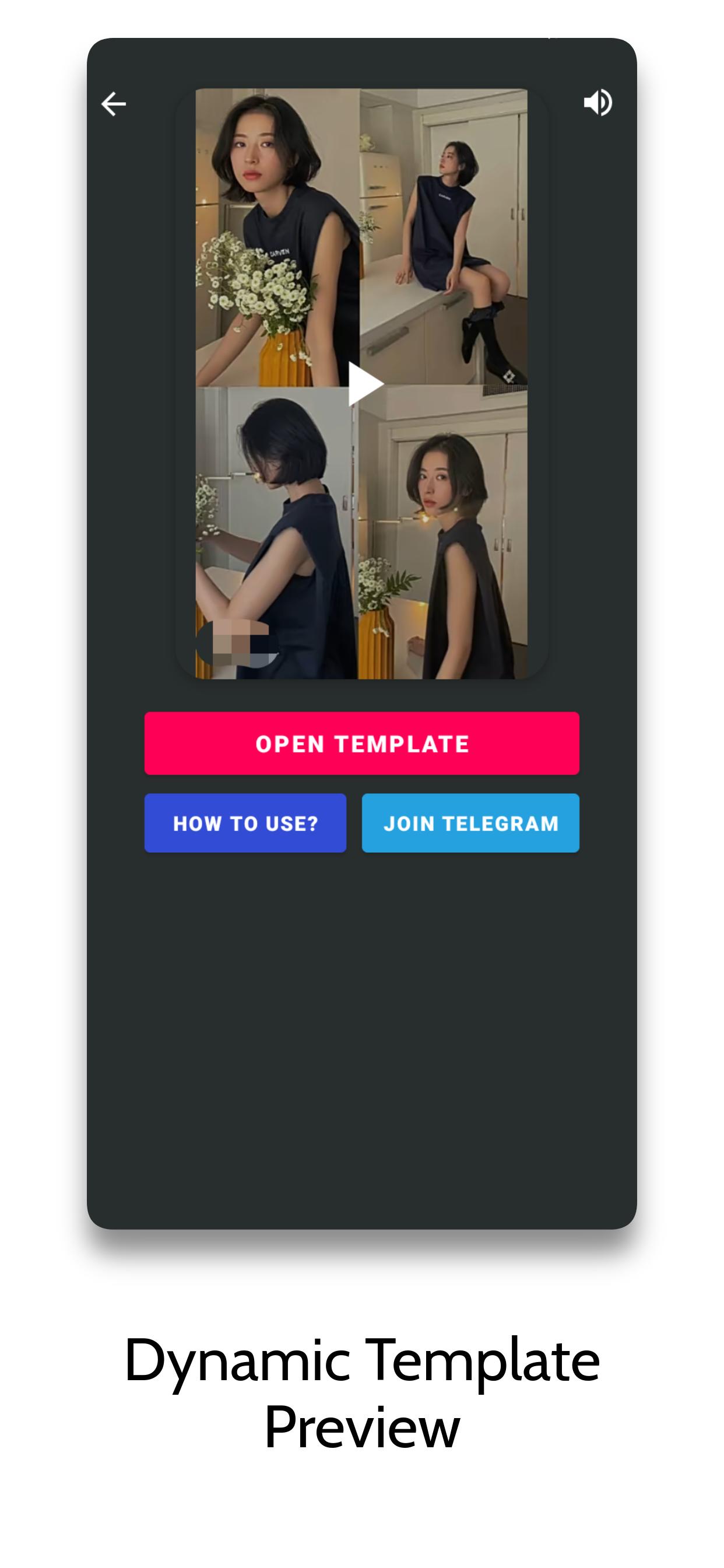
Template-driven editing removes guesswork. With the CVT Template latest version, two template sections and 12+ categories make it easy to find a look for birthdays, mini vlogs, or transitions. In practice, you scroll, preview a style, select a few photos or clips, and the app builds a cohesive reel with timing and effects that fit the theme.
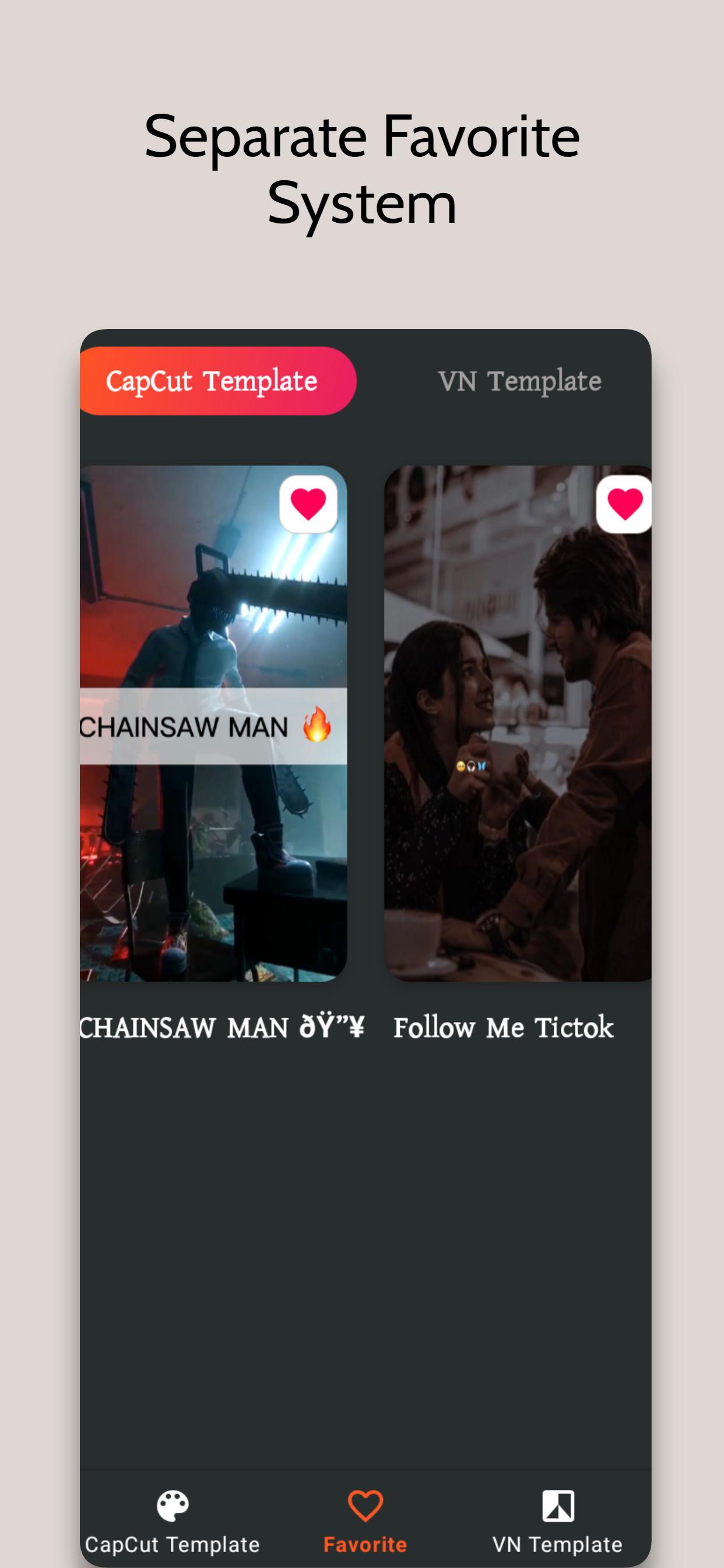
Templates come paired with popular tracks so reels feel timely and social-ready. Saving favorites keeps go-to styles in one place for quick posting after events. CVT Template exports in a format that works well on social platforms, so a birthday recap or party highlight can move from edit to upload without extra tweaking.
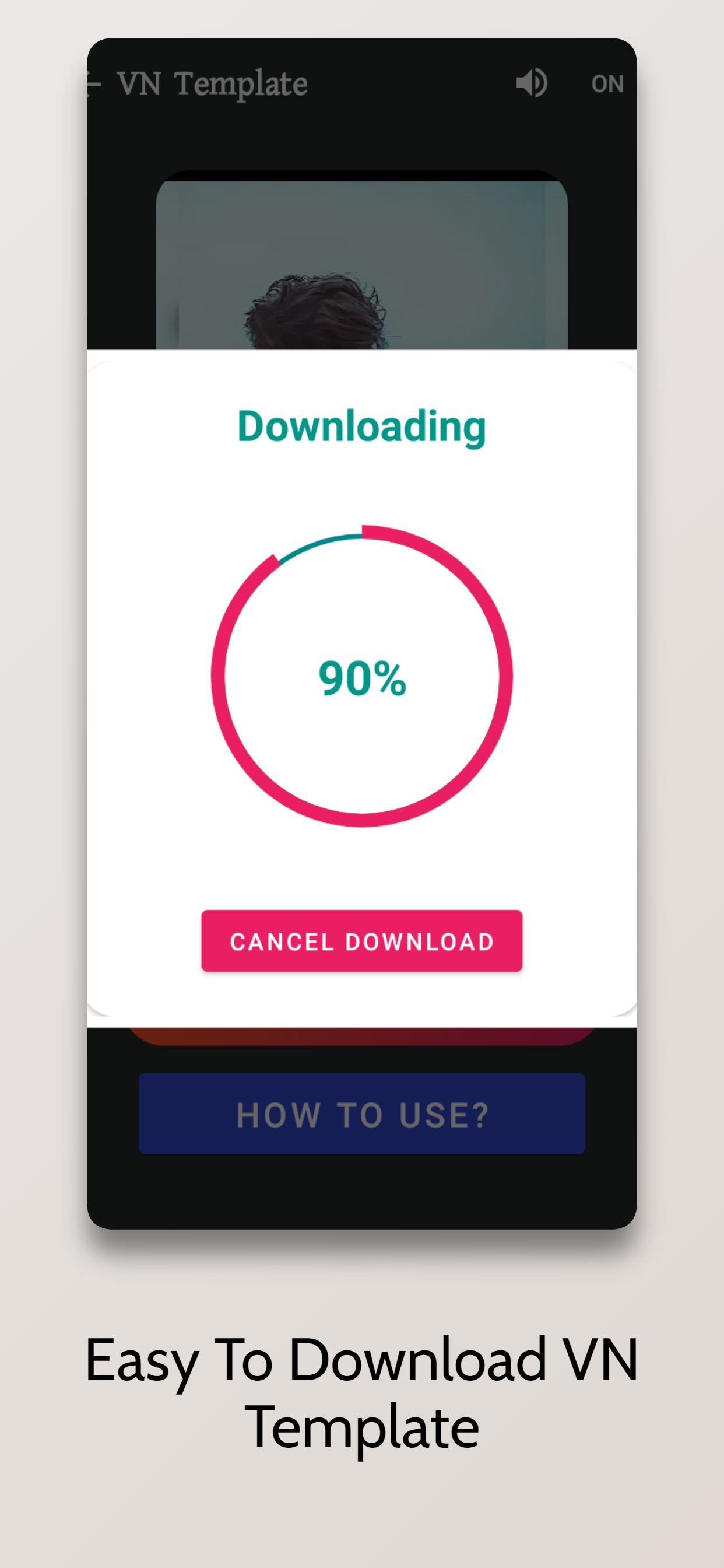
Get the latest version from APKPure. You can download CVT Template, and the package is small, so it usually finishes in a short time depending on your network speed.
During installation, your device may ask to allow installs and media access so videos and photos can be imported. After setup, try a quick reel with a few images, then save templates to favorites for next time. Keep some free storage for smooth exports, and avoid switching networks while downloading to prevent interruptions.

One-click to install XAPK/APK files on Android!

Thanks for your rating and feedback!
You have already rated.