Safe & Fast APK Downloads on APKPure
APKPure uses signature verification to ensure virus-free CShare (CloudTV Remote) APK downloads for you.


2.5 MB
File Size
Everyone
Android 4.0+
Android OS
A Smart Way to connect Mobile Devices to TV.
CShare (CloudTV Remote) is a remote app for your CloudTV with a simple and easy-to-use interface.
Features
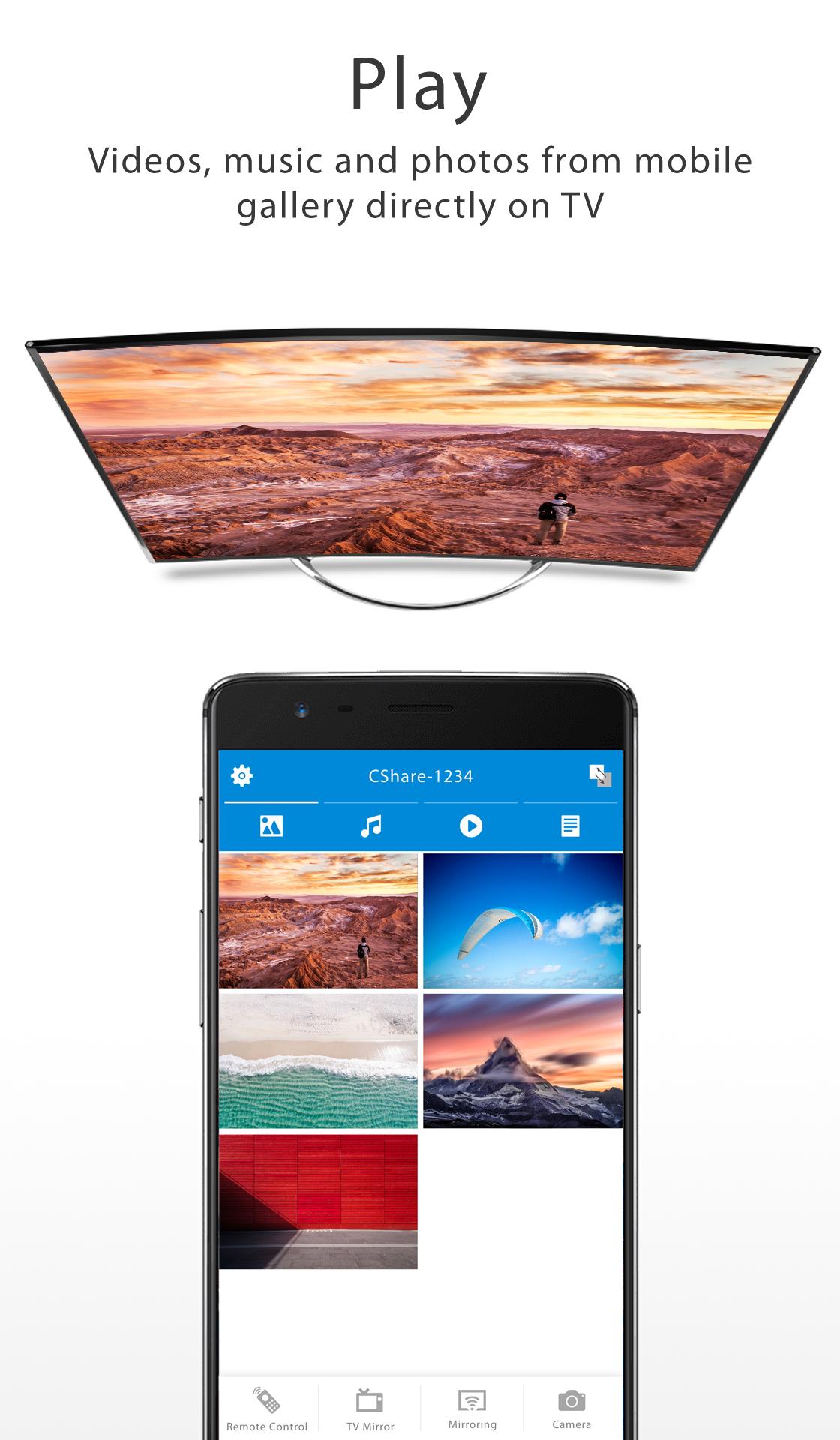
Media Sharing - stream media (images, audio, videos) from your mobile device on your CloudTV
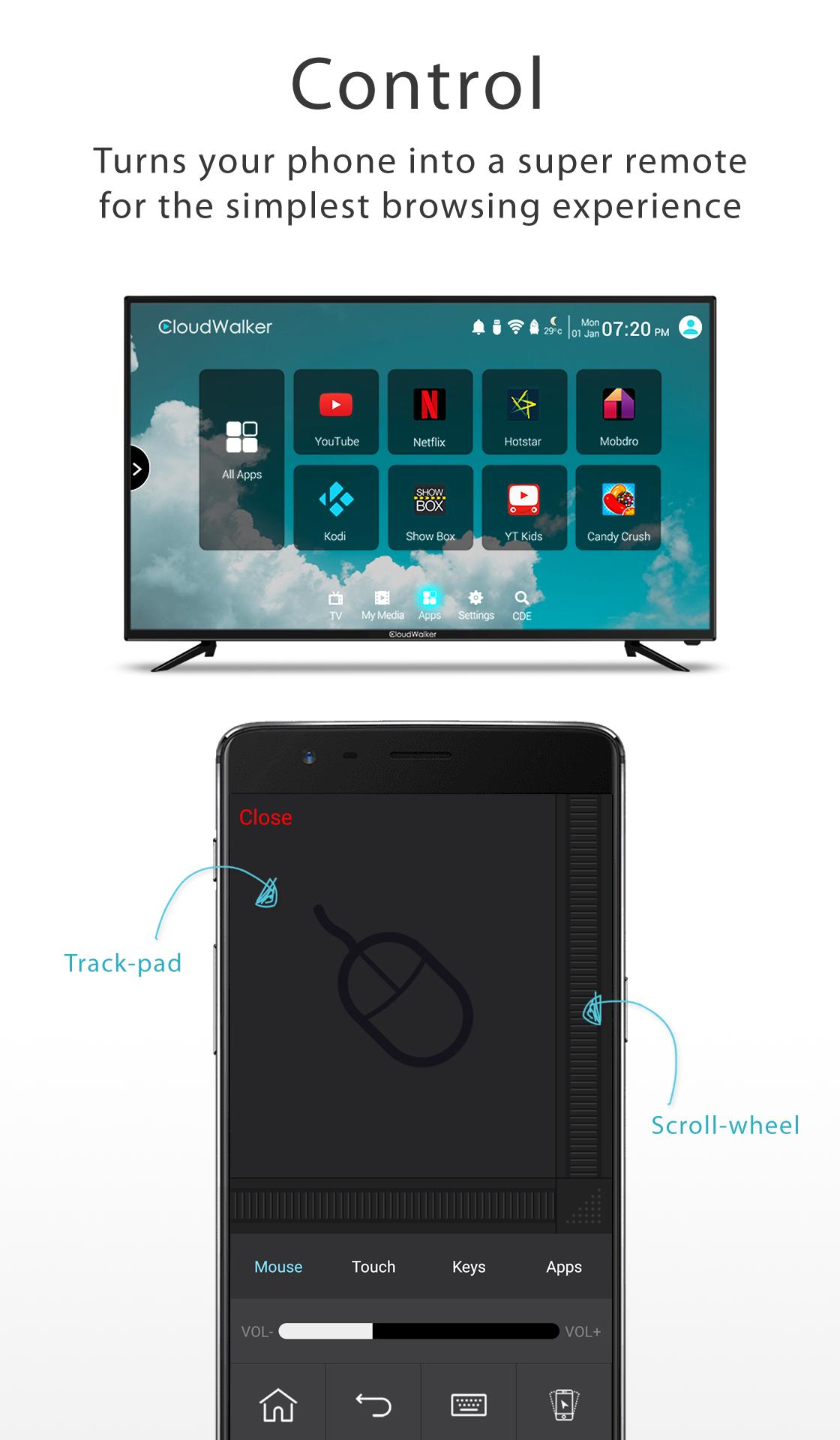
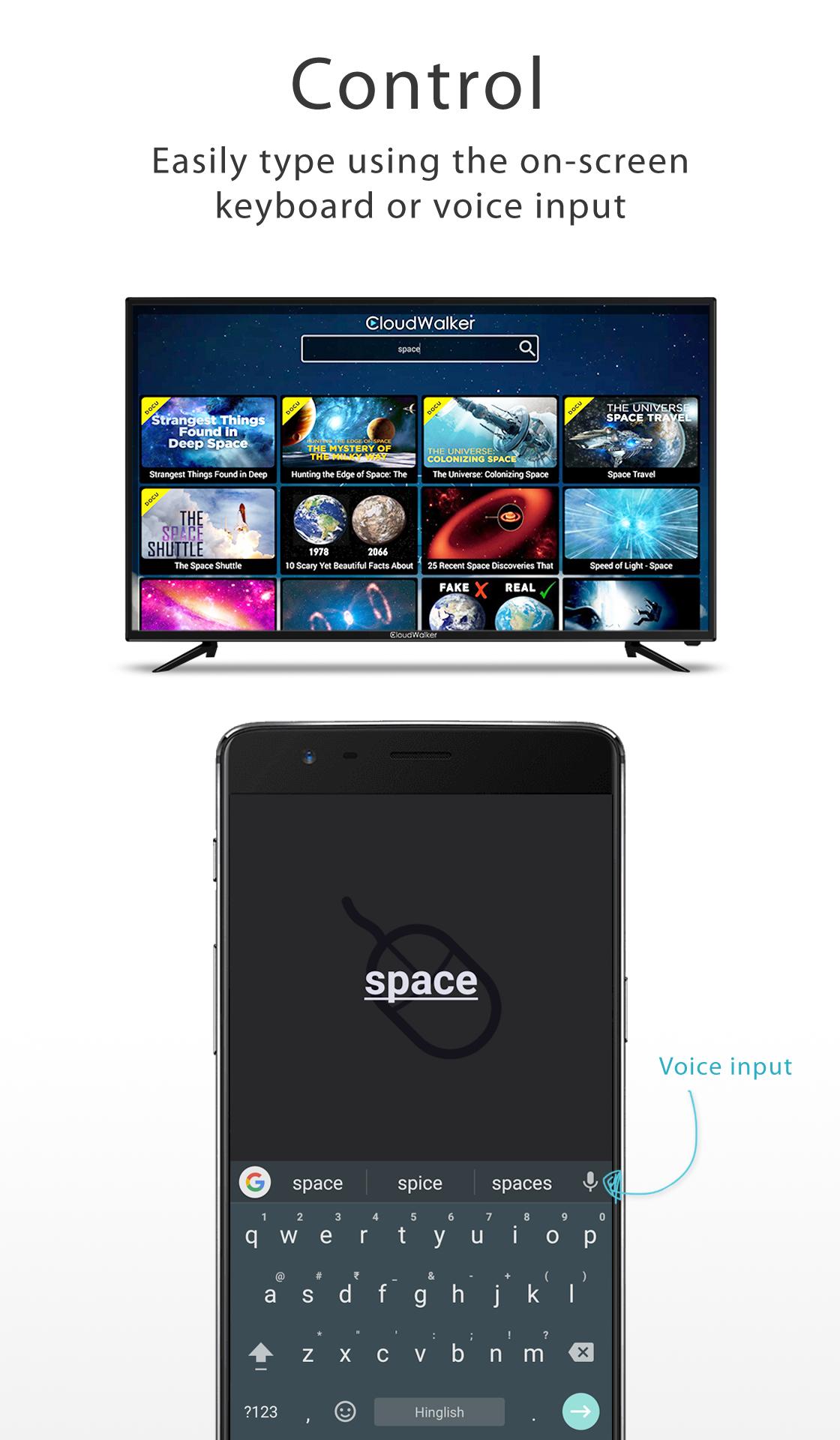
Remote Control - use your mobile device as a remote control
How to connect
* via Wi-Fi
- To start using CShare, connect your mobile device and your Cloud TV to the same Wi-Fi network
- Open the CShare app on your mobile device, and it should automatically detect and select your CloudTV
* via Mobile Hotspot (if you don't have a Wi-Fi router)
- Create your Mobile Hotspot
- Connect your CloudTV to your Mobile Hotspot
- Open CShare Server app on your CloudTV and also open CShare app on your mobile device
- From your mobile device, Select Scan QRCode option and scan the code on your CloudTV to connect
-----------------------------
* Requires a Wi-Fi Network or a Hotspot
* If your phone is not compatible, download the apk (http://bit.ly/2iAmLNq)
-----------------------------



One-click to install XAPK/APK files on Android!

Thanks for your rating and feedback!
You have already rated.