
Safe & Fast APK Downloads on APKPure
APKPure uses signature verification to ensure virus-free Contacts APK downloads for you.

Manage contact list of favorite contacts and group contact with contact manager
Organize your contacts list into a standard form with all the necessary details!
Contact list manager is a smart contacts management app that helps you organize your personal and professional contacts within less than no time. You can create a list of favorite contacts to keep them aside from the rest of the contacts.
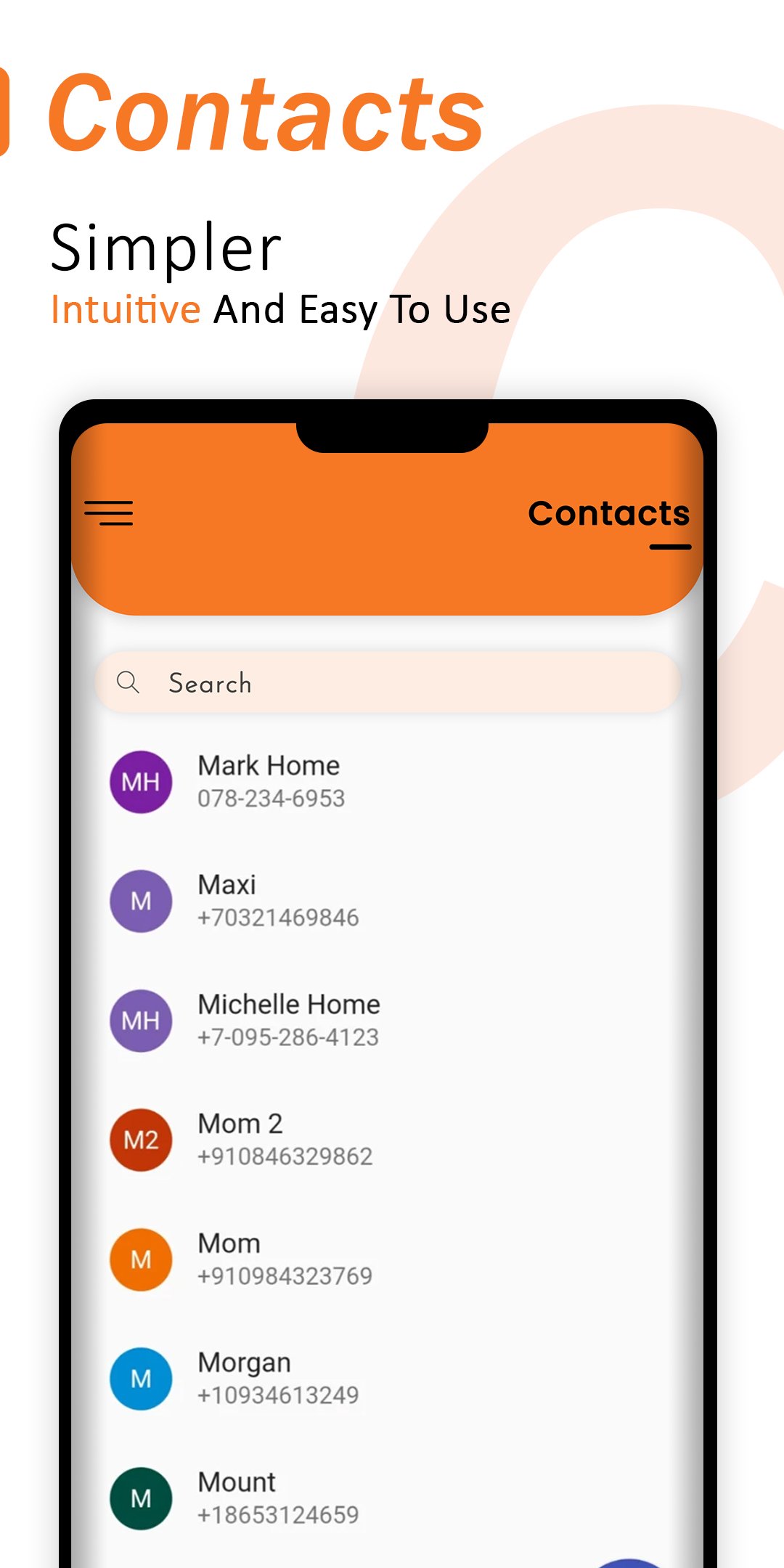
This contacts manager app lets you enter complete details of individual and group contacts. You can organize those contact lists and customize their existing information. However, users can sort the contact by their names or ascending/descending orders.
Users can launch contact quickly and add its details in the given fields. Most importantly, this app supports worldwide contact numbers so people from all over the world can use it to organize contacts for free.
Keep your contacts organized and updated with the best contacts manager app!
== Detailed Contact Profile ==
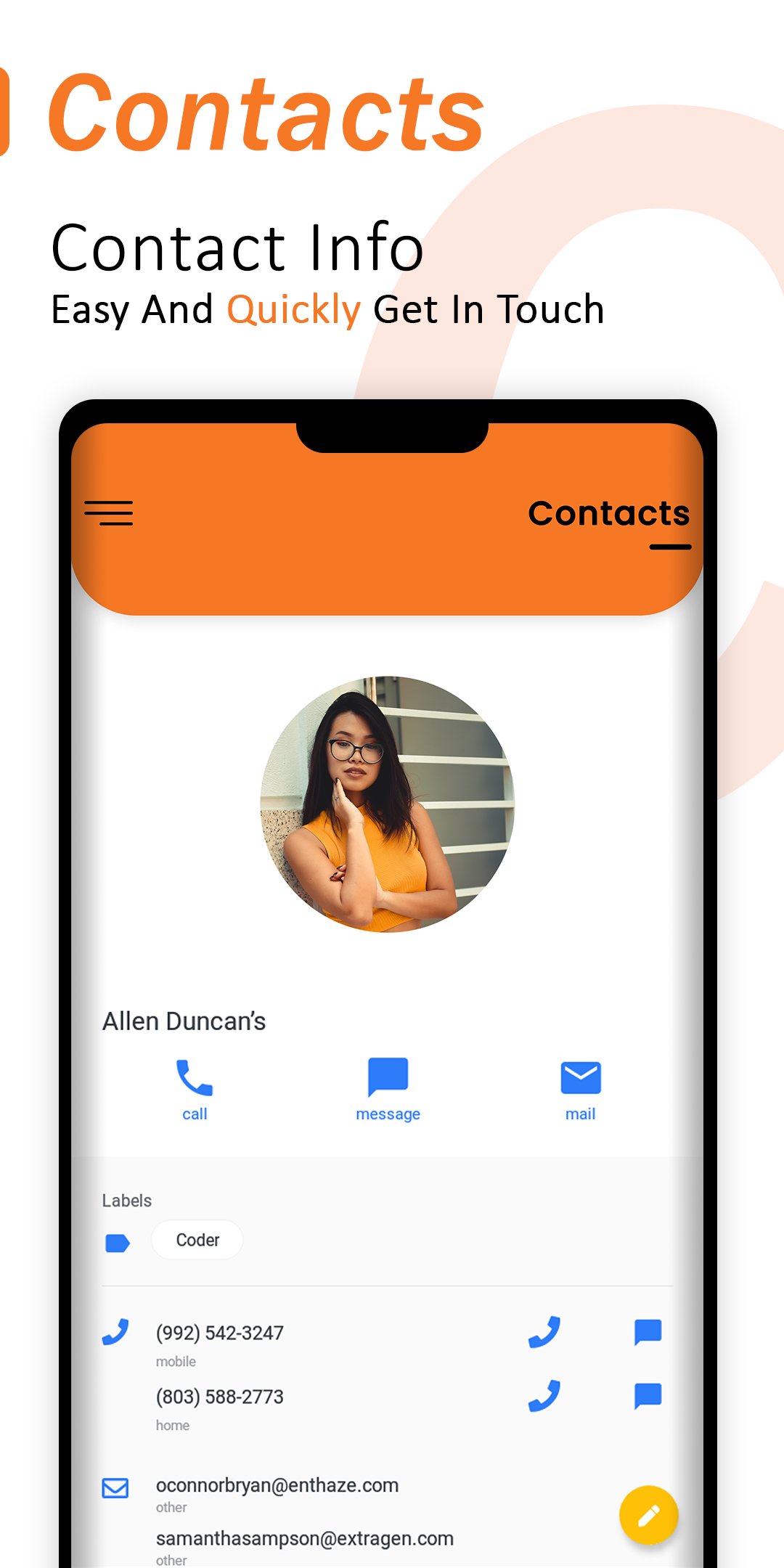
Entering complete details of individual and group contacts keep things easier for you. You can access information of any contact anytime. Contacts app gives you space to add details like First Name, Last Name, Email Address, Address, Birth Date, etc.
== Create Group Contacts ==
You can keep your contacts in groups based on their connections with you. The app provides you with some pre-made groups for family, friends and coworkers. But you can create any group contact up to your requirements.
== Create Favorite Contacts ==
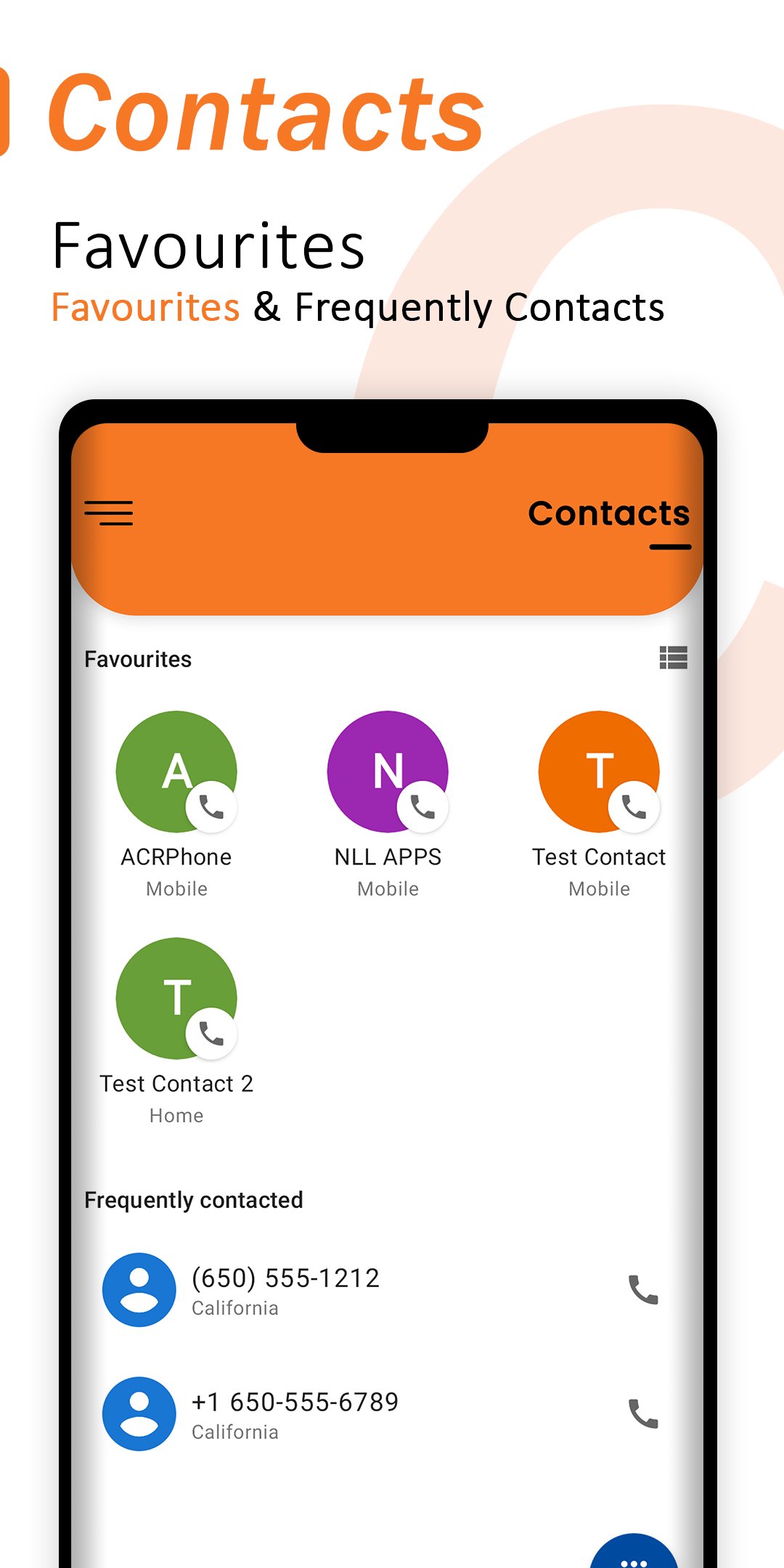
Having a separate list of your favorite contacts always help you to find them easily. Stay connected with your beloved ones using the contacts sort app.
=== Remove Duplicate Contact ===
After sorting out the contacts in ascending or descending order, you can easily remove duplicate contacts from your entire contact list.
HOW TO USE CONTACT MANAGER APP?
You can start using this app without any sign-up process. Here are some tips for using the app properly.
Ä Long press on any contact to customize its details
Ä Enter info such as name, address, email, etc
Ä Create group contact to add specific members
Ä Add stars to create listing of favorite contacts
Ä Sort contacts by name or alphabetically
APP FEATURES:
🚹 Minimal and user-friendly interface
🚹 Simple and clean design display
🚹 Allows to add individual and group contacts
🚹 Free contact management app
🚹 Contacts app doesn’t consume enough battery
🚹 App requires a small quota on device memory
SUPPORT US:)
If you like our Contact List Manager App, don’t forget to appreciate us by giving (⭐⭐⭐⭐⭐) rating and your valuable review.
Thank you for being here!



One-click to install XAPK/APK files on Android!

Thanks for your rating and feedback!
You have already rated.