
Safe & Fast APK Downloads on APKPure
APKPure uses signature verification to ensure virus-free ConeColor APK downloads for you.

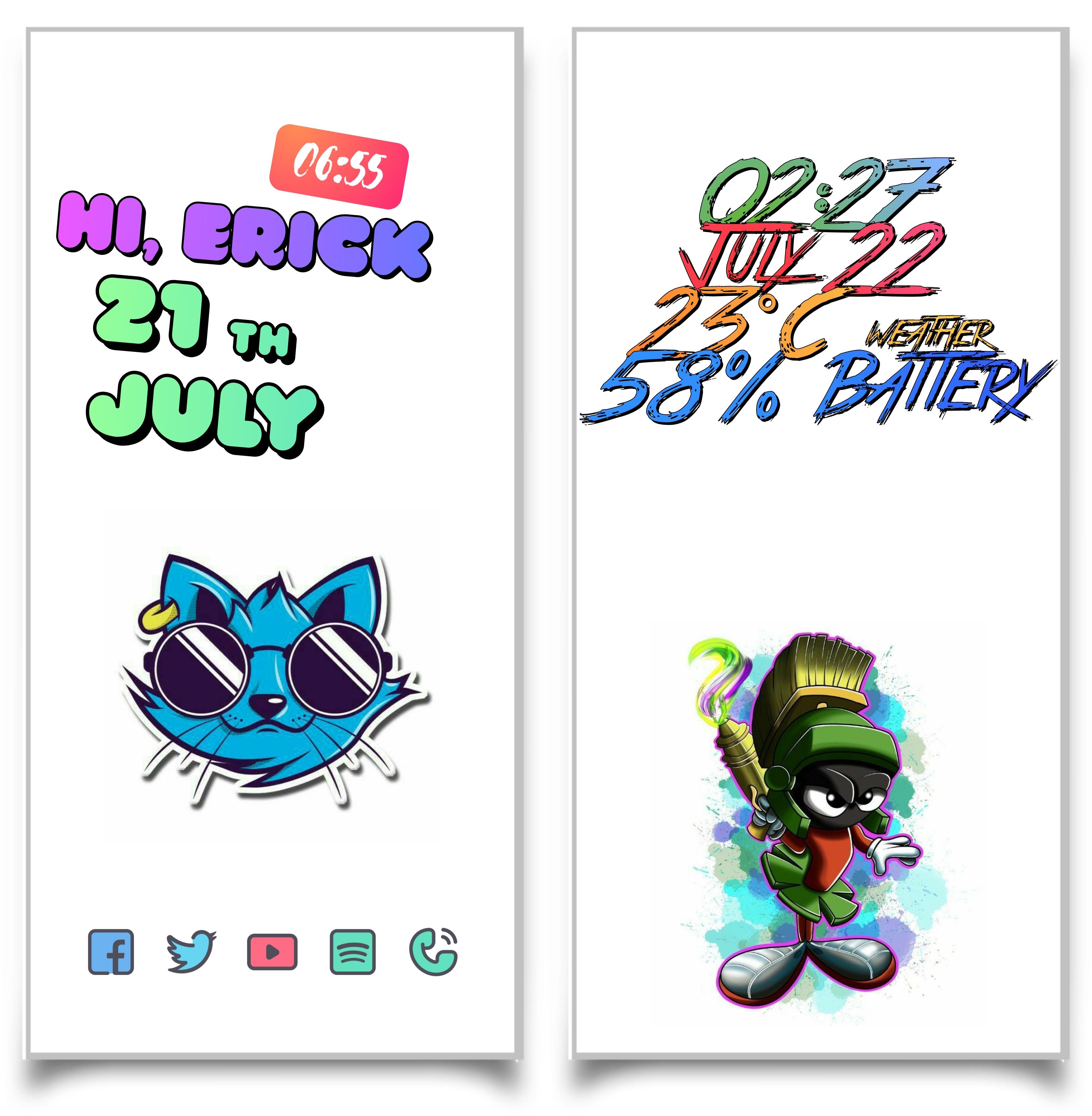
Color widget pack
Color configured widget pack
This is not a standalone application. ConeColor widgets require KWGT PRO, the free version does not allow you to configure it.
What do you need:
-KWGT PRO
KWGT https://play.google.com/store/apps/details?id=org.kustom.widget
Pro key https://play.google.com/store/apps/details?id=org.kustom.widget.pro
- A launcher of your liking, example Nova.
How to apply it:
- Download the ConeColor app and KWGT PRO
- Touch the home screen, about 3 seconds
- Select widgets
- Tap Kwgt widgets and choose the ConeColor package installed on your device.
If the widget is not the correct size, use the option in KWGT to apply the size correctly.
Any questions you have you can find me on: Twitter
(@ ErickMe60981264): https://twitter.com/ErickMe60981264?s=09
Where I will resolve any questions you have AND get your review.





One-click to install XAPK/APK files on Android!

Thanks for your rating and feedback!
You have already rated.





