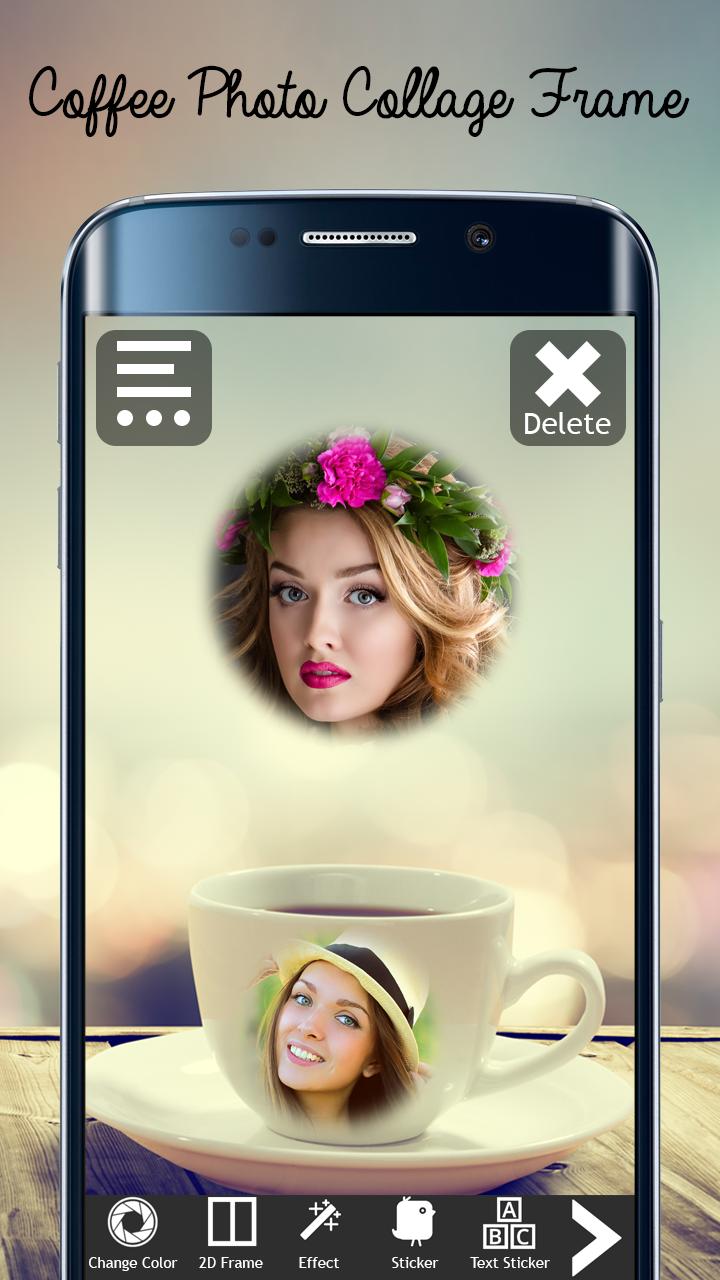
Coffee Photo Collage Frames

Coffee Photo Collage Frames

Shotbuzz
Jan 16, 2018
  • 13.1 MB

    File Size

  • Everyone

  • Android 4.0.3+

    Android OS

About Coffee Photo Collage Frames

Create stunning picture using Coffee Photo Collage Frames.

Coffee Photo Collage Frames

Stunning and amazing Coffee Mug Photo Frames, just for you. See yourself in multiple coffee cup photo frames. Make photo collage with many artistic coffee frames.

Choose from dark coffee, espresso, hot and cold coffee themes. All photo frames will keep your memories alive.

- Upload pictures from the gallery, camera .

- One touch rotation, rotate you pic right and left.

- Can add text to the frame.

- You can can change the size, color and font of the text at any time.

- Save and instantly share you coffee mug photo frame with your family and friends on social media like facebook, twitter etc

Show More

What's new in the latest 1.4

Last updated on Jan 16, 2018
Minor bug fixes and improvements. Install or update to the newest version to check it out!
Show More

Videos and Screenshots

  • Coffee Photo Collage Frames poster
  • Coffee Photo Collage Frames screenshot 1
  • Coffee Photo Collage Frames screenshot 2
  • Coffee Photo Collage Frames screenshot 3
  • Coffee Photo Collage Frames screenshot 4
  • Coffee Photo Collage Frames screenshot 5
  • Coffee Photo Collage Frames screenshot 6
  • Coffee Photo Collage Frames screenshot 7

Coffee Photo Collage Frames APK Information

Latest Version
1.4
Category
Photography
Android OS
Android 4.0.3+
File Size
13.1 MB
Developer
Shotbuzz
Content Rating
Everyone
Safe & Fast APK Downloads on APKPure
APKPure uses signature verification to ensure virus-free Coffee Photo Collage Frames APK downloads for you.

Old Versions of Coffee Photo Collage Frames

APKPure icon

Super Fast and Safe Downloading via APKPure App

One-click to install XAPK/APK files on Android!

Download APKPure
thank icon
We use cookies and other technologies on this website to enhance your user experience.
By clicking any link on this page you are giving your consent to our Privacy Policy and Cookies Policy.
Learn More about Policies