Package Name:com.alphatools.remoterokutv
Show More

Smart Roku TV Remote: Easy control, screen mirroring & cast to TV
Remote Roku TV is a mobile TV remote control app that can be used to easily control Roku TVs over WiFi. This Roku control application allows you to use your mobile device as a remote control to turn on/off Roku TV, control volume, browse and stream content and launch channels, which provides all the same functionality as your physical Roku TV remote.
📱 Compatible Devices
The universal Roku TV Remote App is compatible with all Roku TVs & Streaming Devices:
Roku TVs:
- TCL Roku TV
- Hisense Roku TV
- Philips Roku TV
- Sharp Roku TV
- Insignia Roku TV
- Hitachi Roku TV
- Element Roku TV
- RCA Roku TV
- Onn Roku TV
- JVC Roku TV
- Westinghouse Roku TV
- Magnavox Roku TV
- Sanyo Roku TV
Roku streaming devices:
- Roku Express
- Roku Express+
- Roku Express 4K
- Roku Express 4K+
- Roku Streaming Stick
- Roku Streaming Stick+
- Roku Streaming Stick 4K
- Roku Streaming Stick 4K+
- Roku Premiere
- Roku Premiere+
- Roku Ultra
- Roku Ultra LT
Android requirements:
Android 7.0 or later
This Roku Remote app works with common Roku TV models. Whether you've misplaced your physical Roku stick remote or just prefer the convenience of using your phone, the Roku remote replacement app is the perfect solution for controlling your Roku TV.
✨ Features
- Easy setup: Download the app and connect it to Roku TV to start using it right away.
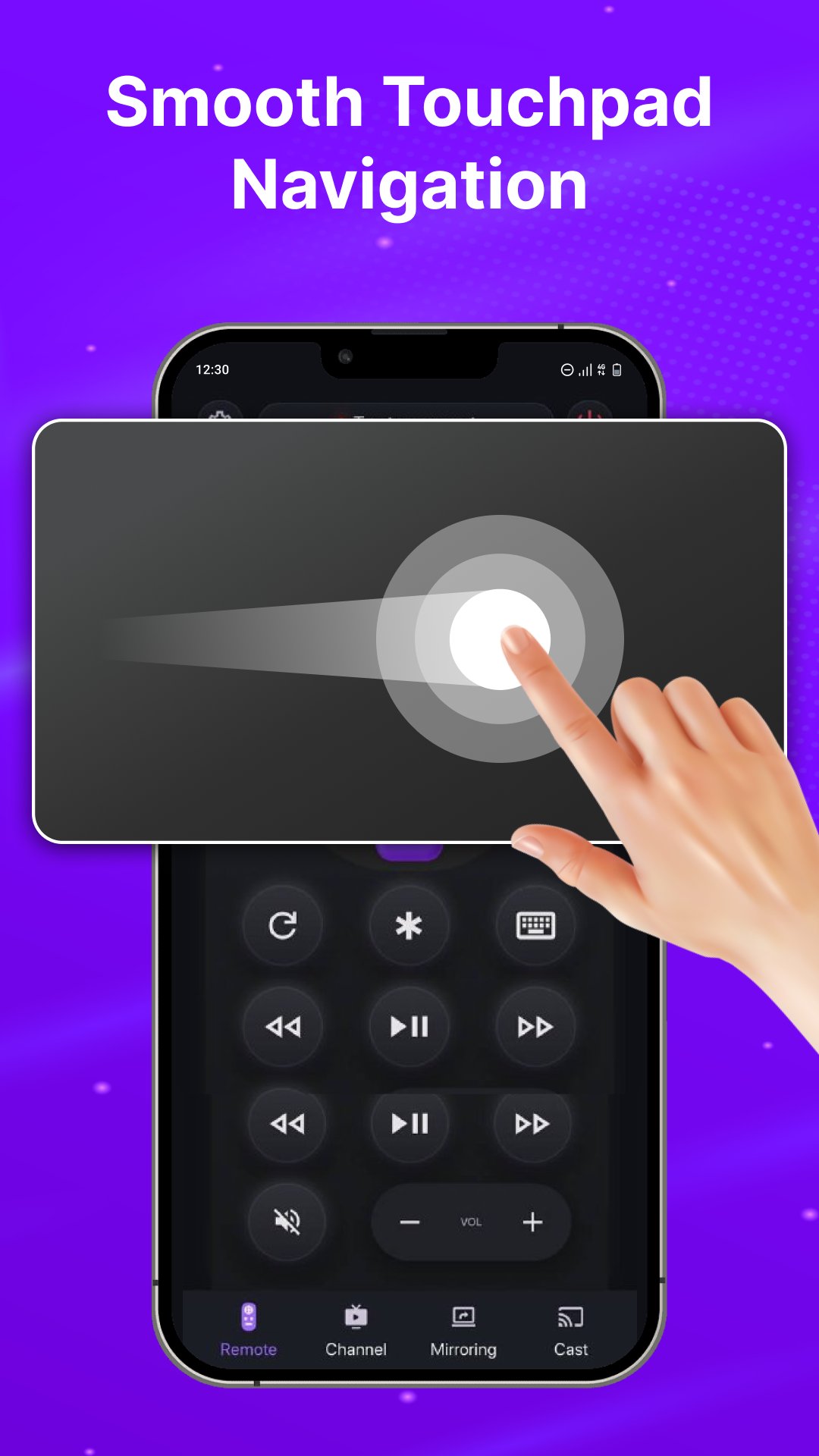
- Simple navigation: Easily navigate the Roku TV interface with a touchpad for scrolling and swiping.
- Playback controls: Control playback with Play/Pause, Fast Forward/Rewind, and Volume buttons.
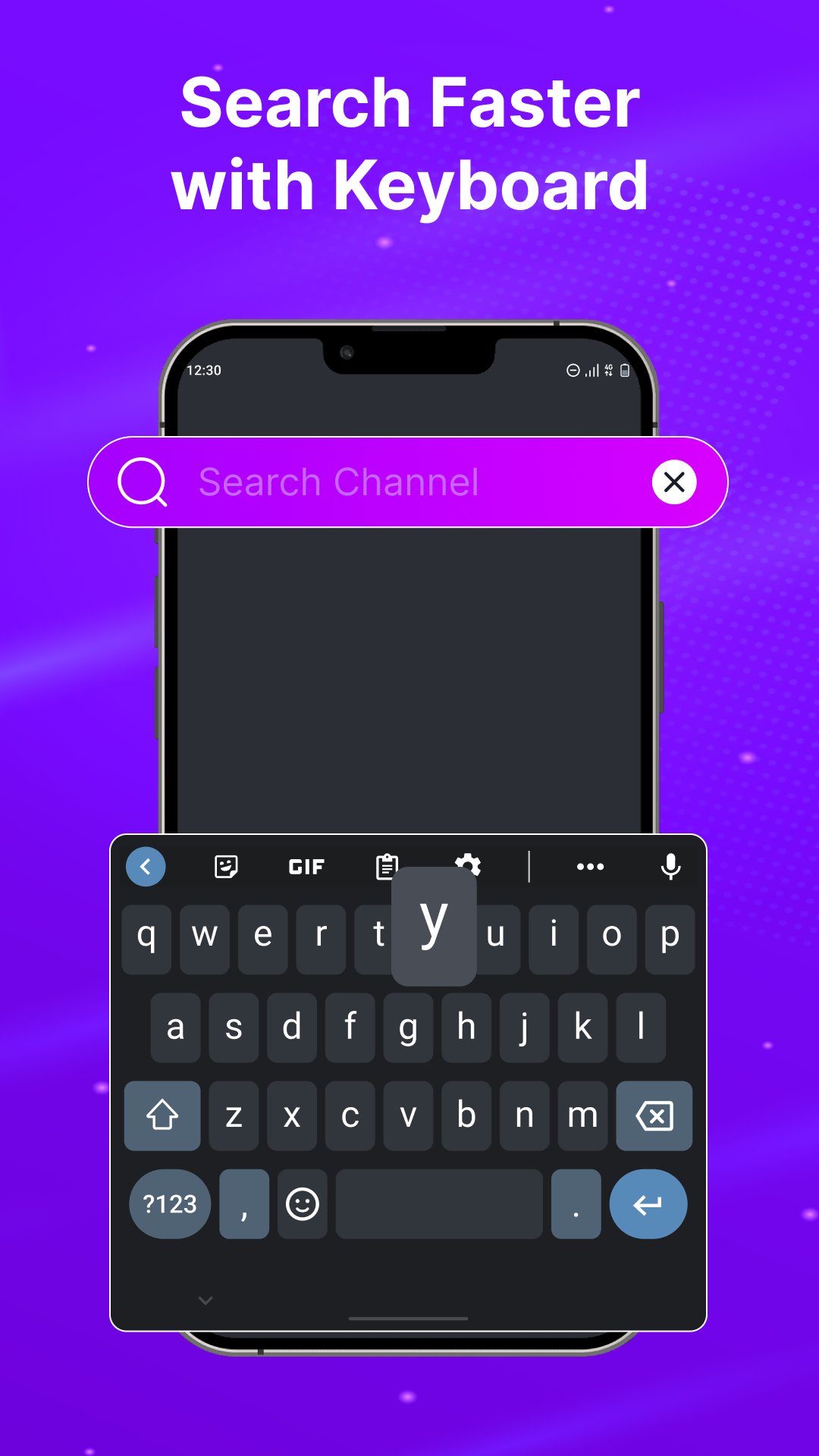
- Keyboard input: Enter text, passwords, and search queries easily with the virtual keyboard.
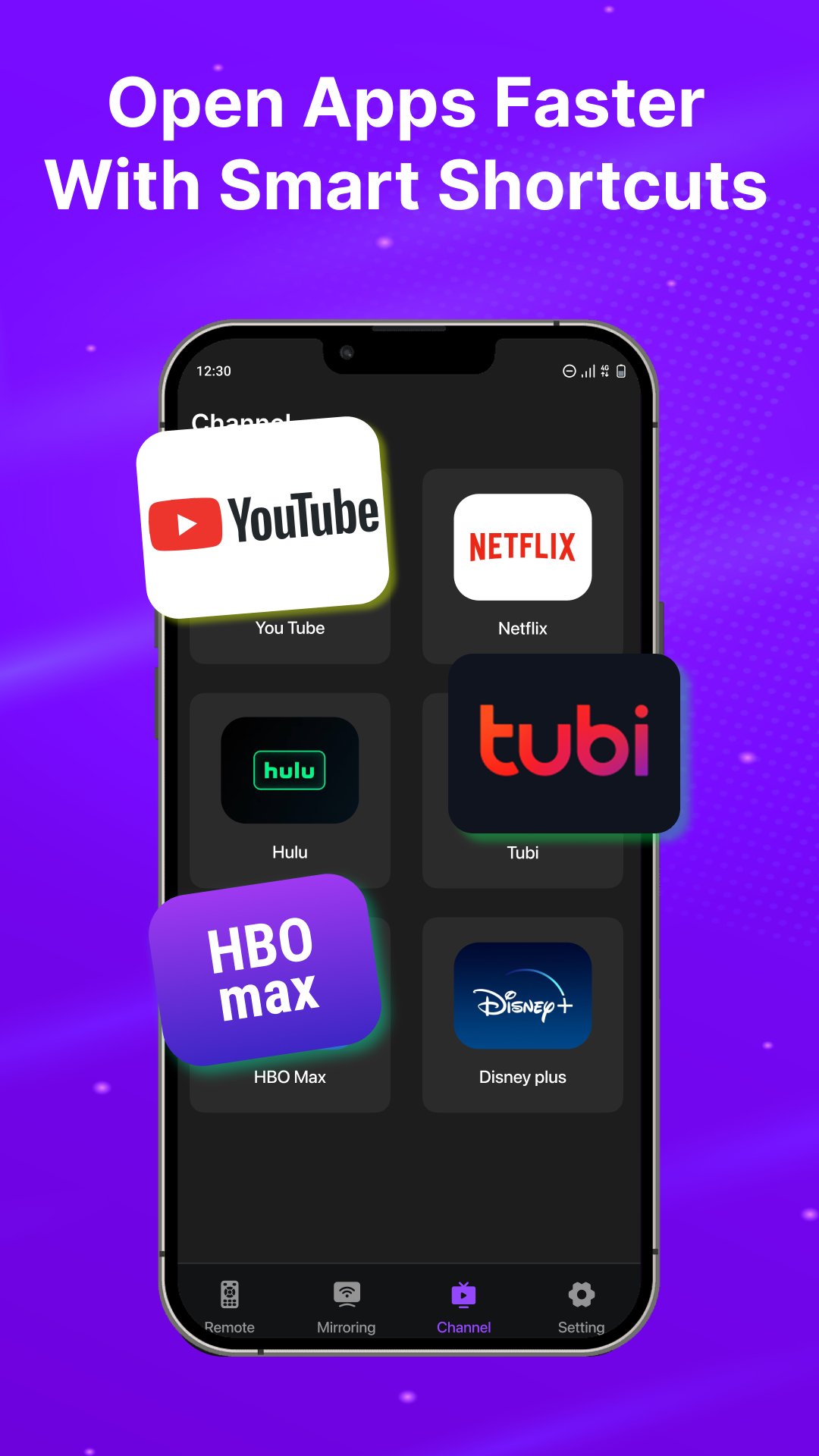
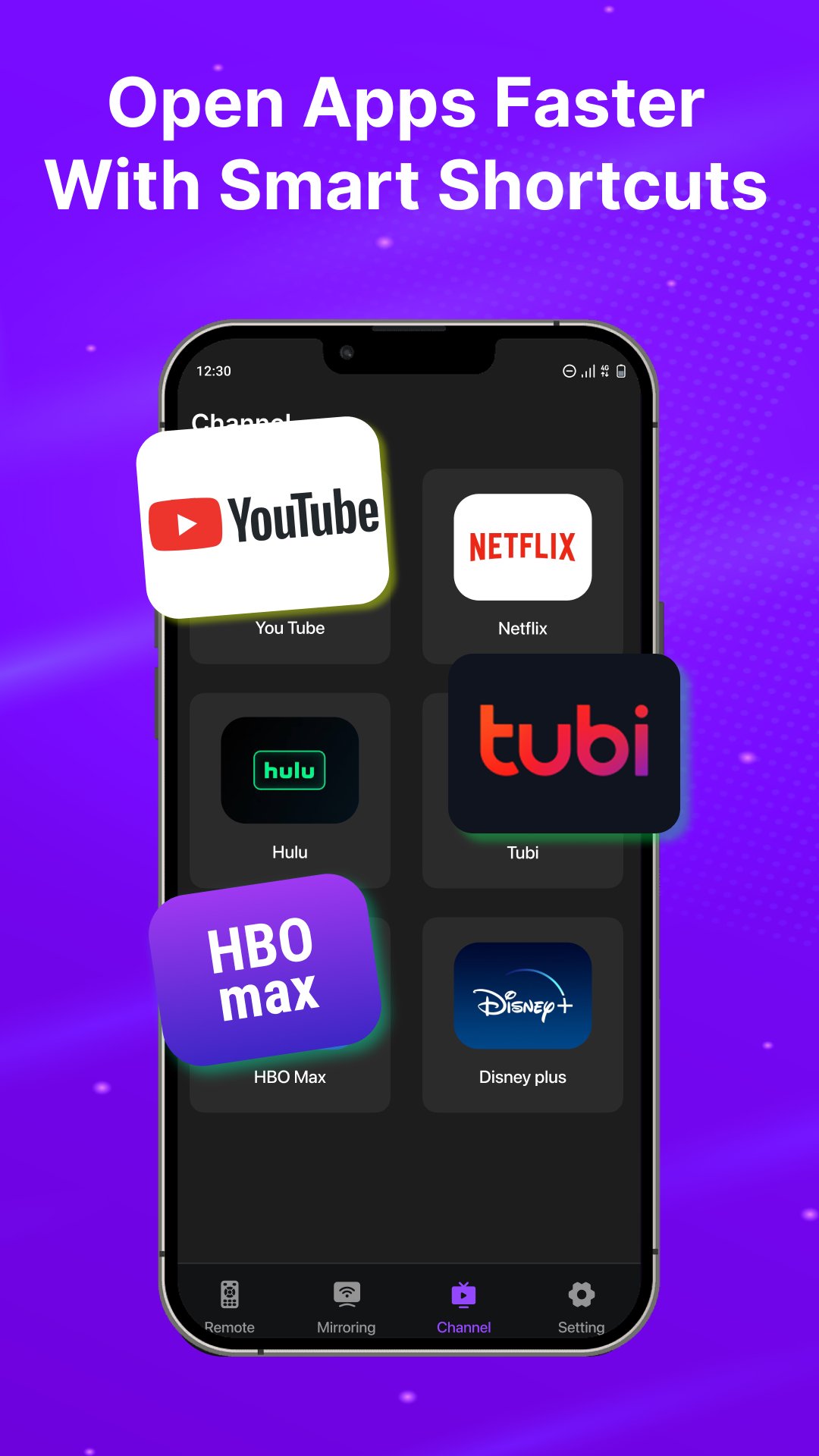
- Channel shortcuts: Create shortcuts for your favorite channels and launch them with one tap.
- Power ON/OFF: Turn your Roku TV on or off from your phone.
- Screen Mirroring: Share your phone screen on your Roku TV.
- Cast to TV: Cast local photos and videos to the big screen.
🔗 How to Connect
- Connect your Android phone and Roku TV to the same WiFi network.
- Download and launch the Roku TV Remote app.
- Select your Roku device from the available devices.
- Once connected, start controlling your Roku TV.
💡 Troubleshooting
This app only works when your phone and Roku TV are connected to the same WiFi network.





One-click to install XAPK/APK files on Android!

Thanks for your rating and feedback!
You have already rated.