









感谢您的评分和反馈!
您已经评分了。

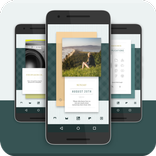
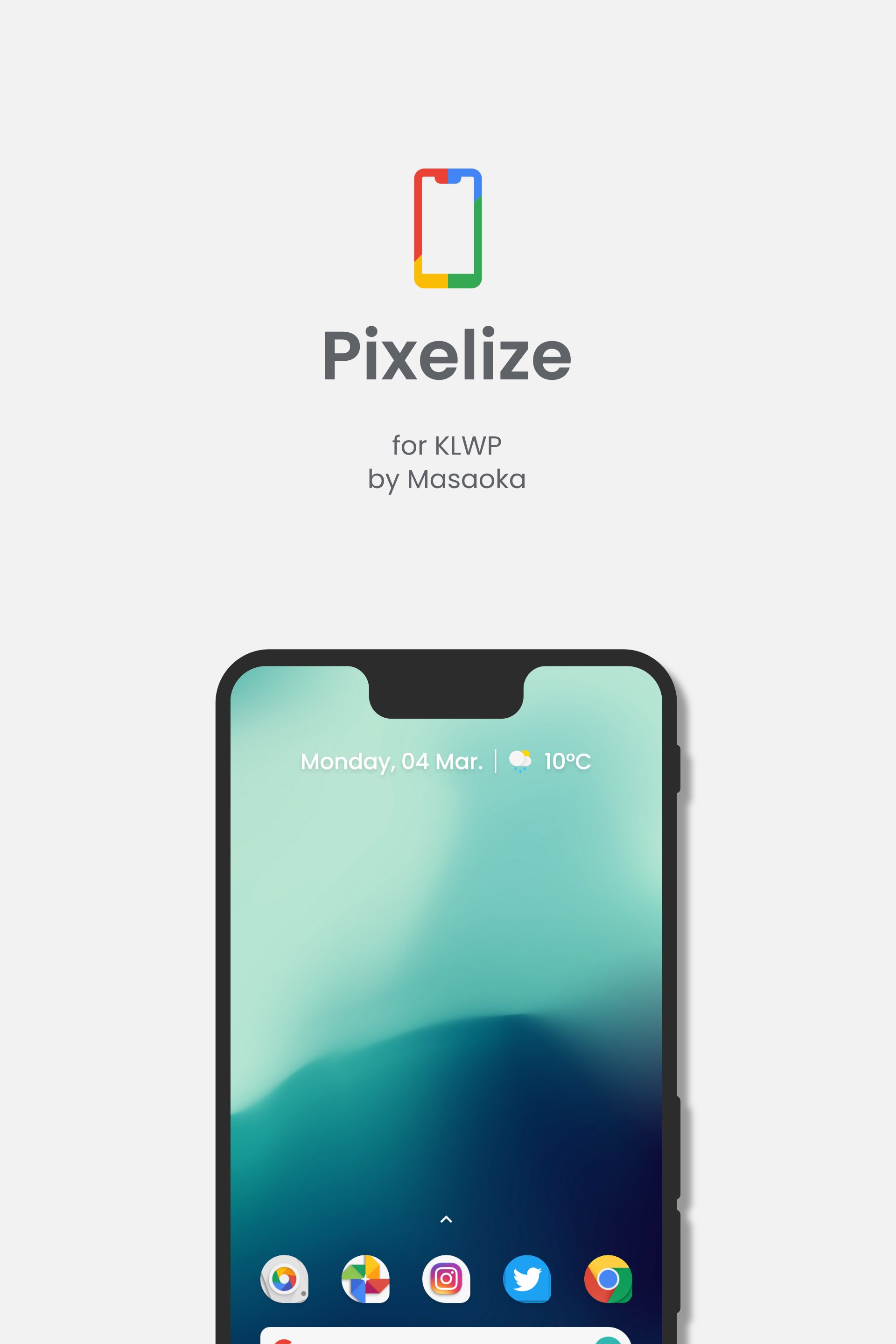
不是Pixel,而是Pixel风格。你需要'KLWP Pro'(付费)。
这不是独立的应用程序。
如果您没有,请先安装以下应用程序:
- KLWP动态壁纸制造商
https://play.google.com/store/apps/details?id=org.kustom.wallpaper
- KLWP Live Wallpaper Maker Pro Key
https://play.google.com/store/apps/details?id=org.kustom.wallpaper.pro
- Nova Launcher Home
https://play.google.com/store/apps/details?id=com.teslacoilsw.launcher
- Kustom Unread Plugin
https://play.google.com/store/apps/details?id=org.kustom.unread
功能的
- 让你的主屏幕很酷;-)
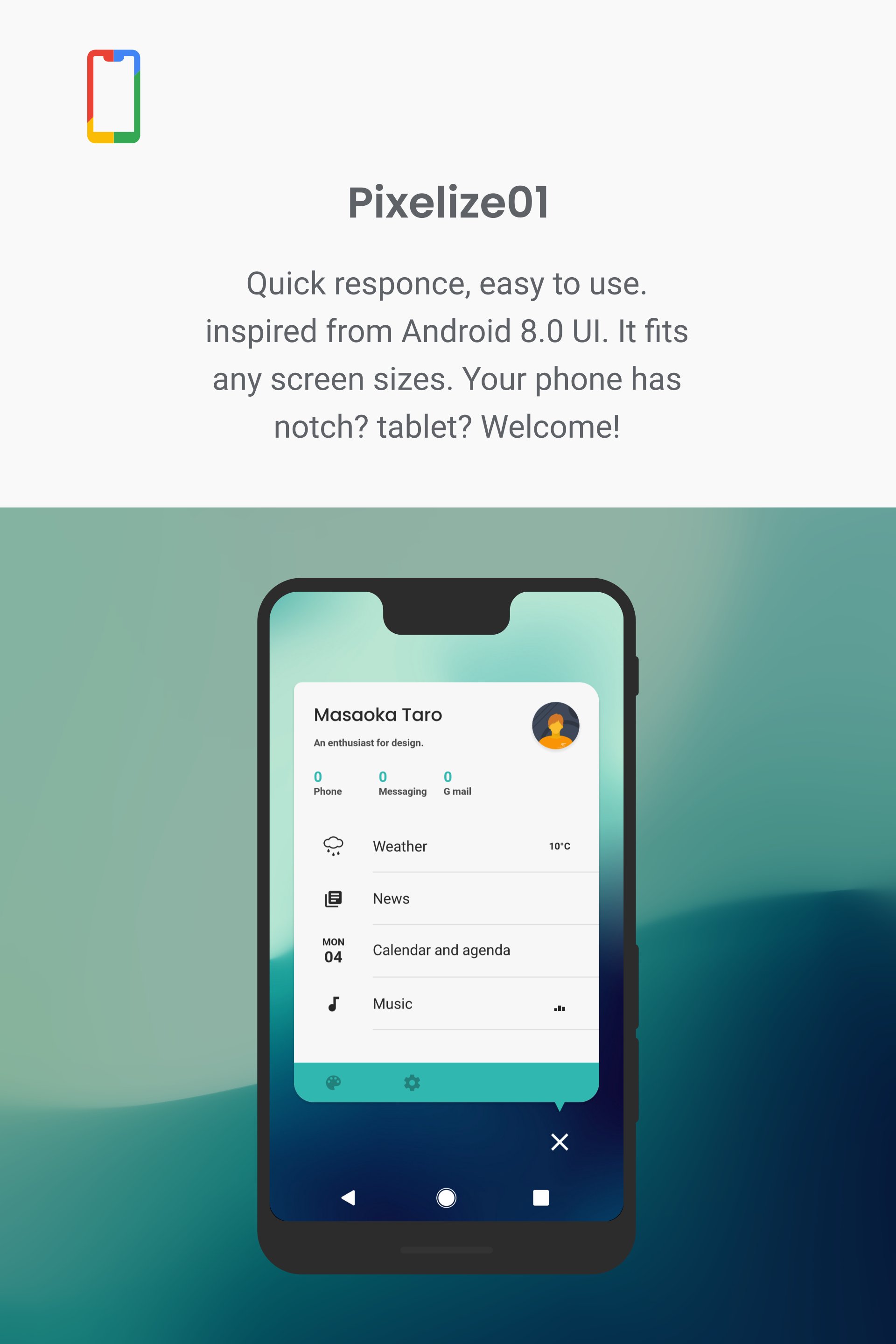
- 支持几乎所有屏幕格式和屏幕尺寸。
(您可以使用全局'dip'调整此主题中的项目的大小)
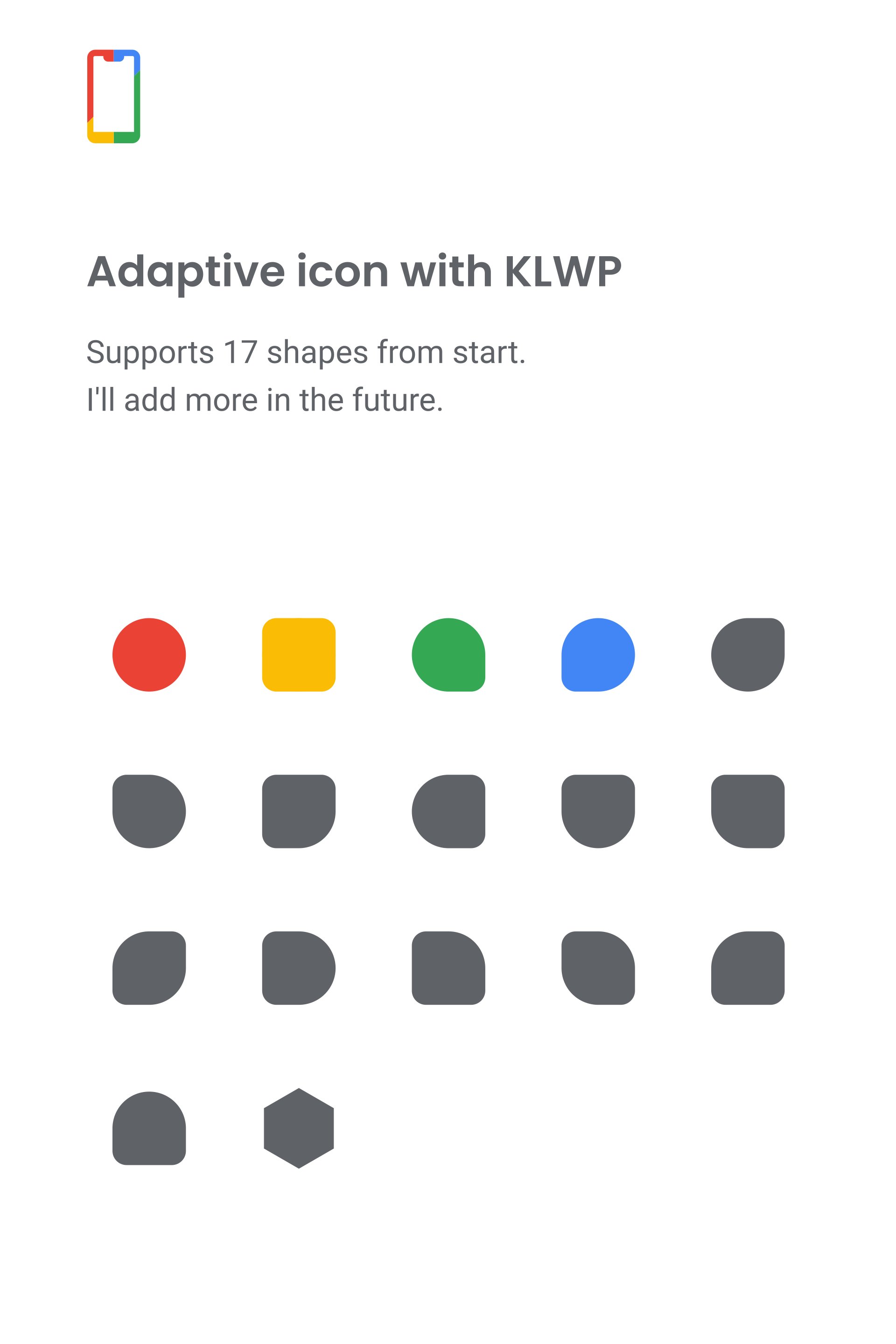
- KLWP的自适应图标
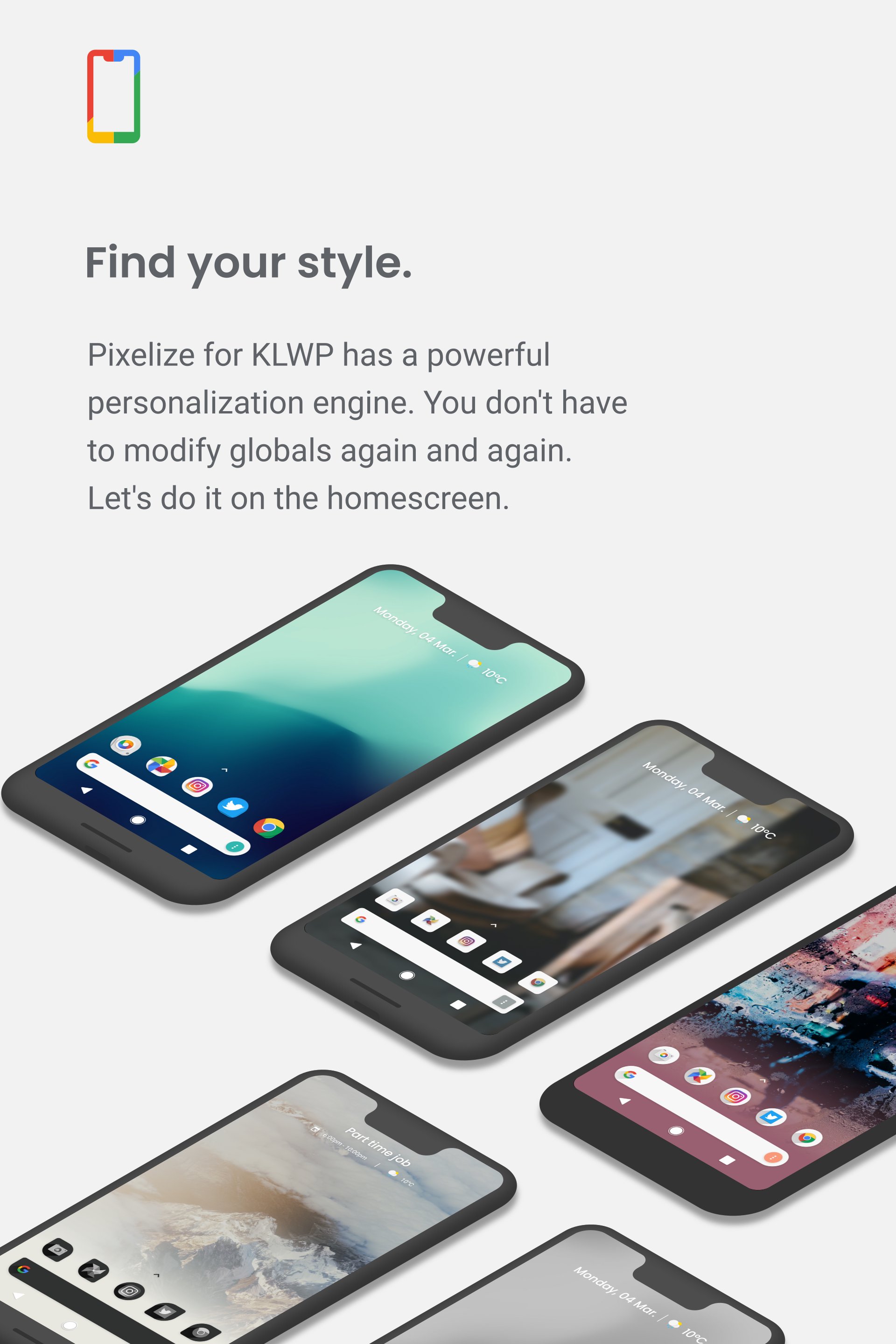
- 个性化引擎
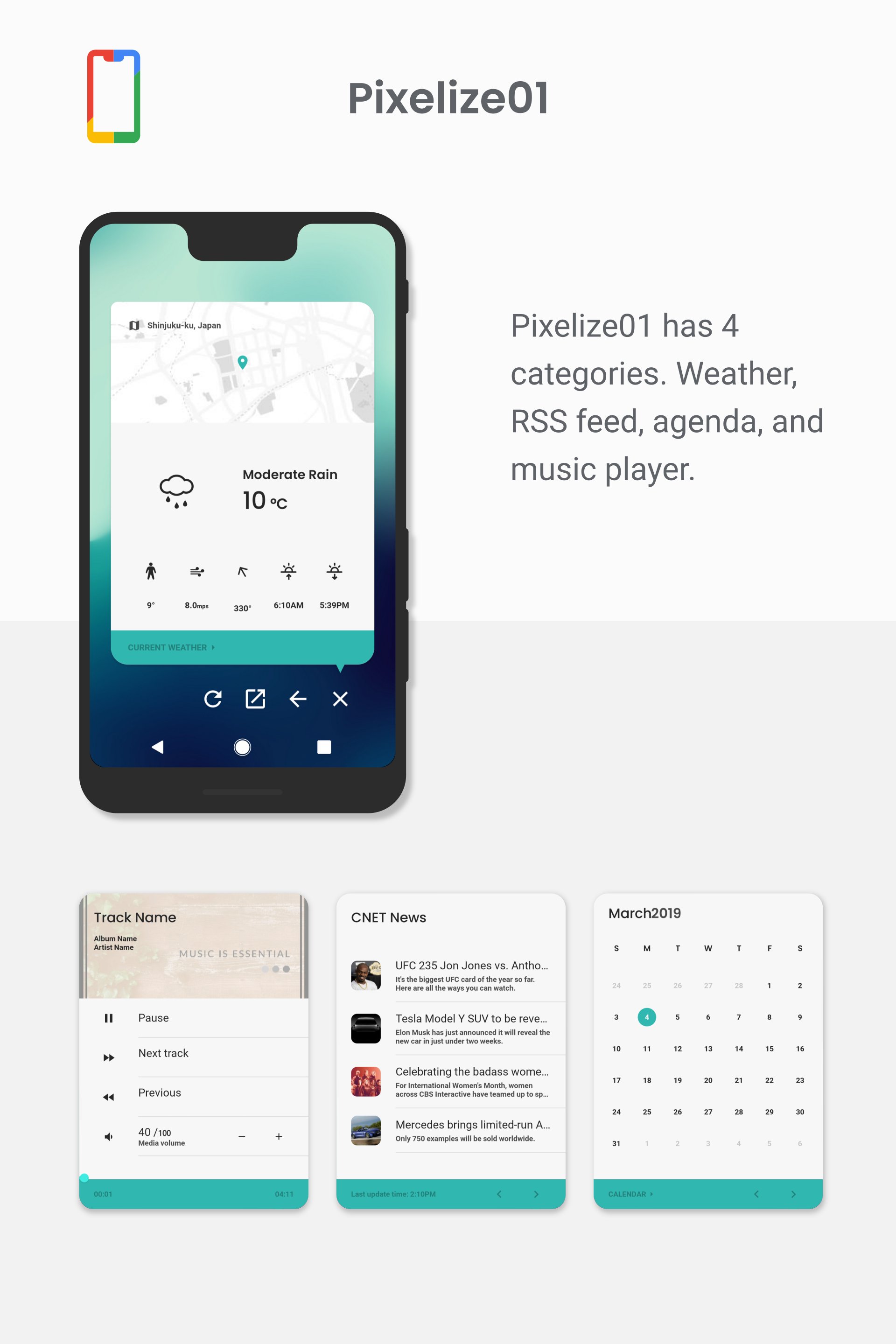
- 支持4个类别:天气,议程,新闻和音乐
SETUPS 的
(0.安装KLWP和Nova Launcher)
1.打开KLWP并点击左上角的菜单图标。
2.在菜单中,选择文件夹图标(可能在菜单列表的顶部)
3.切换到“已安装”选项卡,然后选择“Pixelize for Kustom KLWP”。
4.加载模板后,点击“保存”图标以应用模板,然后将KLWP设置为墙纸。
注意的
- 我在SIL Open Font License下使用'Poppins'字体。
- 对于Notch设备
如果您无法点按显示通知面板的顶部图标,请使用全局“StatbarH”增加该数字。
CREDITS 的
- Brandon Craft的每月日历代码
https://www.youtube.com/playlist?list=PLGVFcC04AlxfGKXcb5oMKY_MW6MIY_gwJ
- 设计灵感来自Google Pixel 2和Android Oreo。
- Kustom的GNW图标
https://play.google.com/store/apps/details?id=com.naman.gnwkomponent
- 壁纸
https://unsplash.com/photos/vZ3uBD5r1Rs
https://unsplash.com/photos/tJ8x4oCQ5jE
https://unsplash.com/photos/pN1kmGhDrYM
如果您有任何疑问,请给我发电子邮件。
我会尽快回答。
感谢您的评分和反馈!
您已经评分了。




