在APKPure安全快速地下载APK
APKPure 使用签名验证功能,确保为您提供无病毒的 NotifyRDS APK 下载。

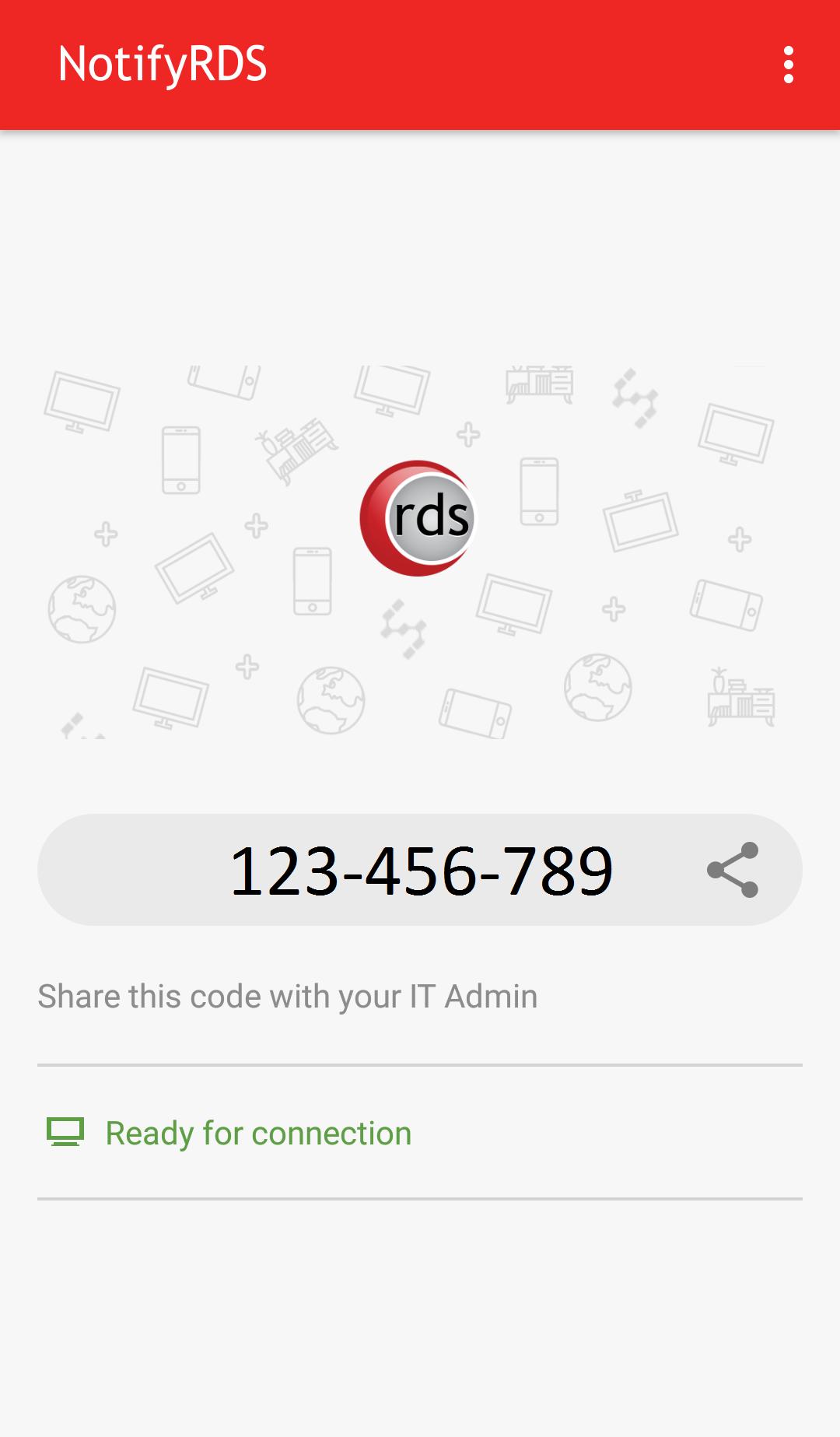
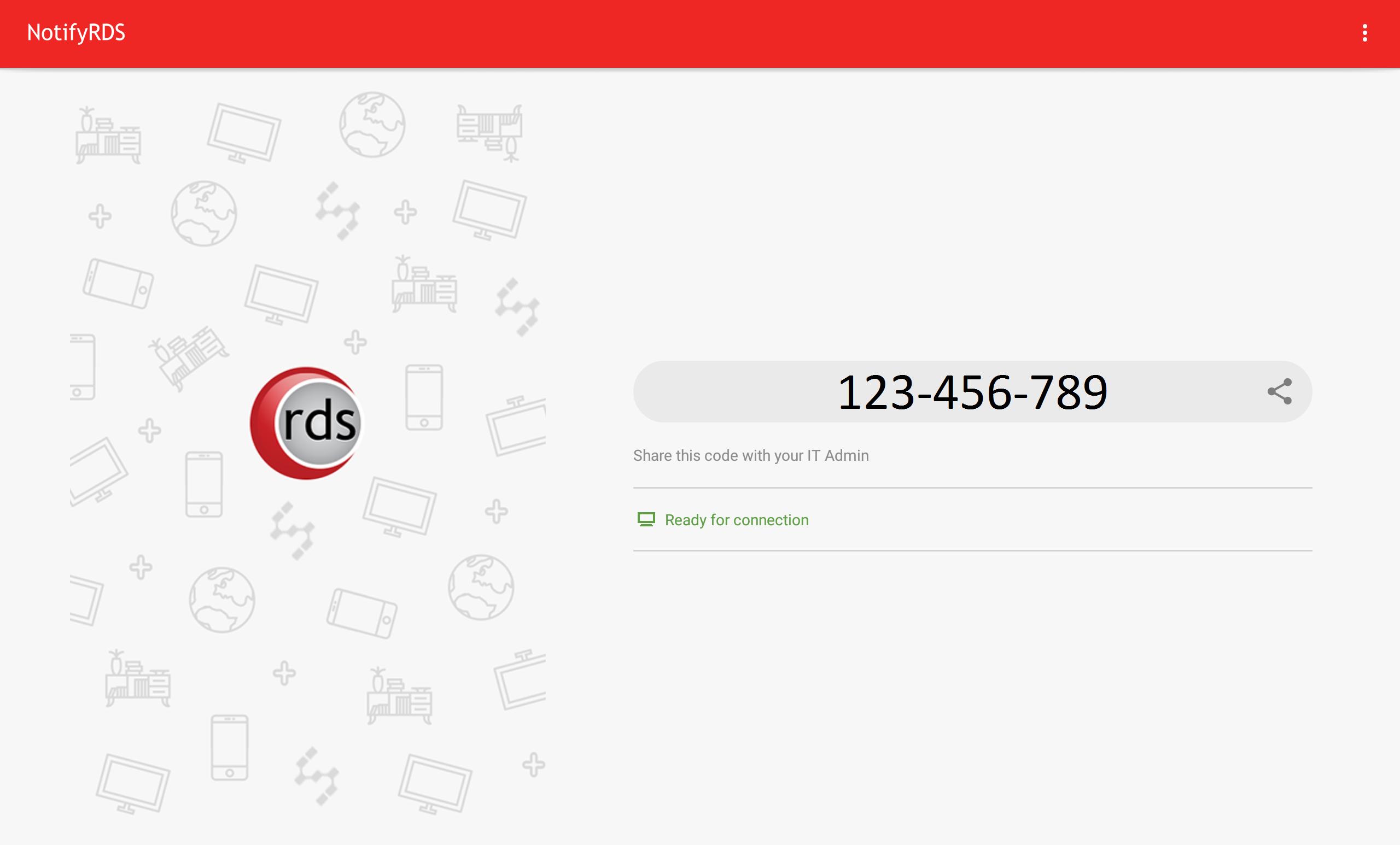
从NotifyRDS任何一台电脑让您的移动设备的远程支持。
User can real-time screen share to remote technician. Technician will be able to share clicking pointer remotely to help guide the user. Session connection is encrypted using 256-bit AES / TLS .
For selective Android devices (i.e. Samsung & LG), remote control is possible, enabling remote technician to control your mobile device.
Quick Guide:
1. Download and launch the NotifyRDS app on your mobile device.
2. Share the session ID to your remote technician who has NotifyRDS Account.

感谢您的评分和反馈!
您已经评分了。