在APKPure安全快速地下载APK
APKPure 使用签名验证功能,确保为您提供无病毒的 Mobizen Mirroring APK 下载。

高级屏幕镜像ㆍ远程控制
Mobizen Mirroring
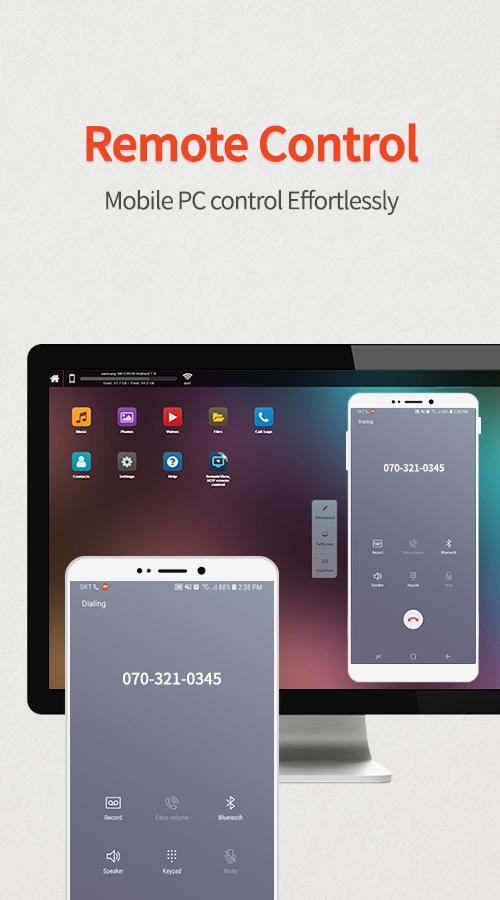
controls Android devices from a PC.
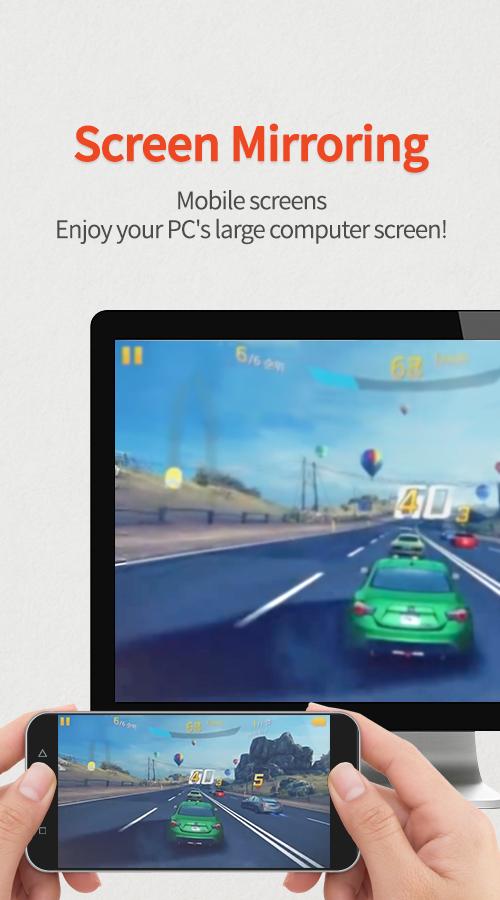
shows the screen of Android/iOS devices on a PC.
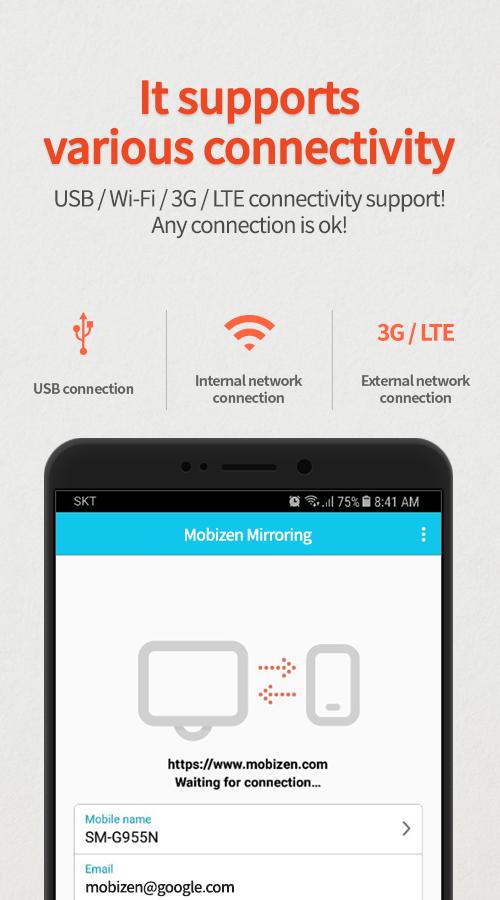
supports wired/wireless connections (3G/LTE/Wi-Fi/USB).
Use Mobizen to do these
ㆍEnjoy games/video/pictures on a bigger screen.
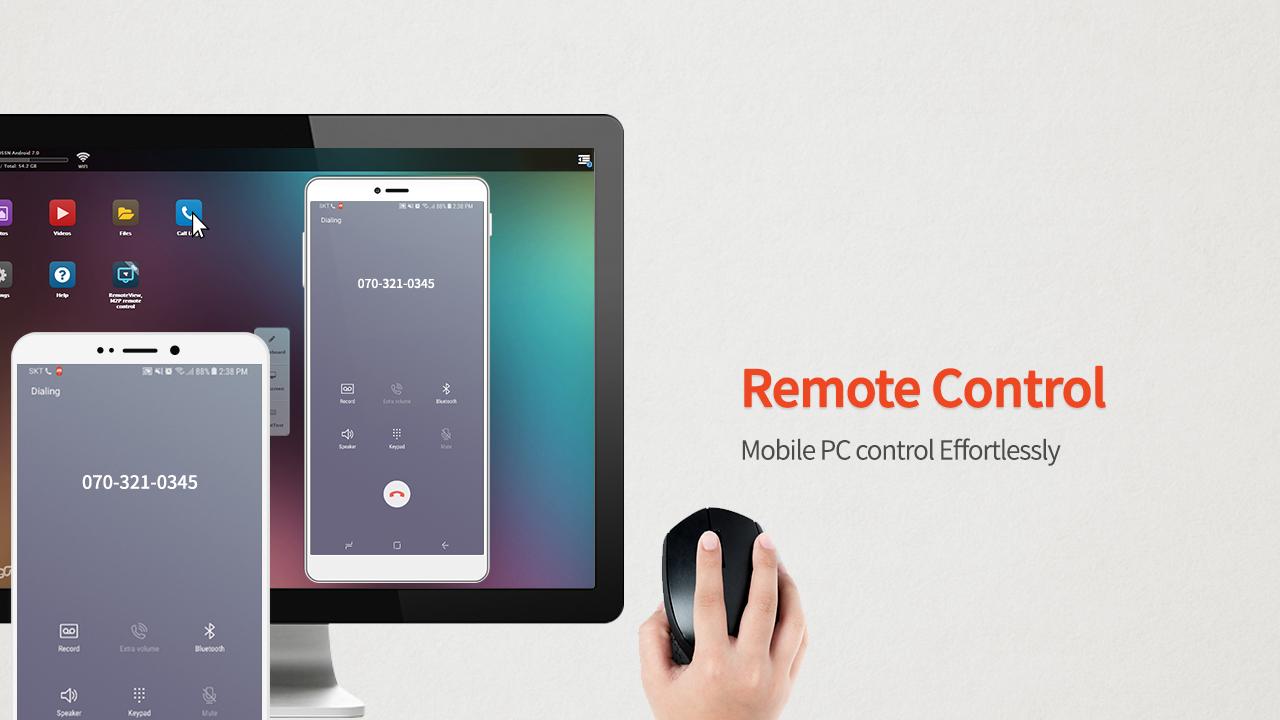
ㆍControl smartphones with keyboard and mouse.
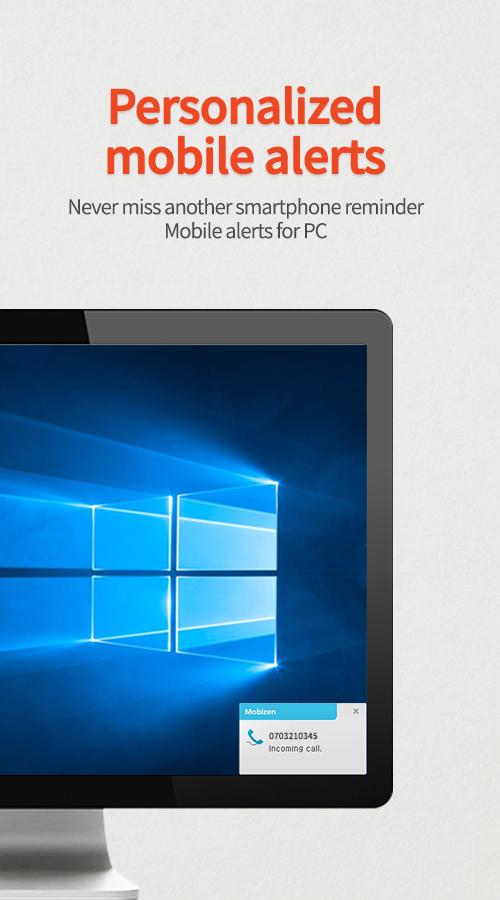
ㆍReceive alerts and notification on the PC.
ㆍAccess the phone when it is not with you.
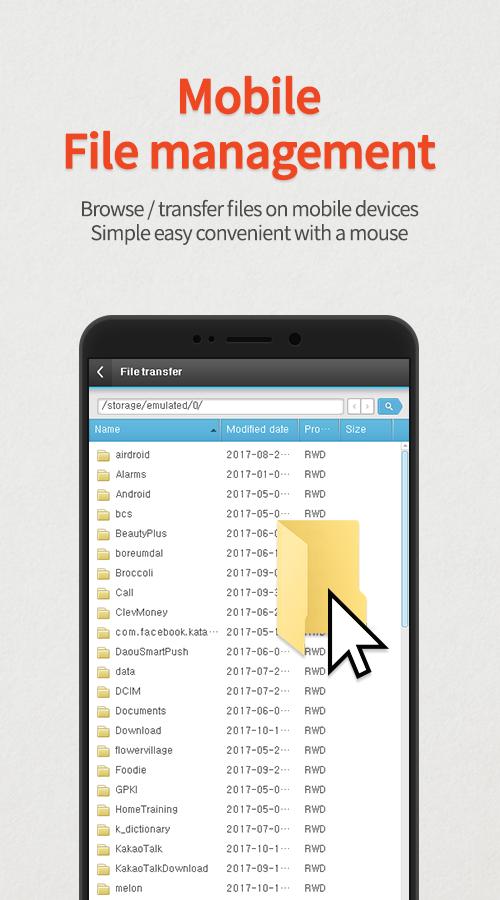
ㆍFind or copy files to/from the phone.
Main features
ㆍScreen mirroring: enjoy mobile screen in the big way!
ㆍcontrol the mobile from PC!
ㆍConnect in any way: supports USB/3G/LTE/Wi-Fi.
(3G/LTE/Wi-Fi available on Professional version only)
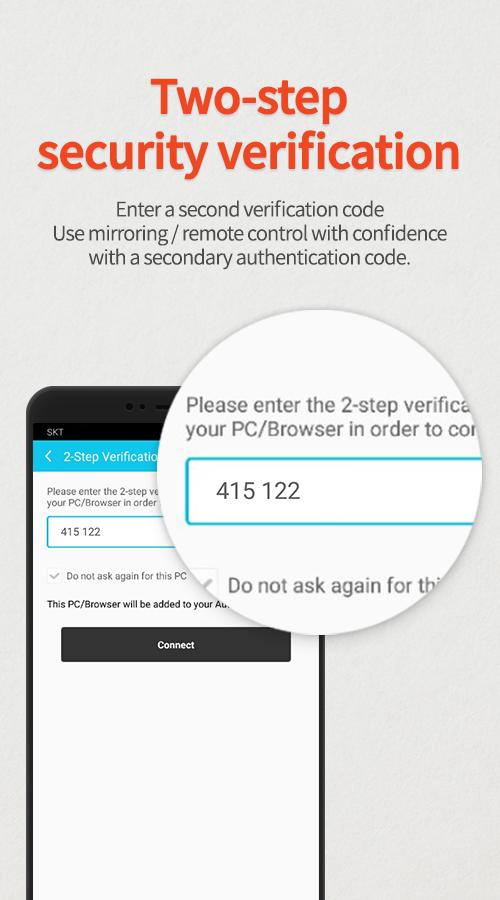
ㆍsecurely remote control devices with 2-step verification.
ㆍeasily access files on the mobile device.
ㆍreceive all alerts and notifications on the PC.
Other features
ㆍMirror in full screen.
ㆍAdjust transparency on the PC side.
ㆍRecord the smartphone from PC.
ㆍQuick access key such as HOME, MENU, BACK, SEARCH, POWER and VOLUME.
ㆍSkin specific to the device.
ㆍClean recording / mirroring without watermark.
ㆍUse Google or Facebook account to connect.
< 2 ways to get started>
[1] Get started with an email.
- Launch the Mobizen Mirroring app.
- Press [Start].
- Select an email account registered on the phone.
- Enter the password and press [Start].
- On the PC, open www.mobizen.com.
- Enter the email and the password to login.
- Done! You are now connected.
[2] Get started with Goole+/Facebook
- Launch the Mobizen Mirroring app.
- Press [Start].
- Select either Goole+ or Facebook.
- Allow the usage of the selected account.
- On the PC, open www.mobizen.com.
- Select the same SNS account (Google+ or Facebook) to login.
- Done! You are now connected.
< System requirements and browser information >
* Mobizen Mirroring supports Android N.
[Mobile]
-Android 4.1 or higher
[PC Operating System]
-Windows 7 or later
[Browser]
-Chrome 21 or higher, Firefox 18 or higher, Internet Explorer 10 or higher, Safari 7.1 or later
Do you want know more about Mobizen?
▶Helpdesk http://support-mirroring.mobizen.com/hc/en-us
▶Website https://www.mobizen.com/?locale=en


感谢您的评分和反馈!
您已经评分了。