在APKPure安全快速地下载APK
APKPure 使用签名验证功能,确保为您提供无病毒的 Flower Clock Live Wallpaper APK 下载。

获取自己的花钟和您的手机屏幕上设置它为动态壁纸。
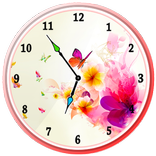
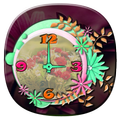
Flower Clock Live Wallpaper allows you to select Flower clock from different customized clocks given in the app, and place your own photo as background and set it as live wallpaper on your mobile screen. You can select your own background from mobile gallery or choose one of the background given within the app. The clock is analog clock with amazing and latest design.
App features :
- Many different Flower clock with different flower designs.
- All beautiful analog clocks
- Set your own photo as background behind the flower.
- Choose your own background from mobile gallery.
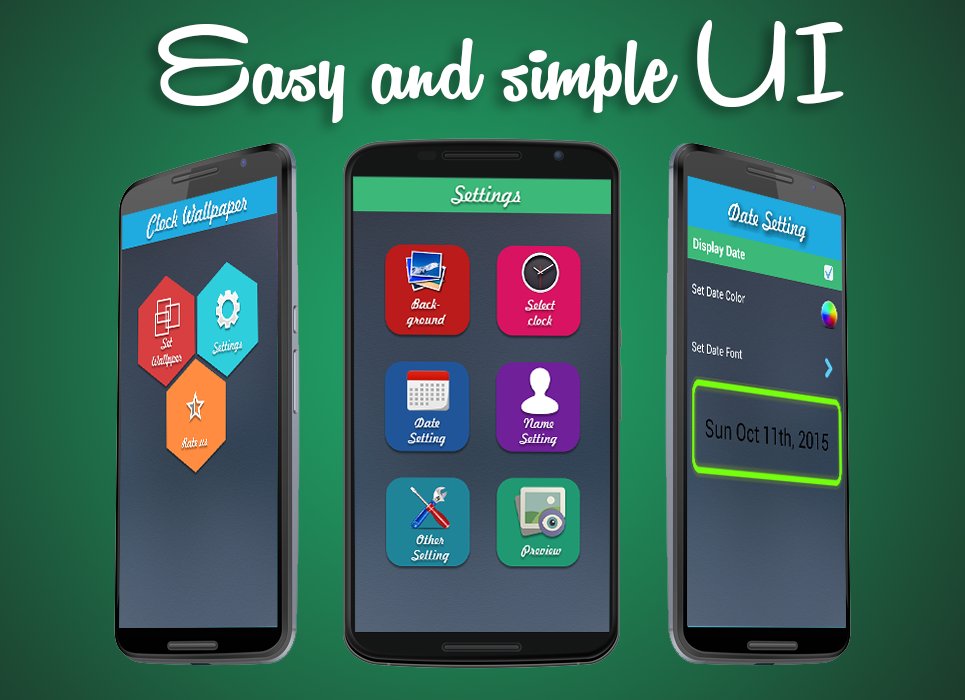
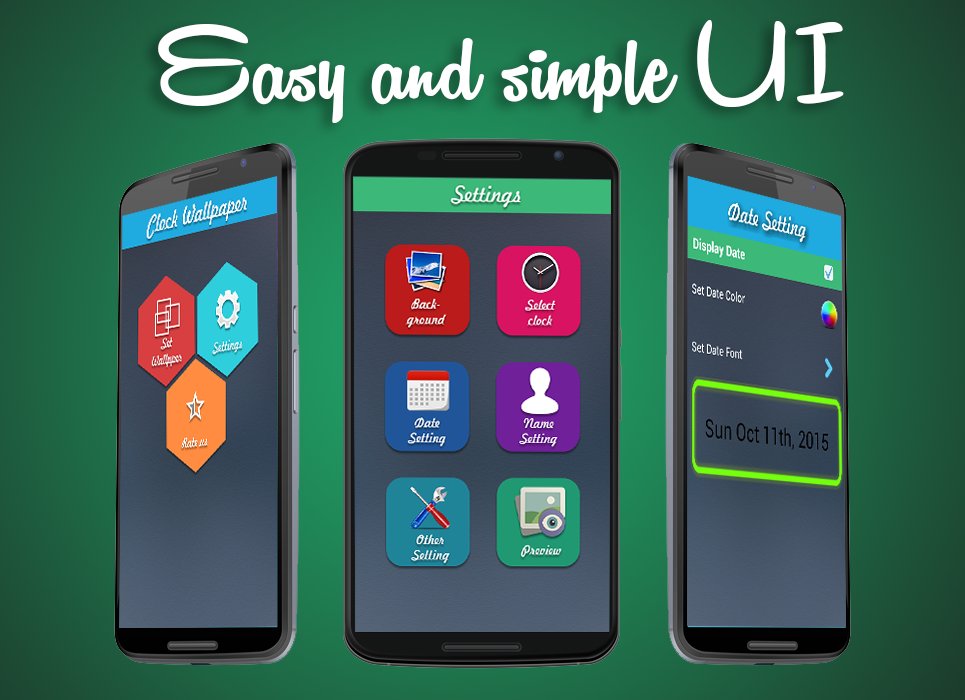
- Place clock at different positions on the live wallpaper screen.
- Set your name on the live wallpaper with different fonts and color customization.
- Set date with different fonts and color customization.
Make your live wallpaper look even more beautiful with beautiful flower clocks.





感谢您的评分和反馈!
您已经评分了。