在APKPure安全快速地下载APK
APKPure 使用签名验证功能,确保为您提供无病毒的 ExaGear RPG APK 下载。

PC游戏模拟器支持(不包括游戏!)Fallout1 / 2,魔法门6/7/8
ExaGear RPG is an emulator for Android which allows you to run PC games on Android devices. ExaGear RPG is the version of ExaGear Mobile with customization of controls for RPG games. NOTE that no games are included in this application and this application does not work without your own PC game files!
FEATURES
Current controls are customized and adapted for:
• Fallout 1, 2 (controls ‘Ferrum’ are recommended)
• Might and Magic VI, VII, VIII (controls ‘Magnesium’ are recommended)
• Arcanum (controls ‘Argentum’ are recommended)
• Jagged Alliance 2 (controls ‘Alluminium’ are recommended)
The list of tested and adapted games will increase.
For more details visit http://eltechs.com/product/exagear-mobile/
IMPORTANT NOTICES
• NO GAMES ARE INCLUDED IN THIS APP! YOU HAVE TO OBTAIN YOUR LICENSED COPIES OF PC GAMES IN A LEGAL MANNER.
• EMULATOR IS FREE TO USE FOR THREE DAYS AFTER INSTALLATION. AFTER THAT PERIOD IN ORDER TO CONTINUE YOU SHOULD SELECT ONE OF THE FOLLOWING OPTIONS:
− Choose controls package and buy it. In this case you pay once and use selected controls package for unlimited time. Note that each controls package is paid separately!
− Activate the subscription for all controls packages of ExaGear Strategies and ExaGear RPG. In this case you initiate payment for the first month and can use all controls packages of ExaGear Strategies and ExaGear RPG for a month. Starting from the second month, you will automatically be charged. Successful charge extends the subscription for a month. If you cancel the subscription you will not be charged automatically starting from the next month, and you will have access to the subscription until the end of the current (paid) months.
SETUP INSTRUCTION
1. You have to own a licensed copy of the PC game. Install it on your PC.
2. Move installation folder of the game from your PC to ExaGear folder in the root of internal SD card of your Android device.
Installation folder of the game is the one containing executable file of the game. This folder is normally found under C:\Program Files or C:\Program Files (x86).
3. If you have a version of PC game that requires a game CD to be in the CD-drive when playing it, then please copy files from the game CD to your Android device to folder containing executable file of the game.
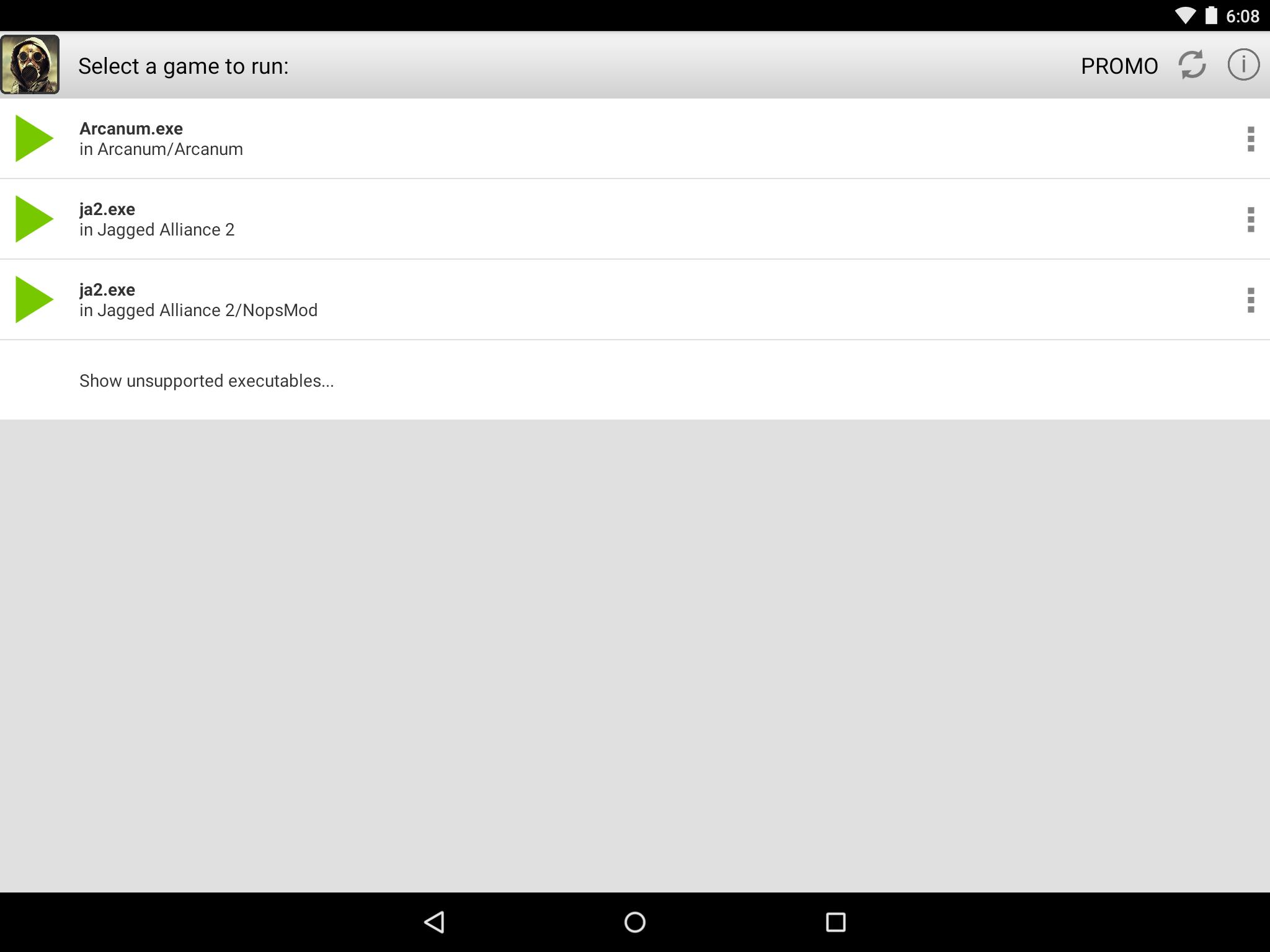
4. Launch ExaGear RPG and choose executable file to run the game.
KNOWN ISSUES
• We strongly recommend not to run localized versions under the emulator as they were not tested.
LEGAL
PC games are sold separately. ExaGear RPG users must own licensed copies of PC games. Usage of PC games with ExaGear RPG must comply with users’ rights in accordance with corresponding licenses.
ExaGear RPG software product does not relate to, nor authorized, endorsed or licensed in any way by PC games respective copyright owners.
Any and all PC games that are run by the ExaGear RPG and corresponding trademarks are property of their respective copyright owners and are not affiliated with Eltechs.
PC games screenshots are used by Eltechs only to show ExaGear RPG users the abilities and functionality of the emulator in a truthful and non-deceptive manner.





感谢您的评分和反馈!
您已经评分了。