
在APKPure安全快速地下载APK
APKPure 使用签名验证功能,确保为您提供无病毒的 Avatar APK 下载。

通过头像向附近的用户展示自己,并在同意的情况下交换联系
Step 1: Set up your Avatar and phone number.
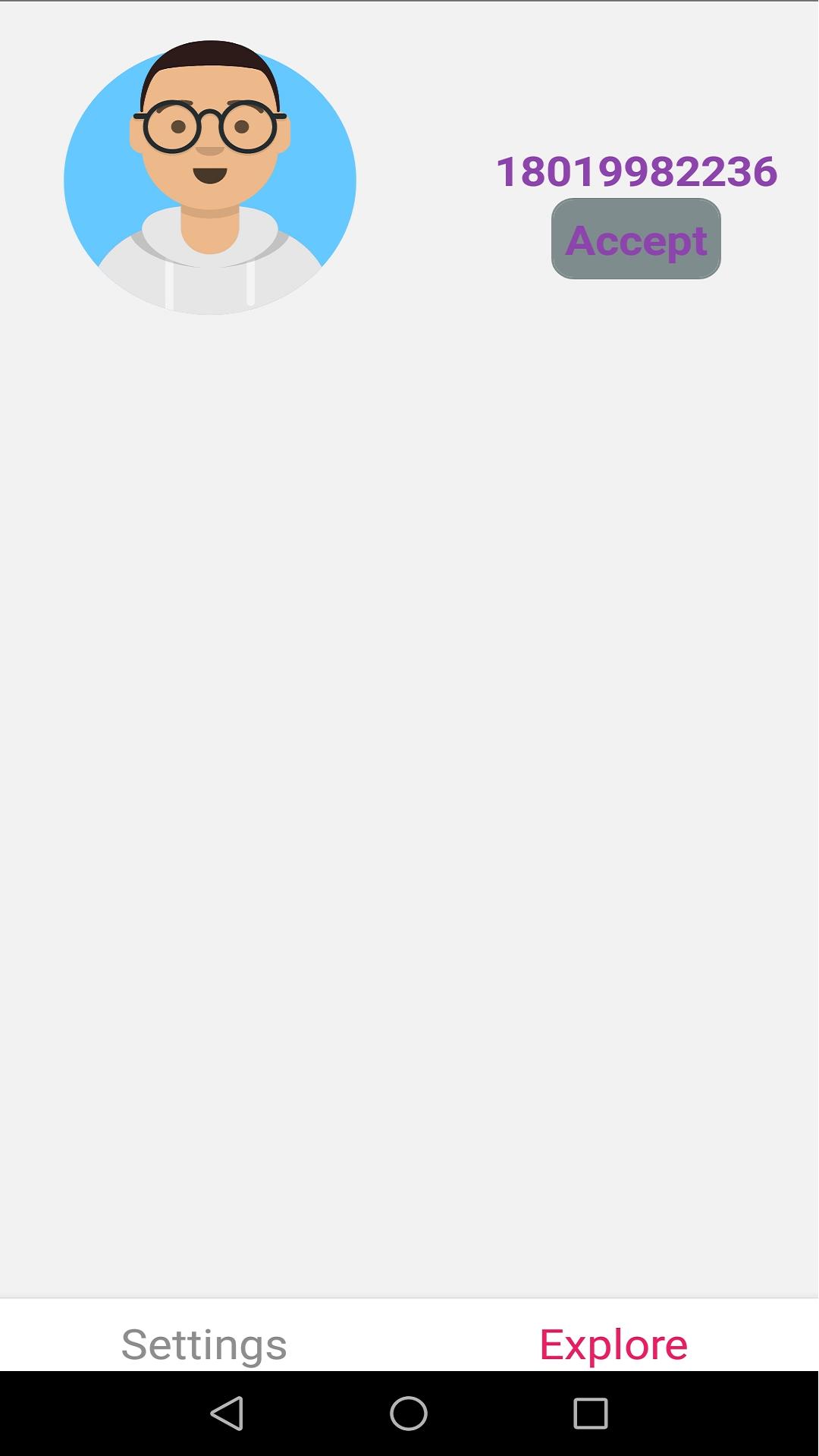
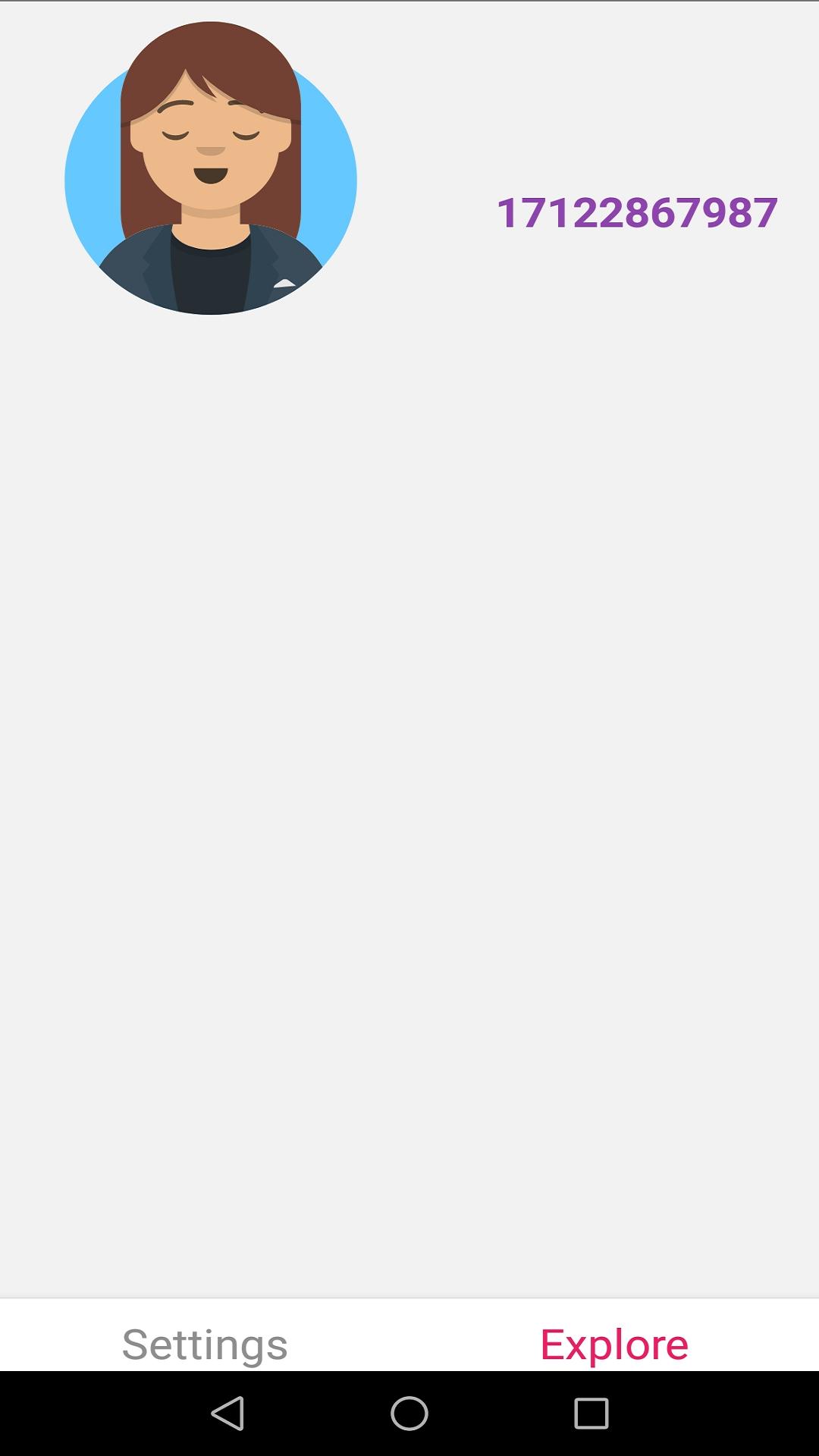
Step 2: Explore nearby users Avatar and identify the real user.
Step 3: Send invits to the nearby user if you like.
Step 4: Your avatar and phone number will be shown up to the nearby user.
Step 5: The nearby user can identify you and decide whther to accept your invits.
Step 6: If the nearby user accepts your invits, his/her phone number will be shown to you.
Features:
- Works without Internet connectivity.
- No data collection. (Neither your avatar nor phone number will be collected)
- Avatar and phone number of nearby users are exchanged via Wi-Fi Direct without any server standing in between.




感谢您的评分和反馈!
您已经评分了。