在APKPure安全快速地下载APK
APKPure 使用签名验证功能,确保为您提供无病毒的 Always on Display APK 下载。

始终显示提供有关时间,日期信息,都没有触摸手机
Previously, to see the date and time it was necessary to switch on the phone ...
You many times a day just to turn on screen viewing time.
This requires a battery and the phone quickly discharged.
Turn on - turn off screen also requires you to unnecessary movements, which are sometimes very inconvenient to perform.
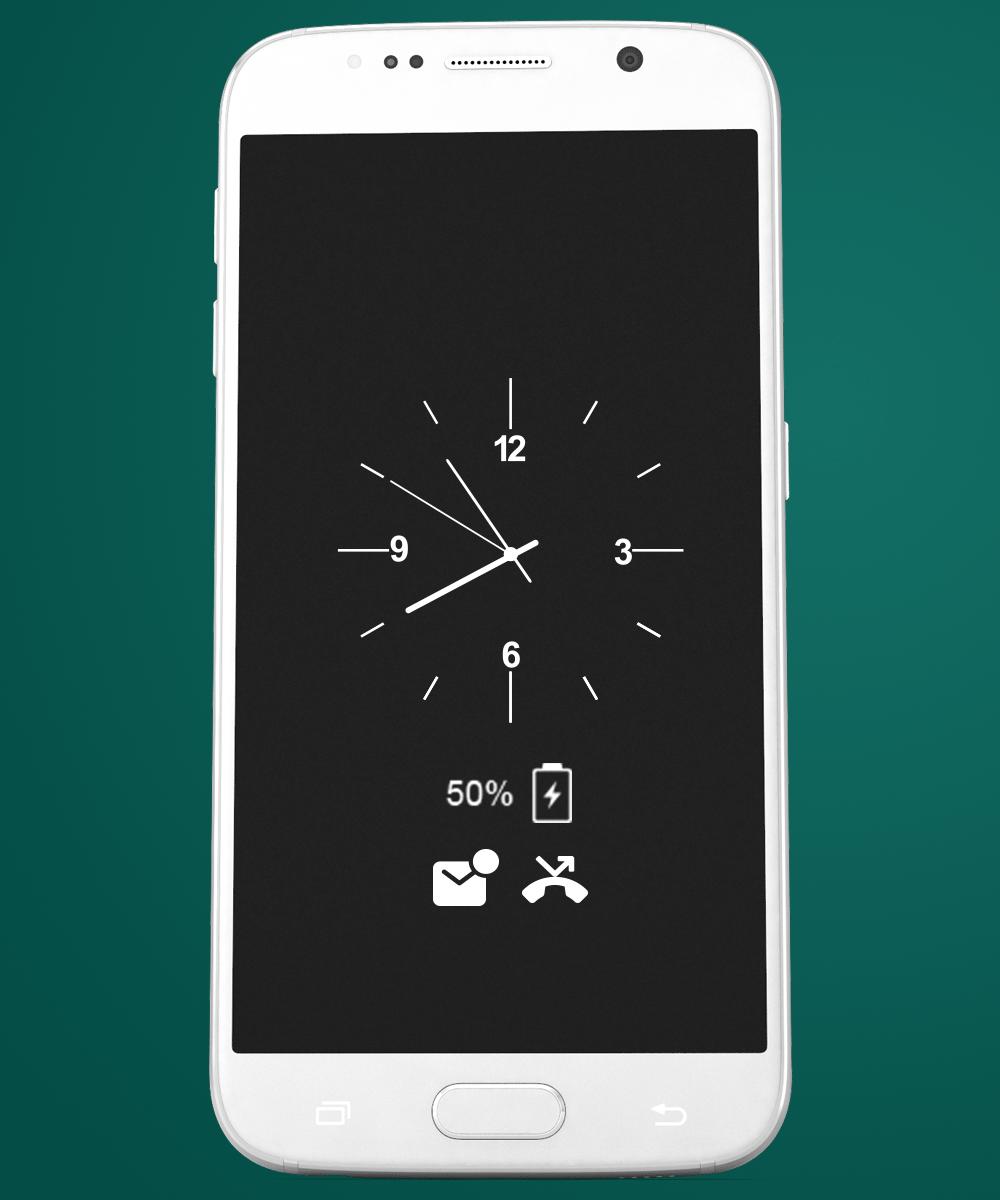
Always on Display-AMOLED provides information about, time, date, notifications and more and all without having to touch the phone. Just by looking at it. This is made possible thanks to Always on Display. Most of the screen stays black except for a few pixels.
The app (Always on Screen) is designed for this proposes to show some basic info in black screen whenever you want. All this information will be permanently displayed on your screen.
If you want to see what's going on your phone, you can simply take your phone out of your pocket to view all the latest notifications, in a similarly pleasing and minimalistic manner by using this best Always on Display app.
How to use this App (Always on Screen):
1. Open Always on Display-AMOLED, start service
3. To weak up your phone, double tap on screen
4. To turn off screen just press power button
5. The user can on or off service
Main features
Easy to use Always on Amoled.
Great design and awesome performance.
Enable/Disable showing notifications
Automatic rules preserve battery using predefined rules?•
Change font size, color.
Change clock style (digital, analog).
Display battery level.
Display notifications information.
Display weather info.
Always on' screen on (double tap will turn screen the on).
Select the information that will be displayed on the screen.
Change display position of info on the screen.
Auto ON/OFF Screen feature.
Now with our new app is not necessary!
Because, the clock will be permanently displayed on your screen.
It is convenient and practical!
Features:
- Samsung Gear S2™ Watchface skin;
- 'KNOCK' screen on (double tap will turn screen on) like in LG G series devices;
- You can select the color of the text that you want;
- Screen will be automatically turned off when the phone is in your pocket or bag (this feature is only available for devices that have a proximity sensor) to reduce consumption of batteries;
Also as soon as possible, we will add new features:
- Display battery level;
- Choosing display images;
- Show notifications;
- Reorder Widgets;
- Auto Enable/Disable feature;
- Display notifications;
- Ability to select the information that will be displayed on screen;
- Font selection;
- A lot of skins (themes);
- Always On Display for S6



感谢您的评分和反馈!
您已经评分了。