Safe & Fast APK Downloads on APKPure
APKPure uses signature verification to ensure virus-free Click Counter - Plus APK downloads for you.

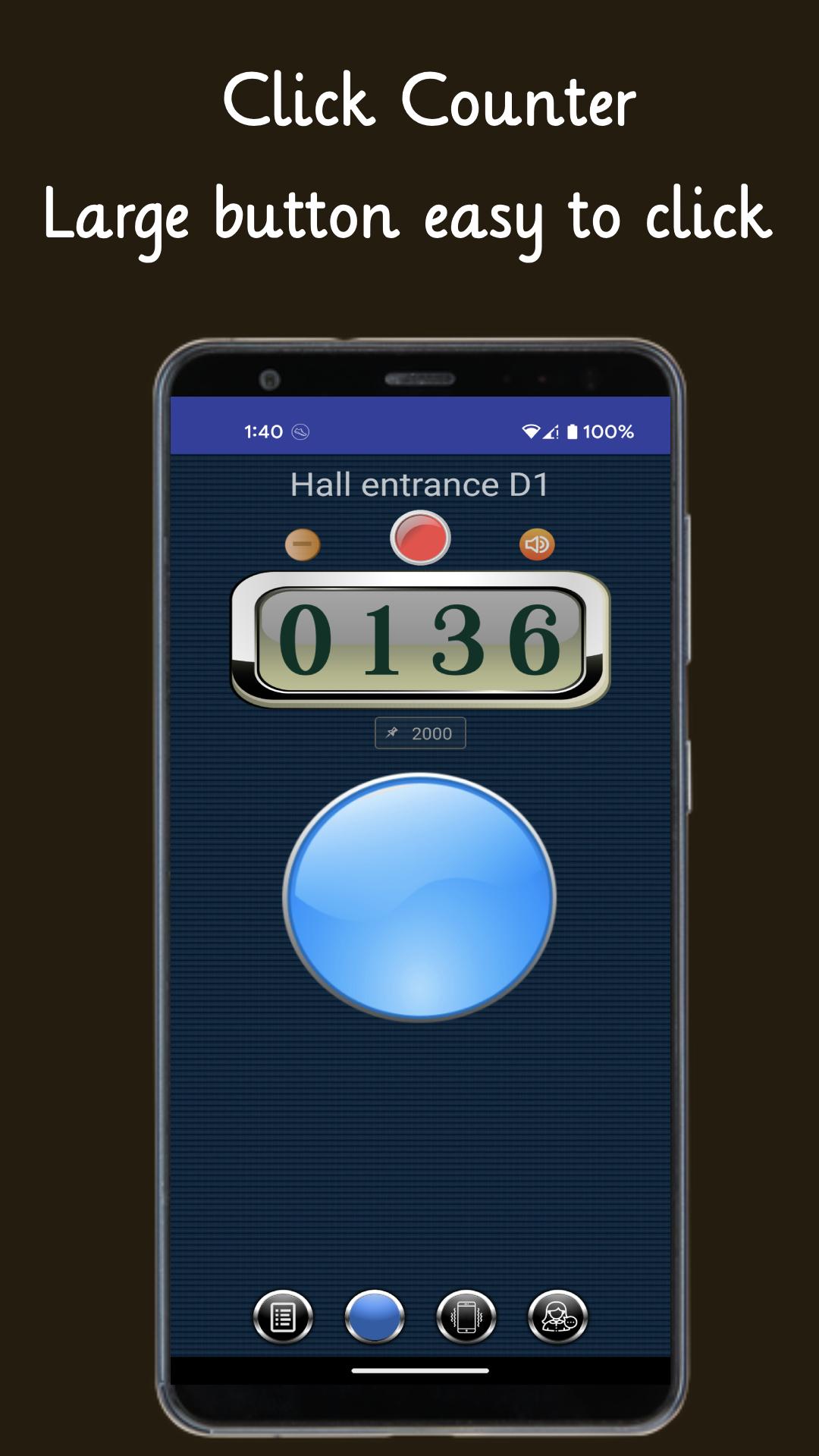
Large buttons for easy clicking, voice reporting, support for six counting modes
This program provides a simple click counter function,
You can use it to count people, chant Buddha's name, count steps, count sheep, or other processes that require cumulative functions.
The program is convenient and simple, the buttons are large and easy to click, and it supports six counting modes.
No permissions or Internet access are required, you are welcome to use it.
Main Features:
- Addends, subtractions and clear recalculations
- Number of goals can be set
- Voice report
- Multiple counters can count at the same time
- Provides six counting modes
- Check historical records, statistical charts, and sharing records
- Convenient and easy
- No need to connect to the Internet



One-click to install XAPK/APK files on Android!

Thanks for your rating and feedback!
You have already rated.