Safe & Fast APK Downloads on APKPure
APKPure uses signature verification to ensure virus-free Cleanup AI: Cleaner, Optimizer APK downloads for you.

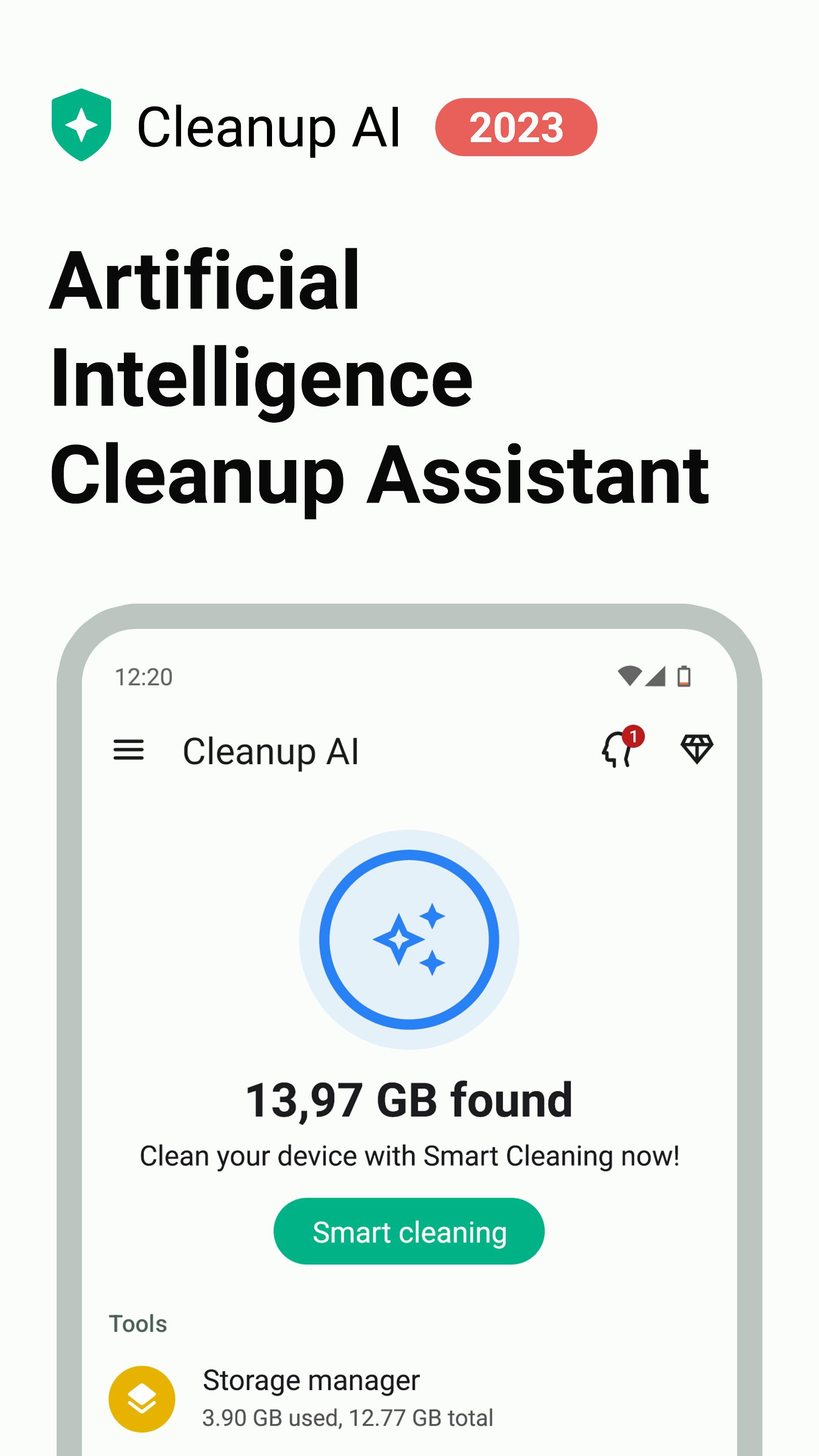
Clean and optimize your storage space with artificial intelligence.
Meet Cleanup AI, which is different from other cleaning apps – offers you smart suggestions and makes your job easier with its artificial intelligence assistant.
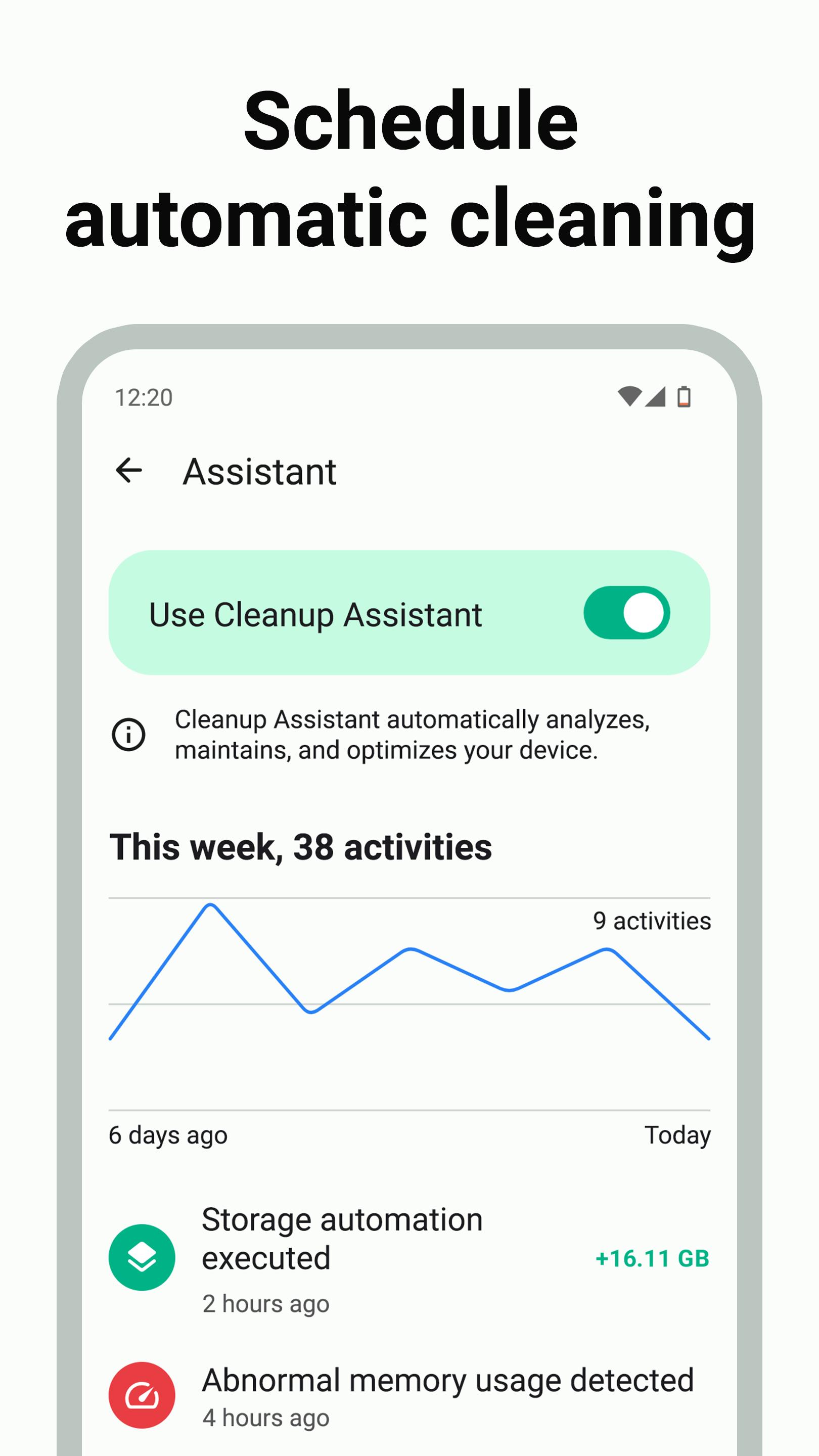
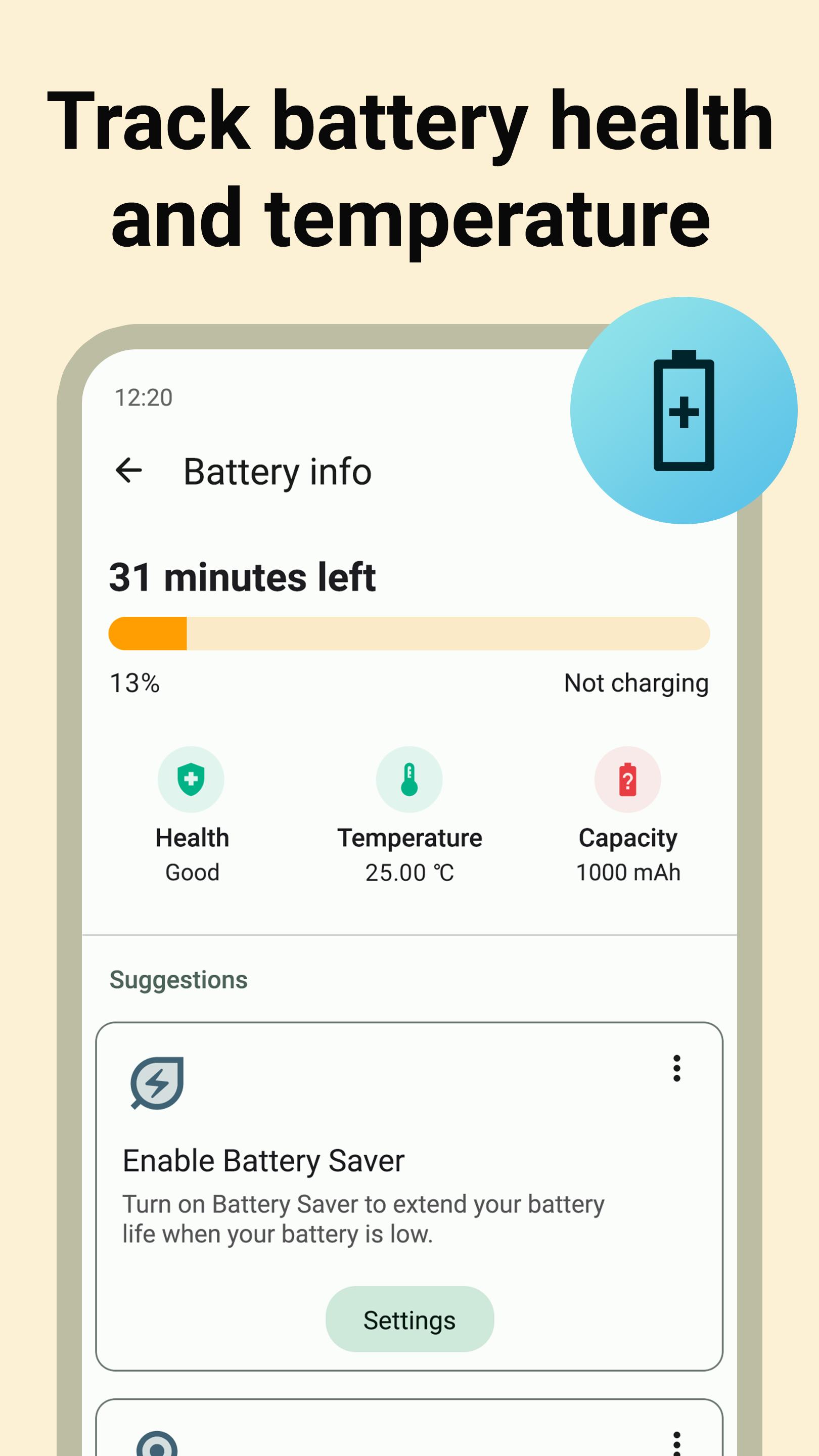
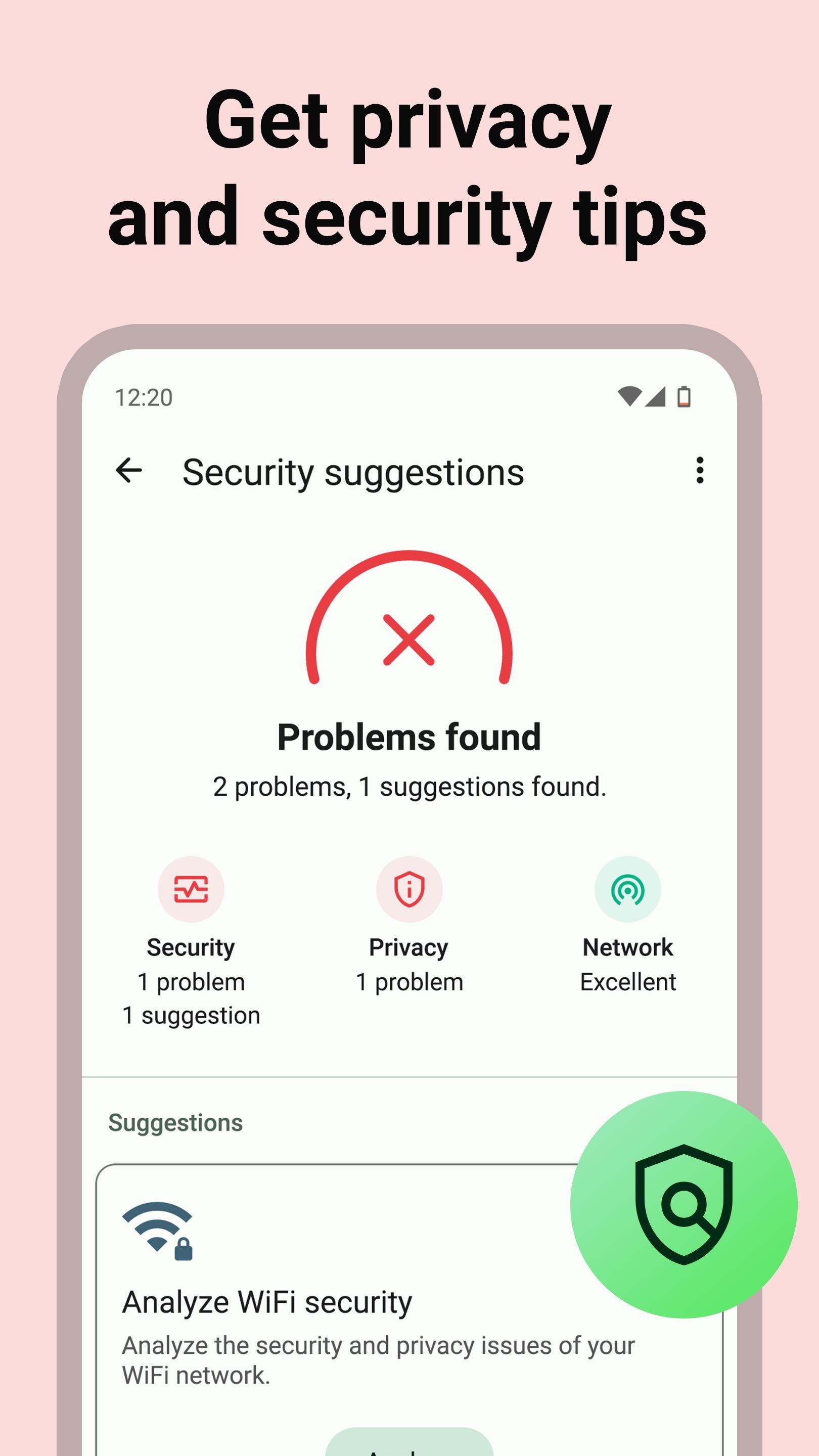
With just a few taps, you can get rid of junk and cache files, analyze memory usage, track battery status & temperature, and get privacy & security suggestions. You can also schedule tasks such as storage cleaning, memory analysis, and battery monitoring to be performed automatically.
So, let's take a look at the key features:
✨ INTELLIGENT CLEANUP ASSISTANT
• Automatically clean up your phone or tablet by scheduling 10+ Auto-Clean tasks such as deleting caches, junks, and duplicates
• Detect low memory (RAM) and abnormal memory usage
• Get abnormal battery usage and low/high battery temperature alerts
• Set minimum and maximum battery level alerts
• Get 20+ smart assistant suggestions & notifications
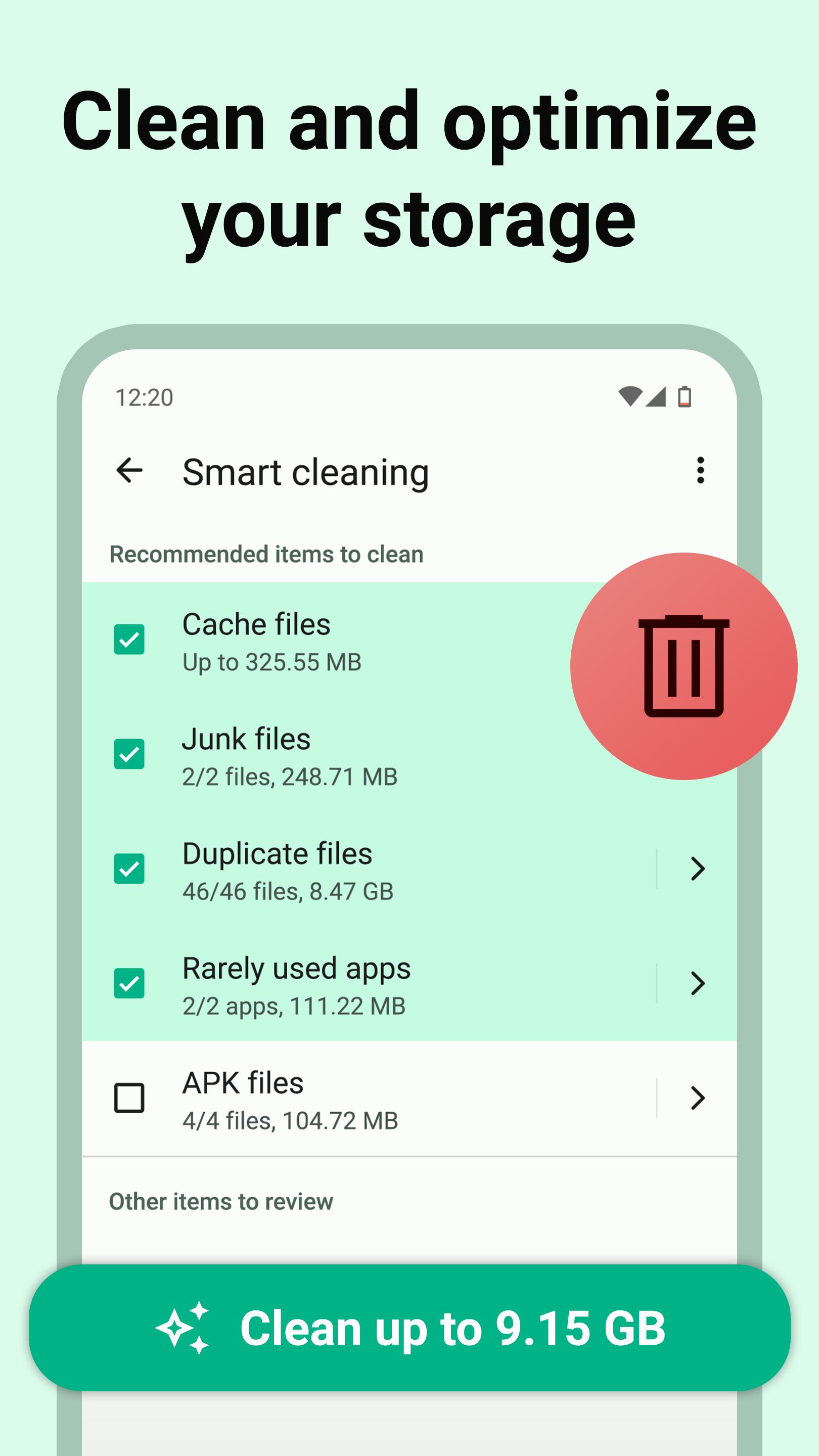
🗑️ SMART CLEANING
• Get rid of all unnecessary files and apps with a few taps
• Clear cache files, empty trash, delete junks (such as logs, ads, thumbnails, temps, obsolete & residual), ZIP archives, backups, screenshots, downloads
• Clean up your apps data and backup files
• Uninstall rarely used and outdated apps
• Schedule automatic cleaning
📁 ANALYZE AND CATEGORIZE FILES
• Categorize every file on your device – photos, videos, documents, downloads, archives, large files, and more
• File manager & explorer – open, delete, rename, search, sort, share, archive or extract files
• Clean up cache files
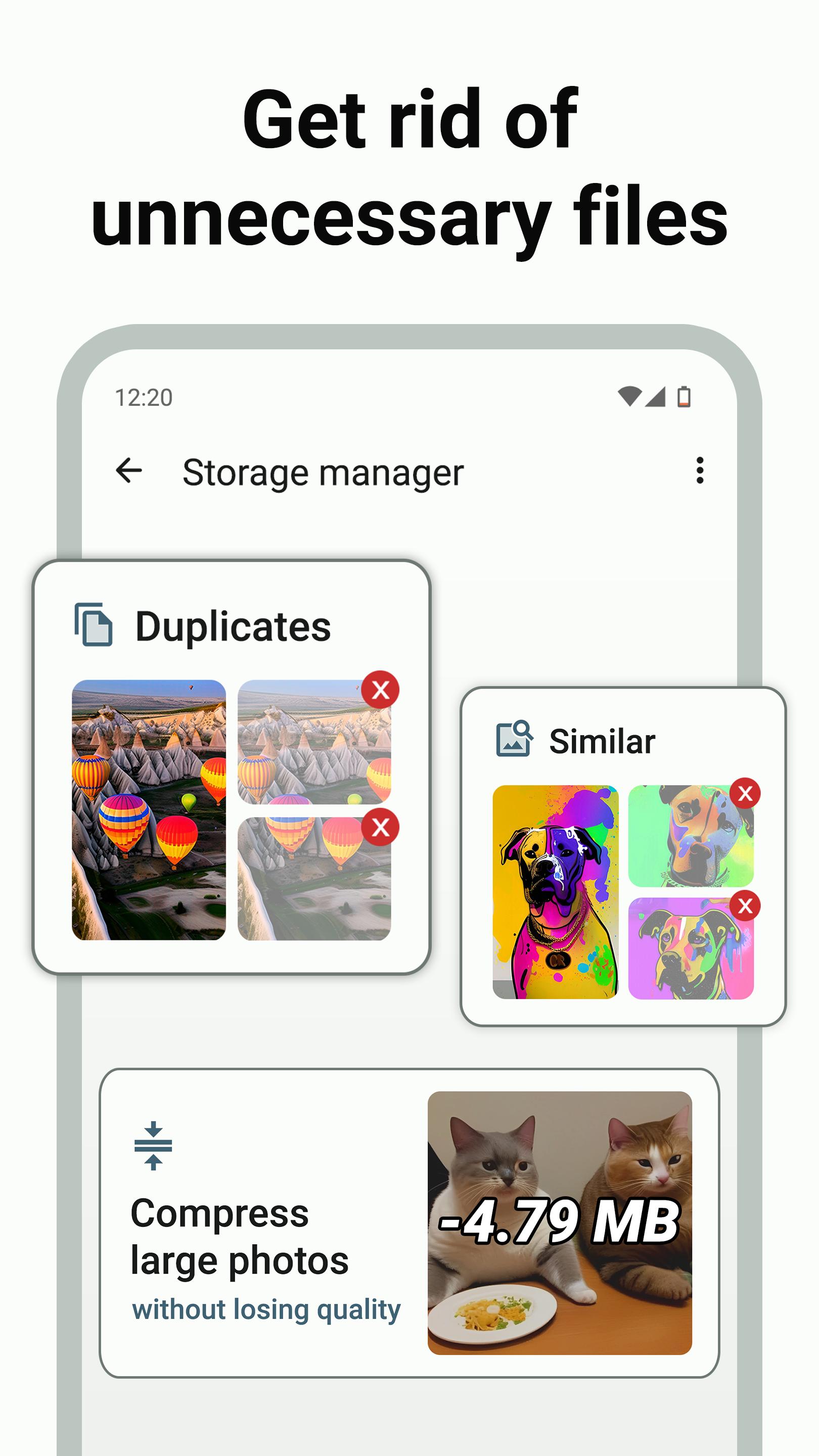
• Delete duplicate files, images, videos
• Find and remove similar photos
• Resize & compress images without losing quality
• Compress & archive files (.zip)
🔍 MANAGE APPS AND PERMISSIONS
• Analyze all apps in your device, including system apps
• App manager & explorer – install, uninstall, search, sort, share, archive or extract apps
• Manage app permissions with Permission Audit
• Detect and remove unused and rarely used apps that take up storage
• See how much cache space each app takes up
• See details of battery draining and data consuming apps
• Uninstall multiple apps at once (batch uninstaller)
• Compress and archive apps
• Extract APK files of apps
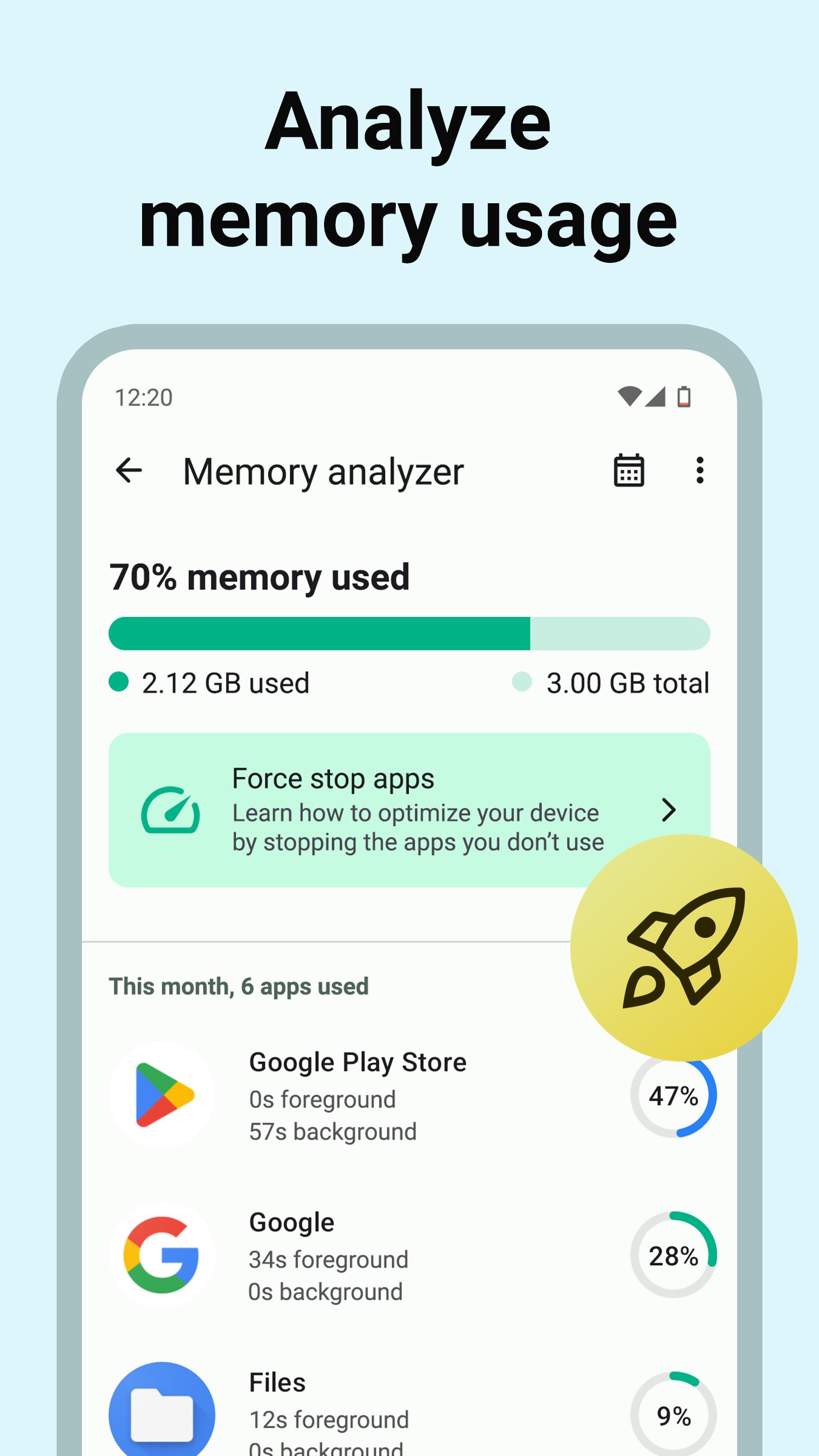
🚀 ANALYZE MEMORY USAGE & HISTORY
• See how much memory (RAM) is used on your device
• Detect apps & system apps running in the background
• See which apps you've used on an hourly, daily, weekly, monthly or yearly basis
• Get useful tips to optimize your memory usage
🔋 TAKE CONTROL OF YOUR BATTERY
• Predict when your battery will run out
• Find out the health, temperature, and capacity of your battery
• Monitor your battery temperature and get alerts
• Get useful tips to improve your battery life
🌏 MONITOR DATA USAGE
• Track data usage on a daily, weekly, monthly, or yearly basis
• Scan your WiFi and detect who’s connected to your network
• Get useful tips to optimize your internet
🛡️ SECURITY & PRIVACY SUGGESTIONS
• Analyze your WiFi security – detect security issues such as weak encryption, WiFi phishing, SSL stripping, or DNS hijacking
• Check if your Android phone or tablet is rooted / unlocked
• Get useful tips to protect your security & privacy
⚙️ SEE SYSTEM SPECS
• Check out your system information such as brand, model, Android version, CPU, RAM, screen resolution, battery capacity (mAh), temperature, IP address, etc.
💡 QUICK TIPS 💡
There are several steps you can take with Cleanup AI to make your Android phone or tablet run faster:
1) Remove any unused apps and files from your device to boost performance
2) Archive or move rarely used files and apps to external storage (SD card)
3) Compress and resize your images that take up a lot of space
4) Use Cleanup Assistant to clean and optimize your storage space automatically
Download Cleanup AI – Free cleaner app for Android now!
Visit: https://optimizemobi.com/cleanup-ai/
---
NOTES:
• This app can work without internet connection.
• Your personal data such as photos, videos, files, or usage history are not processed or stored on our servers.


One-click to install XAPK/APK files on Android!

Thanks for your rating and feedback!
You have already rated.