Safe & Fast APK Downloads on APKPure
APKPure uses signature verification to ensure virus-free CetakStruk APK downloads for you.

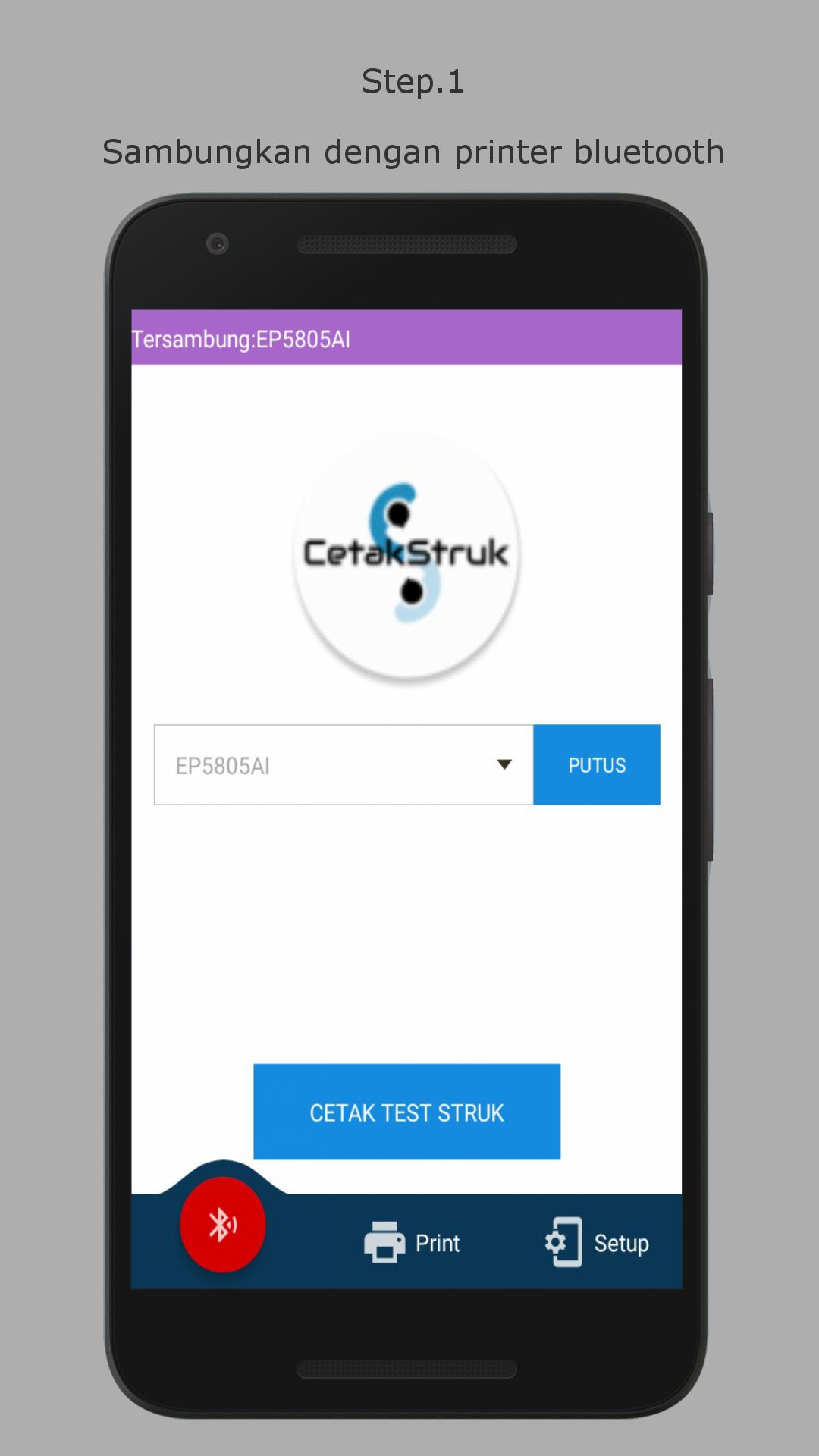
Print receipt via bluetooth printer
Application for printing receipt using a 58mm Bluetooth printer
Can be used to print receipts from various transaction points that you use
If you have questions, please contact us via email
For Bug Report please include with Picture
We also accept custom manufacturing for ServerPulsa
please go to Telegram https://t.me/CetakStruk_CS
Feature:
1. Print Text
Print typed text
2. Print Text with setup
Print text with a set setup, according to the format of the existing receipt type
(make sure the punctuation marks in each prefix and suffix text)
2. Print Text Lines with setup
Print text with a set setup, according to the format of the existing receipt type
(setup is filled with how many lines of text you want to print, suitable for text scan results)
setup a maximum of 2 lines (plus the sign if there are two lines that want to be printed, for example 10 + 11)
4. Print the receipt image
Print receipt images, if the receipt you want to print can only be screen shot
5. Print PDF receipt
Prints the receipt that is saved as a PDF file
6. Print the receipt from WEB
Printing receipt from the WEB screened
(Input the address in the settings, press the reload button to display)
7. Setup Header / footer
Add the prefix and / or suffix to the receipt you want to print
Pro features:
1. Setup BPJS, PDAM, Telkom, Pulses, Data Vouchers, Multi Finance, Post Mobile, Post TV
2. Additional settings for editing the receipt
3. Edit the date
4. Print with logo
5. Shared receipt as a picture
6. Command for Print Text (Bluetooth only)
Note:
Position: = can only be 1 line
Size: = in 1 line can be 3 orders
Format: = in 1 line can be 2 commands
Reset: = use the beginning of the next line if you want to revert to the initial equivalent
Before using, you should do a testprint first
If the testprint results are normal, it means that your printer supports this application.
Tutorial link
1. Print Tokopedia Trucks
https://drive.google.com/open?id=1hkKXV8d2wejqOdYb7rUFqBvf5JhixVM8
2. Print Bukalapak Truck
https://drive.google.com/open?id=1-8gU97XSo9Rjh6TY4dIdrD64wKeWhbcc
For other transactions, the method is to use it more or less
The point is that the transaction report that you want to print can be copied to the application
Then set the parameters according to the copied text
The advantages of this application can change the value of the admin
Q / A:
1. Q: How to get pro features?
A: The pro features can be purchased in the content purchase menu
2. Q: Where is the content buying menu?
A: Settings and Buy content are on the left sliding bar / navigationbar, sliding the screen from the far left side of the screen towards the middle
3. Q: How much is the Pro feature
A: Price is 20,000 + 12% tax
4. Q: I already bought the pro feature, but the status is still not pro
A: After purchasing, close the application, wait 5 minutes (make sure you have got an SMS / email from Google)
Open the application and then check the status of the menu to buy content, if the status has not been bought, click the buy button ONLY to update the status
5. Q: How to setup, I don't understand
A: please read the tutorial linked above
6. Q: What is filled in the prefix and suffix?
A: Note the number and information contained in the tutorial,
That is not the text you want to print, but the letters or words before (the prefix) and after (the suffix) of the word you want to print
7. Q: Is this application only for toped and not only, like the tutorial?
A: The application can be for all places of your transaction
8. Q: Where have the files / images opened and edited been stored?
A: The application only uses a temporary storage system, when the application is closed, the file will be deleted



One-click to install XAPK/APK files on Android!

Thanks for your rating and feedback!
You have already rated.