














Thanks for your rating and feedback!
You have already rated.

HD Camera for Android is a free HD camera app for Android phones and tablets.
KUCO Apps builds HD Camera for Android around quick, clear shooting for everyday photos and videos. Its main appeal is that it gives users more control than many built-in camera tools while staying easy to use for casual shots. For anyone looking to download HD Camera for Android, these are the main features to know first.
HD Camera for Android focuses on fast photo taking and video recording with a clear preview, including support for 1080p preview on compatible devices. It works well as a daily camera app when a user wants a quick snapshot, a short clip, or a sharper image than the default camera experience provides.
The main screen keeps camera, video, and panorama modes close together, so switching between a still photo and a video does not feel buried in settings. Touch shutter is available for regular shooting, while the volume key can be set as a photo or recording control, which is useful when holding the phone sideways. For videos meant for social sharing, checking the resolution and frame rate before recording helps keep the final clip clear enough for upload.
HD Camera for Android gives users access to manual-style settings such as ISO, shutter speed, white balance, exposure, and scene mode. These controls help when automatic camera settings do not match the lighting, such as a bright window behind a subject or a dim indoor table scene.
The app also includes practical shooting aids like grid lines, a level tool, flash control, timer capture, and time-lapse support. A user can tap the screen to focus on a face, object, or food plate, then adjust exposure if the scene looks too dark or too bright. Pinch zoom is available directly on the preview, but image quality still depends on the phone camera hardware, especially on lower-end devices. For better results, using grid lines and stable hand placement often matters as much as changing a setting.
HD Camera for Android includes more than 10 real-time camera filters and over 20 image filters for users who want photos with a different mood before or after shooting. This makes it suitable for simple social posts, quick profile photos, or casual travel pictures where a small style change is enough.
Recent updates added poster and frame effects, giving users more ways to dress up images without opening another editor. Real-time filters are useful when checking how a scene looks before pressing the shutter, while image filters can be applied after taking a photo. The app also supports front and rear camera switching, and mirror shooting helps selfies look more familiar to users who prefer a reflected preview. These effects are helpful for quick edits, although very advanced looks may vary depending on the device camera and screen quality.
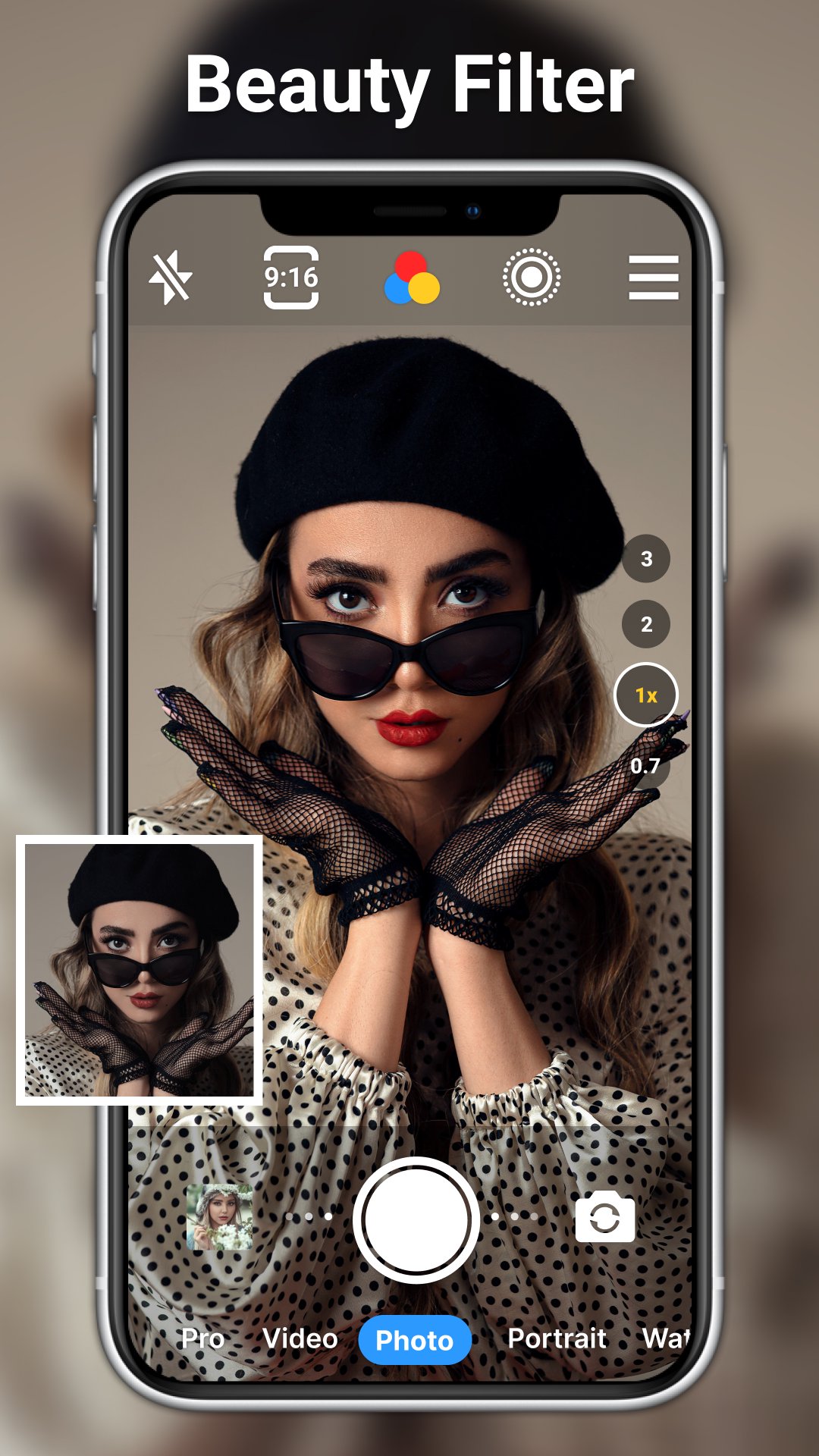
HD Camera for Android includes basic editing tools for refining photos after capture. Users can crop images, apply retouching, add stickers or text, use mosaic effects, and make portrait beauty adjustments without leaving the app.
This built-in editing is useful for small fixes, such as trimming extra background from a photo, hiding private information with mosaic, or adding a short note before sharing. The gallery browsing experience has also been improved in the latest version, making it easier to review recent shots and choose which photo needs editing. The editor is not meant to replace a full design app, but it covers common touch-ups well enough for daily use. Users who mainly need quick capture plus light editing may find this setup more convenient than moving between several separate apps.
These pros and cons come from the app’s listed features, recent update notes, and common real-use considerations. HD Camera for Android offers strong camera coverage, but device performance can affect the final experience.
ProsUsers can download the HD Camera for Android APK latest version from APKPure to install the current release on an Android device. The APK file is around 30MB+, so it should download quickly on a stable connection, while slower mobile networks may take a little longer.
During installation, Android may ask for permission to install an APK file if that setting has not been enabled before. After installing the HD Camera for Android latest version, users can open the app, check camera permissions, and review photo or video size settings before taking important shots.
The latest update improves the camera experience and gallery browsing, while earlier changes enhanced photo clarity and added poster and frame effects. Before recording longer videos, it is worth checking available storage and choosing at least 1080p when clear social clips are the goal.





One-click to install XAPK/APK files on Android!
Thanks for your rating and feedback!
You have already rated.