
Package Name:com.tricolorcat.calculator
Show More

Simple calculator, ideal for everyday calculations
A simple calculator that gets out of your way.
Calculator is a clean, easy app made for the math you do every day — from splitting bills and calculating tax to checking homework and leaving a tip. Big buttons and a stylish, distraction-free design mean you get your answer in seconds, every time.
*Ads appear at the bottom of the screen. If you prefer an ad-free experience, you can remove them with a one-time in-app purchase.
Everyday calculations
• Basic arithmetic: +, −, ×, ÷ and percentage
• Two calculation styles: Order of operations (1+2×3 = 7) or Step by step (1+2×3 = 9) — choose in Settings
• Constant calculation — tap = again to repeat your last operation (Step by step style only)
• Calculation history to review past results — swipe down on the display to open it
• Add notes and pin favorites in history, search it, and sort by date, note, or value
• Multiple memory values — store and label them (MC, MR, M+, M−, MS); toggle on or off in Settings
• Full-screen memory view — drag the hidden handle below the memory list further down to open it, then search and sort by label or value
• Keep app open to prevent your calculation from being interrupted
• Your last calculation is kept when you reopen the app
Display & input
• Scientific notation for very large or very small numbers
• Four number formats (1,234.5 / 1 234,5 / 1.234,5 / 1'234.5)
• See your full calculation on screen as you type
• Tap the number on the display to place a cursor and fix a digit — no need to start over
• Backspace — tap to erase the last digit, or the digit before the cursor; long-press to clear the current number
• Long-press the result to copy, paste, or share it
• Works in portrait and landscape
Math functions
• Square root (√), pi (π), square (x²), and reciprocal (1/x)
• Turn the function row on or off in Settings
Make it yours
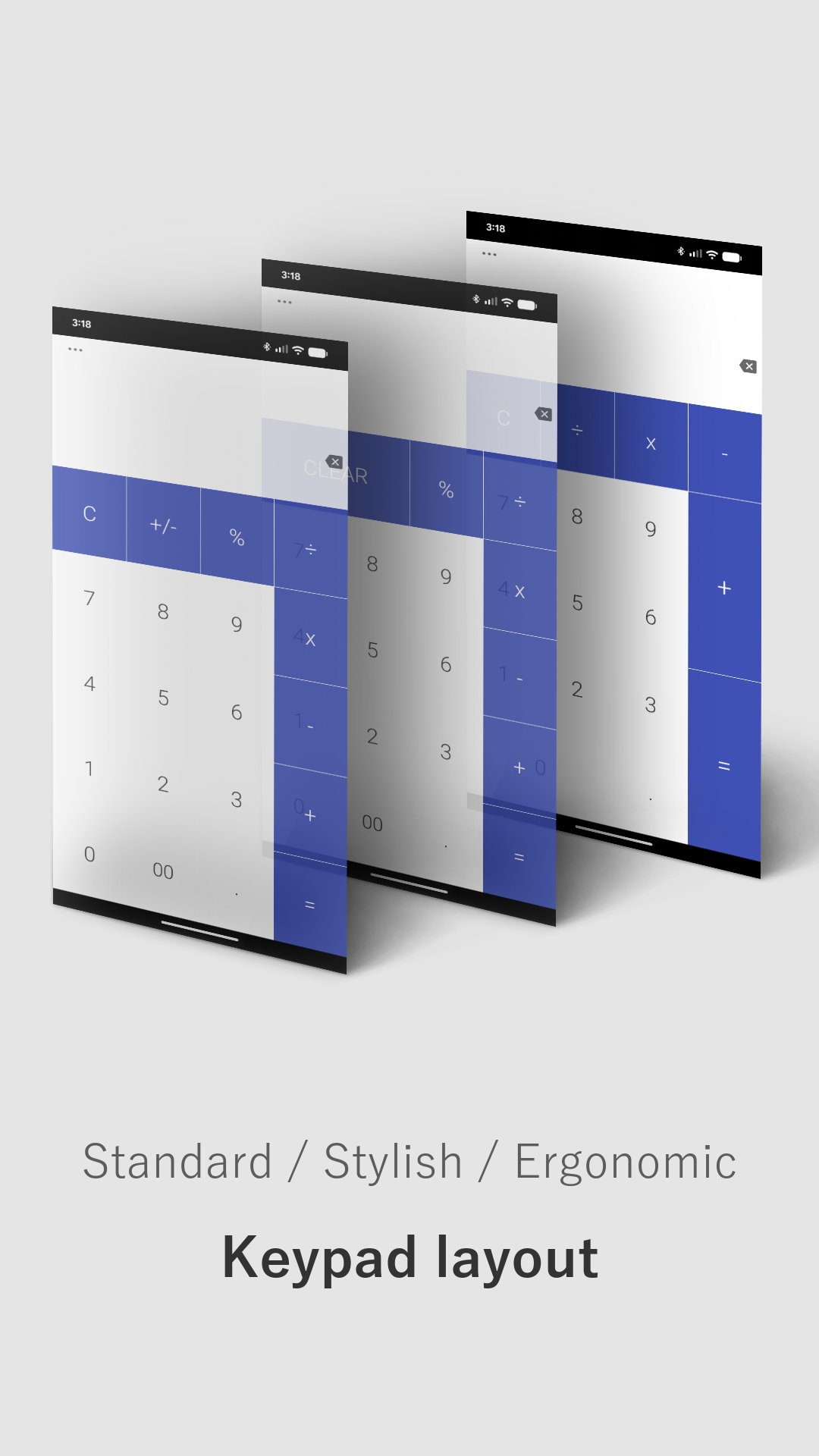
• 3 keypad layouts: Standard, Stylish, Ergonomic
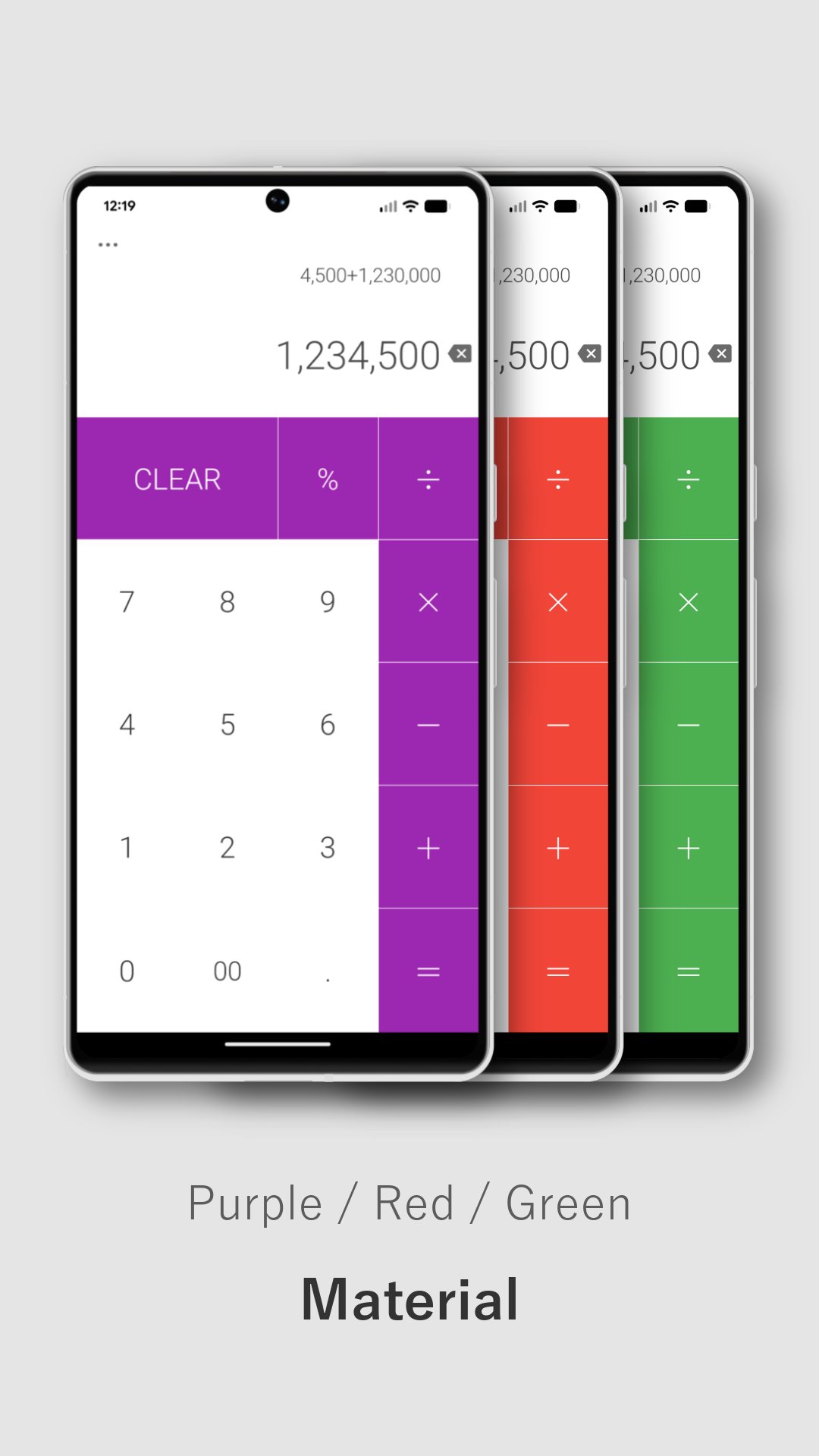
• 14 color themes, including a custom Material color
• Dark mode available
• Vibration on touch (on/off)
• Button tap sound: Off, Warm, Crystal, Velvet, or Realistic keystroke — with adjustable volume
• Text size: Compact, Standard, or Large
Found a bug or have a suggestion? We'd love to hear from you: support@tricolorcat.com
Thank you!




One-click to install XAPK/APK files on Android!

Thanks for your rating and feedback!
You have already rated.








