Safe & Fast APK Downloads on APKPure
APKPure uses signature verification to ensure virus-free Braces APK downloads for you.

Look Great with Braces. Pick the right Braces!
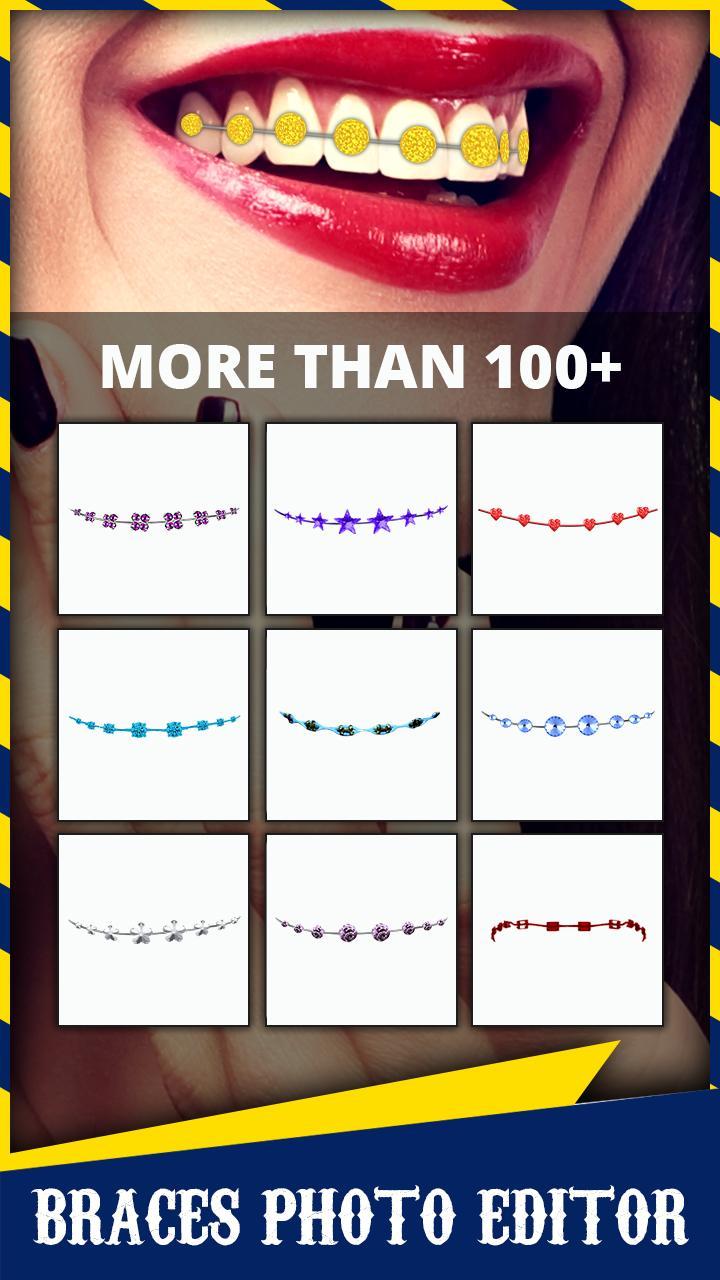
Try to experiment with different Braces and Colors with our App and see how you look.
Braces App has Tons of Braces and Colors for you to try on. The Braces Editor app gives you a realistic picture for you to see how you will look when you get the real braces.
Try different styles of Traditional Braces with lots of color options and styles. If you're going to do two colors or more, make sure they are in the same color family (warm/cool) and that they do not clash with each other.
- Pick meaningful colors, Consider different combinations of colors.
- Pick colors that work well with your skin. Consider colors that work well with your natural skin type and/or hair. Your skin type and hair color will have a big impact on the way your braces look. Choose colors that will work well with you, not colors that will clash with your hair or your skin type.
- Darker skin tones and hair colors might look good in gold, dark blue, turquoise, orange, anise green, pastel blue, fuchsia, pink, or violet, although colors may depend on the person
- Lighter skin tones and hair colors might look good in petrol blue, vermilion, bronze, caramel, salmon, green khaki, raspberry, bluish red, plum, blue-green, and royal blue, although colors may depend on the person
- Pair your braces with your outfits. Consider colors that would work well with clothes you often wear.
- Eliminate the “ugly” colors. Rule out unsatisfying colors, strange colors, or your least favorite colors.
- Consider darker colors. Darker colors, such as dark purple and navy blue, make your teeth look whiter. So it may be wise to choose dark colors to offset from the natural color of your teeth
- Notify your orthodontist of your choice. Wait for your orthodontist to finish applying your braces then admire your braces in a mirror. Don’t worry if you don’t love the color pattern immediately. It may grow on you. If it doesn’t, you can change colors the next time you see your orthodontist.
Consider changing the color. Change the color(s) of your bands every time you get your braces tightened. If you end up not liking the colors you chose, don't fret. You can change the color of your braces every time you have an appointment to get them tightened. Most orthodontists schedule appointments like this every 6 to 8 weeks.
We have a lot of braces for you to try On!!!
Don't be shy! Keep a smile on your face, and hold your head high. A friendly face and a positive attitude will have much more effect on your appearance than your braces ever could. Be authentically yourself – that's what really matters.




One-click to install XAPK/APK files on Android!

Thanks for your rating and feedback!
You have already rated.