Downloads seguros e rápidos de APK no APKPure
O APKPure usa verificação de assinatura para garantir downloads de APK Multi Window - Split Screen sem vírus para você.


5.3 MB
Tamanho do arquivo
Everyone
Android 4.0.3+
Android OS
Side Bar multi Janela é livre para fornecer-lhe a facilidade de acesso Apps.
Side Bar Multi Window is a free application to provide you the ease of accessing Apps.
Now Enjoy With Multi Window Experience In Your Mobile Phone Also. Install This Free Tool To Create Your Favourite List Of Installed Icons In Your Phone.
Open more apps at the same time in floating windows and enjoy real multitasking! Don't leave current app for a small task..Multi Window Is the app by which we can An App By Which You Can Create Shortcuts Of Your Installed Apps Icon Into Multiple Window Tray. And By Clicking On These Shortcuts, You Can Easily Switch From One Task To Another During Your Current Task.
Multi Window Is the app by which we can An App By Which You Can Create Shortcuts Of Your Installed Apps Icon Into Multiple Window Tray. And By Clicking On These Shortcuts, You Can Easily Switch From One Task To Another During Your Current Task.
Multi Window : Split Screen Is the app by which we can An App By Which You Can Create Shortcuts Of Your Installed Apps Icon Into Multiple Window Tray. And By Clicking On These Shortcuts, You Can Easily Switch From One Task To Another During Your Current Task.
Each floating app is a small application that opens in a window and floats over all other applications allowing real multitasking on your android phone or tablet. Just open floating app and experience multitasking like on your Windows or Mac.
Side Bar Multi Window is a free application to provide you the ease of accessing your applications from anywhere. It is just a side launcher with your favorite applications. Shortcuts of your selected favorite applications
will be created on the left of the screen and it will always be there at top for giving you the access for these applications anywhere anytime.
Extra Features ::
# No root required
# Long press and Drag Drop Icons On Screen For Open App.
# You Can Increase And Decrease Speed Of Multi Window Tray.
# You Can Arrange Icons.
Types: Most used app, Recently used app and Alphabetical Order.
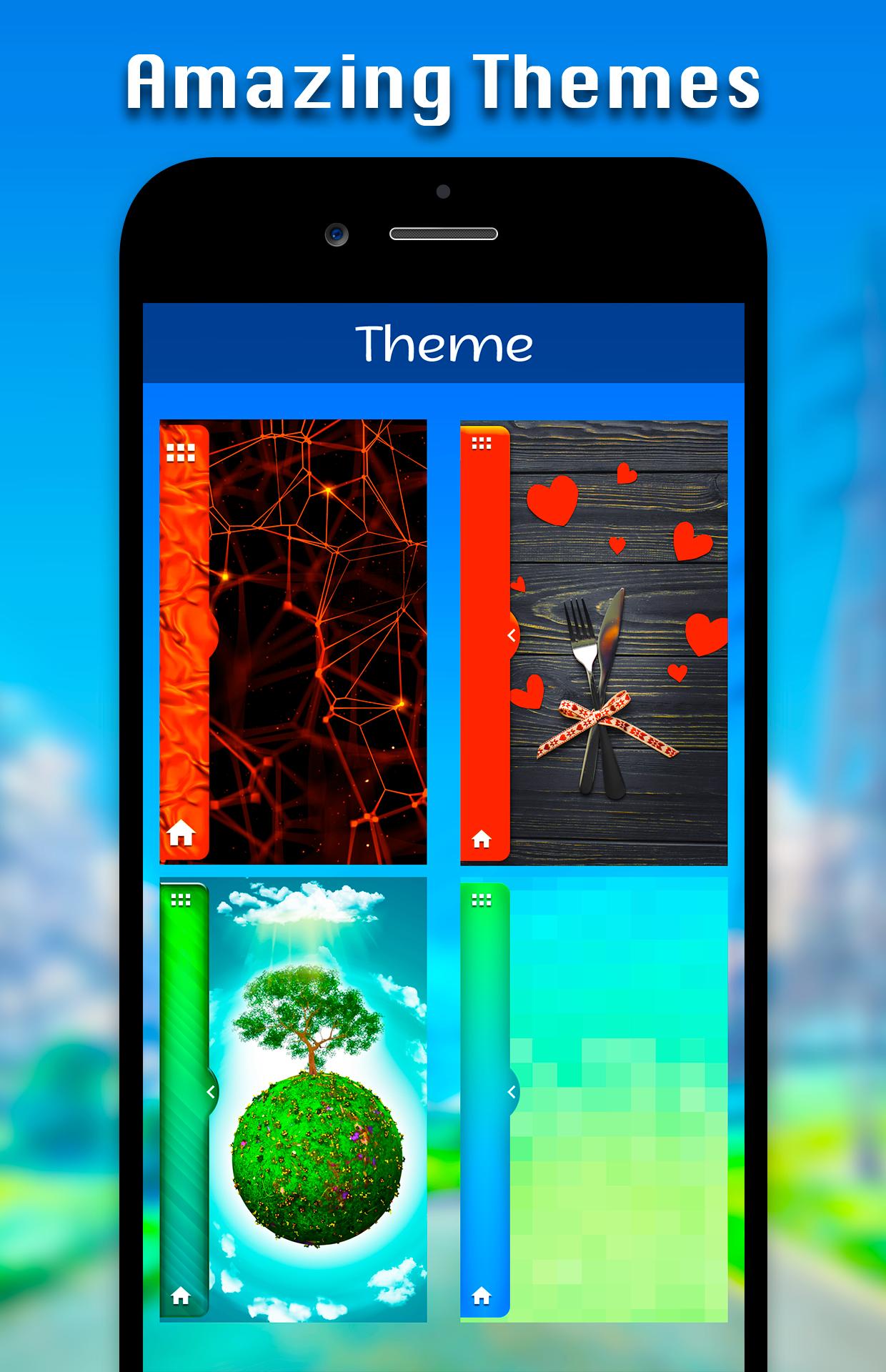
# You Can Select Many Different Default Themes.
# You can hide and unhide On long pressing multi window Sidebar icon. (Follow Help )
# You can change transparency of slide bar.
# Customize color, animation speed,order and opacity.
# Service start automatically when phone restart Fix.
Types: Most used app, Recently used app and Alphabetical Order.
-> You Can Select Many Different Default Themes.
-> You can hide and unhide On long pressing multi window Sidebar icon. (Follow Help )
-> You can change transparency of slide bar.
-> Customize color, animation speed,order and opacity.




Um clique para instalar arquivos XAPK/APK no Android!

Obrigado pela sua classificação e feedback!
Você já classificou.