Scan Date:Jul 20, 2026
Show More


9.1
86 Reviews
317.7 MB
File Size
Everyone
Android 10.0+
Android OS
Booking.com is a hotels and travel app for planning and managing trips on Android.
Booking.com Hotels & Vacation Rentals focuses on helping users compare many stay options in one place, from hotels to apartments and villas. Its main appeal is choice, especially when a trip needs the right price, location, and cancellation terms. A Booking.com download also gives access to trip services beyond accommodation, as shown in the key features below.
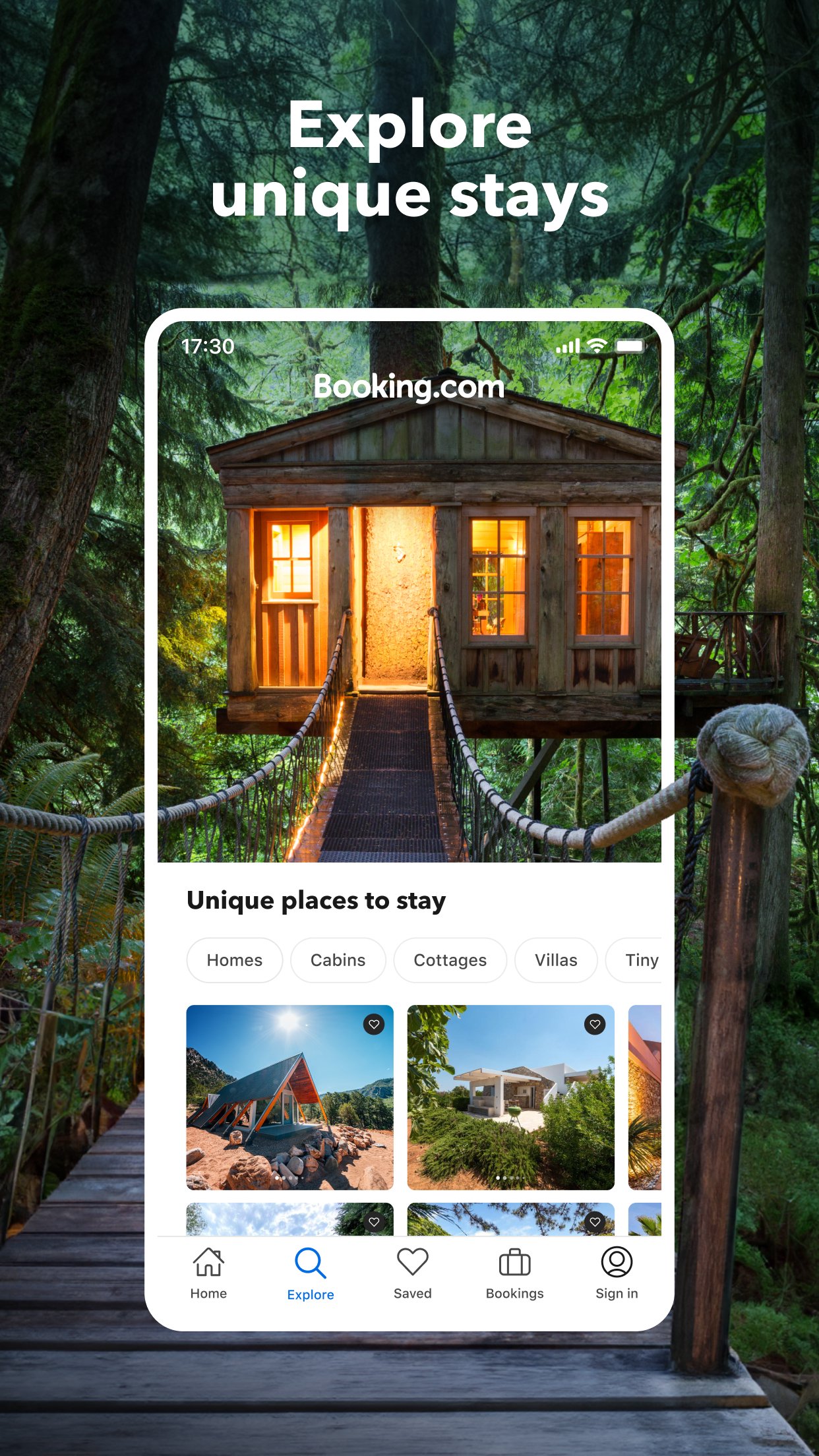
Booking.com gives travelers access to a large range of accommodation types, so it works for quick city breaks, family trips, business travel, and longer stays. Users can look for hotels, apartments, vacation rentals, hostels, resorts, villas, B&Bs, ryokans, and other property styles without switching between separate tools.
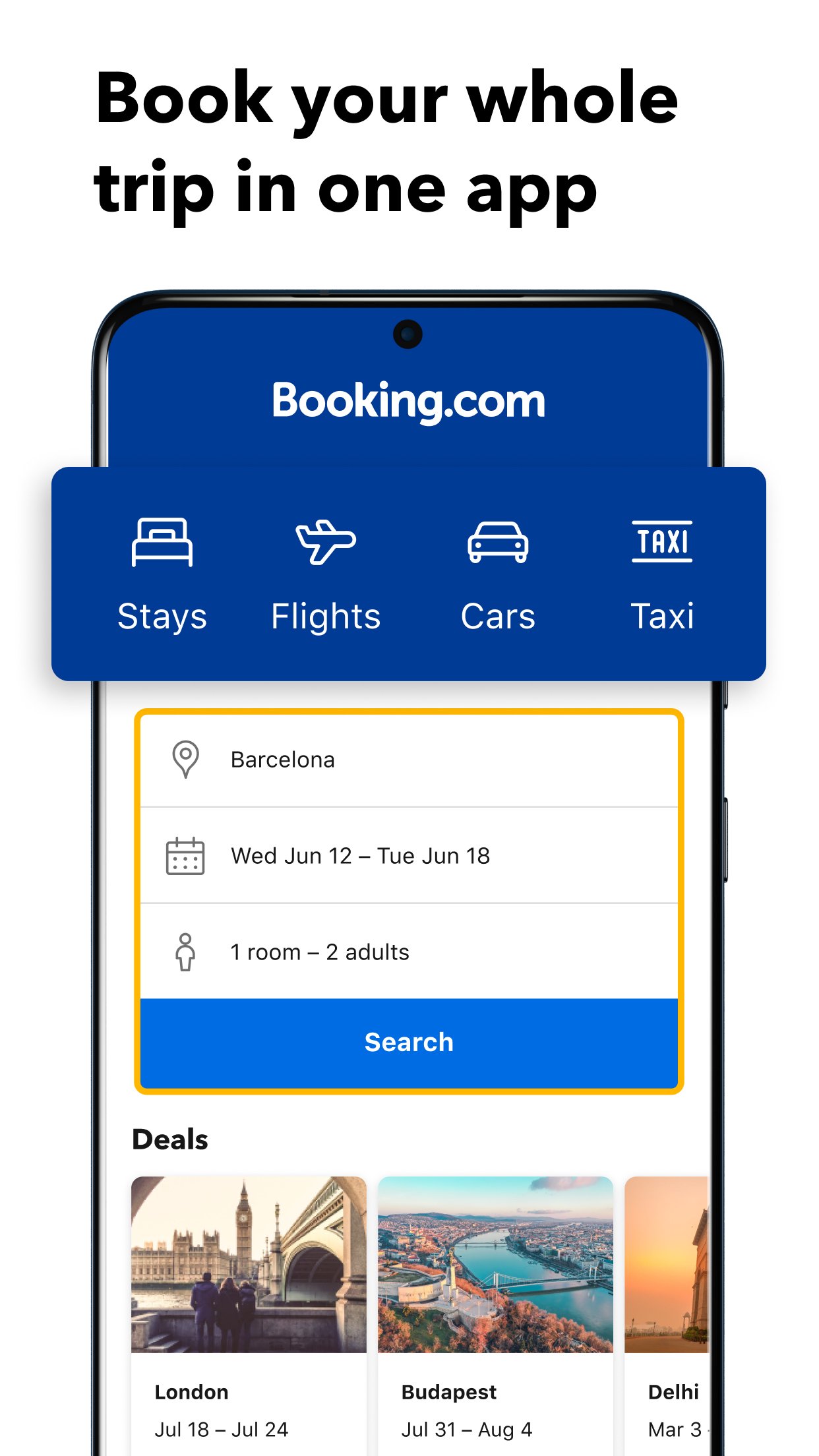
The search flow is built around common travel details. A user can choose Stays, enter a destination, set check-in and check-out dates, add guests and room details, then review matching results. This is useful when comparing a central hotel for a weekend visit against a quieter apartment with more space. Because the inventory is very broad, the results page can feel busy at first, so filters are important for keeping the search focused.
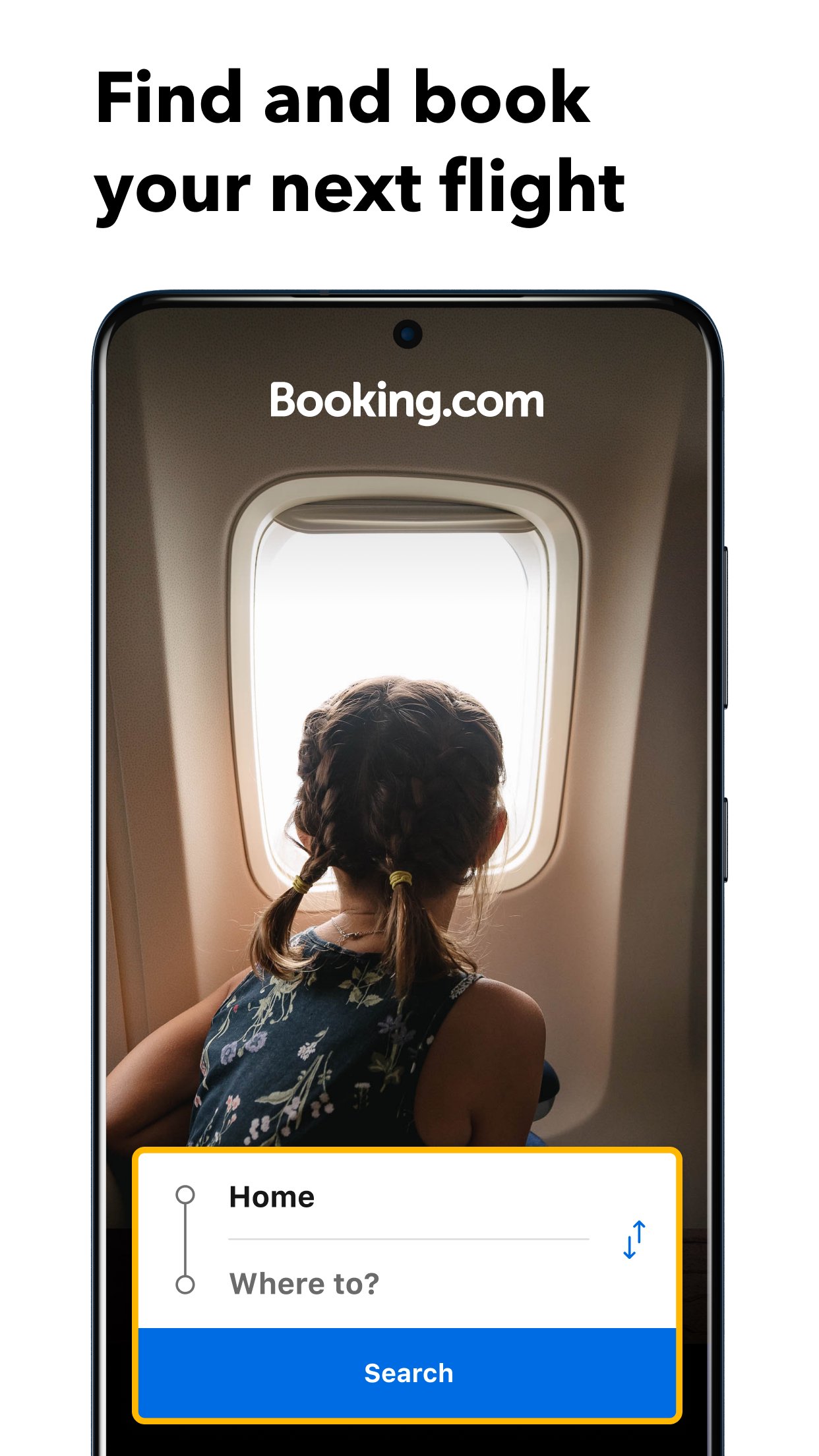
Booking.com also covers several parts of a trip beyond accommodation. The app includes categories for Stays, Flights, Car rental, Airport taxis, and Attractions, which helps users keep more travel planning inside one Android app. This is practical for travelers who want to arrange an airport ride after booking a room, or check local experiences once the main stay is confirmed.
Availability can depend on the destination and travel dates, especially for flights, rental cars, taxis, and attractions. In places where these services are supported, the app can reduce the need to manage too many separate confirmations. For users planning a full itinerary, this wider scope makes the app more than a simple hotel booking tool, while still keeping accommodation search as its strongest function.
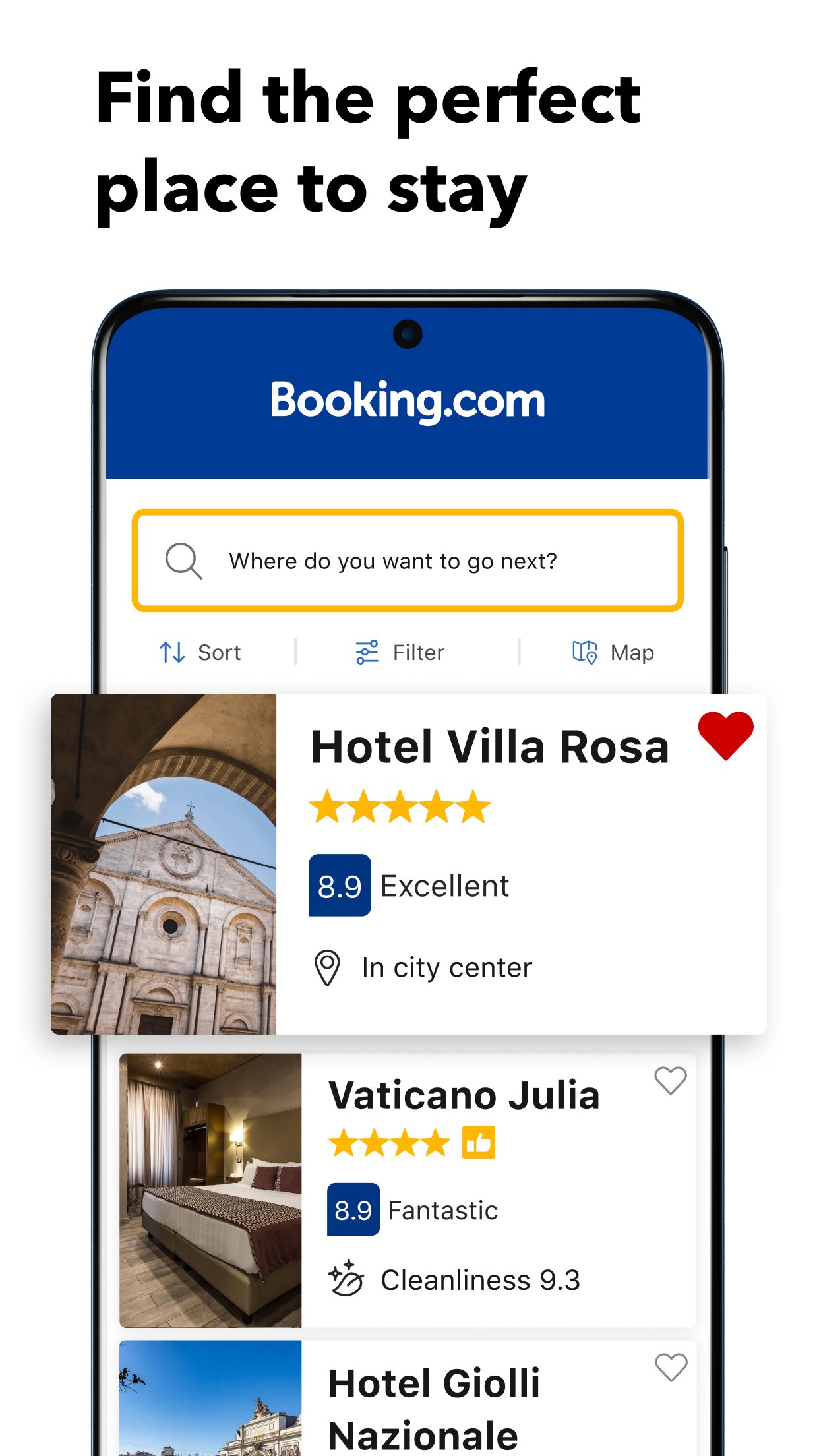
Booking.com uses filters to help users narrow a large list of results into options that match real travel needs. Filters can cover price, review score, Wi-Fi quality, location, property type, pet-friendly stays, nearby landmarks, and other trip details. This matters when a traveler needs a hotel near a station, a family-friendly apartment, or a stay with stronger guest ratings.
Listing pages bring together photos, prices, room choices, guest reviews, cancellation rules, and available discounts. Mobile-only deals, daily deals, Getaway Deals, and Genius offers may appear at participating properties. These labels can help users spot savings, but prices and fees still need careful checking because they vary by property and date. Reading the room terms before booking is especially important when comparing similar prices.
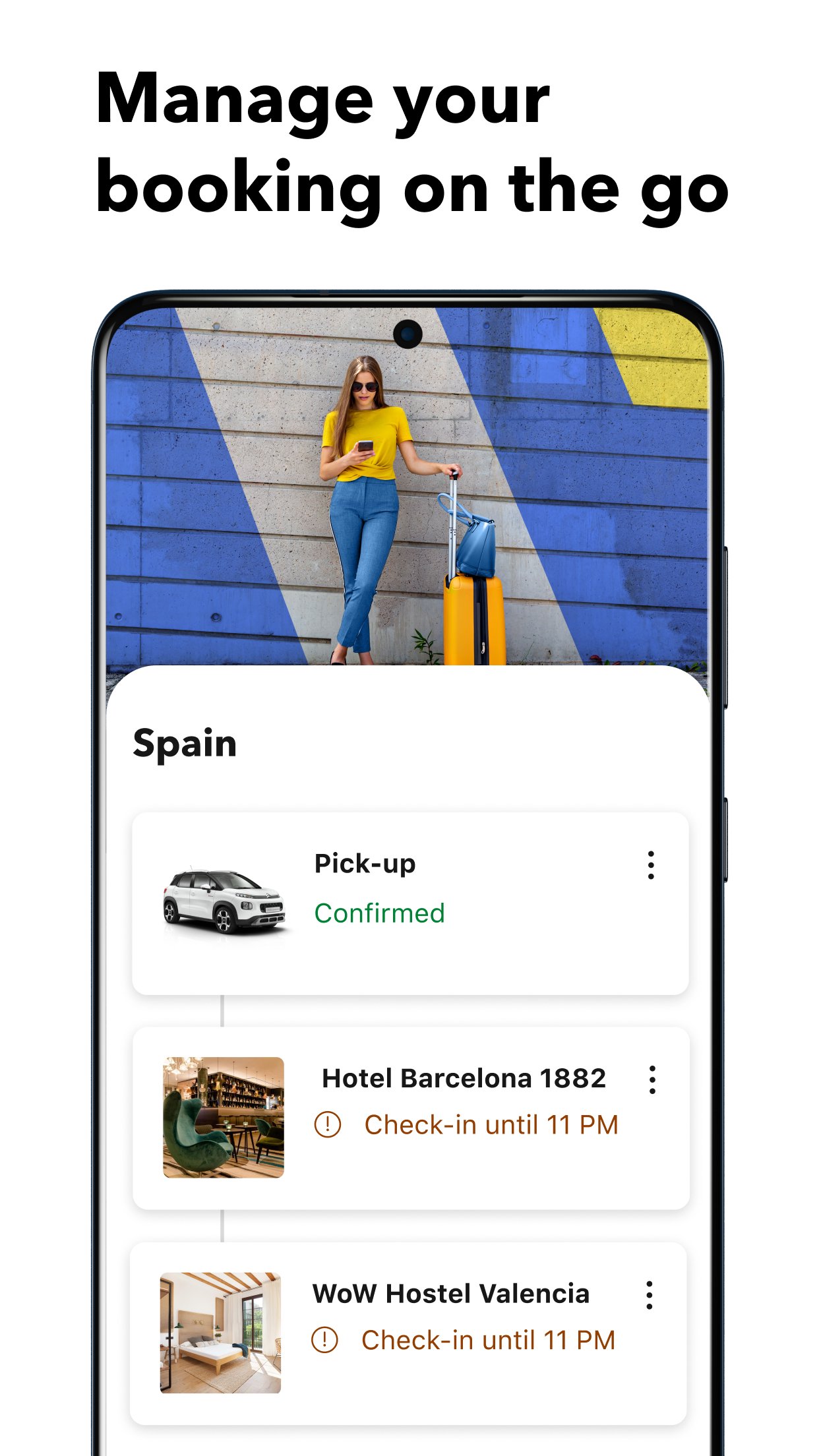
Booking.com supports paperless trip management after a reservation is made. Users can open the reservation page to view confirmation details, check stay information, and keep key details ready while traveling. This is useful at check-in, during airport transfers, or when a traveler needs to confirm an address quickly.
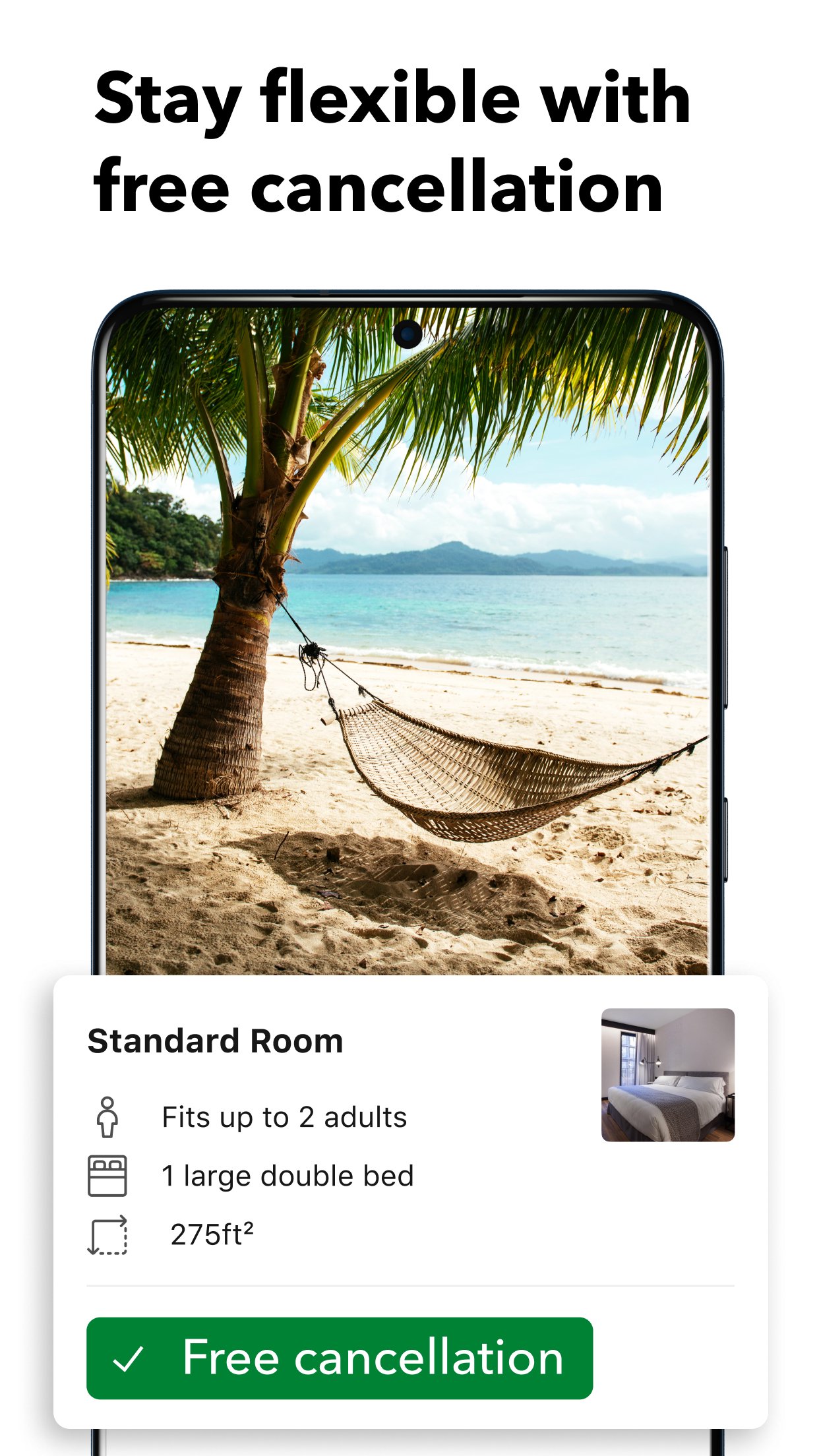
Many properties offer free cancellation, and eligible bookings can be changed or canceled in the app. The exact rules depend on the property, room type, and travel dates, so the cancellation section should be reviewed before confirming. The in-app property chat also helps users contact the accommodation directly about arrival time, special requests, or booking details. Support in more than 40 languages adds another layer of help for international trips.
These points reflect how Booking.com performs as a hotel booking and travel planning app for everyday Android use. Its biggest strengths are choice, comparison tools, and easy access to reservation details while traveling.
ProsUsers can download Booking.com latest version from APKPure to search, compare, and manage travel bookings on Android. The Booking.com APK is around 300MB+, so download time depends on the connection and available phone storage. A stable Wi-Fi connection is a practical choice, especially before a trip when confirmation details and saved searches may be needed quickly.
After installation, the app can be opened to choose a travel category and begin searching by destination, dates, and guest details. Before confirming any stay, check the total price, cancellation window, and property rules carefully. This keeps the booking process clearer and helps users avoid surprises when travel dates or plans change.


One-click to install XAPK/APK files on Android!

Thanks for your rating and feedback!
You have already rated.