Safe & Fast APK Downloads on APKPure
APKPure uses signature verification to ensure virus-free Bluetooth Games: BluetoothOMG APK downloads for you.


14.0 MB
File Size
Everyone
Android 4.1+
Android OS
Play offline multiplayer games via bluetooth: Chess, Hearts, Spades, Backgammon
BluetoothOMG is a package of games, where you can play some board and card games (Chess, Hearts, Spades, Backgammon, and Morris), either offline multi-player via bluetooth with your friends and family or single-player with CPU (NO need for Internet).
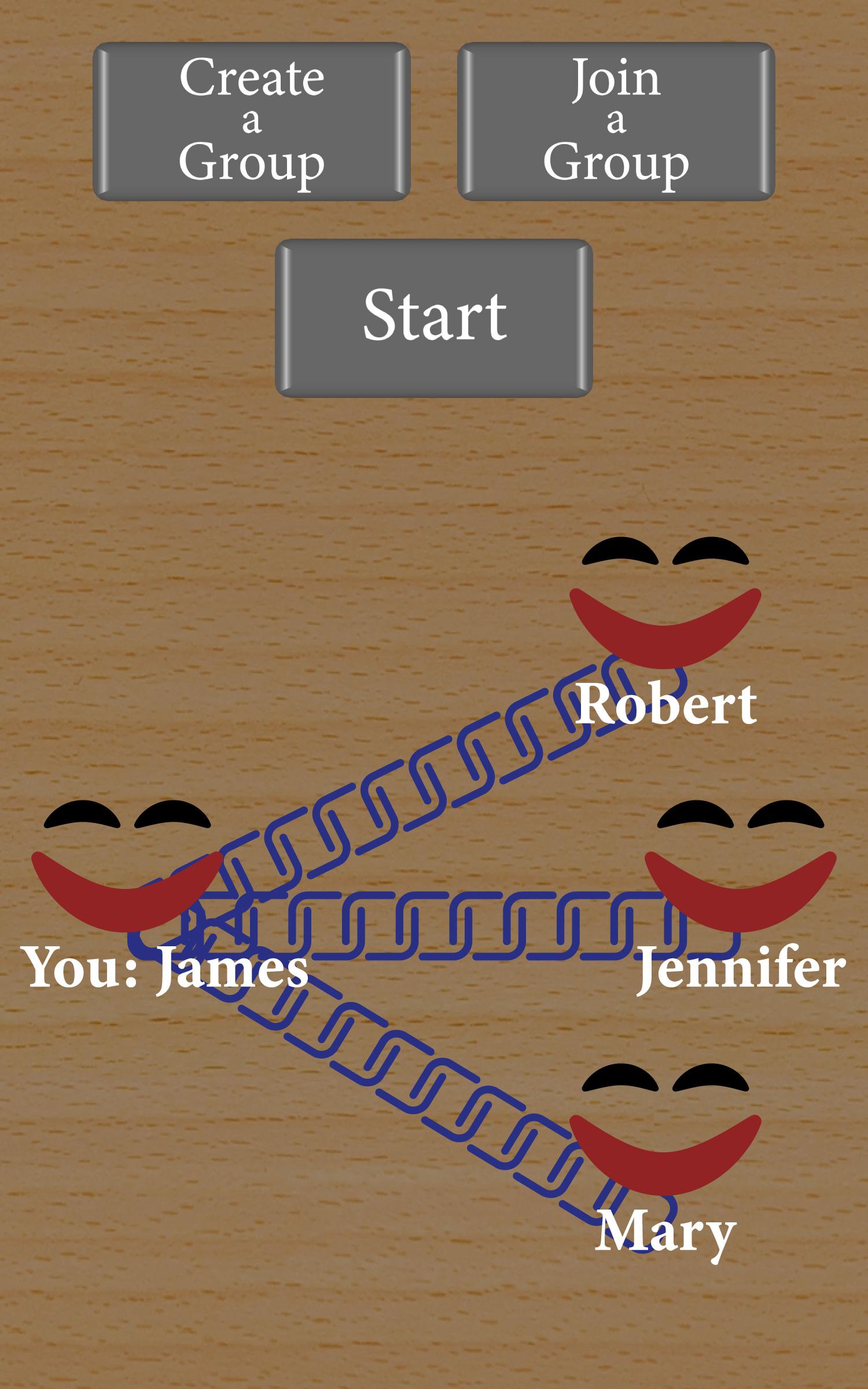
Chess: Play Chess with a friend or family member, offline via bluetooth. You both just need to install BluetoothOMG, pick Chess, click Multiplayer, and choose a username. Next, someone creates a group and the other joins the group. If you chose to join a group, you would see the name of the Group-Owner on your screen. You can tap on that name and connect to the Group-Owner automatically through bluetooth. After that, the Group-Owner can start the game.
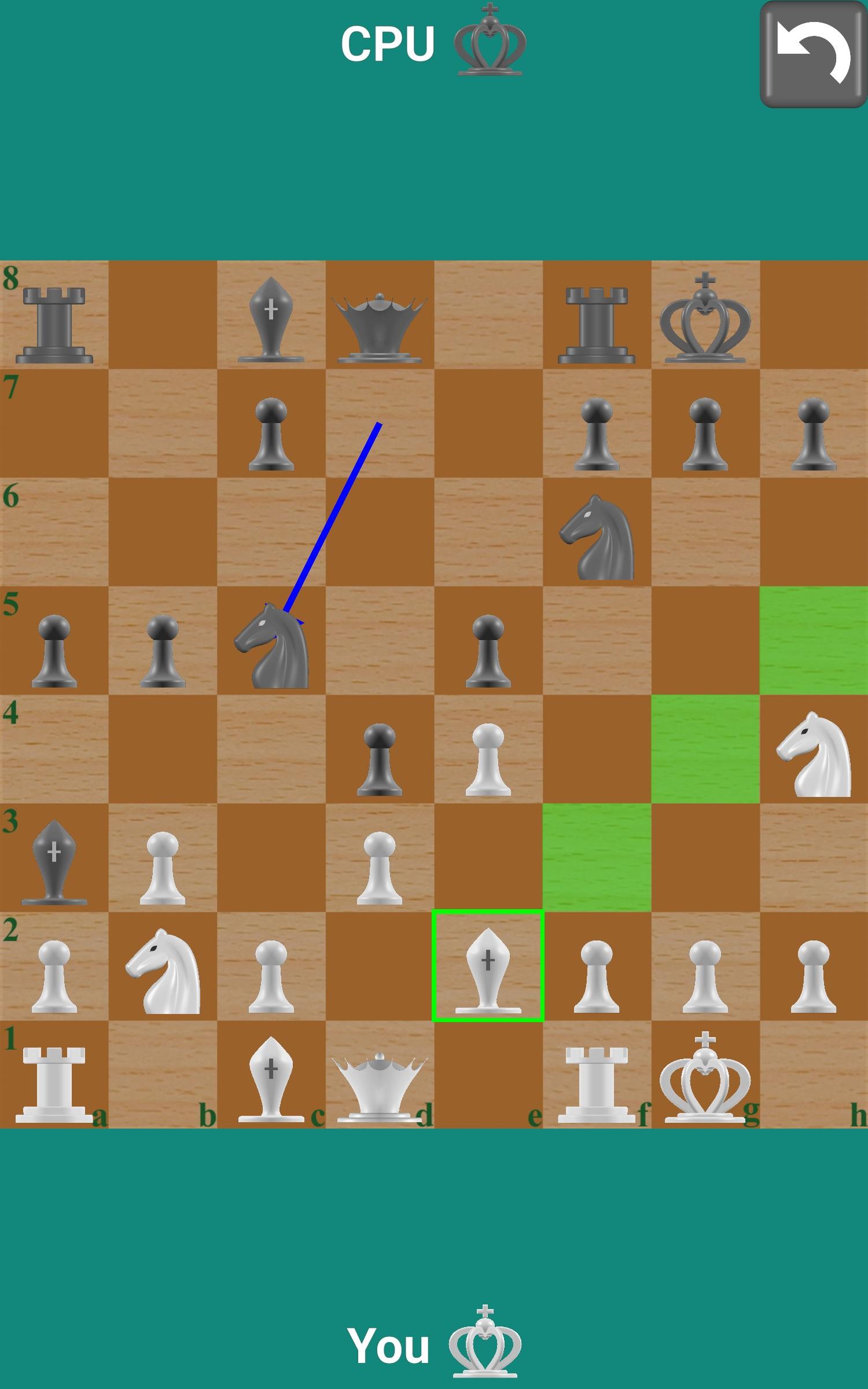
You can also play Chess, single-player, with CPU. BluetoothOMG uses a converted version of Stockfish9 (from C++ into Java) as Chess-Engine.
Hearts: Play Hearts (a very popular card game) with friends or family, offline via bluetooth. For this game, there can be 2, 3, or 4 people connected via bluetooth. You all just need to install BluetoothOMG, pick Hearts, click Multiplayer, and choose a username. Next, someone creates a group and the others join the group. If you chose to join a group, you would see the name of the Group-Owner on your screen. You can tap on that name and connect to the Group-Owner automatically through bluetooth. When someone is connected, Group-Owner can start the game. Group-Owner can wait for up to 3 people to join to start the game. If there are fewer than 4 people to play, BluetoothOMG will fill in the remaining positions by CPU.
You can also play Hearts, single-player, with CPU.
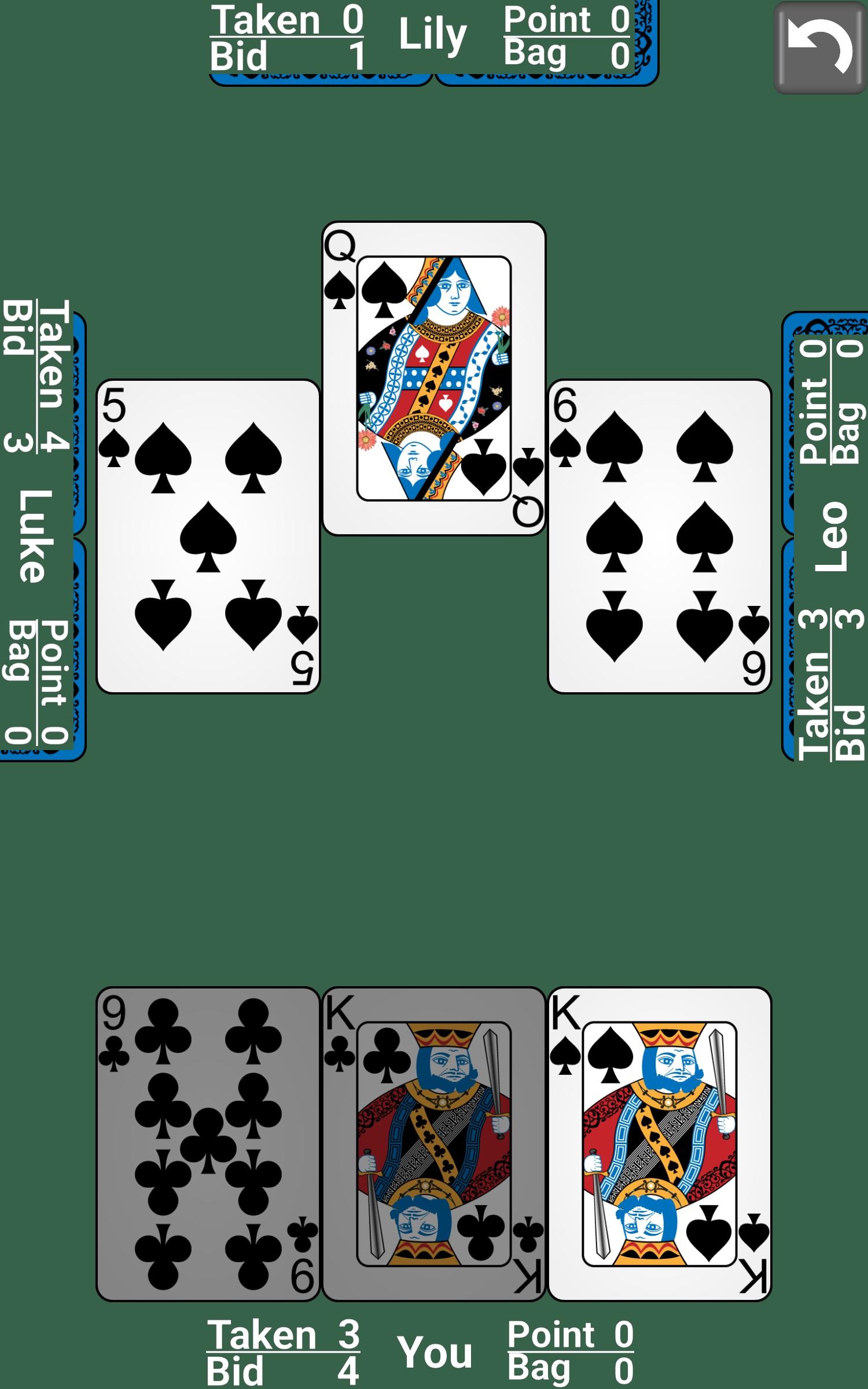
Spades: Play Spades (a very popular card game) with friends or family, offline via bluetooth. For this game, there can be 2, 3, or 4 people connected via bluetooth. You all just need to install BluetoothOMG, pick Spades, click Multiplayer, and choose a username. Next, someone creates a group and the others join the group. If you chose to join a group, you would see the name of the Group-Owner on your screen. You can tap on that name and connect to the Group-Owner automatically through bluetooth. When someone is connected, Group-Owner can start the game. Group-Owner can wait for up to 3 people to join to start the game. If there are fewer than 4 people to play, BluetoothOMG will fill in the remaining positions by CPU.
You can also play Spades, single-player, with CPU.
Backgammon: Play Backgammon (a very popular board game with dice and pieces) with a friend or family member, offline via bluetooth. You both just need to install BluetoothOMG, pick Backgammon, click Multiplayer, and choose a username. Next, someone creates a group and the other joins the group. If you chose to join a group, you would see the name of the Group-Owner on your screen. You can tap on that name and connect to the Group-Owner automatically through bluetooth. After that, the Group-Owner can start the game.
You can also play Backgammon, single-player, with CPU.
Morris: Play Morris (a match 3 board game) with a friend or family member, offline via bluetooth. You both just need to install BluetoothOMG, pick Morris, click Multiplayer, and choose a username. Next, someone creates a group and the other joins the group. If you chose to join a group, you would see the name of the Group-Owner on your screen. You can tap on that name and connect to the Group-Owner automatically through bluetooth. After that, the Group-Owner can start the game.
You can also play Morris, single-player, with CPU.




One-click to install XAPK/APK files on Android!

Thanks for your rating and feedback!
You have already rated.