
Safe & Fast APK Downloads on APKPure
APKPure uses signature verification to ensure virus-free Battery Saver Plus APK downloads for you.

The No.1 battery saver in Android
Battery Saver Plus is the best tool to save your battery from getting drained fast. The automated saving technique of Battery Saver Plus is very intelligent to adjust itself to meet the battery requirements of any user.
Battery Saver Plus works like a brain of your battery. It controls background tasks, screen brightness, WiFi, Mobile data, Bluetooth etc to intelligently save battery. Also everything is highly tunable in Battery Saver Plus.
[✔] Features:
[✔] Intelligent Automated battery saving.
[✔] Turns off mobile data, WiFi, Bluetooth etc when screen is off and turns the features on when screen is turned on.
[✔] Smart sync: syncs the mobile data or WiFi periodically and syncs all data of apps like Facebook, Whatsapp, Gmail etc.
[✔] Efficient task management to save battery [PRO]
[✔] Screen Brightness optimization.
[✔] Logs of saving activities.
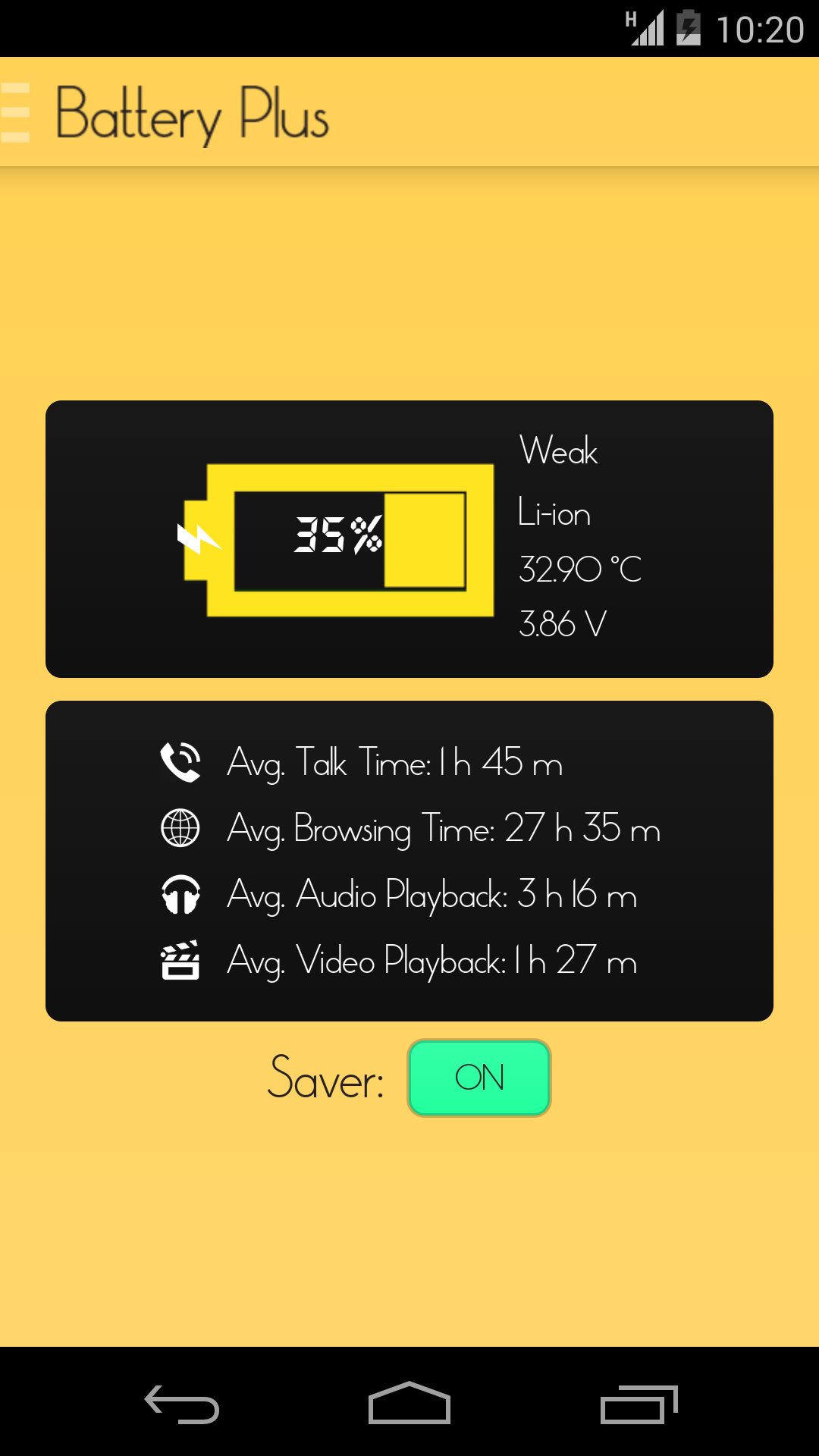
[✔] Full battery status and remaining estimates.
Download for FREE and enjoy a better extended battery.



One-click to install XAPK/APK files on Android!

Thanks for your rating and feedback!
You have already rated.