Safe & Fast APK Downloads on APKPure
APKPure uses signature verification to ensure virus-free Avroid Keyboard APK downloads for you.


10.0
2 Reviews
3.0 MB
File Size
Everyone
Android 2.2+
Android OS
Avroid is a Bangla keyboard app with AVRO layout and quick language switching.
Built by Int Elligence, Avroid focuses on fast, accurate Bangla typing with an authentic Avro layout. It keeps switching between Bangla and English simple while staying lightweight and responsive. Users curious to try it can download Avroid and see how it fits daily chats and posts. Here are the highlights you will notice in everyday use.
Full AVRO support sits alongside quick toggles for Probhat, National, Univroid, and English. You can switch languages mid-sentence to write names, places, or hashtags naturally. With the Avroid latest version, moving between layouts feels instant during chats or social posts.
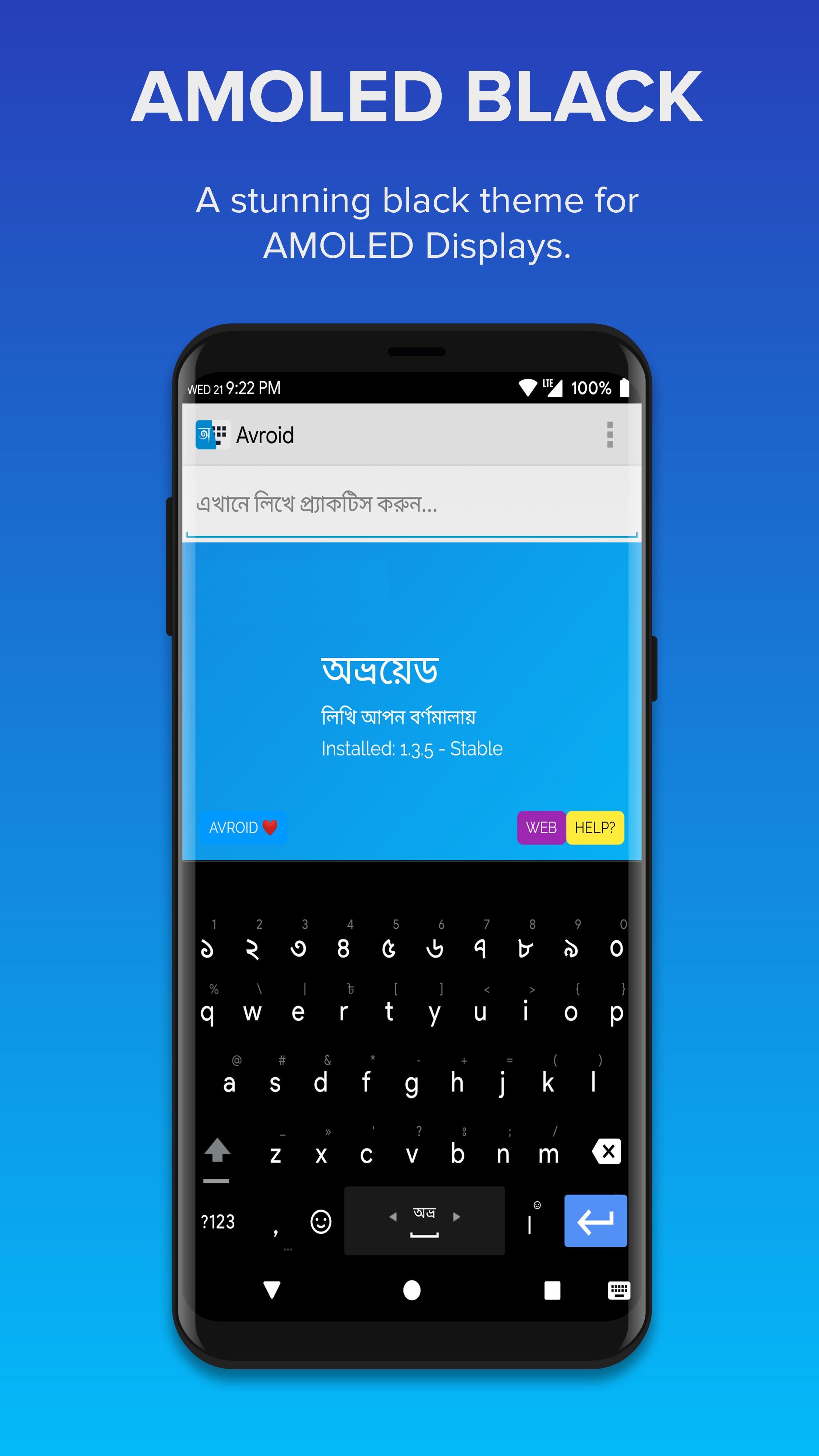
In Avroid, typing works fully offline, so your words stay consistent everywhere. Optional voice input helps when hands are busy, and you can turn it off anytime. Rich emoji and symbol panels, plus web domain keys, help finish forms and replies faster. Seasonal themes refresh the look regularly, while extra word fixes reduce Bangla typos in long messages. Choose the Stable channel for Probhat or Univroid, or switch to Beta to try National and Arabic.
You can get the Avroid APK from APKPure. The file is small, so most phones finish downloading in under a minute on a typical connection. During installation, your device may ask to allow installs from your browser or file manager. Allow it once, then continue.
After setup, pick a layout and theme, then enable the keyboard. If unsure, stay on the Stable channel for a familiar experience and try Beta later. If you prefer not to use voice input, skip microphone permission and keep typing offline. Start writing in Bangla and English with layouts that match how you type.



One-click to install XAPK/APK files on Android!

Thanks for your rating and feedback!
You have already rated.







