Package Name:com.darkflame.autoclick
Show More


9.0 MB
File Size
Everyone
Android 10.0+
Android OS
Auto tap, swipe & hold - multi-target, parallel mode, zero root needed.
AutoClicker — Auto Tapper & Swiper ⚡
Automate any touch interaction on your screen with pinpoint precision.
Whether you're grinding in a game 🎮, testing an app 🧪, or repeating tasks — AutoClicker does it all for you.
─── 🚀 WHAT YOU CAN DO ───
• 👆 TAP — Auto-tap any point at any speed
• 🔁 SWIPE — Auto-swipe between custom points with adjustable duration & distance
• ⏱ HOLD — Long-press automation with full control over hold duration
─── 🎯 MULTI-TARGET SYSTEM ───
Create multiple tap/swipe/hold targets and run them your way:
sequentially or all at once with Parallel Mode ⚡
Each target is fully independent:
• 📍 Custom position (drag & drop anywhere on screen)
• 🧩 Per-target gesture (Tap / Swipe / Hold)
• ⏳ Interval, duration, variation & repeat count
• ↔️ Custom swipe path (start → end point)
─── ⚡ PARALLEL MODE ───
Execute all targets at the exact same millisecond.
Perfect for:
• 🎮 Multi-lane games
• 🧪 Stress testing apps
• ⚡ High-speed multi-touch actions
─── 🎛 PRECISION CONTROLS ───
• ⚡ Speed multiplier — adjust overall execution speed
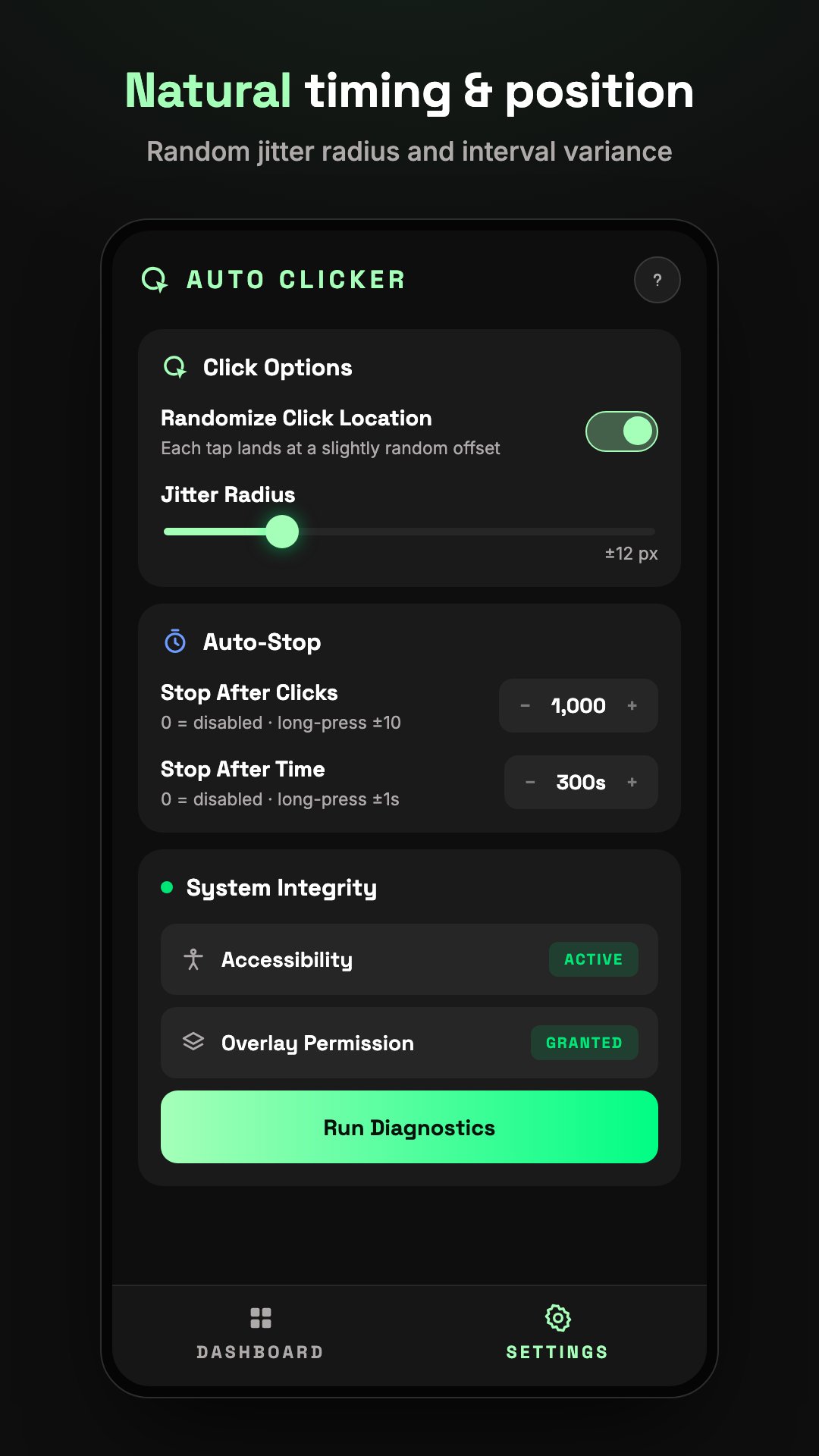
• 🎲 Interval variation — simulate human-like randomness
• 🔁 Loop mode — run infinitely or for a fixed number of cycles
• 🔀 Random order — shuffle targets each loop
─── 👁 VISUAL OVERLAY ───
See and control everything directly on screen:
• 🔵 4 marker styles (Circle, Square, Diamond, Crosshair)
• 🎨 Custom colors
• ➡️ Live swipe path preview
• 🖐 Fully draggable — no coordinates needed
─── 🔓 NO ROOT REQUIRED ───
Powered by Android Accessibility Service.
No root, no ADB — just enable and go.
─── 🎨 CLEAN & POWERFUL UI ───
Minimal dark interface with:
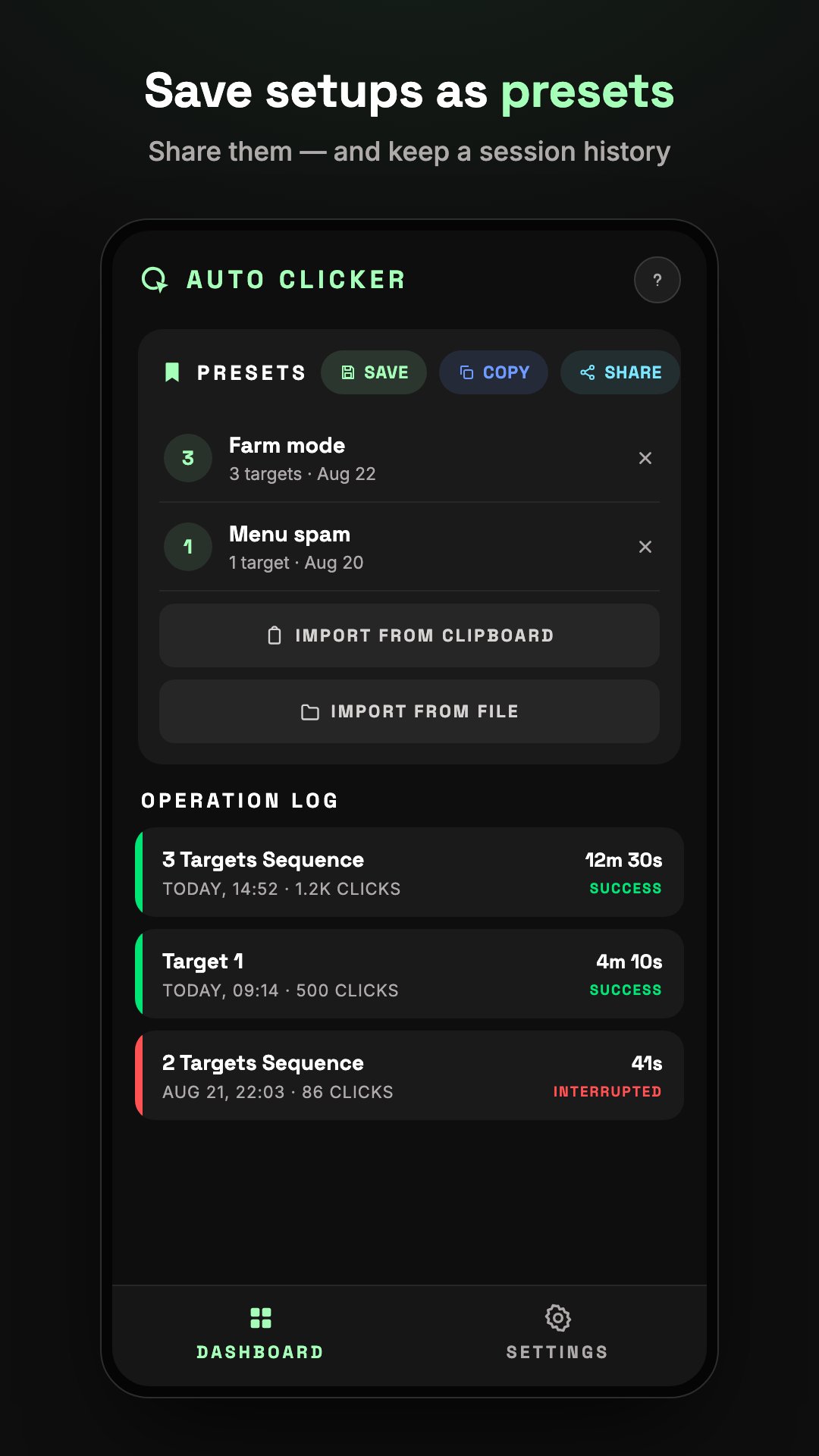
• 📊 Live stats
• ⚙️ Inline configuration
• 🔍 Real-time preview updates
Perfect for:
🎮 Games
🧪 App testing
🔁 Repetitive tasks
♿ Accessibility automation
─── ♿ ACCESSIBILITY SERVICE DISCLOSURE ───
This app uses the Android Accessibility Service API to perform automated touch actions such as taps, swipes, and gestures on behalf of the user.
This permission is required for the core functionality of the app:
• Simulating touch interactions (tap, swipe, hold)
• Executing multi-target automation
• Enabling hands-free control of repetitive actions
AutoClicker DOES NOT:
• Collect or store personal data
• Track user input or sensitive information
• Access passwords, payment data, or private content
All actions are performed locally on your device and only when explicitly configured and started by the user.
This app does not use Accessibility Service for any purpose other than automation features described above.





One-click to install XAPK/APK files on Android!

Thanks for your rating and feedback!
You have already rated.