تنزيلات APK آمنة وسريعة على موقع APKPure
يستخدم APKPure التحقق من التوقيع لضمان تقديم تنزيلات خالية من الفيروسات لـ Sage Stock Count APK لك.

حكيم اسهم عدد التطبيقات
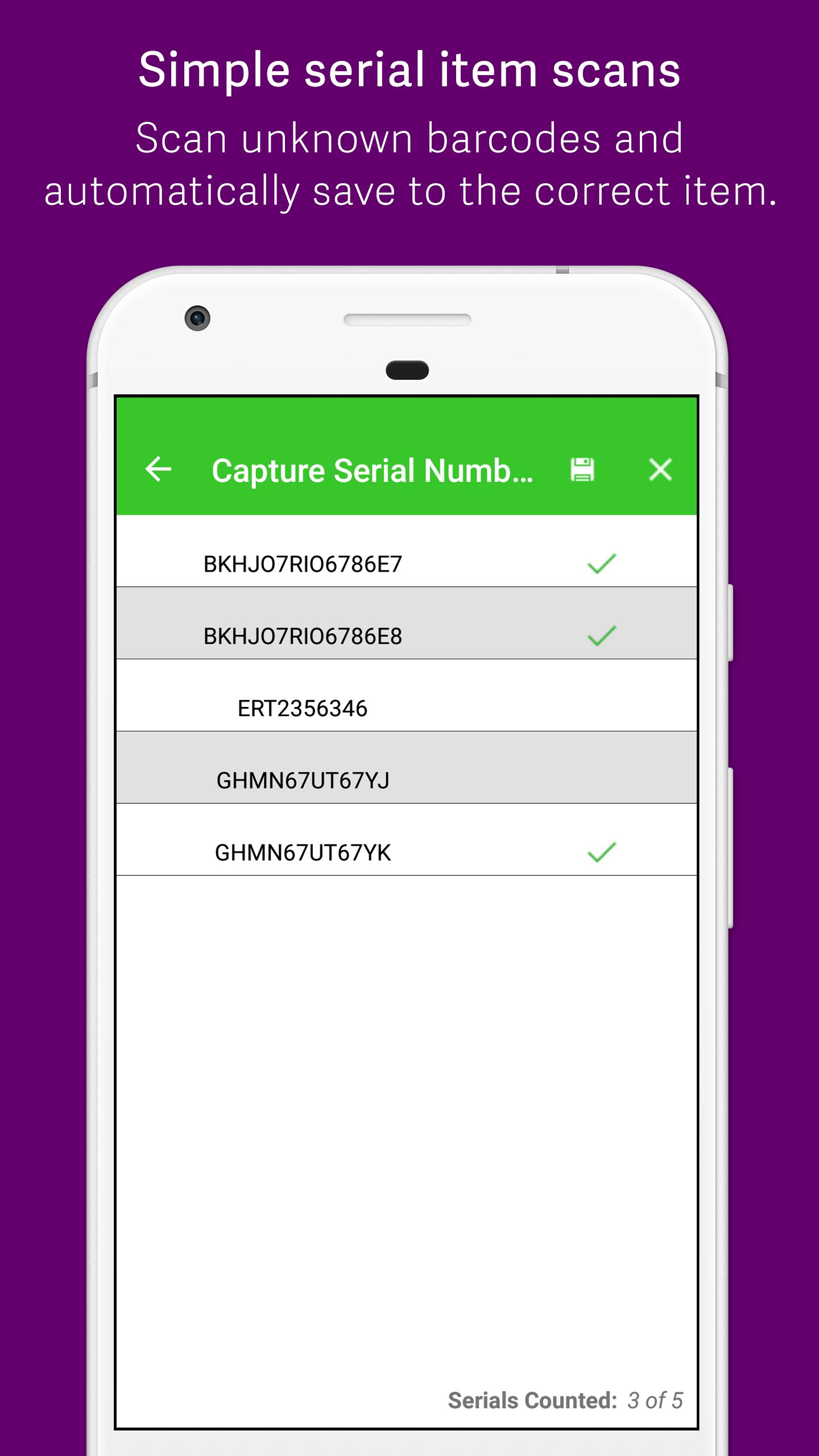
The Sage Stock Count mobile application offers online/offline modes, allowing the app to operate even when users are out of 3G/Wi-Fi range and still ensures an automated and seamless integration back into the underlying Sage Product.
The Sage Stock Count app sends all available stock count sheets to enabled mobile devices.
The app boasts a Bluetooth device scanner interface to allow for quick and easy access to stock and serial number items during the count.
Count sheets are synced to the back office and processed as normal.
Note: To use Sage Stock Count with your business data, you must be a user of one of the listed Sage Products below.
You can try the app out first using demo data supplied on the device.
Bluetooth scanners are available from Sage South Africa or your Business Partner.
Sage Product Compatibility:
Sage Evolution Standard
Sage Evolution Premium
Sage 100
Sage 200
The latest version of the Sage Mobile Back Office needs to be installed and configured for the app to function.
Please contact your business partner or the Sage website for advice on requirements, installation and configuration the Required software.





قم بتثبيت ملفات XAPK/APK بنقرة واحدة على أندرويد!

شكرًا لتقييمك وتعليقاتك!
لقد أكملت التقييم سابقًا