تنزيلات APK آمنة وسريعة على موقع APKPure
يستخدم APKPure التحقق من التوقيع لضمان تقديم تنزيلات خالية من الفيروسات لـ FastTap (automatic clicker) [ROOT] or [ADB] APK لك.


6.0
7 تعليقات
3.0 MB
حجم الملف
Everyone
Android 4.2+
Android OS
تنويه! الكمبيوتر الشخصي حاجة دون الجذر. تحتاج إلى بدء وضع المطور مع تصحيح ADB.
PLEASE READ FIRST!!!
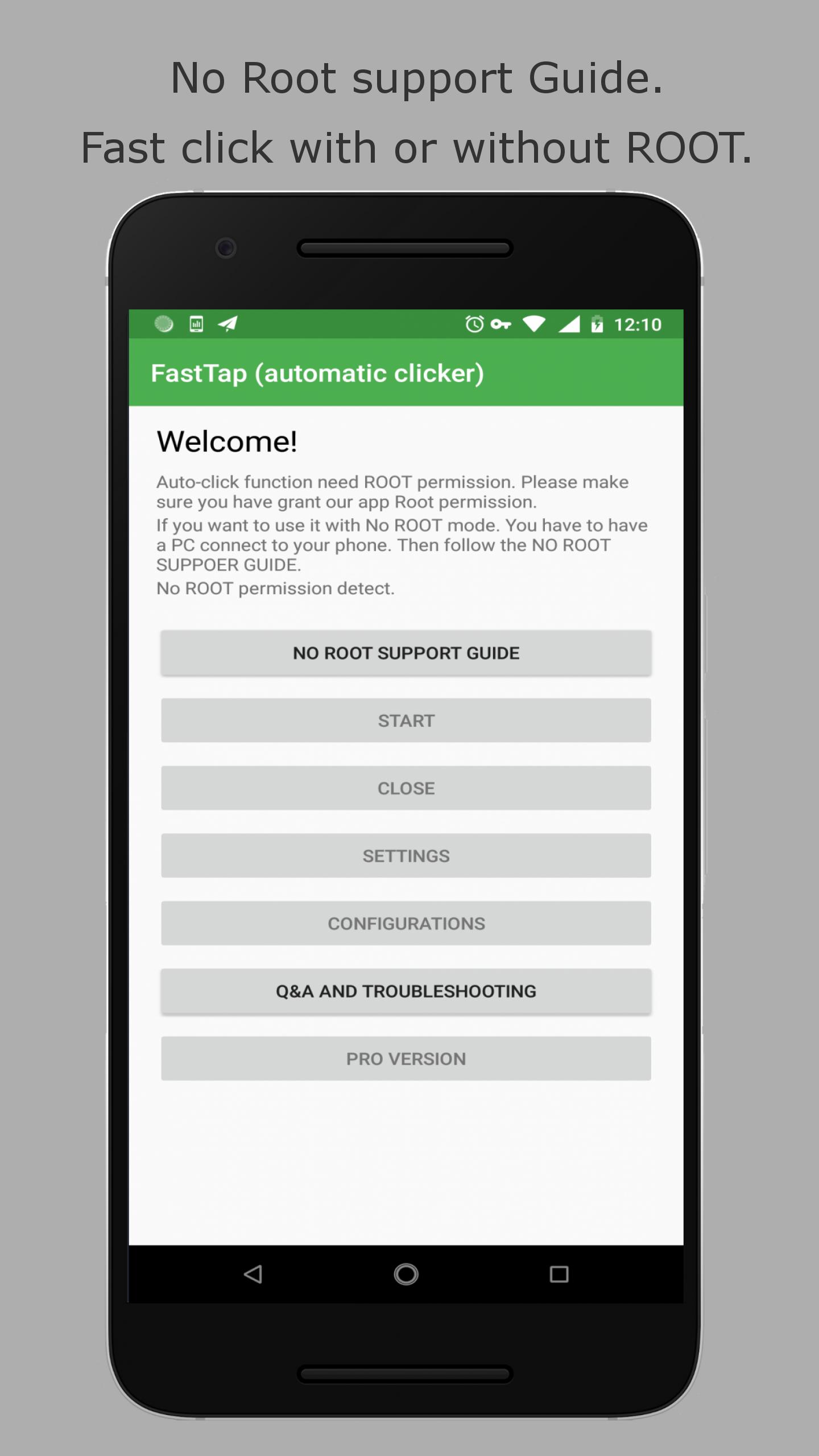
If you are a root user , just grant FastTap root permission it will work properly.
With No ROOT support, you must have a PC to connect your phone an follow the Guide.
Other way it won't work!!!
You know what? I would not say it is no ROOT support although it is. Because MOST people will not read this. And most people don't give a try with the guide. So if you active it with ADB or ROOT , if you like it , please share it with you friend and guide theme.
And thank you for ★★★★★.
We will NOT ROOT your device.
NO ROOT GUIDE:
Step 1.Get a PC or mac.
Step 2: Access the Developer authority on your phone
To access the files that Android uses to run passwords, you must first become a developer. This is very simple.\nGet your Android phone and go to settings. Scroll down and find "About phone." Tap on it and scroll down again to find Build number.\nTap on this "build number" 5 to 6 times until a message pops up saying, "You are now a developer".
Step 3: Enable the debugging on your phone
Go back to Settings. Scroll down for developer options. Turn on the button for "Android/USB debugging".
Step 4.Installe ADB drivers on PC
Guide videos from Yotube: https://www.youtube.com/results?search_query=adb+install
Step 5: Test the ADB on PC
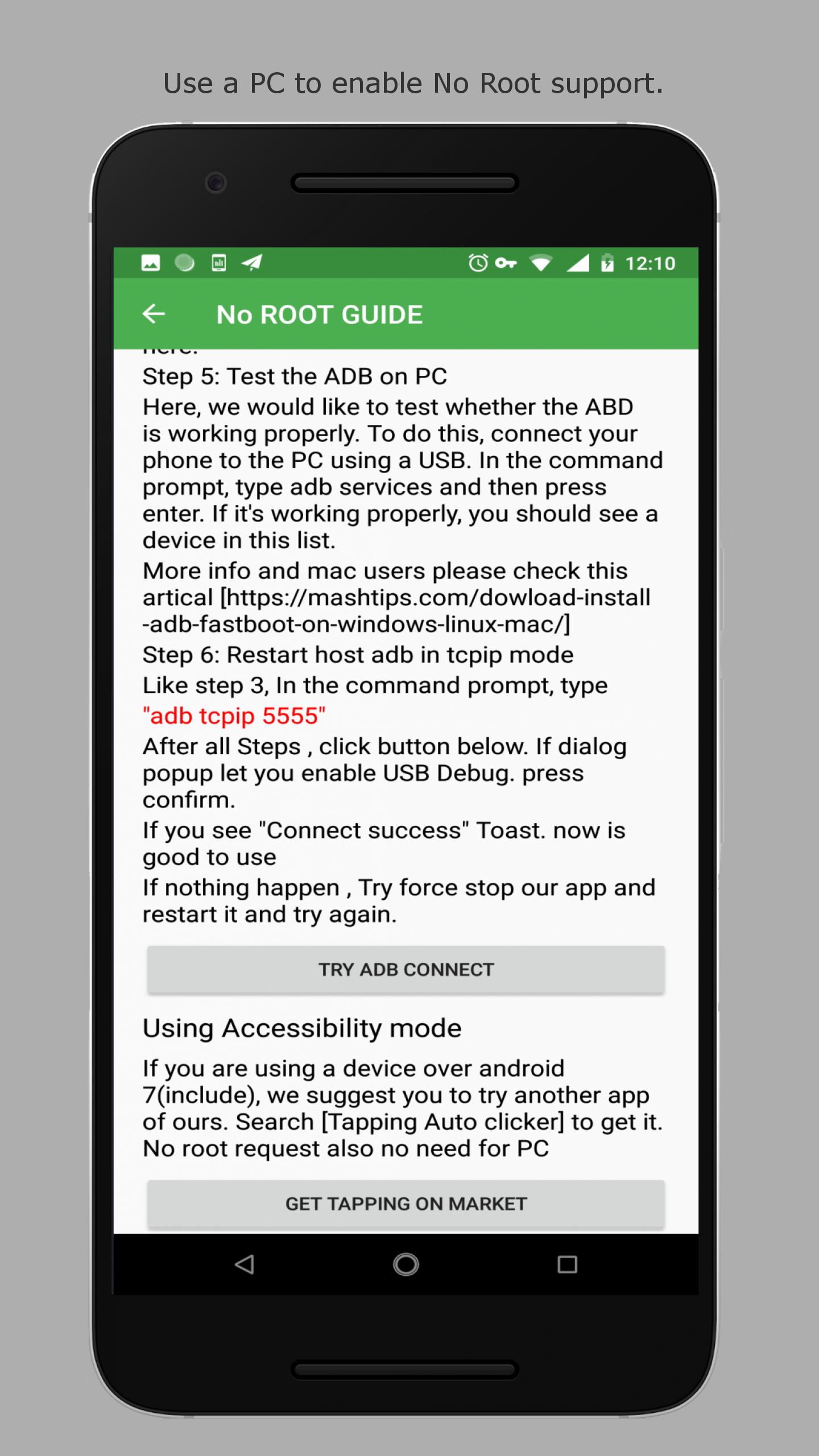
Here, we would like to test whether the ABD is working properly. To do this, connect your phone to the PC using a USB. In the command prompt, type adb services and then press enter. If it\'s working properly, you should see a device in this list.
Step 6 (important!): Restart host adb in tcpip mode
Like step 3, In the command prompt, type "adb tcpip 5555"
Reset adb tcpip after Reboot! If you are using adb mode, you may have to run the NO ROOT GUIDE everytime after reboot your phone.
If you are using a device over android 7(include), we suggest you to try another app of ours. Search [Tapping Auto clicker] to get it. No root request also no need for PC
link: https://play.google.com/store/apps/details?id=com.autoclicker.clicker
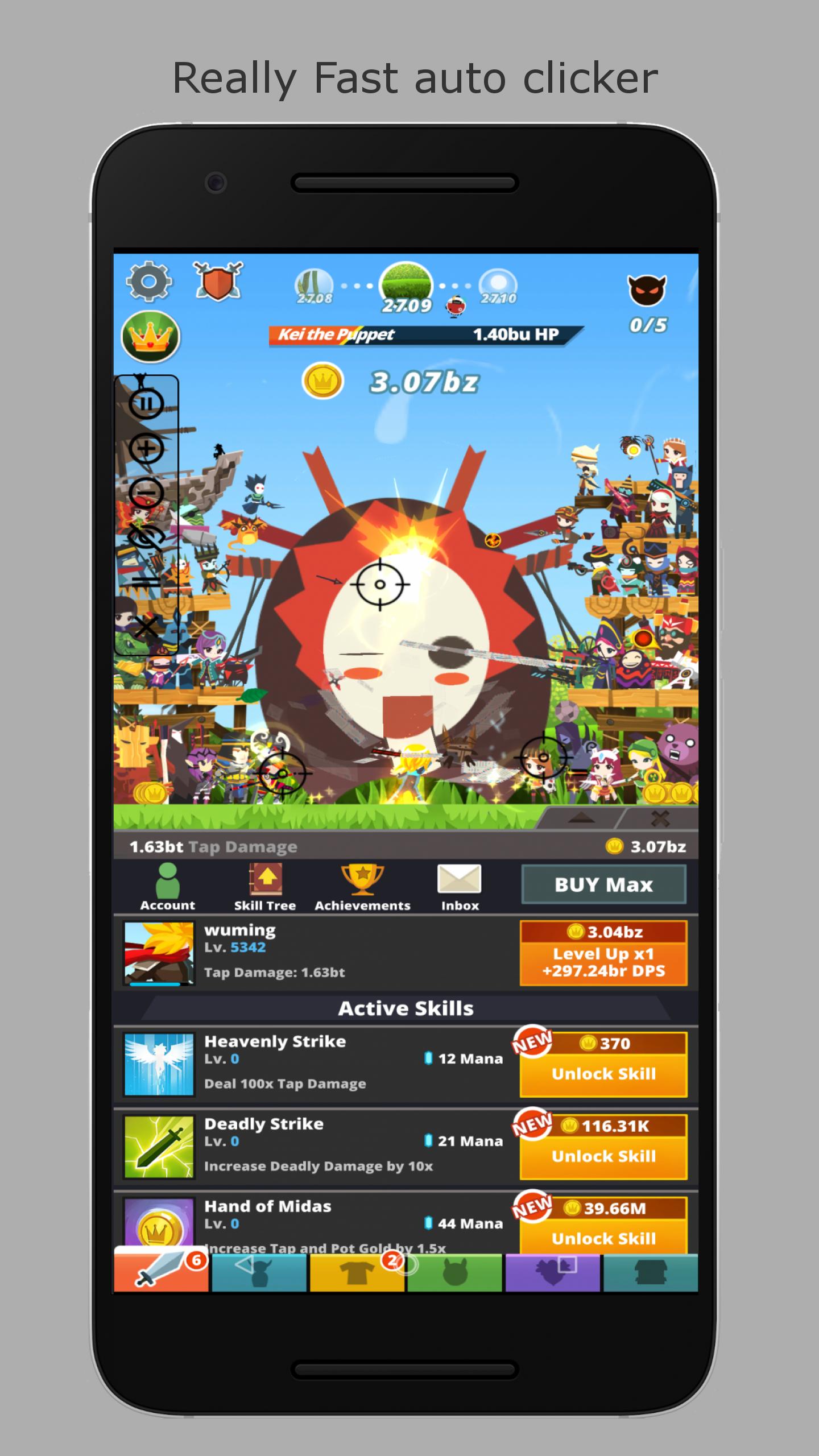
FastTap can help you automatically click/tap on your screen - anywhere you set on your screen. Really fast!
No ROOT support science Android 4.2. Let it do all the repeating jobs! But we require you have a PC to active it each time after you reboot your phone.
FastTap features a floating control panel to start/end the automatic clicking. You can add any click points on the screen with the control panel.
You can save your click location with the App Activities.
FastTap will automatically stop clicking if you change you working windows.
Great help for idle games, click games.


قم بتثبيت ملفات XAPK/APK بنقرة واحدة على أندرويد!

شكرًا لتقييمك وتعليقاتك!
لقد أكملت التقييم سابقًا